
Weekly Google Analytics PDF report by email
Every Monday it summarizes the last week of Google Analytics 4 against the previous one in a PDF with metrics, pages and channels, and emails it.
Everything is created inactive in a new folder of your account. Nothing runs until you activate it, and you can undo it for 24 hours.
What it does
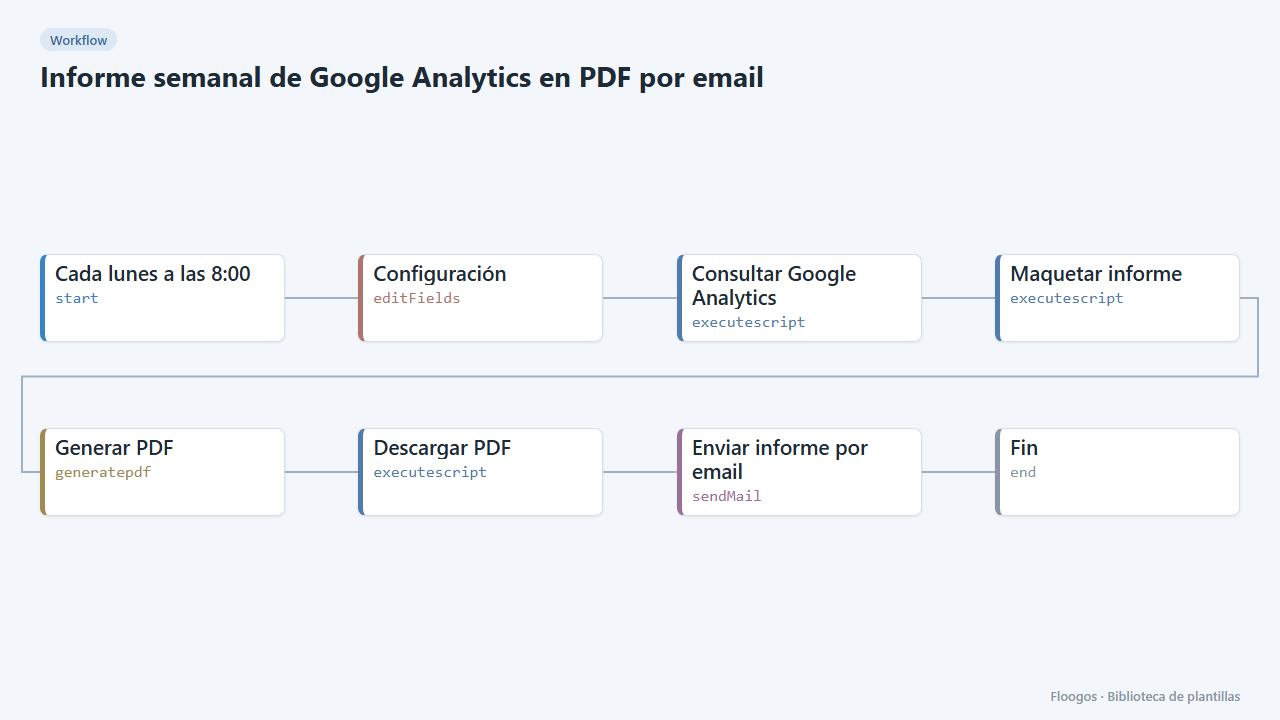
The weekly version of the traffic report, built for follow-up meetings. It compares the last 7 days with the previous 7 (sessions, users, new users, page views, engagement and key events, with % change), lists the top 10 pages and acquisition channels, and optionally the top-clicked Search Console searches. The result arrives as a PDF attachment.
It uses a Google service account stored as a credential, with no user authorizations.
What you need: a service account with viewer access to your GA4 property, an Api2Pdf API key and an SMTP account.
How to use it: follow the connection steps, fill in the Configuración node, test a manual run and enable the schedule (Mondays at 8:00).
How to set it up
- 1
Connect the smtp credential
This template uses smtp in: Enviar informe por email. Create or pick the credential and assign it in those nodes.
- 2
Create the Google service account
In Google Cloud Console create (or pick) a project, enable Google Analytics Data API (and Search Console API if you will use Search Console), create a service account and download its JSON key.
- 3
Grant the service account access in Analytics
In Google Analytics go to Admin > Property access management and add the service account email (
...@...iam.gserviceaccount.com) with the Viewer role. Note the property ID (digits only, under Admin > Property details). - 4
Store the key as a Basic Auth credential
In Credentials create a Basic Auth one named exactly
ga4-service-account(or whatever you set in the Configuración node). Username = the JSONclient_emailfield; password = the JSONprivate_keyfield (paste it as is, with the\n). The key is never stored in the workflow. - 5
Fill in the Configuración node
Enter the property ID in
property_id, your site name innombre_sitioand, optionally, your Search Console property insearch_console_site(for examplesc-domain:yoursite.com; also add the service account as a user in Search Console). - 6
Connect Api2Pdf and mail
In the Generar PDF node paste your Api2Pdf API key and in Enviar informe por email pick your SMTP credential and recipients.
- 7
Activate the workflow
Workflows are installed inactive. Once everything is set, activate it.
Related templates
Other templates that use similar nodes or integrations.
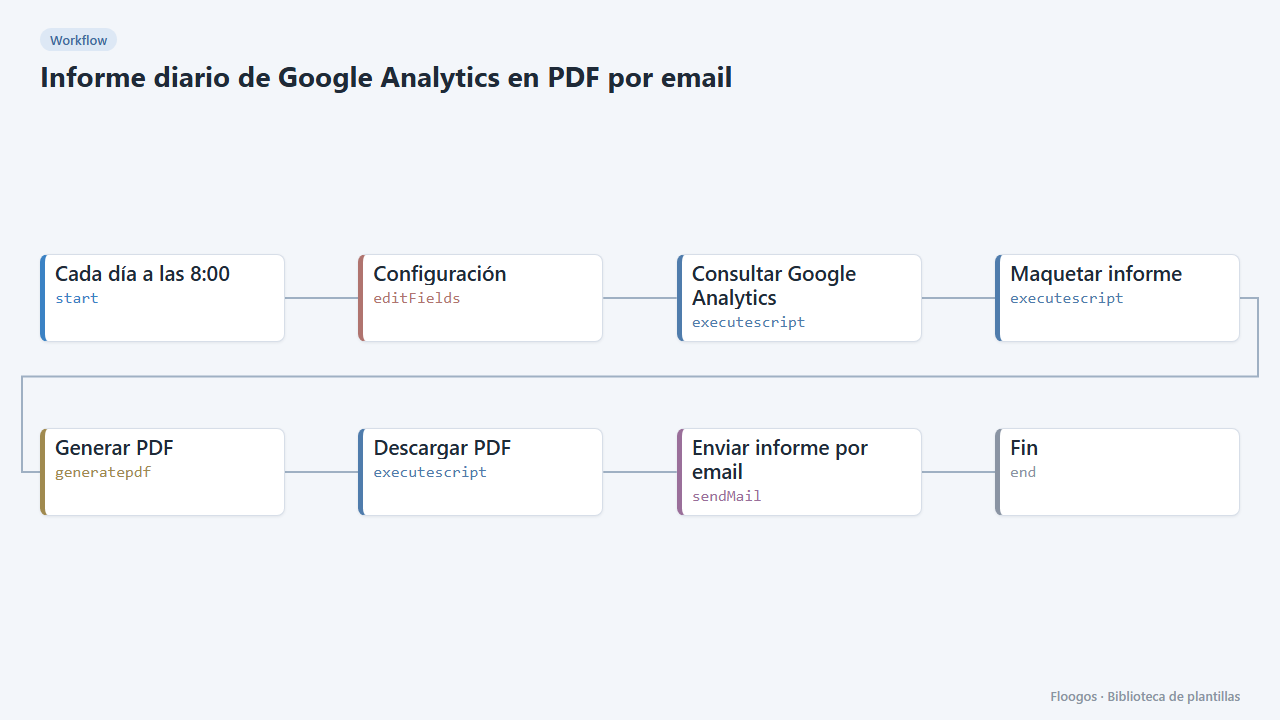
Daily Google Analytics PDF report by email
Every morning it queries Google Analytics 4, builds a PDF report with yesterday metrics, top pages and channels and emails it.
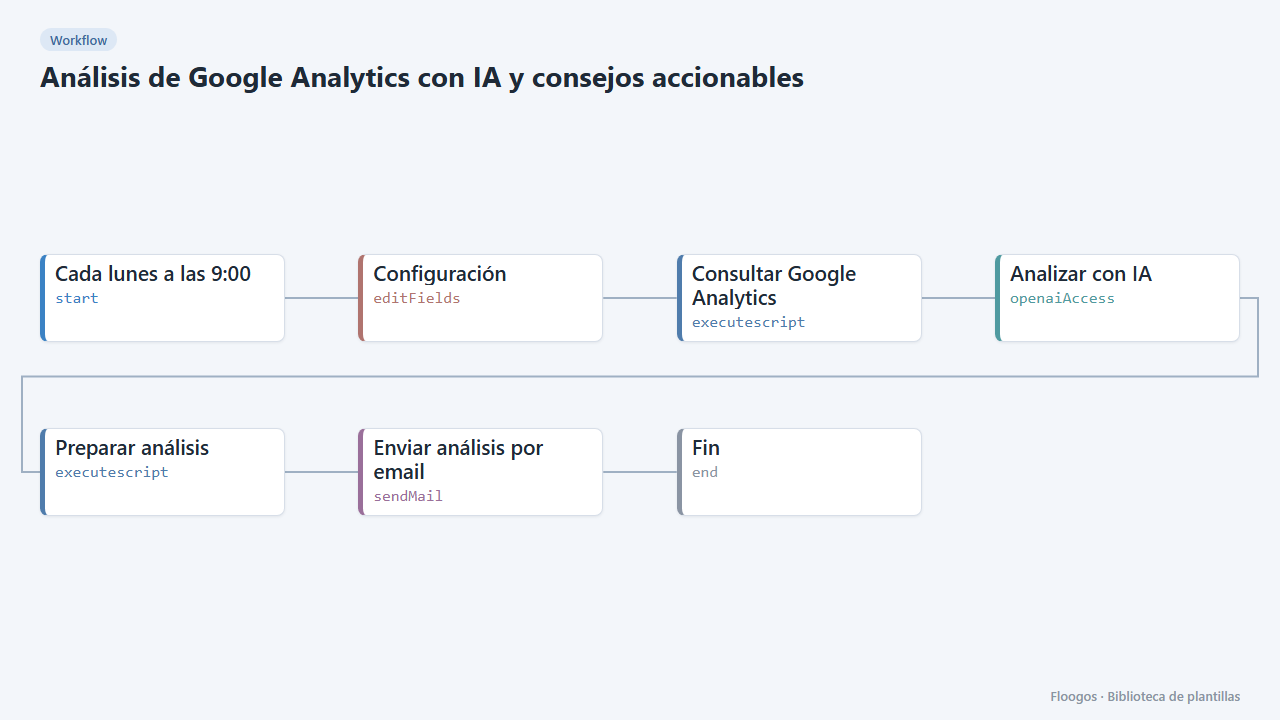
Google Analytics AI analysis with actionable advice
An AI reads your Google Analytics 4 data every week, explains what happened, spots anomalies and emails you a prioritized list of advice.
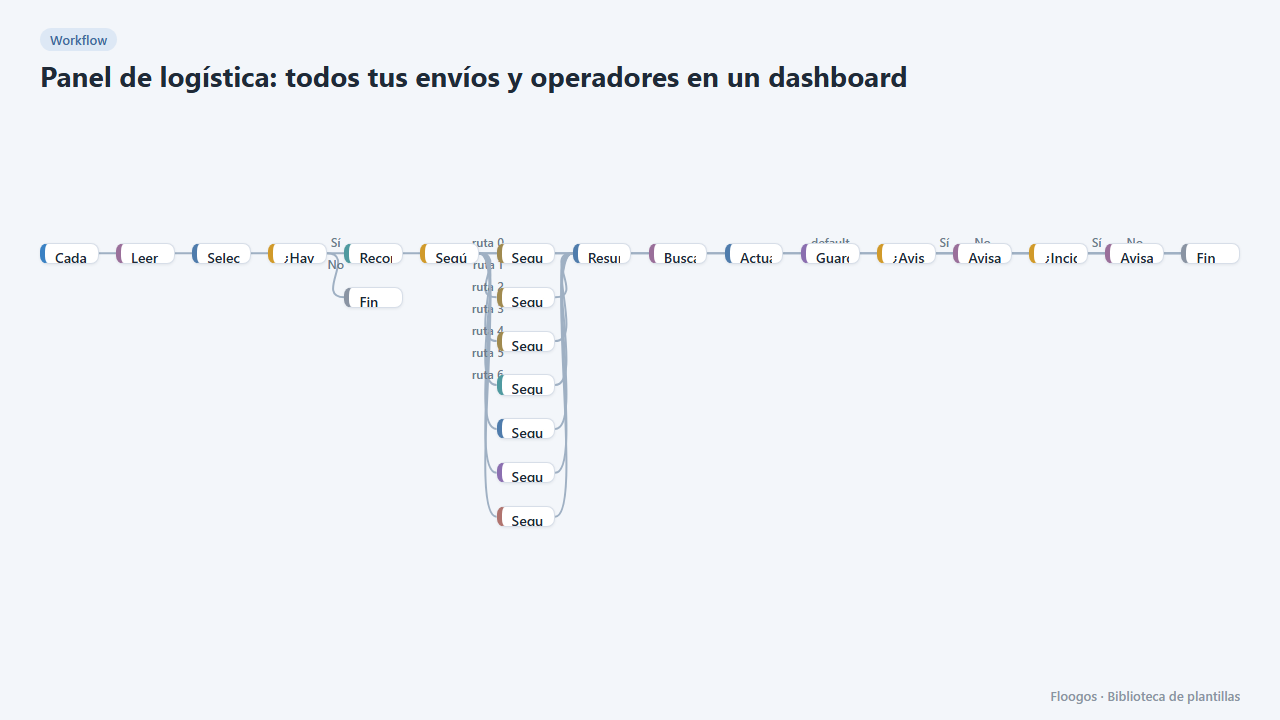
Logistics panel: all your shipments and carriers in one dashboard
Dashboard with KPIs, charts, filters and a side detail panel per shipment, fed by automatic tracking of DHL, FedEx, UPS, SEUR, Sendcloud, Shippo and EasyPost.
Try it in under 5 minutes
Create the template in your account, connect your credentials and activate it when you are ready.
Use this template