
Update PrestaShop stock from your ERP or warehouse
Receive a product reference and stock quantity through a webhook and update the quantity in your PrestaShop store.
Everything is created inactive in a new folder of your account. Nothing runs until you activate it, and you can undo it for 24 hours.
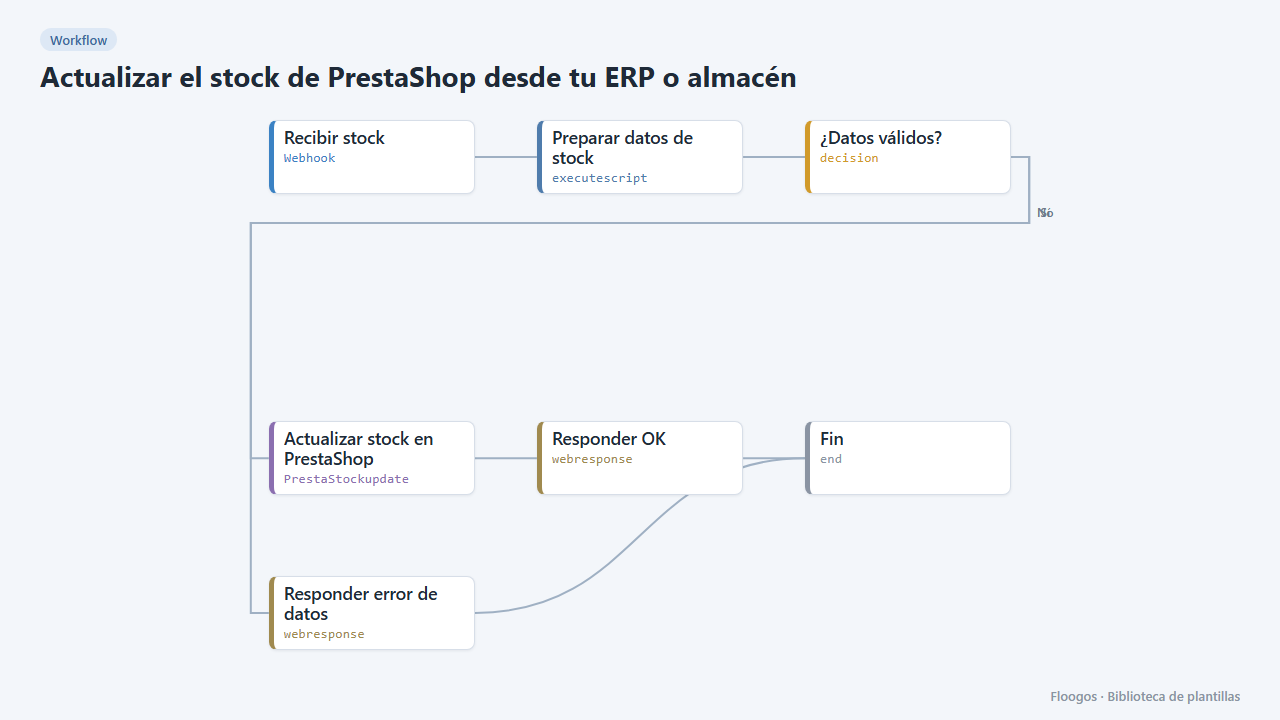
What it does
Connect your ERP, warehouse or a spreadsheet to PrestaShop without touching the back-office. Each time a call arrives at the webhook with the reference (SKU) and the quantity, the workflow looks up the product or combination in PrestaShop and updates its available stock.
What you need: the PrestaShop Webservice with a key that can read and modify products, combinations and stock_availables.
How to use it: install the template, connect PrestaShop and POST to the webhook with {"reference":"BLUE-TSHIRT","stock":25}. If the reference belongs to a combination (size/colour), add "combinacion": true.
Limitation: the PrestaShop module ignores a numeric 0 quantity; the workflow sends it as text so stock can drop to zero.
How to set it up
- 1
Connect the prestashop credential
This template uses prestashop in: Actualizar stock en PrestaShop. Create or pick the credential and assign it in those nodes.
- 2
Copy the webhook URL (Recibir stock)
A new URL is generated on install. Paste it into the external system that must call this workflow.
- 3
Connect PrestaShop
In the Actualizar stock en PrestaShop node connect the PrestaShop credential (store URL without
/apiand Webservice key). - 4
Test with a product
Send a
POSTto the webhook URL with{"reference":"YOUR-REFERENCE","stock":25}using a real reference of a product without combinations. Check the stock in the PrestaShop back-office. - 5
Activate the workflow
Workflows are installed inactive. Once everything is set, activate it.
Related templates
Other templates that use similar nodes or integrations.
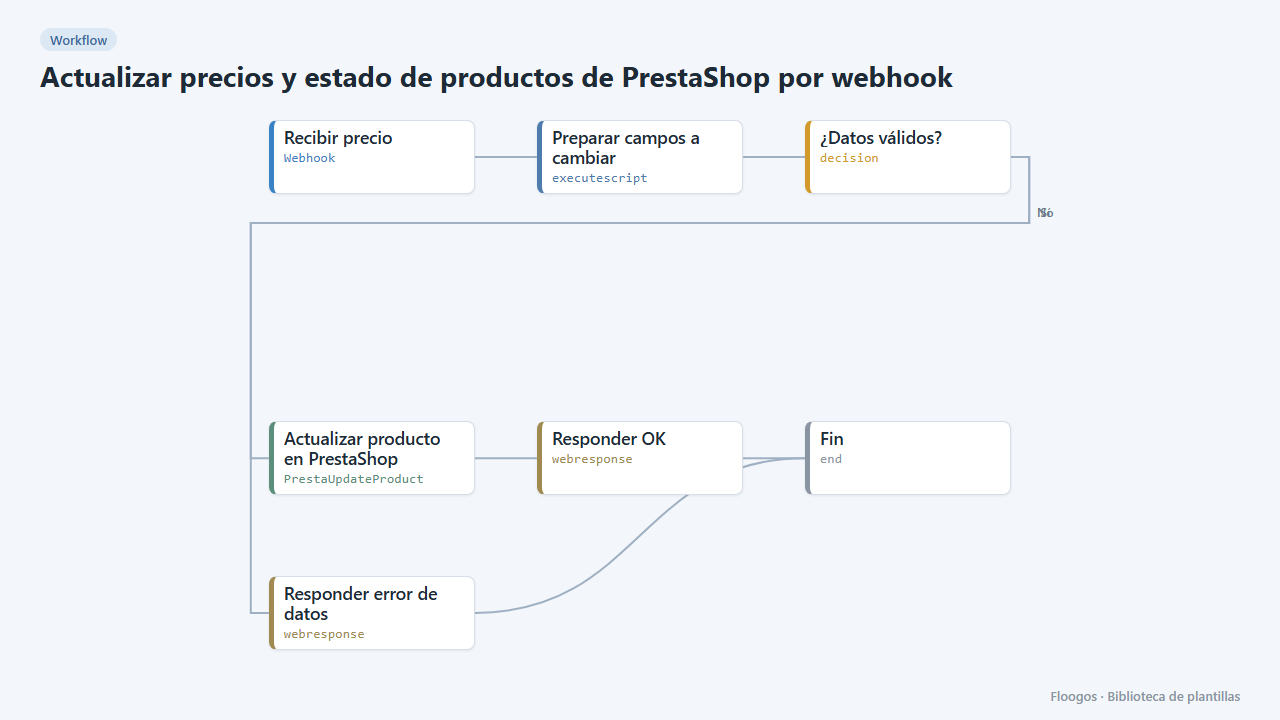
Update PrestaShop product prices and status via webhook
Receive a reference with its new price (and optionally enable or disable the product) and update it in your PrestaShop store.
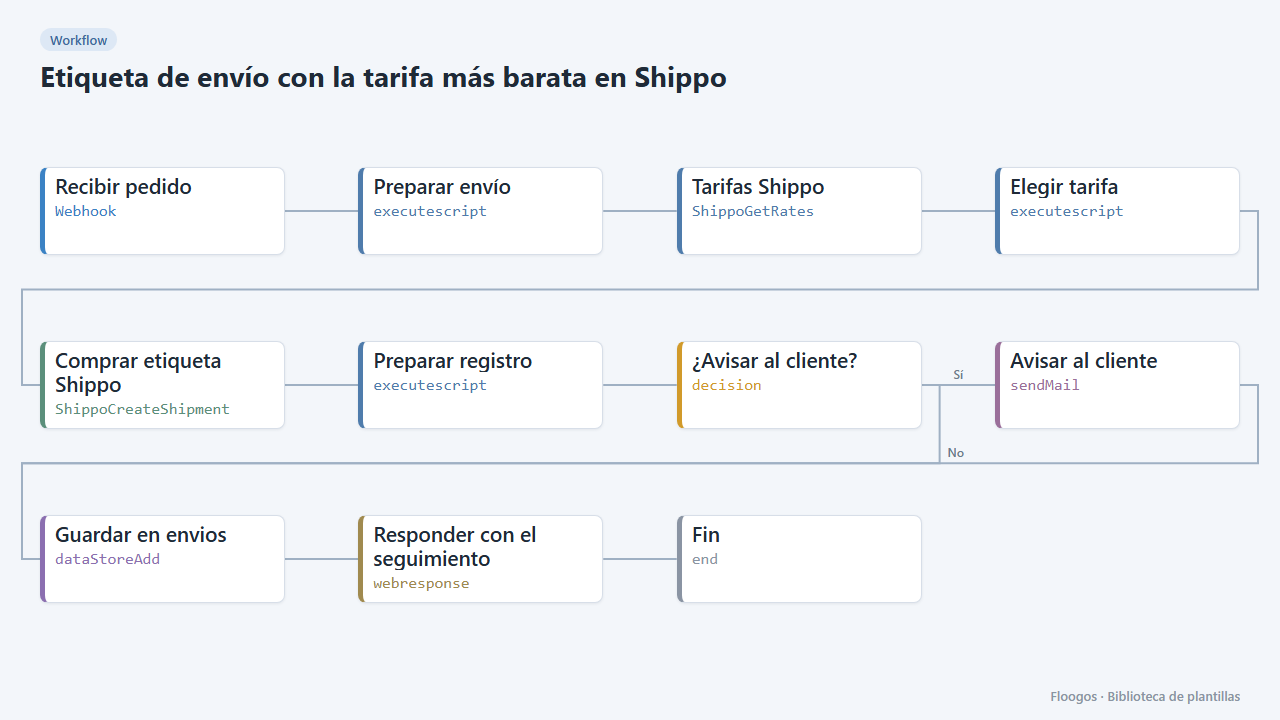
Shipping label with the cheapest rate in Shippo
When an order arrives it requests rates from every carrier in Shippo, buys the cheapest, saves the tracking and notifies the customer.
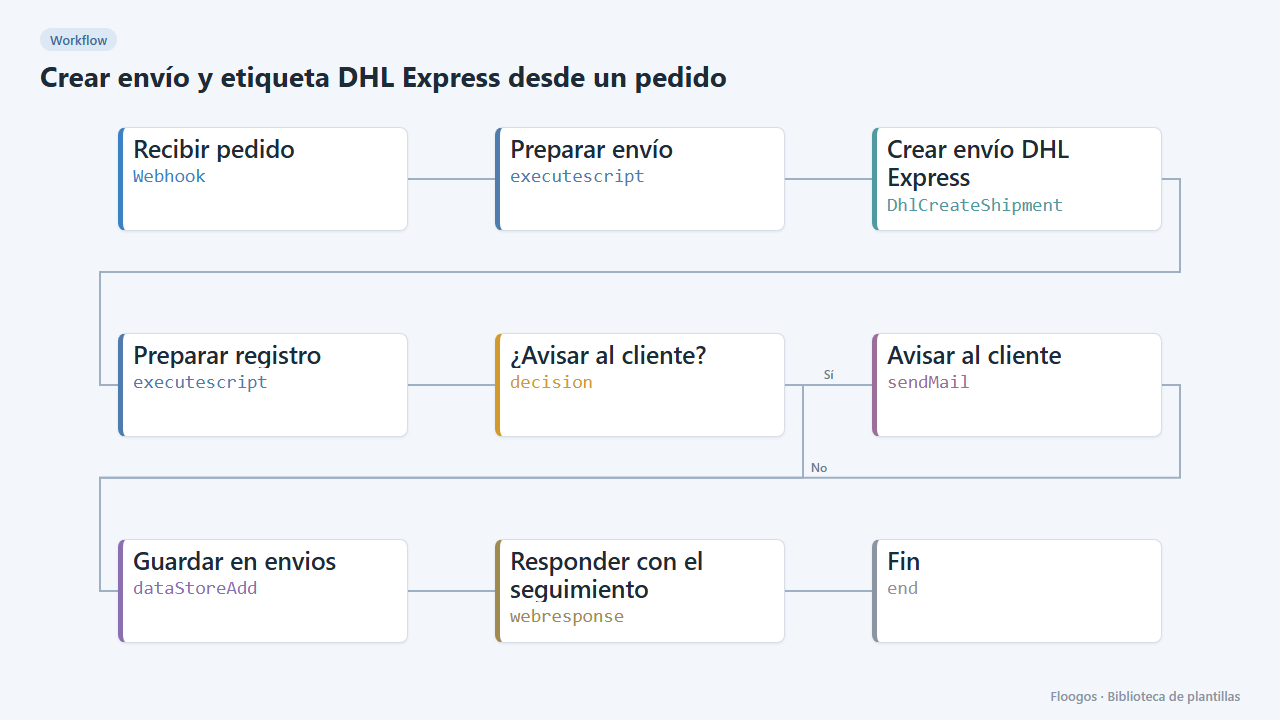
Create a DHL Express shipment and label from an order
When an order arrives via webhook it creates the DHL Express shipment, saves the tracking in a Data Store and emails the customer.
Try it in under 5 minutes
Create the template in your account, connect your credentials and activate it when you are ready.
Use this template