
Daily ev4 ERP catalogue snapshot in a Data Store
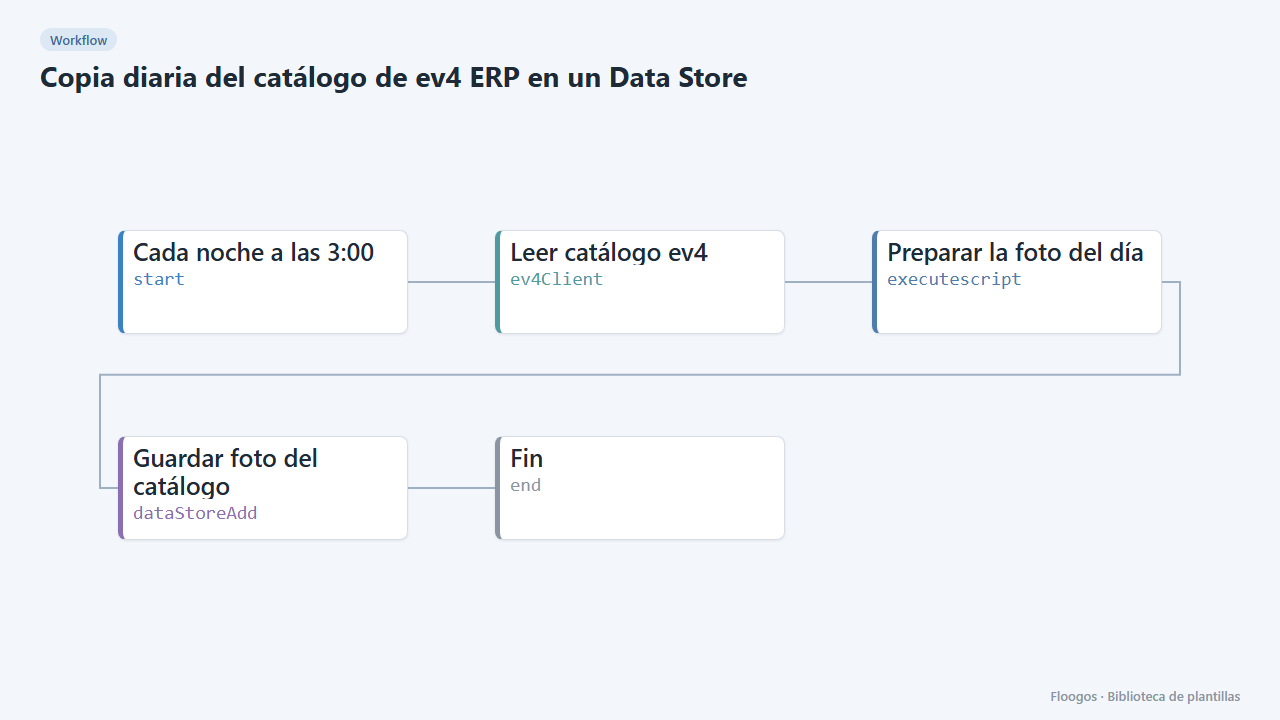
Every night it reads your ev4 ERP catalogue and stores a snapshot of the day in a Data Store, giving you history and the ability to compare changes.
Everything is created inactive in a new folder of your account. Nothing runs until you activate it, and you can undo it for 24 hours.
What it does
A scheduled workflow that queries your ev4 ERP catalogue every day and stores one row per date in a Data Store with the item count and its content. Over time you build your own catalogue history (new items, removals, price changes) that you can use in reports, audits or to feed other workflows.
What you need: an ev4 credential (instance identifier, token and base URL) and the catalogue table.
How to use it: install the template, connect ev4, set the table in the Leer catálogo ev4 node, review the schedule and activate the workflow.
How to set it up
- 1
Connect the ev4 credential
This template uses ev4 in: Leer catálogo ev4. Create or pick the credential and assign it in those nodes.
- 2
Configure the table and limit
In the Leer catálogo ev4 node set the table
idand adjustlimit(200 by default). The ev4 call has a 5-second timeout: if your catalogue is very large, lower the limit or restrict thecolumns. - 3
Run it once
Run the workflow manually and open the
ev4_catalogoData Store: a row with today's date and the total item count should appear. - 4
Activate the workflow
Workflows are installed inactive. Once everything is set, activate it.
Related templates
Other templates that use similar nodes or integrations.
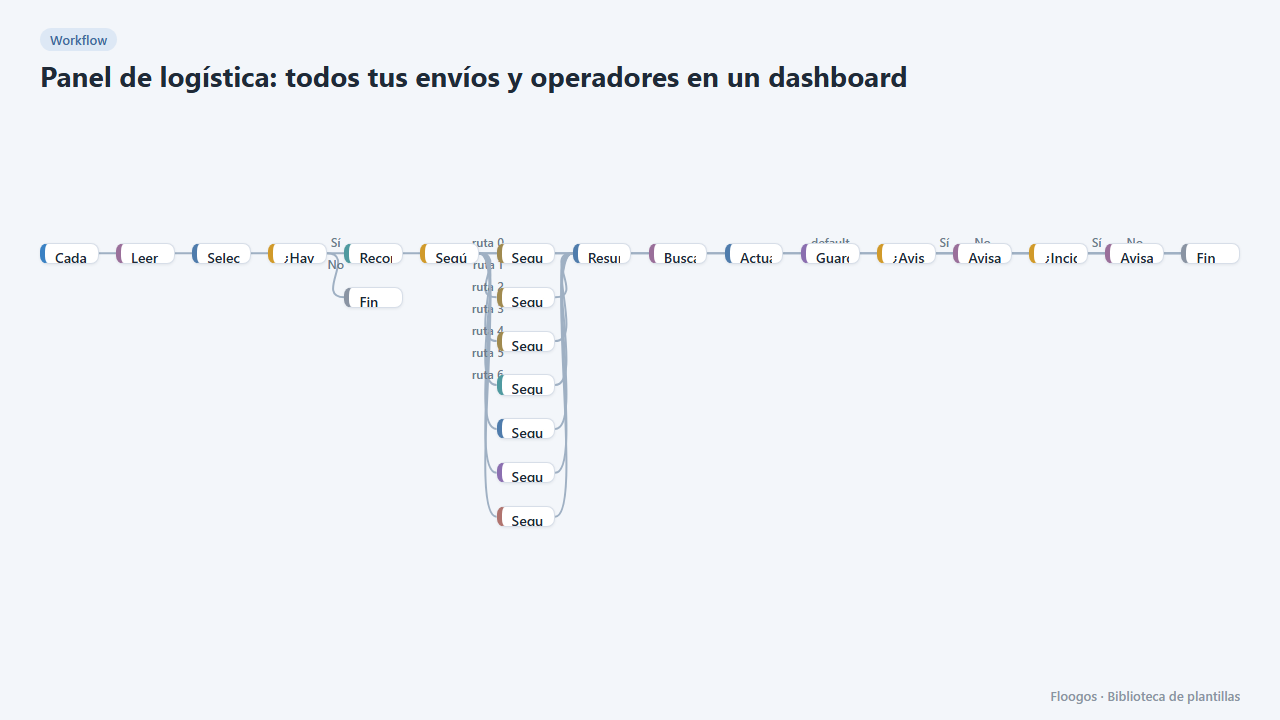
Logistics panel: all your shipments and carriers in one dashboard
Dashboard with KPIs, charts, filters and a side detail panel per shipment, fed by automatic tracking of DHL, FedEx, UPS, SEUR, Sendcloud, Shippo and EasyPost.
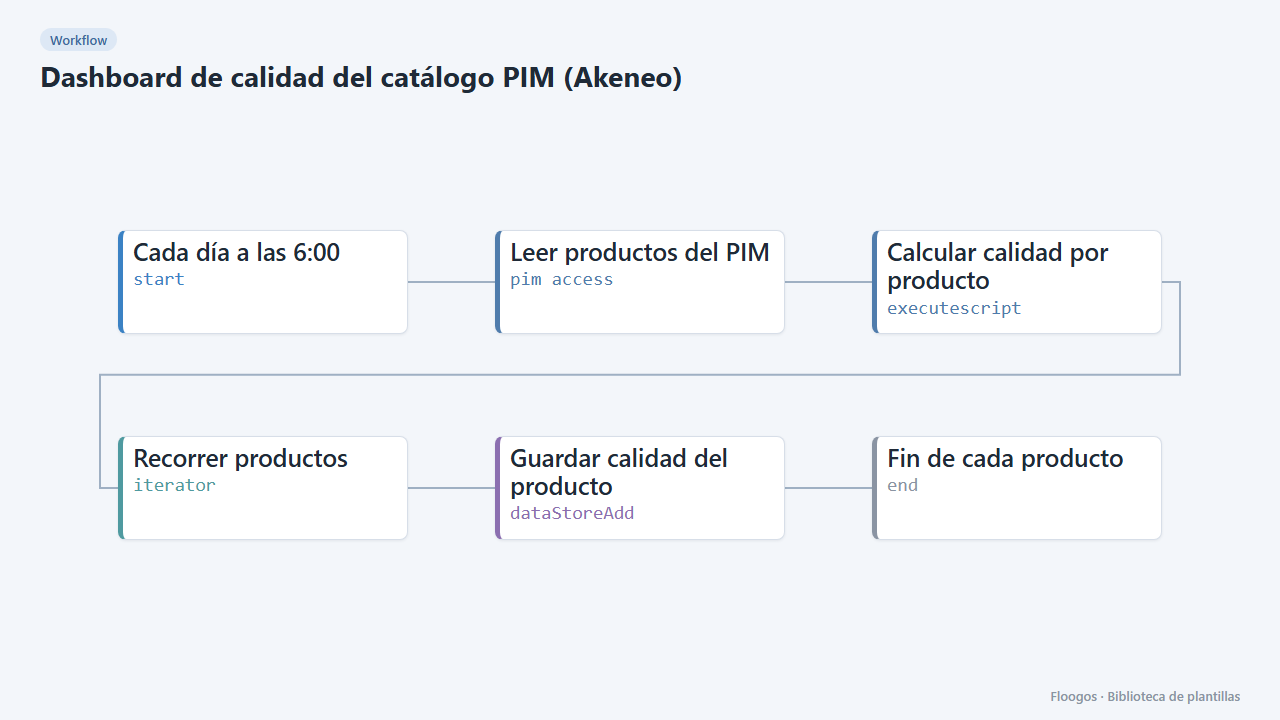
PIM catalogue quality dashboard (Akeneo)
Every morning it scores the quality of each product in your PIM and shows it in a dashboard with KPIs, charts, filters and a side detail panel per product.
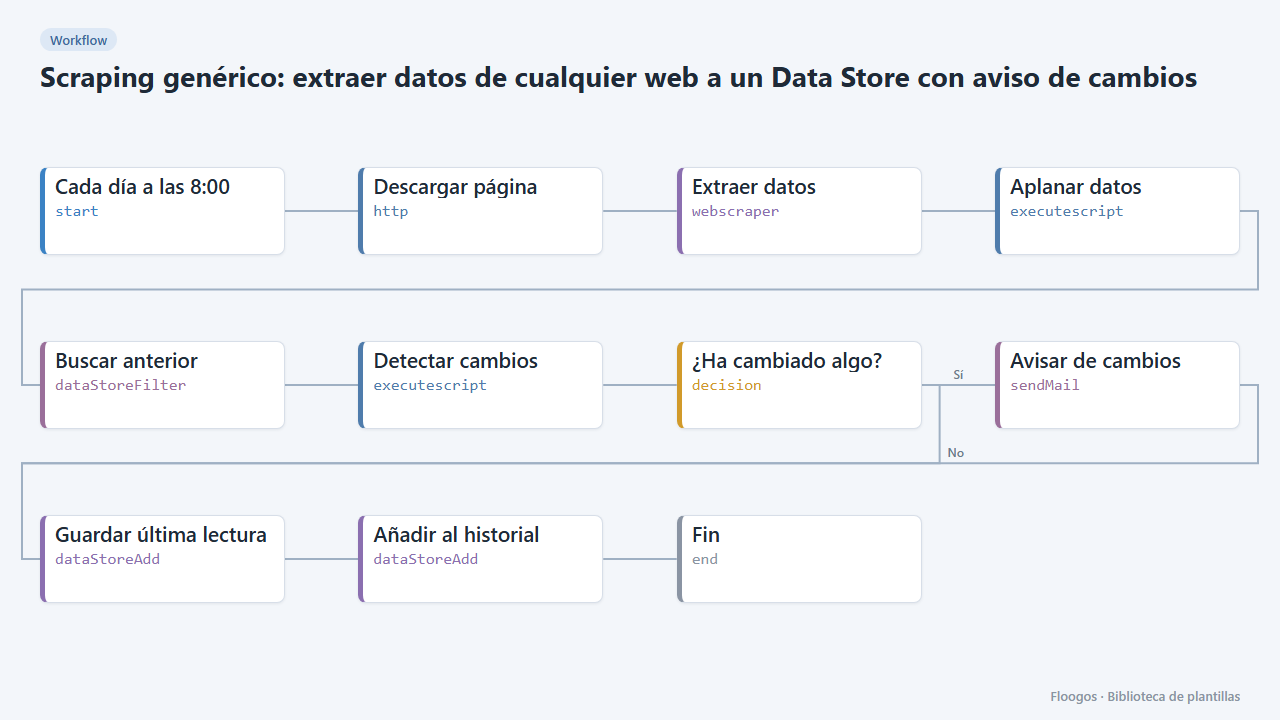
Generic scraping: extract data from any website into a Data Store with change alerts
Base template: you give a URL and the CSS selectors of what you want to extract, and the workflow stores each reading in a Data Store and alerts you if any value changes.
Try it in under 5 minutes
Create the template in your account, connect your credentials and activate it when you are ready.
Use this template