
PIM catalogue quality dashboard (Akeneo)
Every morning it scores the quality of each product in your PIM and shows it in a dashboard with KPIs, charts, filters and a side detail panel per product.
Everything is created inactive in a new folder of your account. Nothing runs until you activate it, and you can undo it for 24 hours.
What it does
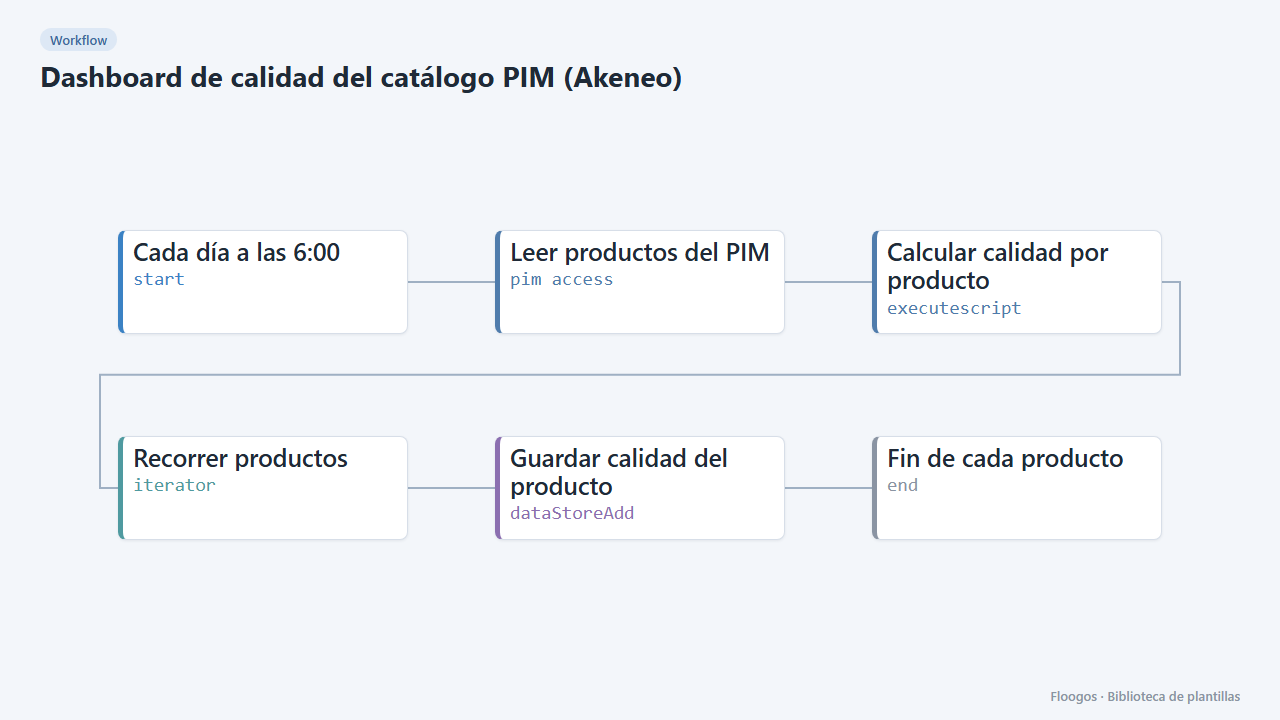
A scheduled workflow reads your PIM catalogue (compatible with the Akeneo REST API), scores each product with a quality percentage based on the mandatory attributes you define (name, description, image, price…) and stores one row per product in a Data Store. The bundled dashboard turns it into a control panel: average quality, complete / incomplete / critical products, products without an image, breakdown by status, quality band, missing attribute and family, trend by last-modified date and a full product table.
Interactivity: filter by status, missing attribute, “no image”, active flag or with a free-text search (SKU, product, family) and every KPI and chart is recalculated. Sort the table by any column and click a row to open the full product record in a side panel.
What you need: a pim access credential (user, password, client id, client secret and your PIM OAuth token URL). Adjust the PIM URL and the lines marked “AJUSTA” in the script (mandatory attributes, locale) to your data model.
Important: the mandatory-attribute list is an example; replace it with yours. The engine's pim access node writes the credentials it connects with to its logs: do not share or publish those logs.
How to set it up
- 1
Connect the pimaccess credential
This template uses pimaccess in: Leer productos del PIM. Create or pick the credential and assign it in those nodes.
- 2
Open the dashboard "Calidad del catálogo PIM"
Check that the test data shows up.
- 3
Connect the PIM
In the Leer productos del PIM node choose your credential and replace
TU-PIM.comwith your PIM domain. The URL uses Akeneosearch_afterpagination and the node follows thenextlinks up to 50 pages (5,000 products); raisetotalIterationsif your catalogue is larger. - 4
Define what “complete” means
Open the Calcular calidad por producto node and edit the lines under “AJUSTA”:
OBLIGATORIOS(attribute codes in your PIM),ATRIBUTO_NOMBRE,ATRIBUTO_IMAGENandLOCALE. A product is complete at 100%, incomplete from 50% and critical below that. The dashboard “Missing” filter uses the codes name, description, image and price; change them in the dashboard if you use different ones. - 5
Run it and open the dashboard
Run the workflow once by hand, open the Calidad del catálogo PIM dashboard and try the filters and the row click. Then enable the schedule (daily at 6:00). Products deleted from the PIM do not disappear from the
pim_calidadData Store by themselves. - 6
Activate the workflow
Workflows are installed inactive. Once everything is set, activate it.
Related templates
Other templates that use similar nodes or integrations.
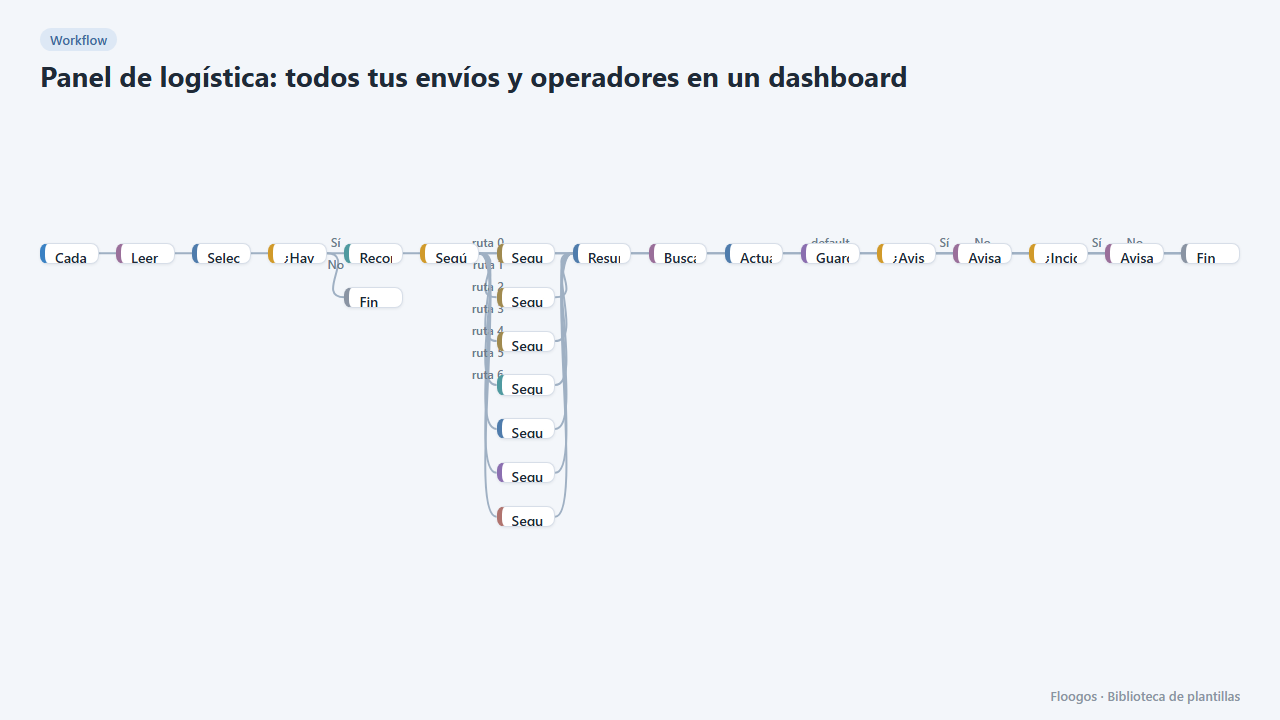
Logistics panel: all your shipments and carriers in one dashboard
Dashboard with KPIs, charts, filters and a side detail panel per shipment, fed by automatic tracking of DHL, FedEx, UPS, SEUR, Sendcloud, Shippo and EasyPost.
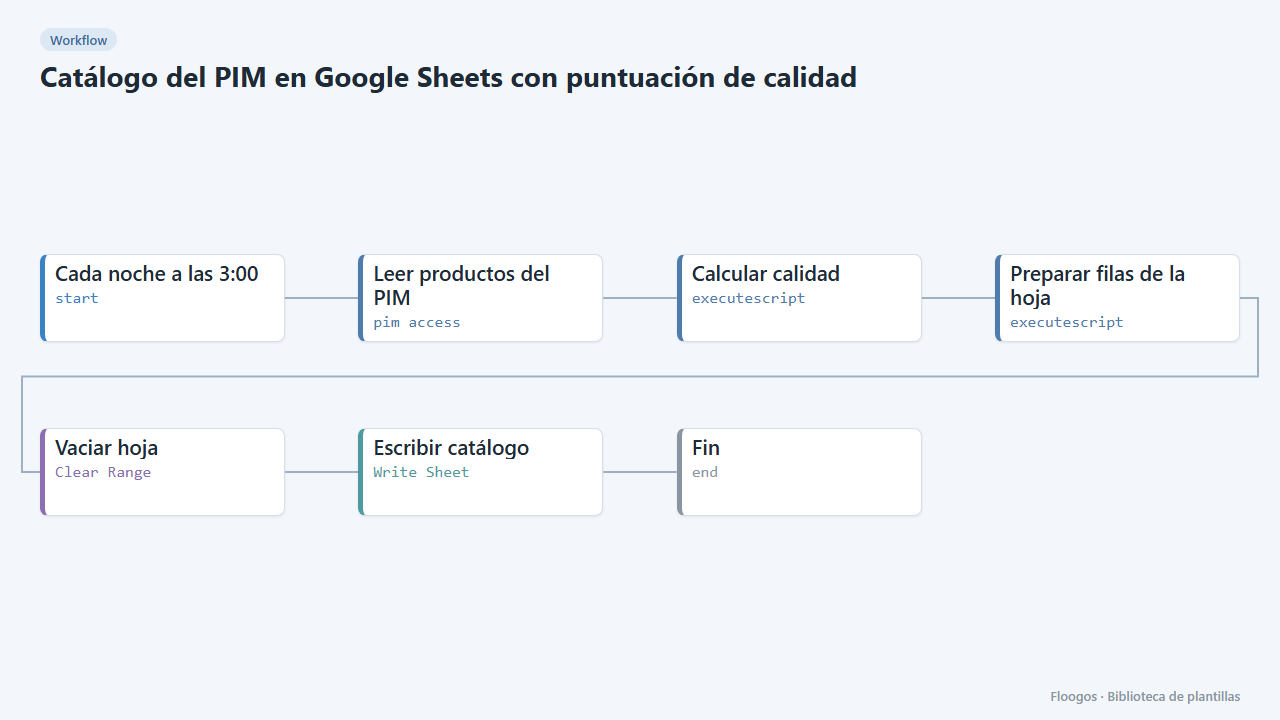
PIM catalogue in Google Sheets with a quality score
Every night it dumps your PIM catalogue to a spreadsheet with a completeness % per product, so purchasing, marketing or suppliers can work without PIM access.
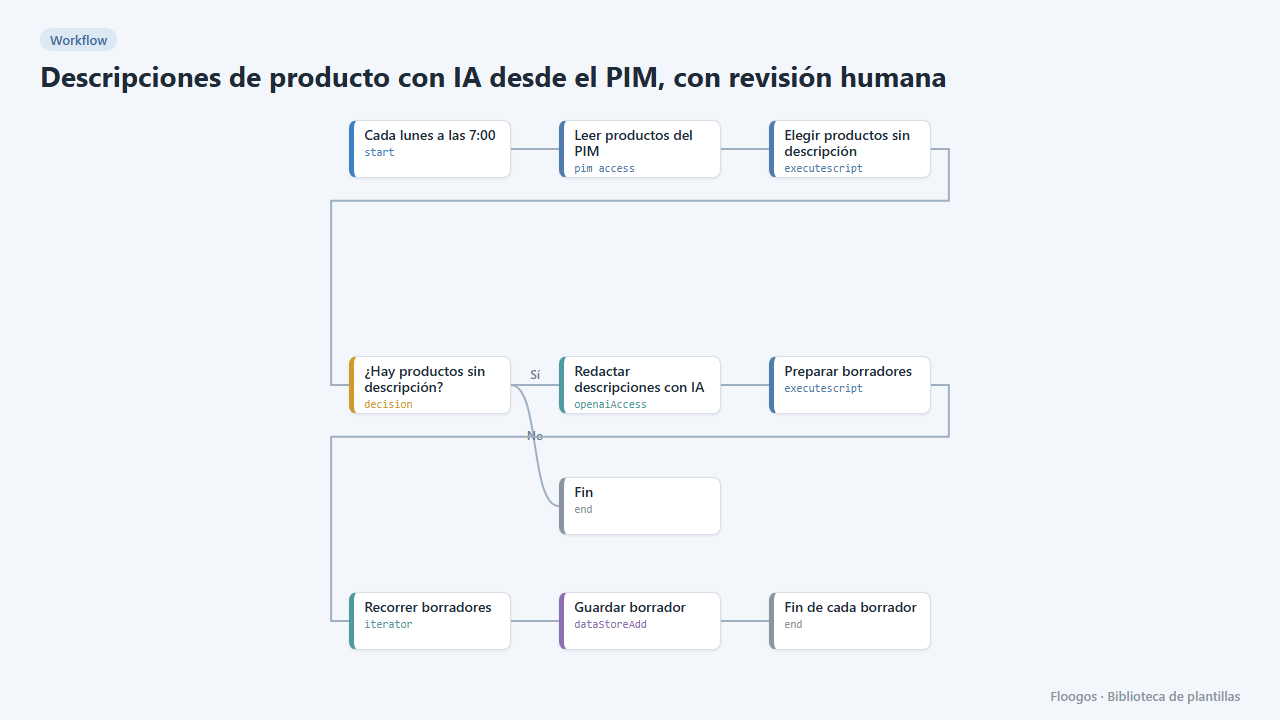
AI product descriptions from your PIM, with human review
Finds PIM products with no description, drafts it with AI and leaves the drafts in a dashboard for a person to review before publishing.
Try it in under 5 minutes
Create the template in your account, connect your credentials and activate it when you are ready.
Use this template