
PIM catalogue in Google Sheets with a quality score
Every night it dumps your PIM catalogue to a spreadsheet with a completeness % per product, so purchasing, marketing or suppliers can work without PIM access.
Everything is created inactive in a new folder of your account. Nothing runs until you activate it, and you can undo it for 24 hours.
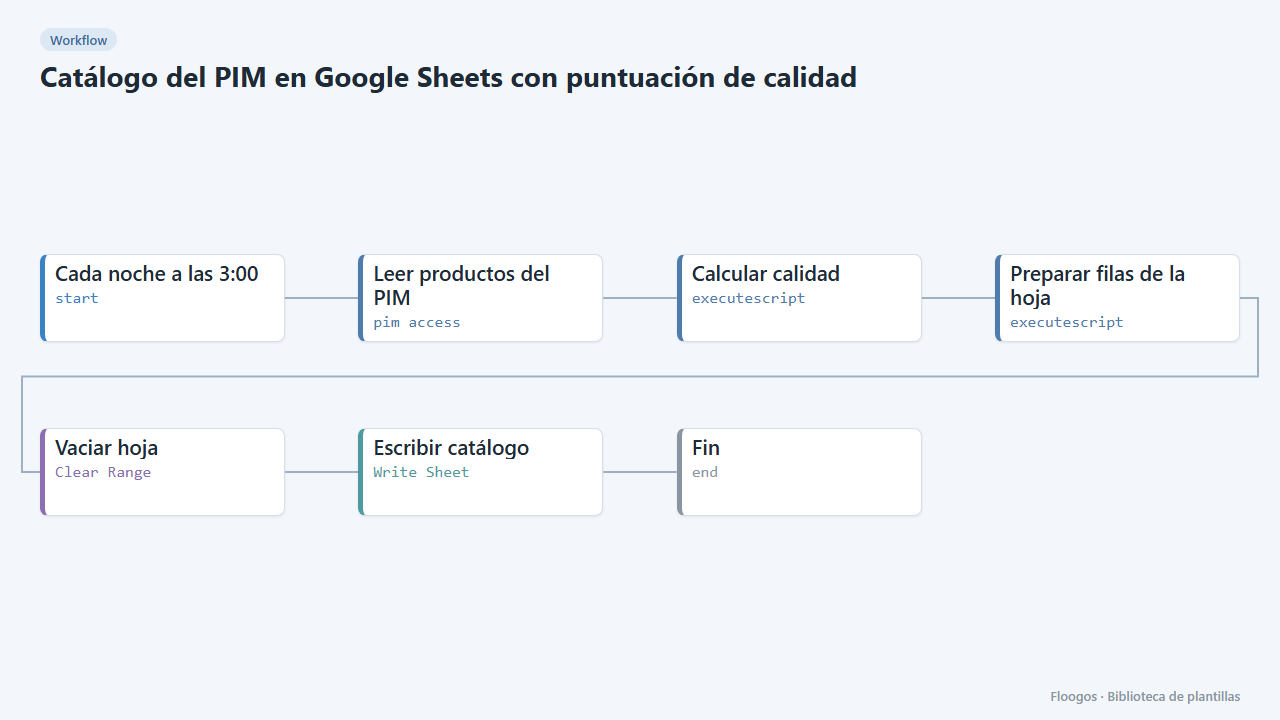
What it does
Reads every product from your PIM (Akeneo REST API), works out which mandatory attributes each one is missing and its completeness percentage, and rewrites a Google Sheets tab with one row per product: SKU, name, family, category, active, quality %, status, missing attributes and last update.
The sheet is cleared and fully rewritten on every run, so it always mirrors the current PIM state (no history is accumulated). Ideal for filters, pivot tables, or to share with people who have no PIM licence.
What you need: a pim access credential and a connected Google account. Adjust the “AJUSTA” lines of the script with your mandatory attribute codes.
Important: the engine's pim access node writes the credentials it connects with to its logs; do not share those logs.
How to set it up
- 1
Connect the pimaccess credential
This template uses pimaccess in: Leer productos del PIM. Create or pick the credential and assign it in those nodes.
- 2
Connect the Clear Range credential
This template uses Clear Range in: Vaciar hoja. Create or pick the credential and assign it in those nodes.
- 3
Connect the Write Sheet credential
This template uses Write Sheet in: Escribir catálogo. Create or pick the credential and assign it in those nodes.
- 4
Connect the PIM
In Leer productos del PIM pick your credential and replace
TU-PIM.comwith your Akeneo domain. - 5
Define what a complete product is
In Calcular calidad edit
OBLIGATORIOS(attribute codes),ATRIBUTO_NOMBRE,ATRIBUTO_IMAGENandLOCALE. - 6
Connect the sheet
Create a spreadsheet with a tab named
Catalogo, copy its ID into Vaciar hoja and Escribir catálogo and pick your Google account in both nodes. - 7
Activate the workflow
Workflows are installed inactive. Once everything is set, activate it.
Related templates
Other templates that use similar nodes or integrations.
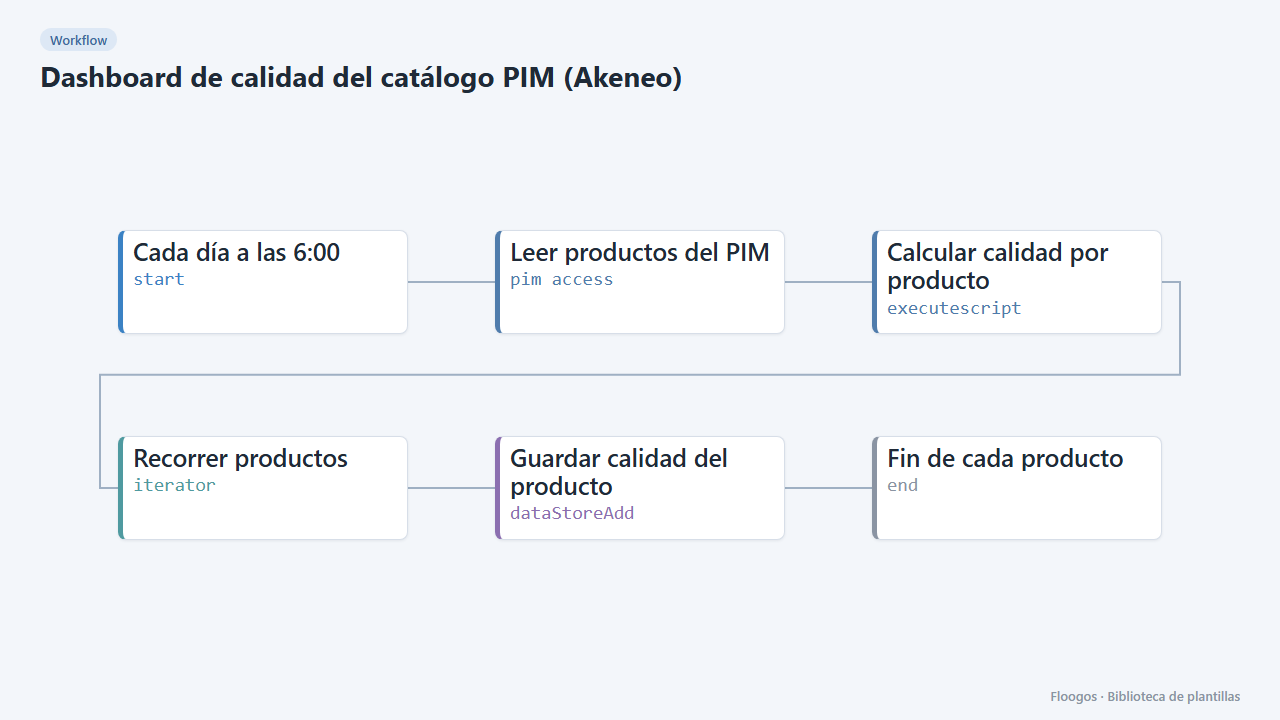
PIM catalogue quality dashboard (Akeneo)
Every morning it scores the quality of each product in your PIM and shows it in a dashboard with KPIs, charts, filters and a side detail panel per product.
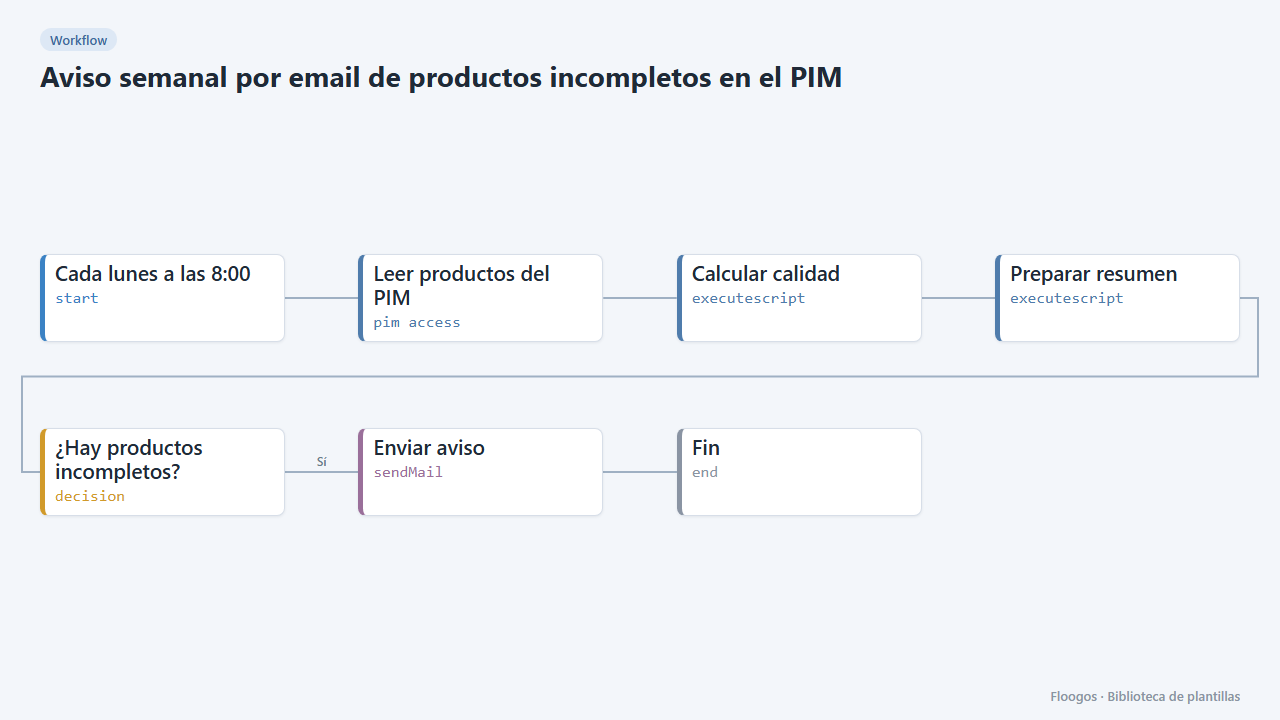
Weekly email about incomplete products in the PIM
Every Monday you get an email listing the PIM products missing mandatory data (image, description, price…), worst first.
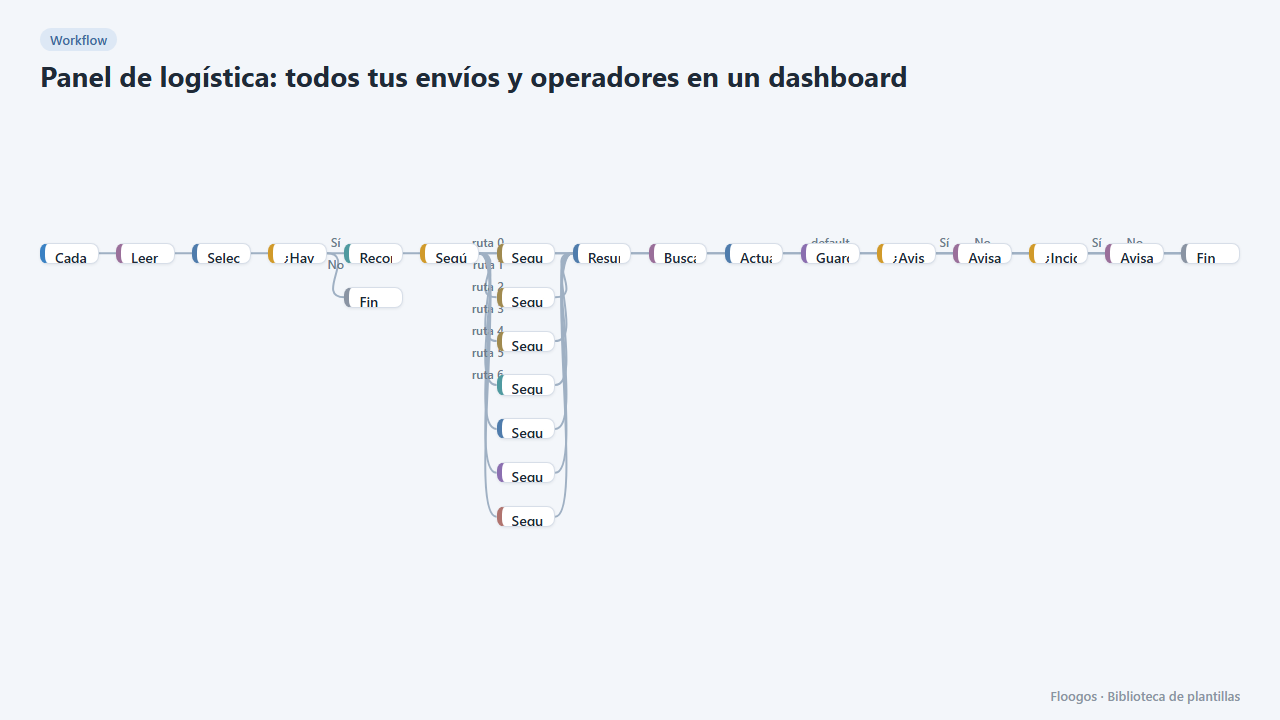
Logistics panel: all your shipments and carriers in one dashboard
Dashboard with KPIs, charts, filters and a side detail panel per shipment, fed by automatic tracking of DHL, FedEx, UPS, SEUR, Sendcloud, Shippo and EasyPost.
Try it in under 5 minutes
Create the template in your account, connect your credentials and activate it when you are ready.
Use this template