
Weekly email about incomplete products in the PIM
Every Monday you get an email listing the PIM products missing mandatory data (image, description, price…), worst first.
Everything is created inactive in a new folder of your account. Nothing runs until you activate it, and you can undo it for 24 hours.
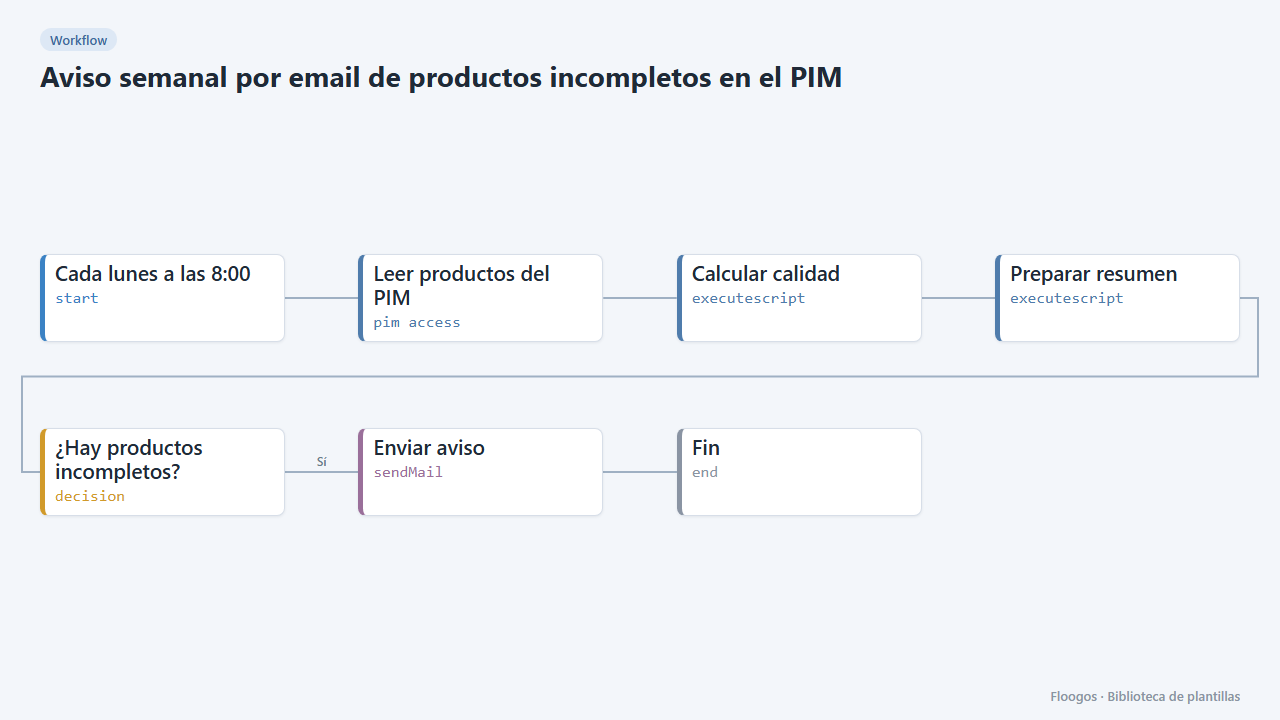
What it does
Walks through your PIM catalogue (Akeneo REST API), computes each product's completeness against the mandatory attributes you define and emails a table with the 30 most incomplete ones, the catalogue average quality and how many products have pending data. If everything is complete, nothing is sent.
Use it so the catalogue team works from a concrete list each week instead of reviewing the PIM by hand. If you prefer charts and filters, use the PIM catalogue quality dashboard (Akeneo) template.
What you need: a pim access credential and a mail account (SMTP). Adjust the “AJUSTA” lines of the script and the recipient.
Important: the engine's pim access node writes the credentials it connects with to its logs; do not share those logs.
How to set it up
- 1
Connect the pimaccess credential
This template uses pimaccess in: Leer productos del PIM. Create or pick the credential and assign it in those nodes.
- 2
Connect the smtp credential
This template uses smtp in: Enviar aviso. Create or pick the credential and assign it in those nodes.
- 3
Connect the PIM
In Leer productos del PIM pick your credential and replace
TU-PIM.com. - 4
Define mandatory data
In Calcular calidad edit
OBLIGATORIOS,ATRIBUTO_NOMBRE,ATRIBUTO_IMAGENandLOCALEwith your PIM codes. - 5
Set up the email
In Enviar aviso pick your mail account and change the recipient
catalogo@tuempresa.com. - 6
Activate the workflow
Workflows are installed inactive. Once everything is set, activate it.
Related templates
Other templates that use similar nodes or integrations.
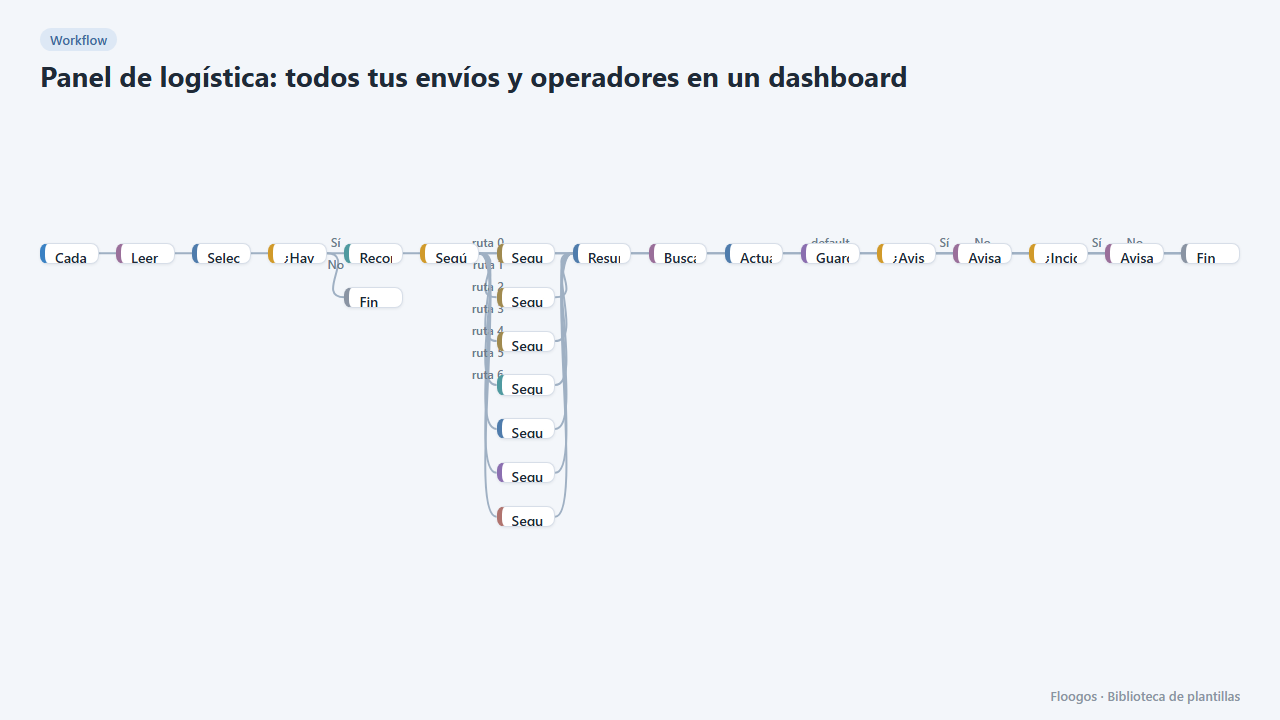
Logistics panel: all your shipments and carriers in one dashboard
Dashboard with KPIs, charts, filters and a side detail panel per shipment, fed by automatic tracking of DHL, FedEx, UPS, SEUR, Sendcloud, Shippo and EasyPost.
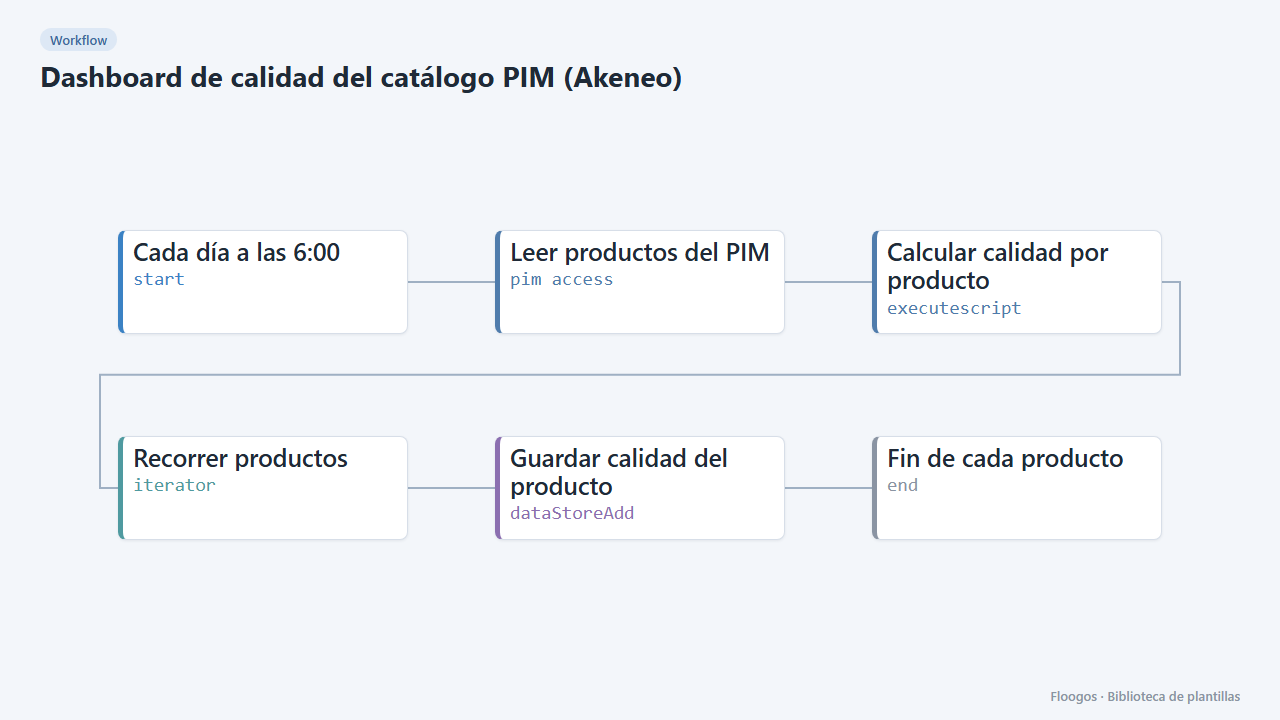
PIM catalogue quality dashboard (Akeneo)
Every morning it scores the quality of each product in your PIM and shows it in a dashboard with KPIs, charts, filters and a side detail panel per product.
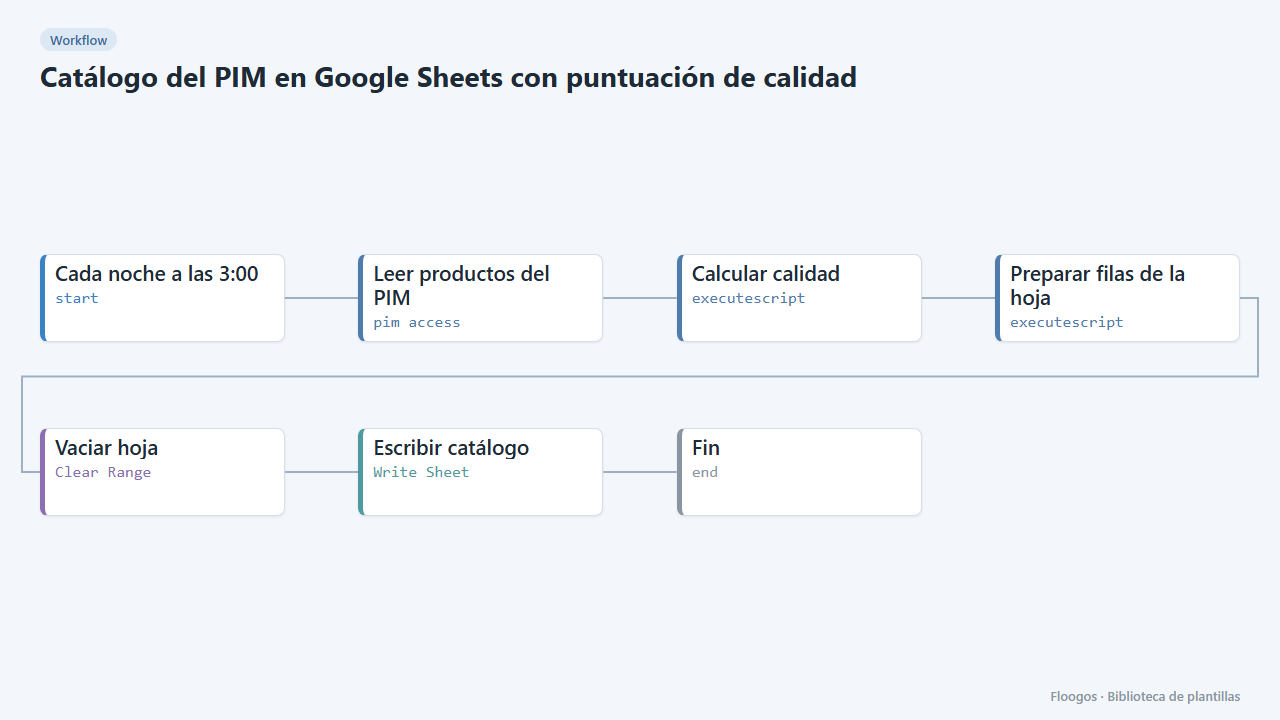
PIM catalogue in Google Sheets with a quality score
Every night it dumps your PIM catalogue to a spreadsheet with a completeness % per product, so purchasing, marketing or suppliers can work without PIM access.
Try it in under 5 minutes
Create the template in your account, connect your credentials and activate it when you are ready.
Use this template