
AI product descriptions from your PIM, with human review
Finds PIM products with no description, drafts it with AI and leaves the drafts in a dashboard for a person to review before publishing.
Everything is created inactive in a new folder of your account. Nothing runs until you activate it, and you can undo it for 24 hours.
What it does
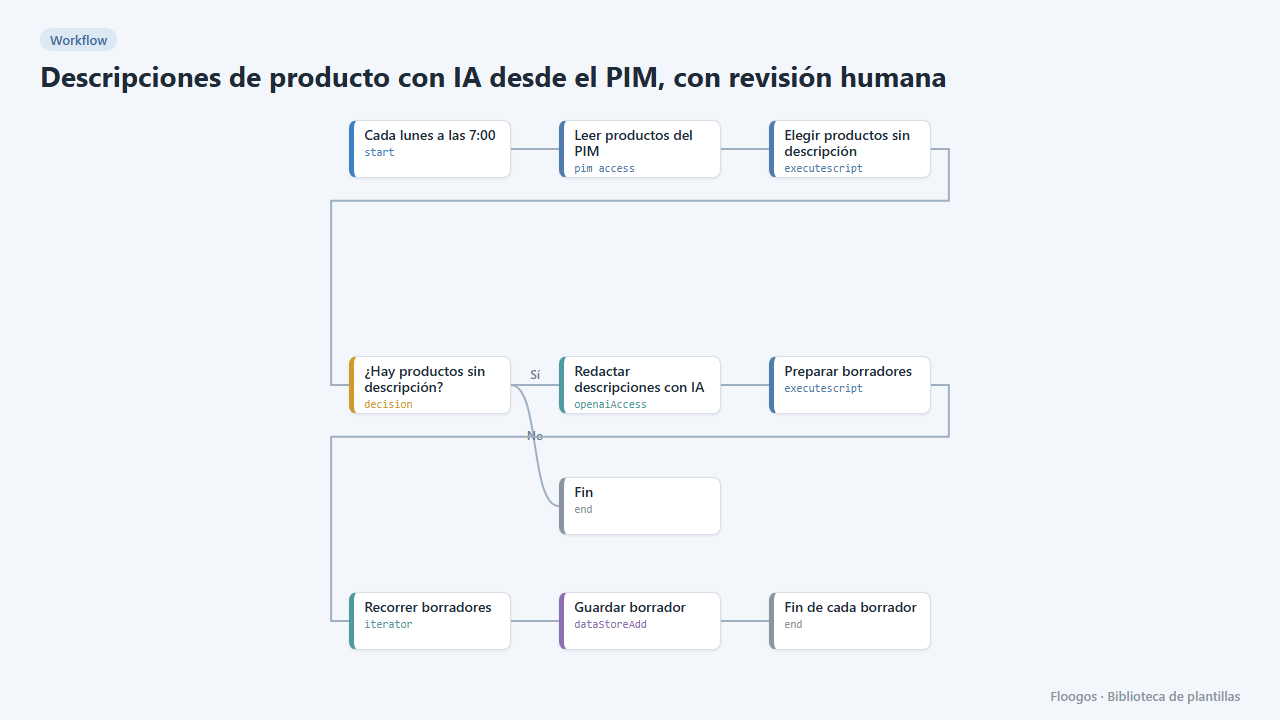
Every week the workflow reads your PIM catalogue (Akeneo REST API), selects products that have a name but no description and asks OpenAI for a commercial draft for a small batch (8 products per run, to control cost). Drafts are stored in a Data Store with “pendiente” status and are never written to the PIM automatically.
The bundled dashboard shows how many drafts exist, how many are pending, approved or rejected, their trend per day and a table with search and a status filter; clicking a row opens a side panel with the full proposed text to read and copy. When a draft convinces you, publish it to the PIM with the Update a PIM attribute via webhook template.
What you need: a pim access credential and an OpenAI API key. Adjust the “AJUSTA” lines of the script (name and description attribute codes, locale, batch size).
Important: the engine's pim access node writes the credentials it connects with to its logs; do not share those logs. Always review the generated texts: AI can be wrong.
How to set it up
- 1
Connect the pimaccess credential
This template uses pimaccess in: Leer productos del PIM. Create or pick the credential and assign it in those nodes.
- 2
Connect the openai credential
This template uses openai in: Redactar descripciones con IA. Create or pick the credential and assign it in those nodes.
- 3
Open the dashboard "Borradores de descripciones"
Check that the test data shows up.
- 4
Connect PIM and OpenAI
Pick your credential in Leer productos del PIM (replace
TU-PIM.com) and your API key in Redactar descripciones con IA. - 5
Adjust attributes and batch size
In Elegir productos sin descripción edit
ATRIBUTO_DESCRIPCION,ATRIBUTO_NOMBRE,LOCALEandMAXIMO_POR_EJECUCION. A batch larger than 10 products can exceed the response token limit. - 6
Review the drafts
Run the workflow, open the Borradores de descripciones dashboard and click a row to read the text. To mark a draft as approved or rejected edit its record in the Data Store (
estadofield). - 7
Activate the workflow
Workflows are installed inactive. Once everything is set, activate it.
Related templates
Other templates that use similar nodes or integrations.
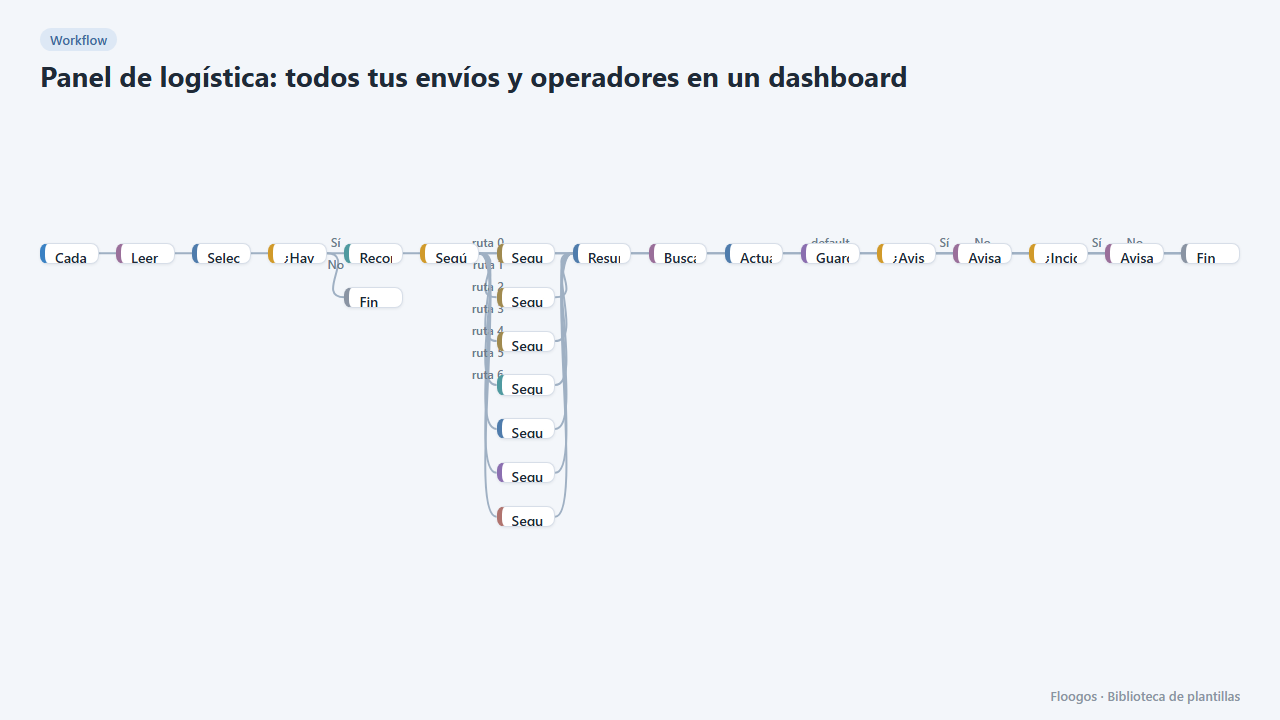
Logistics panel: all your shipments and carriers in one dashboard
Dashboard with KPIs, charts, filters and a side detail panel per shipment, fed by automatic tracking of DHL, FedEx, UPS, SEUR, Sendcloud, Shippo and EasyPost.
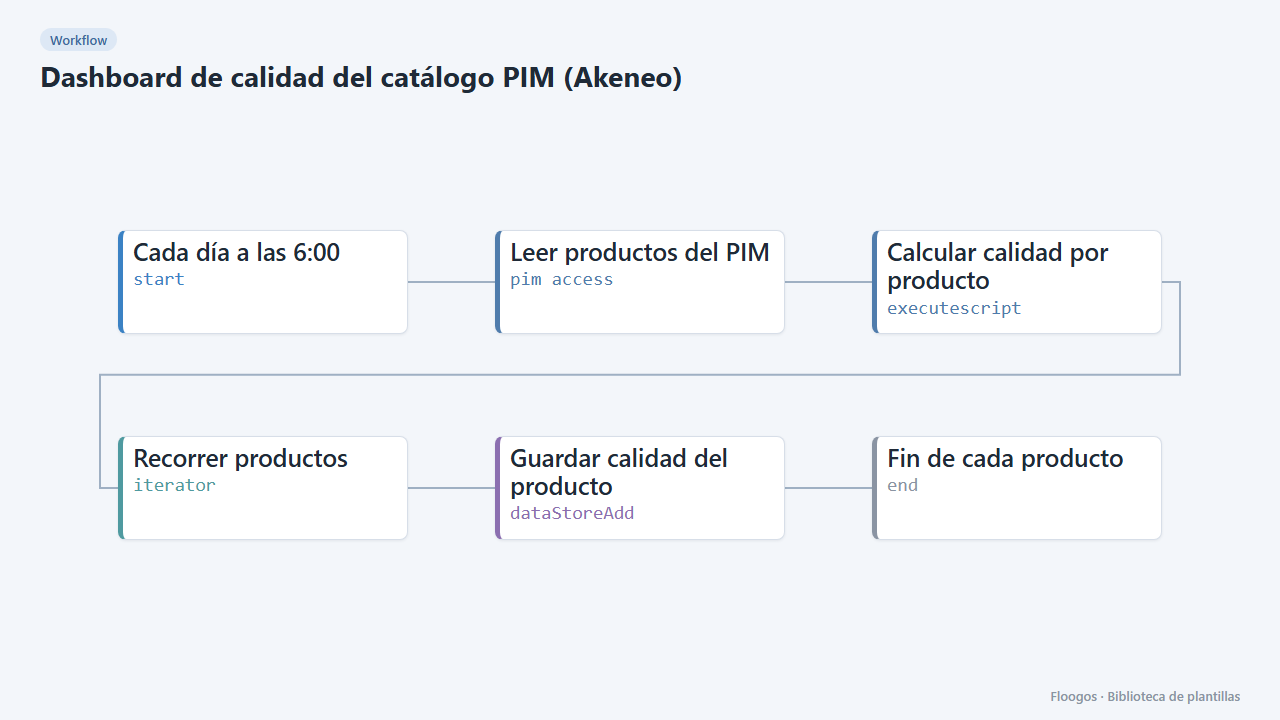
PIM catalogue quality dashboard (Akeneo)
Every morning it scores the quality of each product in your PIM and shows it in a dashboard with KPIs, charts, filters and a side detail panel per product.
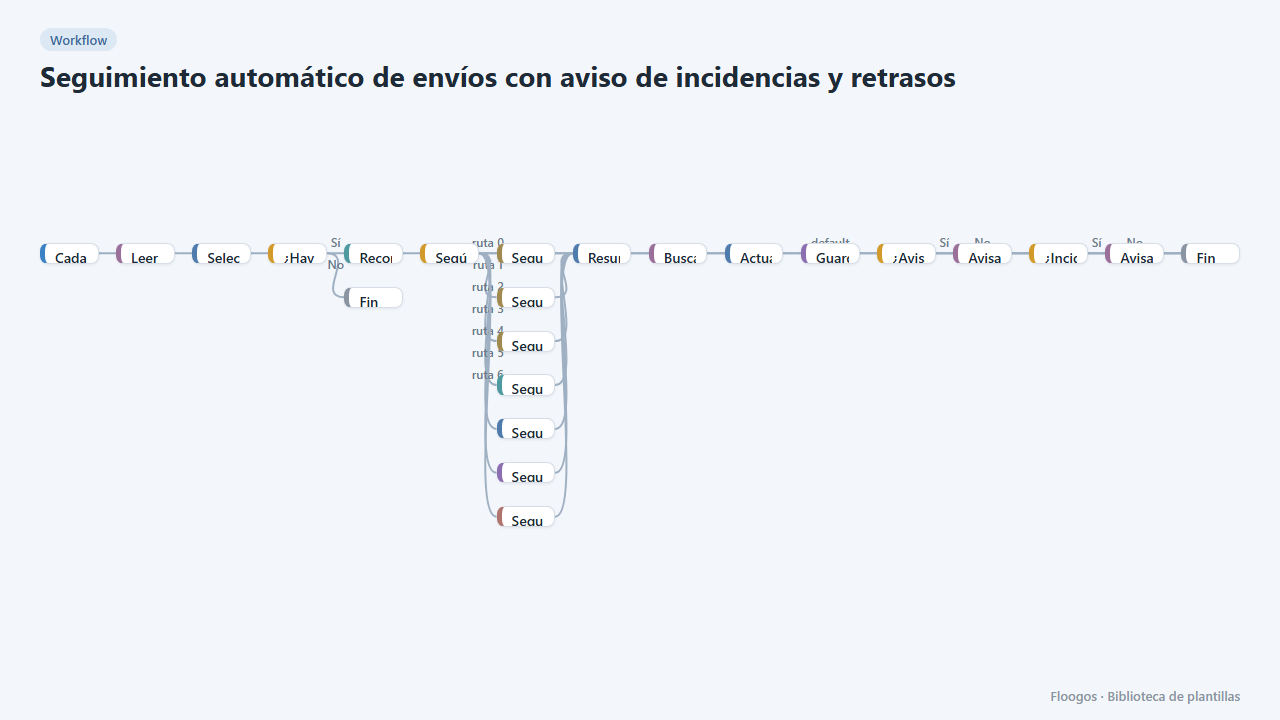
Automatic shipment tracking with incident and delay alerts
Every 3 hours it queries the status of in-flight shipments in DHL, FedEx, UPS, SEUR, Sendcloud, Shippo or EasyPost and notifies the customer and your team.
Try it in under 5 minutes
Create the template in your account, connect your credentials and activate it when you are ready.
Use this template