
Weekly ev4 ERP catalogue digest by email
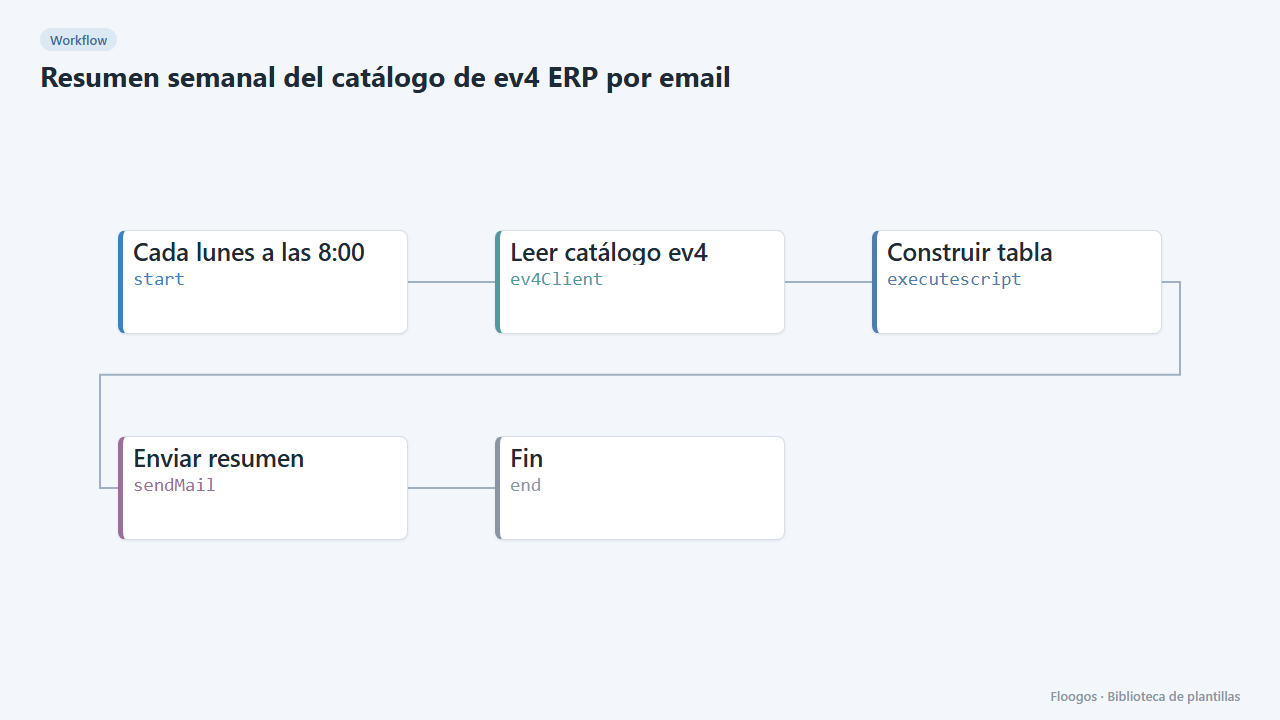
Every Monday it reads your ev4 ERP catalogue and emails a table with the items and their total.
Everything is created inactive in a new folder of your account. Nothing runs until you activate it, and you can undo it for 24 hours.
What it does
An effortless weekly report: every Monday at 8:00 the workflow queries your ev4 ERP catalogue, builds an HTML table with the first items (columns are taken automatically from the data your ev4 returns) and emails it to whoever you choose. Ideal for management, purchasing or sales.
What you need: an ev4 credential (instance identifier, token and base URL), the catalogue table and an SMTP account to send the email.
How to use it: install the template, connect ev4 and the SMTP account, enter the recipient in Enviar resumen and activate the workflow.
How to set it up
- 1
Connect the ev4 credential
This template uses ev4 in: Leer catálogo ev4. Create or pick the credential and assign it in those nodes.
- 2
Connect the smtp credential
This template uses smtp in: Enviar resumen. Create or pick the credential and assign it in those nodes.
- 3
Set the catalogue table
In the Leer catálogo ev4 node enter the table
idand, optionally, thecolumnsyou care about (this makes the email table more readable). - 4
Set the recipient
In the Enviar resumen node replace
direccion@tuempresa.comwith the email that should receive the report. - 5
Test the delivery
Run the workflow manually: you should receive an email with the item total and a table with the first 25 items.
- 6
Activate the workflow
Workflows are installed inactive. Once everything is set, activate it.
Related templates
Other templates that use similar nodes or integrations.
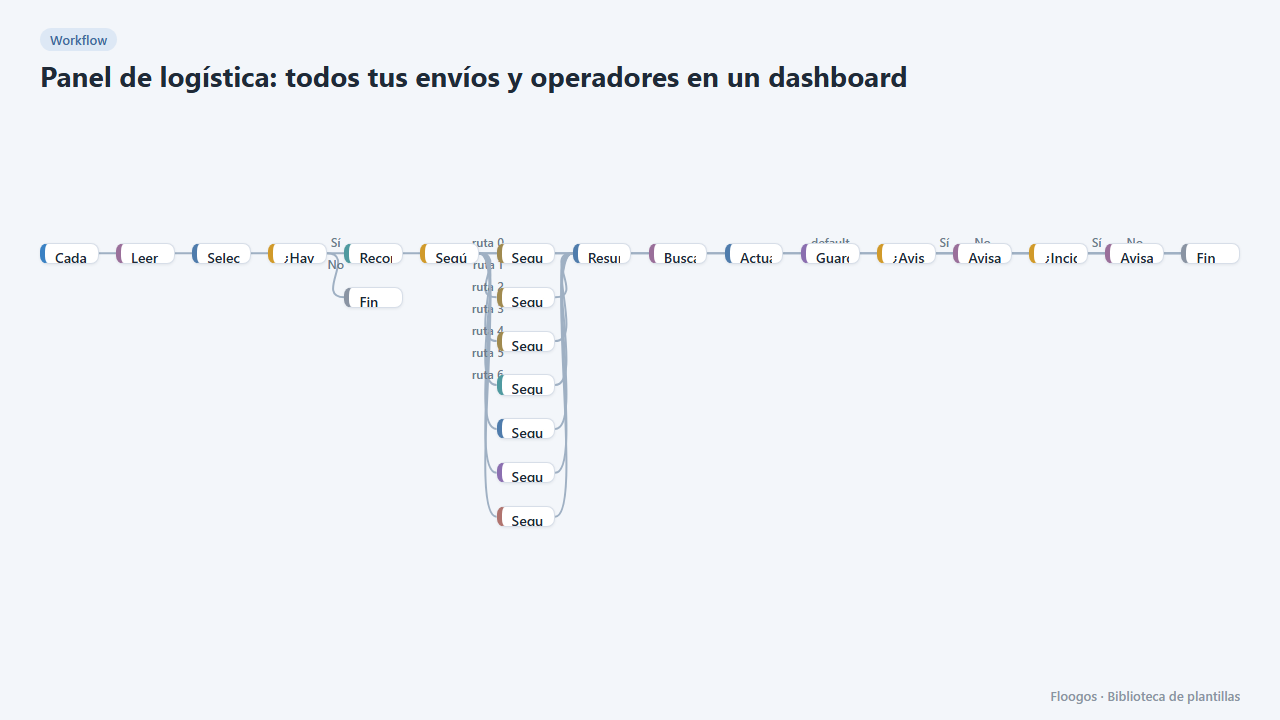
Logistics panel: all your shipments and carriers in one dashboard
Dashboard with KPIs, charts, filters and a side detail panel per shipment, fed by automatic tracking of DHL, FedEx, UPS, SEUR, Sendcloud, Shippo and EasyPost.
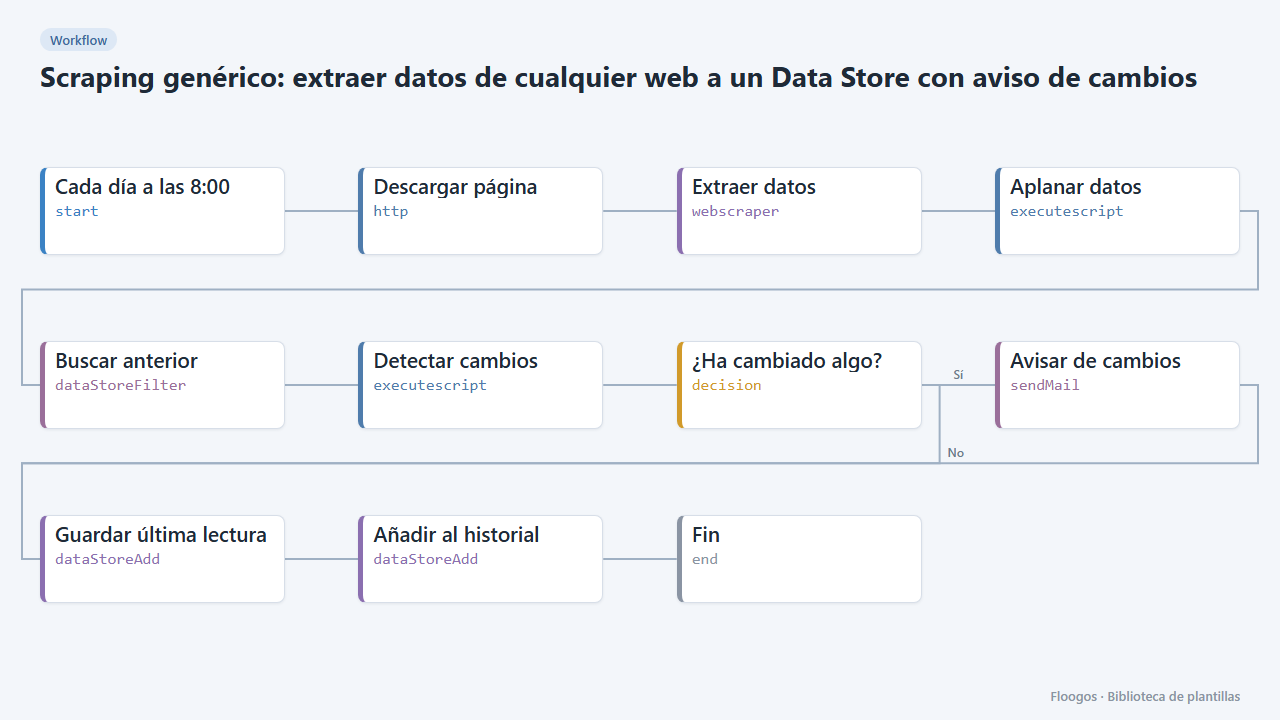
Generic scraping: extract data from any website into a Data Store with change alerts
Base template: you give a URL and the CSS selectors of what you want to extract, and the workflow stores each reading in a Data Store and alerts you if any value changes.
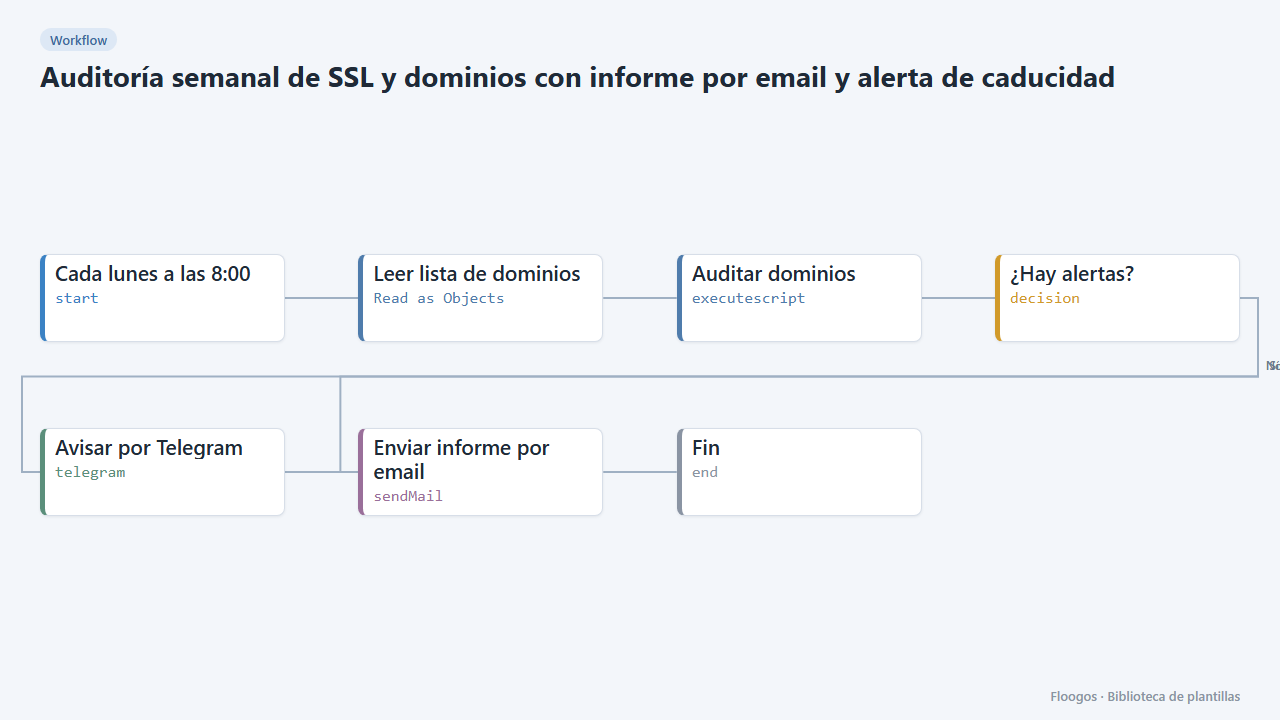
Weekly SSL and domain audit with email report and expiry alert
Every Monday it checks the domain list in your Google Sheets, verifies SSL certificate and domain expiry, and emails you a report with alerts if anything expires in under 30 days.
Try it in under 5 minutes
Create the template in your account, connect your credentials and activate it when you are ready.
Use this template