
Monthly subscription sign-up in Mercado Pago
Receives a customer data via webhook, creates their monthly Mercado Pago subscription and emails them the link to authorize it.
Everything is created inactive in a new folder of your account. Nothing runs until you activate it, and you can undo it for 24 hours.
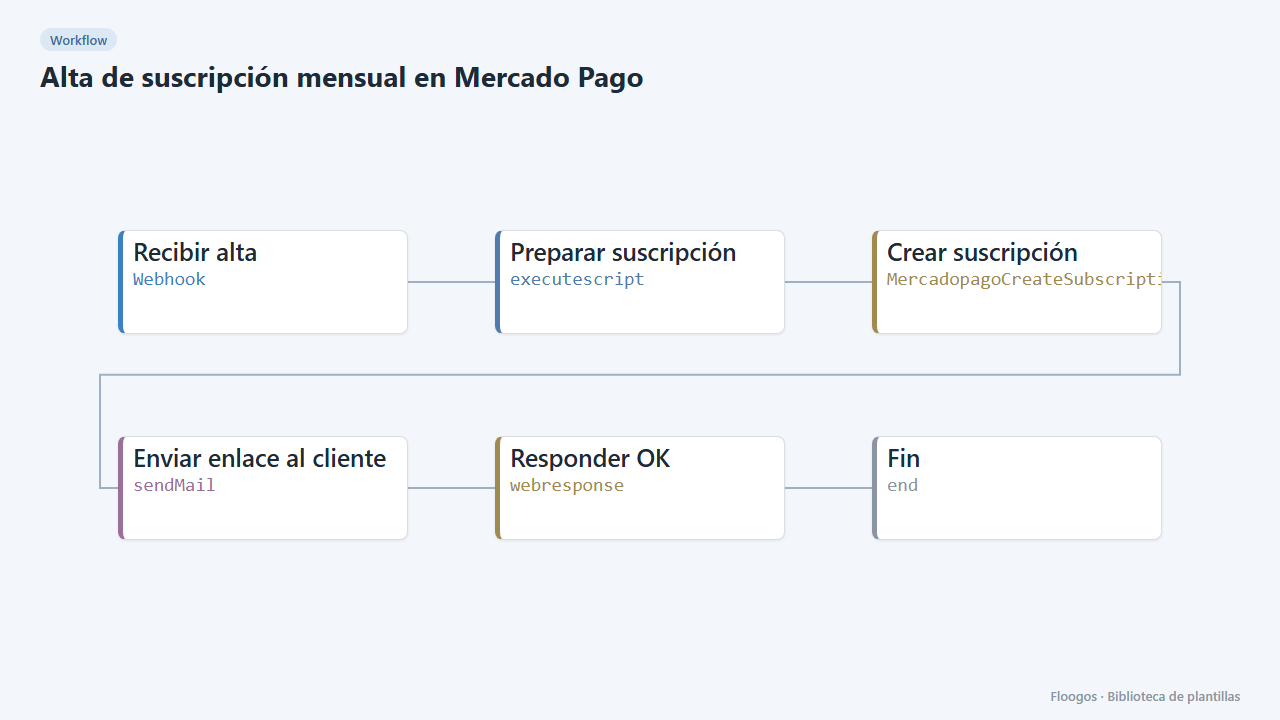
What it does
Automate recurring charges: when your website or CRM calls the webhook with the customer email, amount and reason, the workflow creates the subscription (preapproval) in Mercado Pago with monthly billing and emails the customer a link to authorize payment with their payment method. You can add free trial days.
What you need: Mercado Pago credentials (Access Token) and an SMTP account.
How to use it: install the template, connect the credentials and POST to the webhook with {"email":"ana@example.com","importe":4900,"motivo":"Pro monthly plan","referencia":"CUST-77","dias_prueba":7}. dias_prueba is optional.
Note: the subscription stays pending until the customer authorizes the charge from the link. The default currency is ARS; change it in Crear suscripción.
How to set it up
- 1
Connect the mercadopago credential
This template uses mercadopago in: Crear suscripción. Create or pick the credential and assign it in those nodes.
- 2
Connect the smtp credential
This template uses smtp in: Enviar enlace al cliente. Create or pick the credential and assign it in those nodes.
- 3
Copy the webhook URL (Recibir alta)
A new URL is generated on install. Paste it into the external system that must call this workflow.
- 4
Connect Mercado Pago and SMTP
Select your credentials in Crear suscripción and Enviar enlace al cliente.
- 5
Adjust frequency and currency
In Crear suscripción change the currency (
ARS) and, if needed, the frequency (1+months; for example1+daysor12+months). - 6
Test
Send a
POSTto the webhook with your email and open the message: the link should lead to the Mercado Pago authorization flow. - 7
Activate the workflow
Workflows are installed inactive. Once everything is set, activate it.
Related templates
Other templates that use similar nodes or integrations.
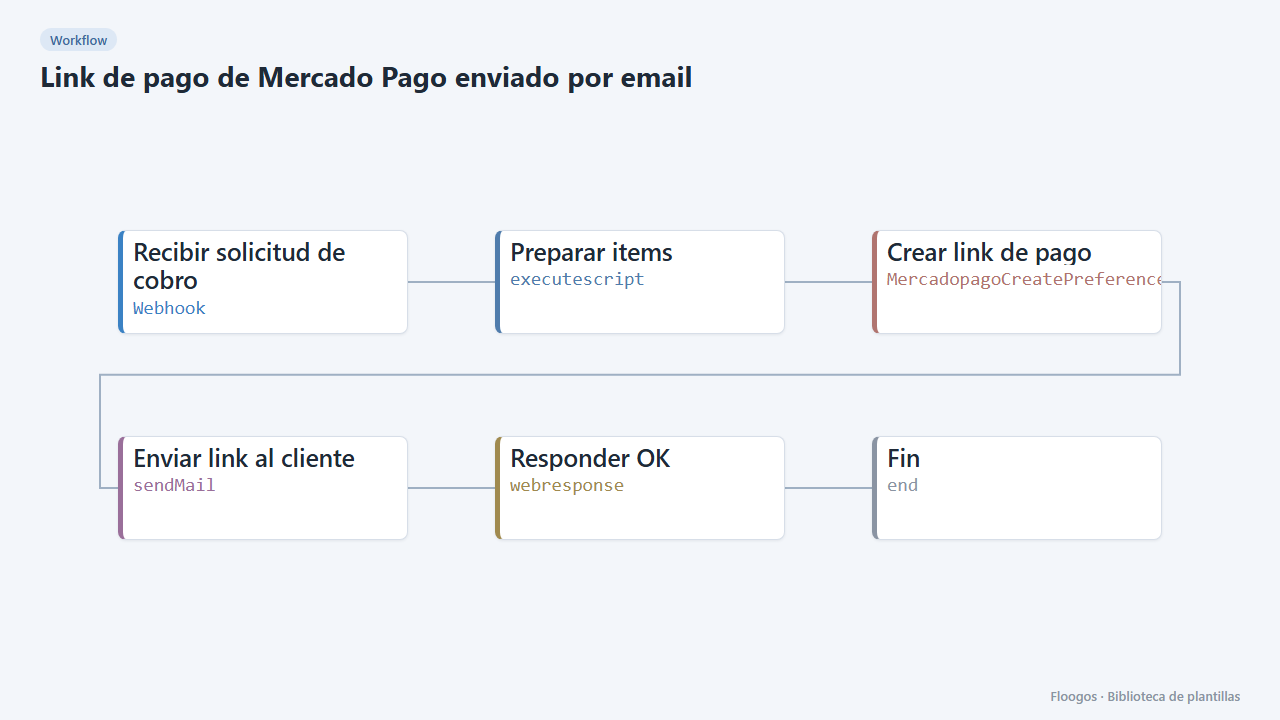
Mercado Pago payment link sent by email
Receives a charge request via webhook, creates the Mercado Pago payment link and emails it to the customer.
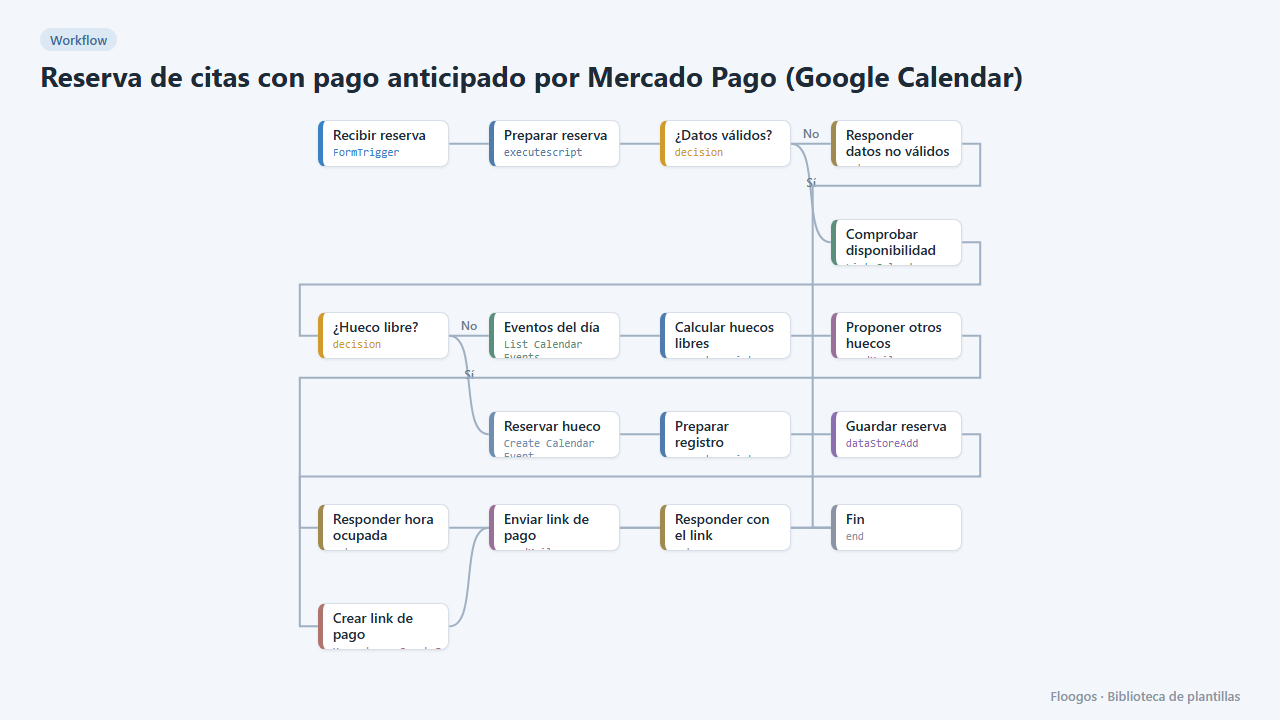
Appointment booking with upfront Mercado Pago payment (Google Calendar)
The customer books, gets a Mercado Pago payment link and the appointment is only confirmed in your Google Calendar once the payment is approved; if they do not pay, the slot is released automatically.
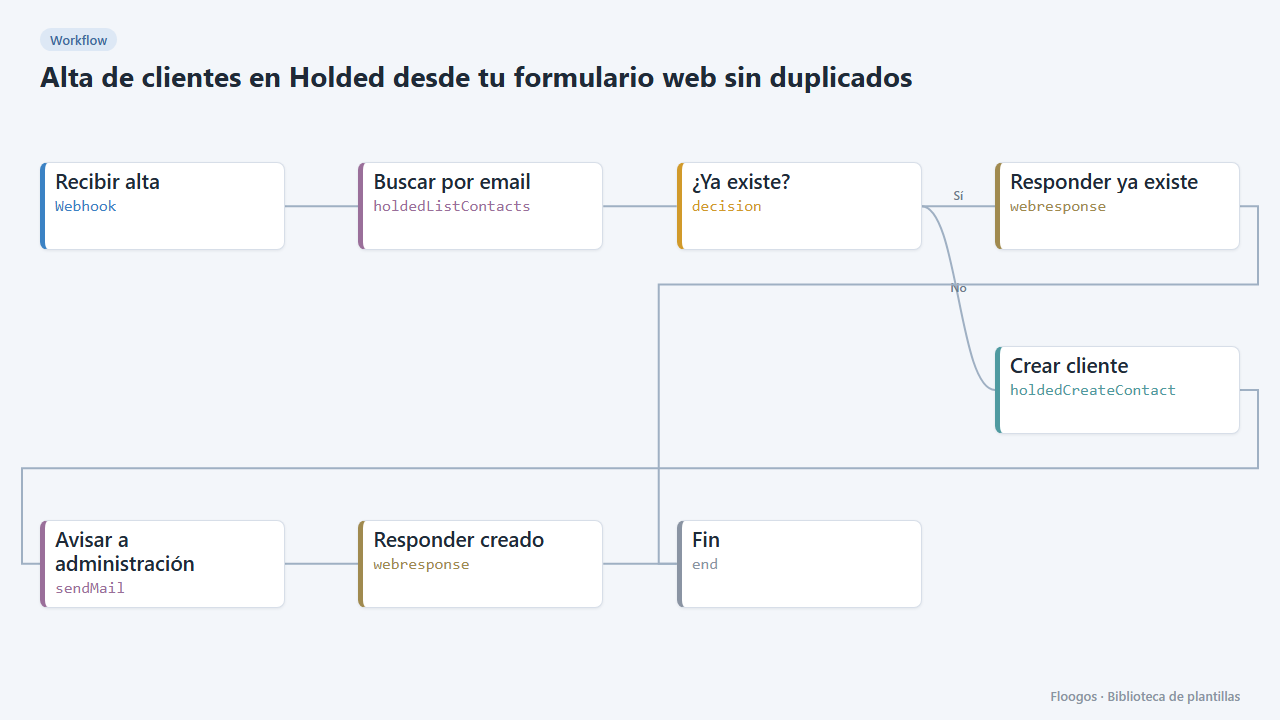
Create Holded customers from your web form without duplicates
Every sign-up received by webhook is looked up by email in Holded: if it already exists nothing happens, otherwise it creates the customer and alerts accounting.
Try it in under 5 minutes
Create the template in your account, connect your credentials and activate it when you are ready.
Use this template