
Finance & invoicing templates
32 templates to get started in minutes, with a step-by-step guide and no code.
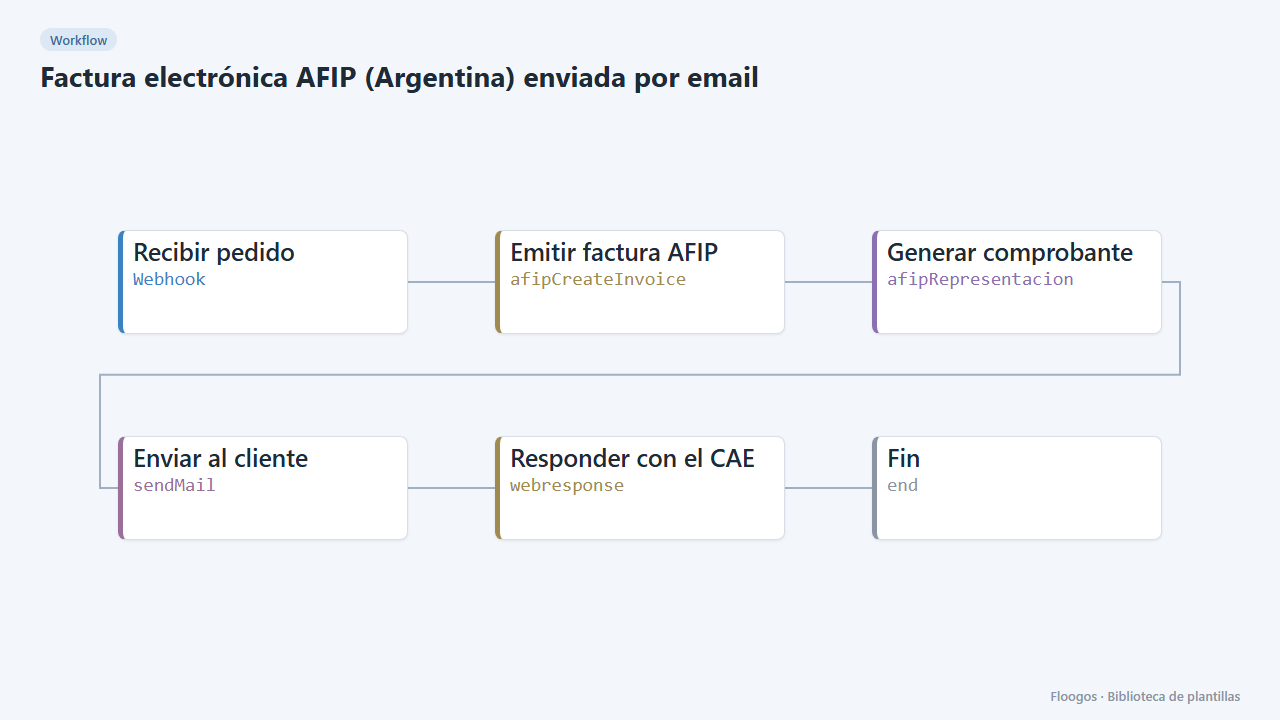
AFIP e-invoice (Argentina) sent by email
Receive an order via webhook, issue the electronic invoice with AFIP, get the CAE and email the receipt with its QR code to the customer.
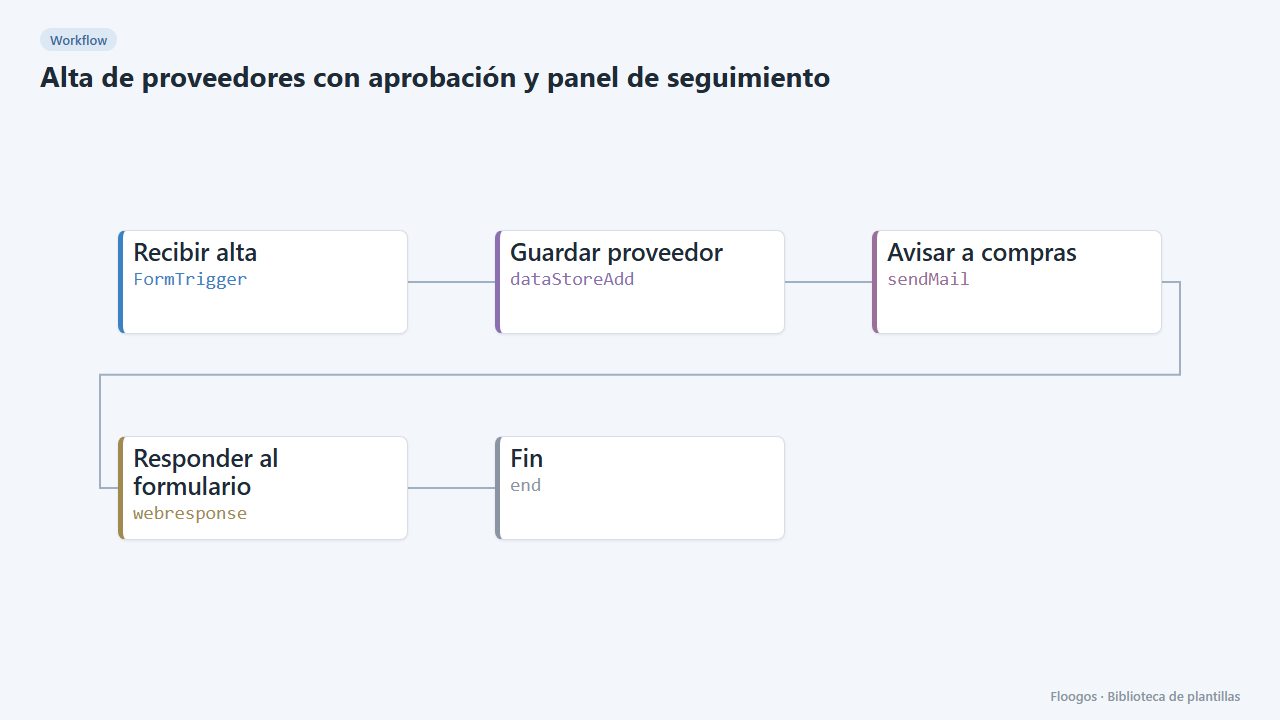
Supplier onboarding with approval and tracking dashboard
A public form to onboard suppliers, an alert to the purchasing manager and a dashboard to approve or reject each request in one click.
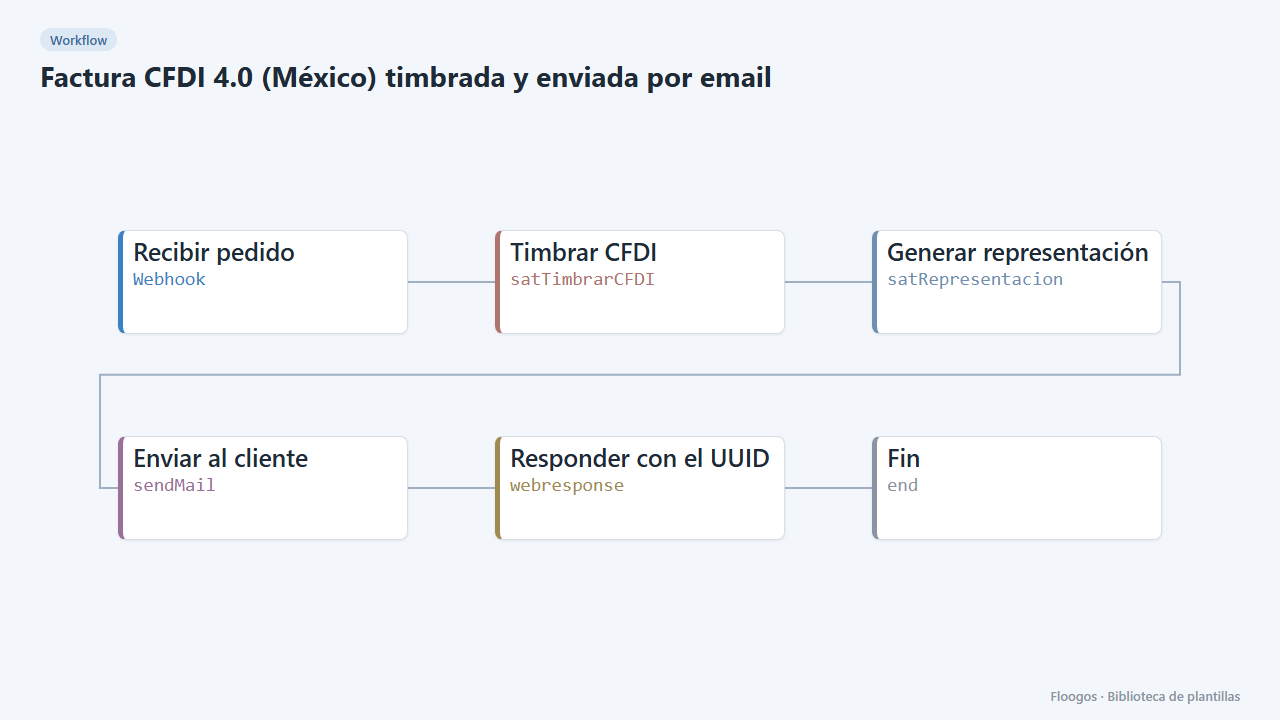
CFDI 4.0 invoice (Mexico) stamped and emailed
Receive an order, build and stamp the CFDI 4.0 through your PAC and email the printable version with its UUID to the customer.
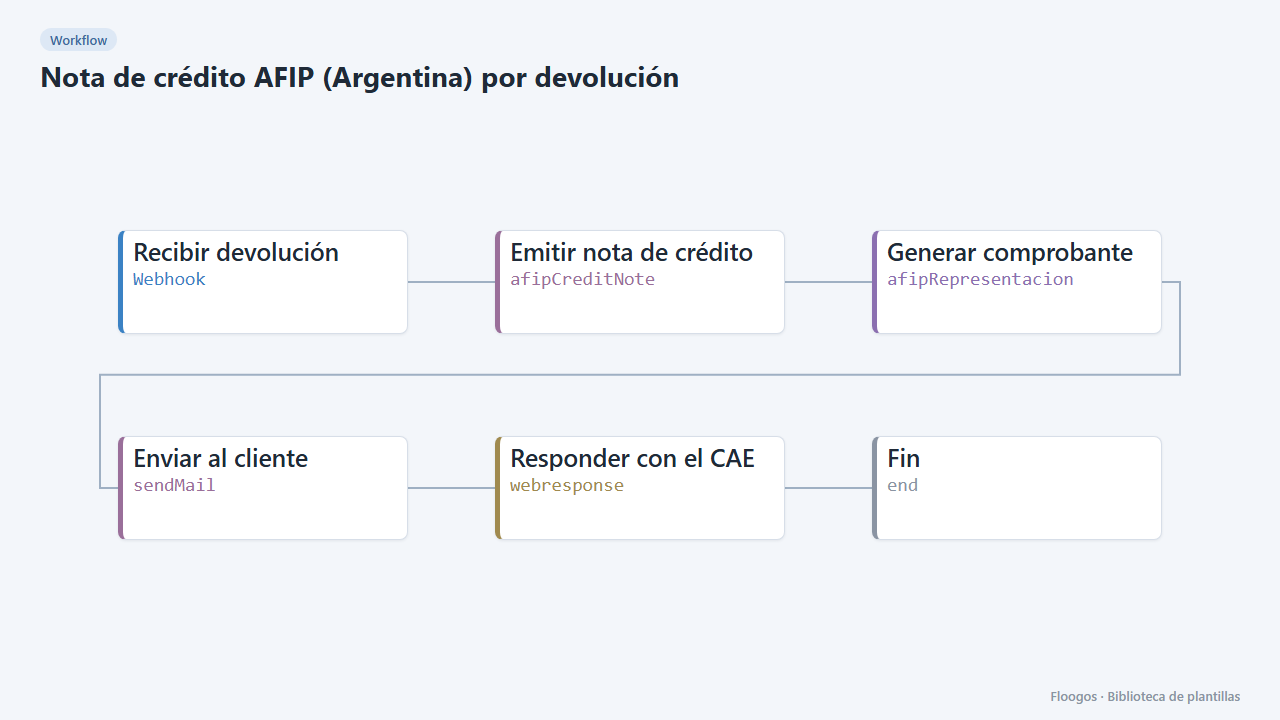
AFIP credit note (Argentina) for returns
When a sale is cancelled or returned, issue the AFIP credit note linked to the original invoice and send it to the customer.
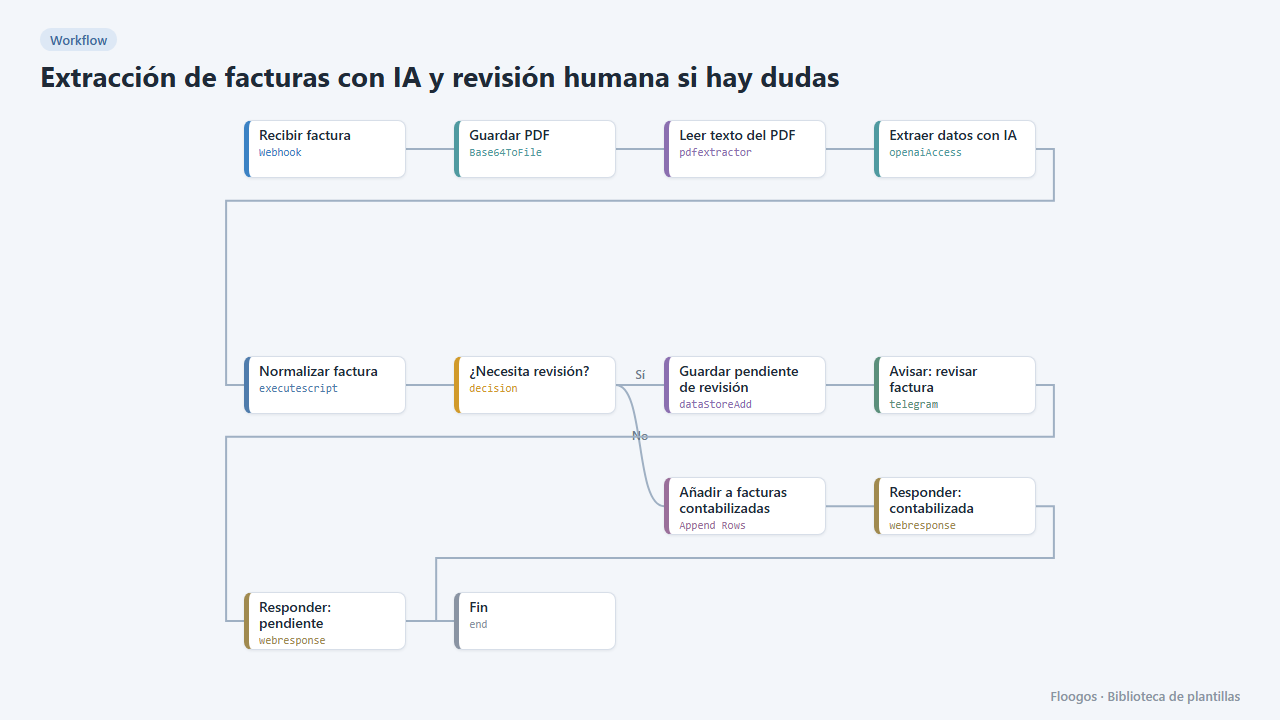
AI invoice extraction with human review when in doubt
AI extracts the invoice data; reliable ones go straight to the sheet, and if confidence is low or fields are missing they are set aside and you get a Telegram alert to review them.
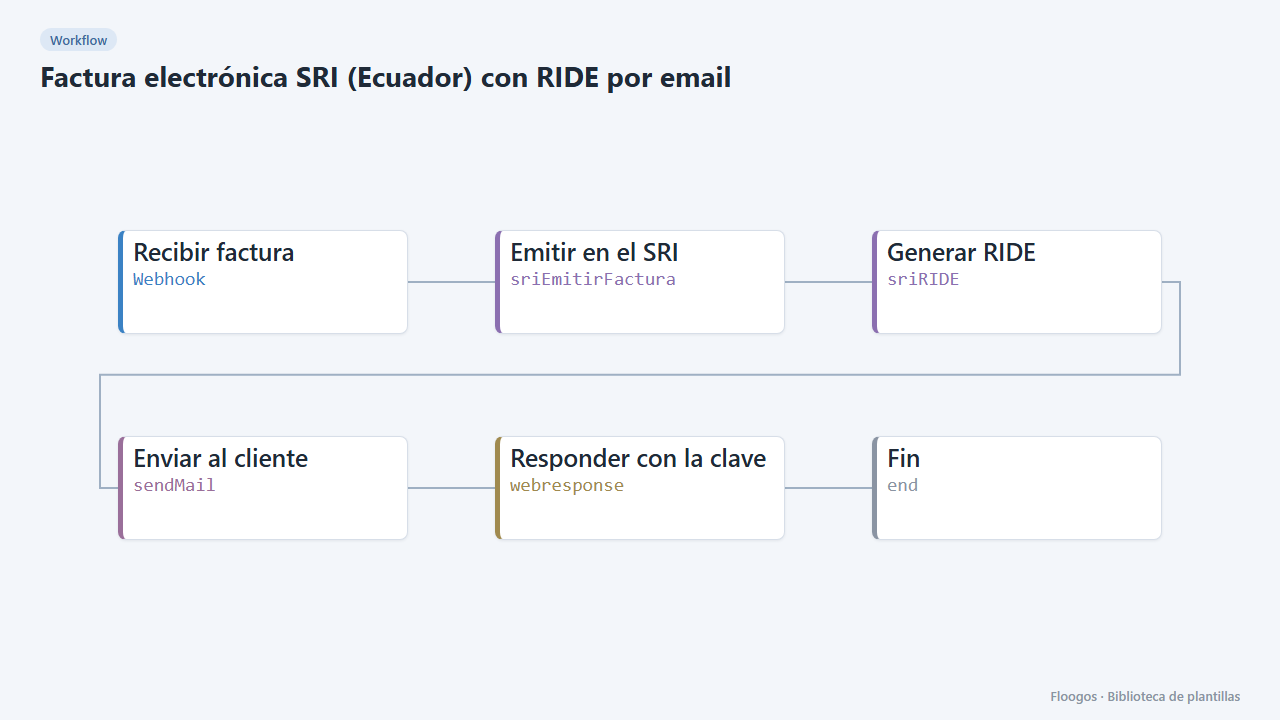
SRI e-invoice (Ecuador) with RIDE by email
Issue the electronic invoice with the SRI, wait for authorization and email the RIDE with its access key to the customer.
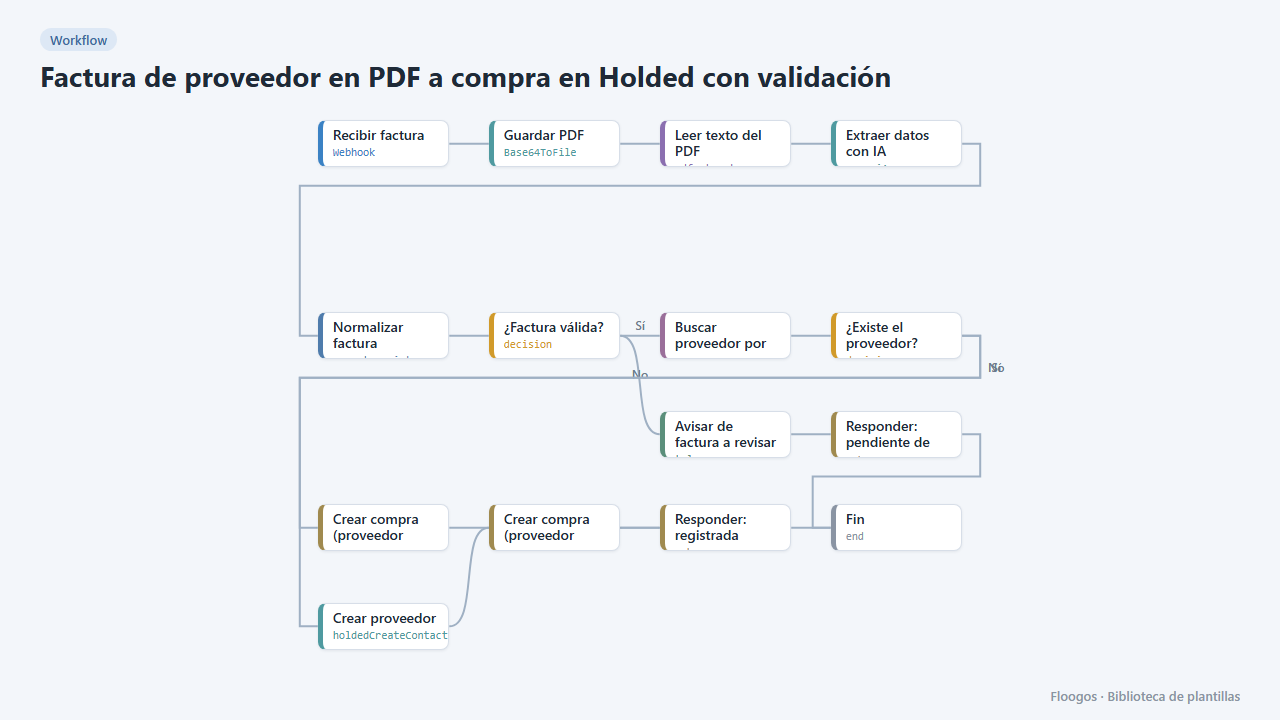
Supplier PDF invoice to a Holded purchase with validation
AI reads the PDF invoice, validates amounts and required fields, finds or creates the supplier in Holded and records the purchase; if anything fails it alerts you on Telegram.
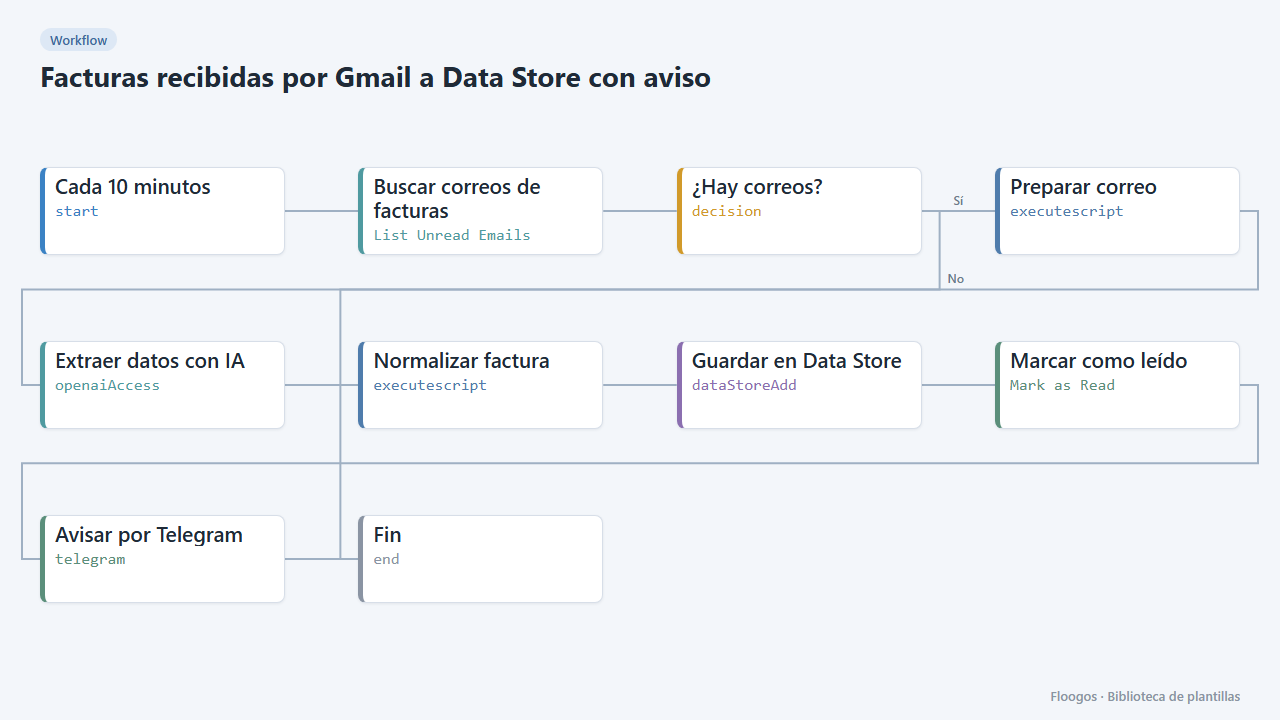
Invoices received by Gmail to a Data Store with alert
Every few minutes it checks your Gmail, extracts with AI the data of invoices written in the email body, saves them to a Data Store and alerts you on Telegram.
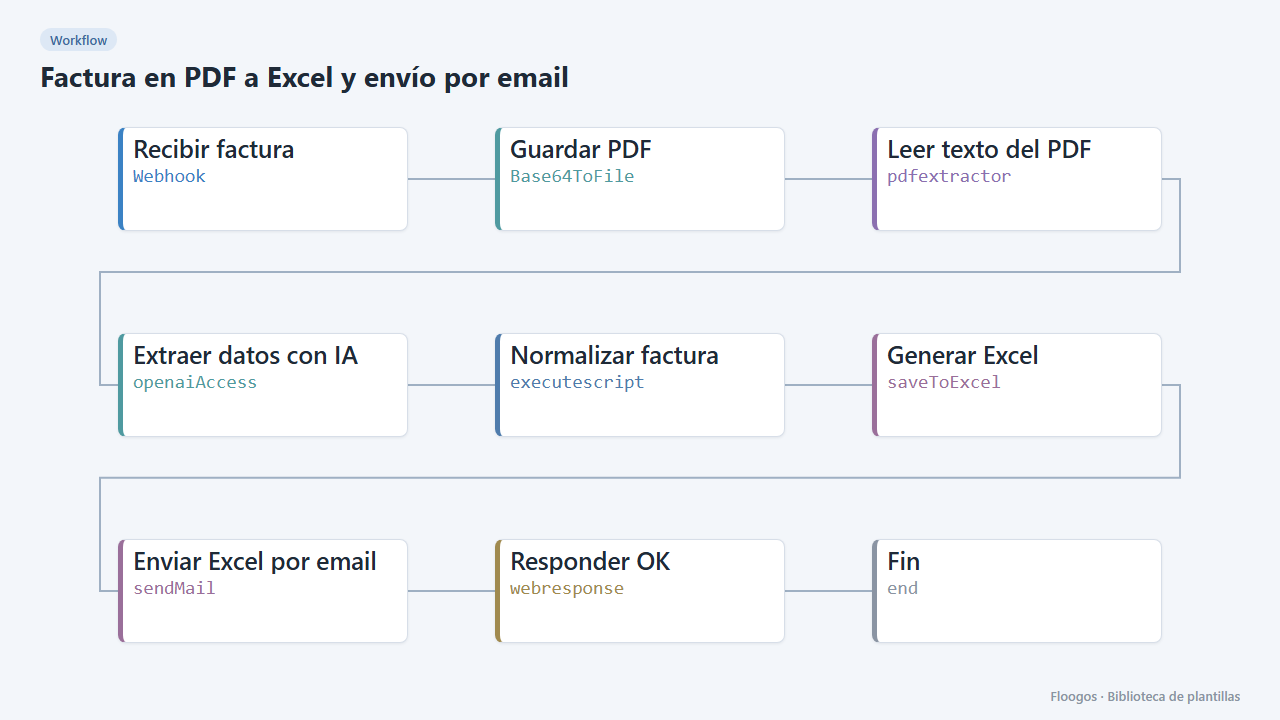
PDF invoice to Excel, sent by email
Turn each PDF invoice into an Excel file with its lines, net, VAT and total, and email the download link to accounting.
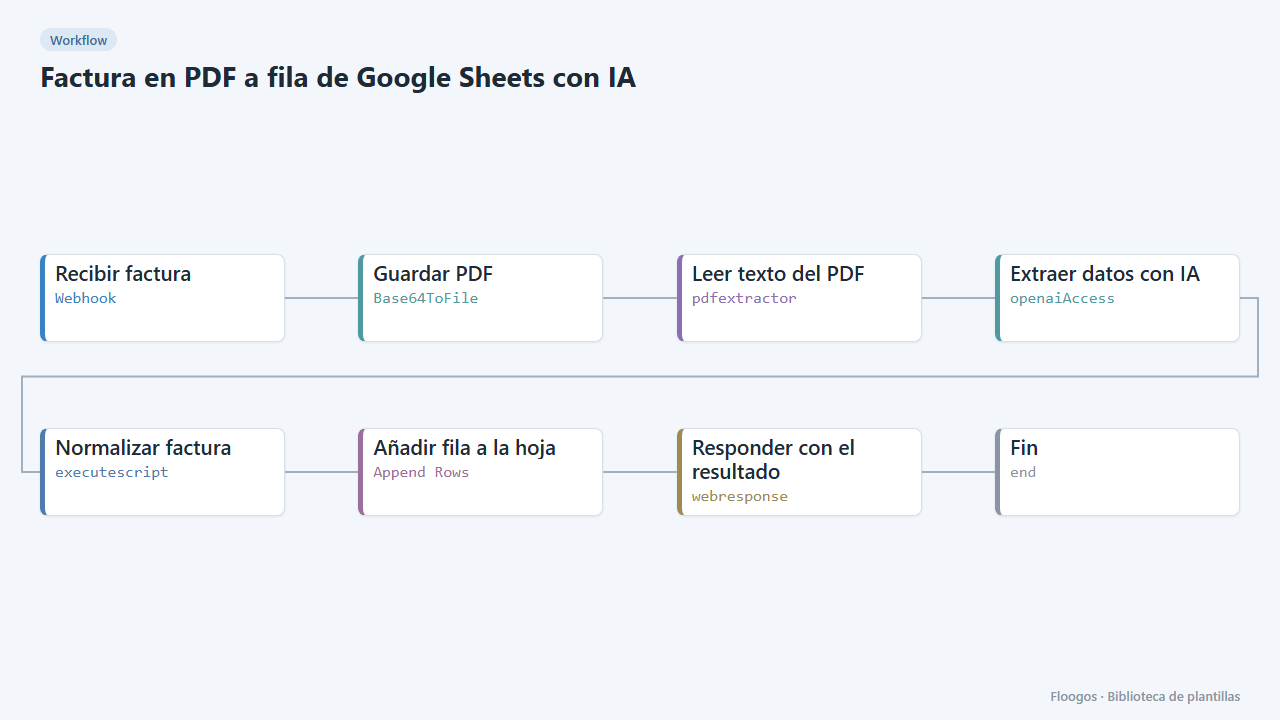
PDF invoice to a Google Sheets row with AI
Receive a PDF invoice, AI extracts supplier, tax ID, number, date, net, VAT, total and lines, validates the amounts and adds a row to your sheet.
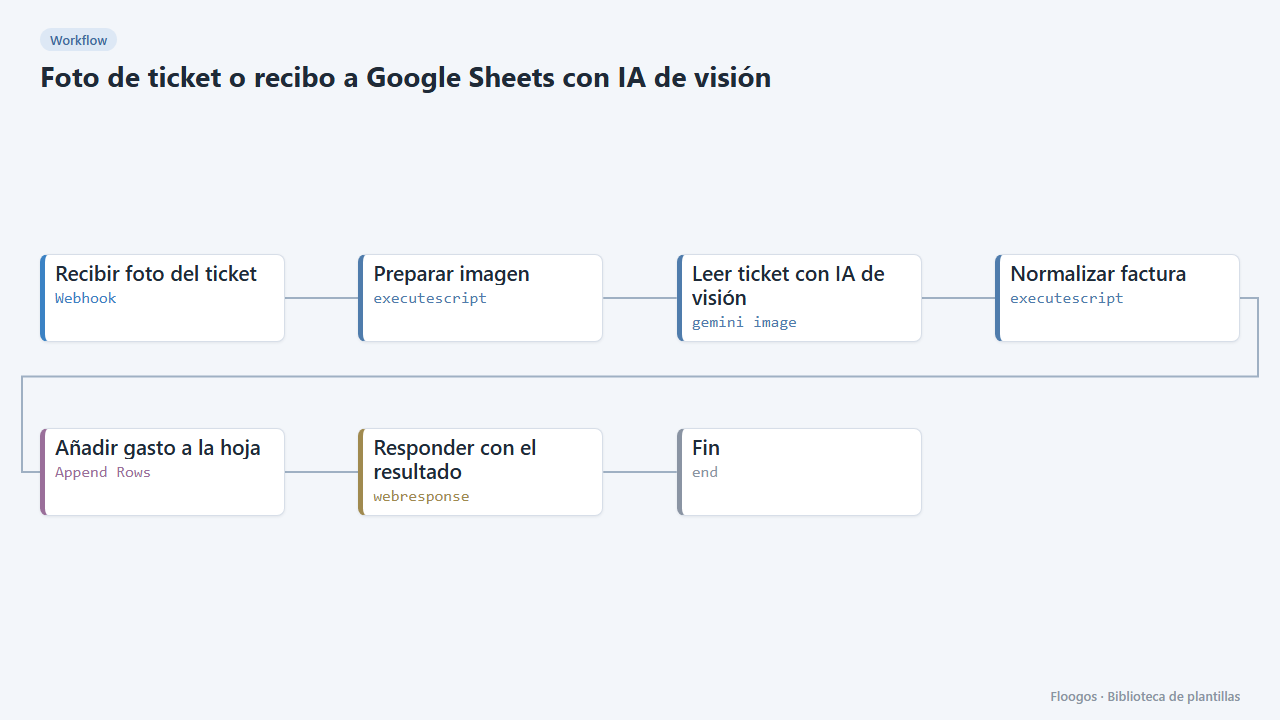
Receipt photo to Google Sheets with vision AI
Send a photo of a receipt: Gemini vision AI reads merchant, date, amounts and lines, validates them and logs them as an expense in your sheet.
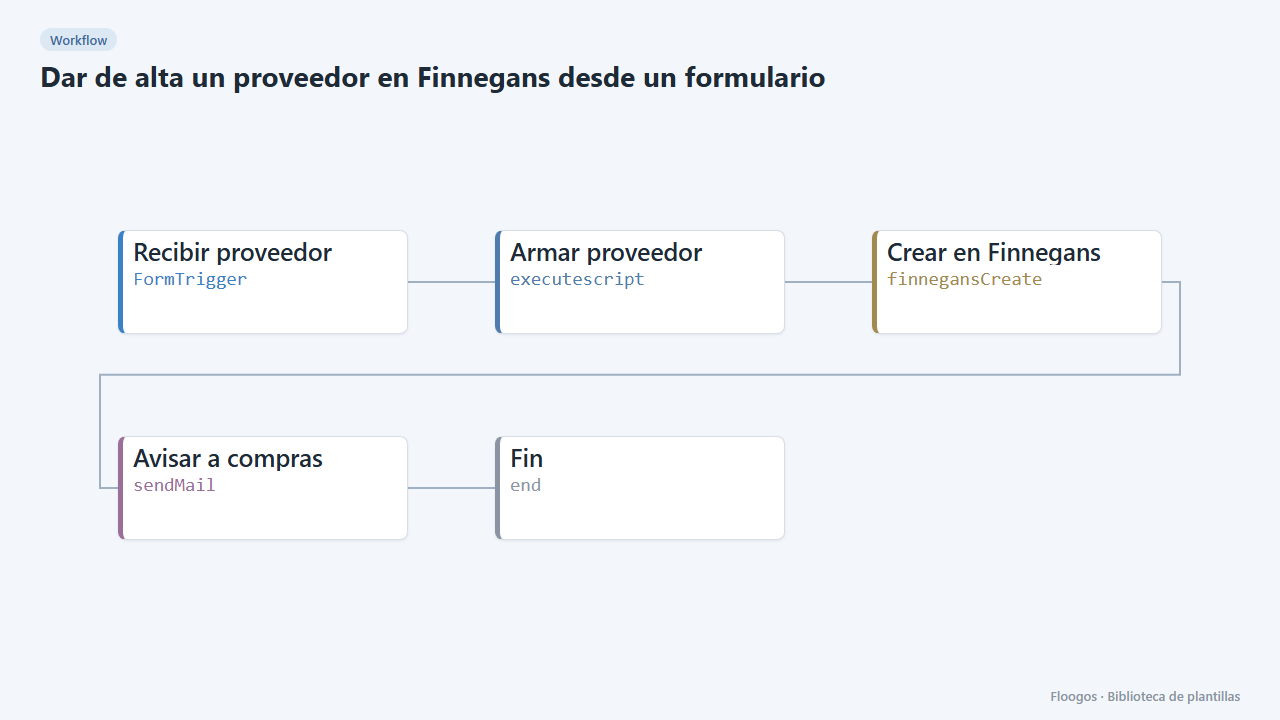
Create a supplier in Finnegans from a form
An internal form to register new suppliers in Finnegans without retyping data, with an email notice when one is created.
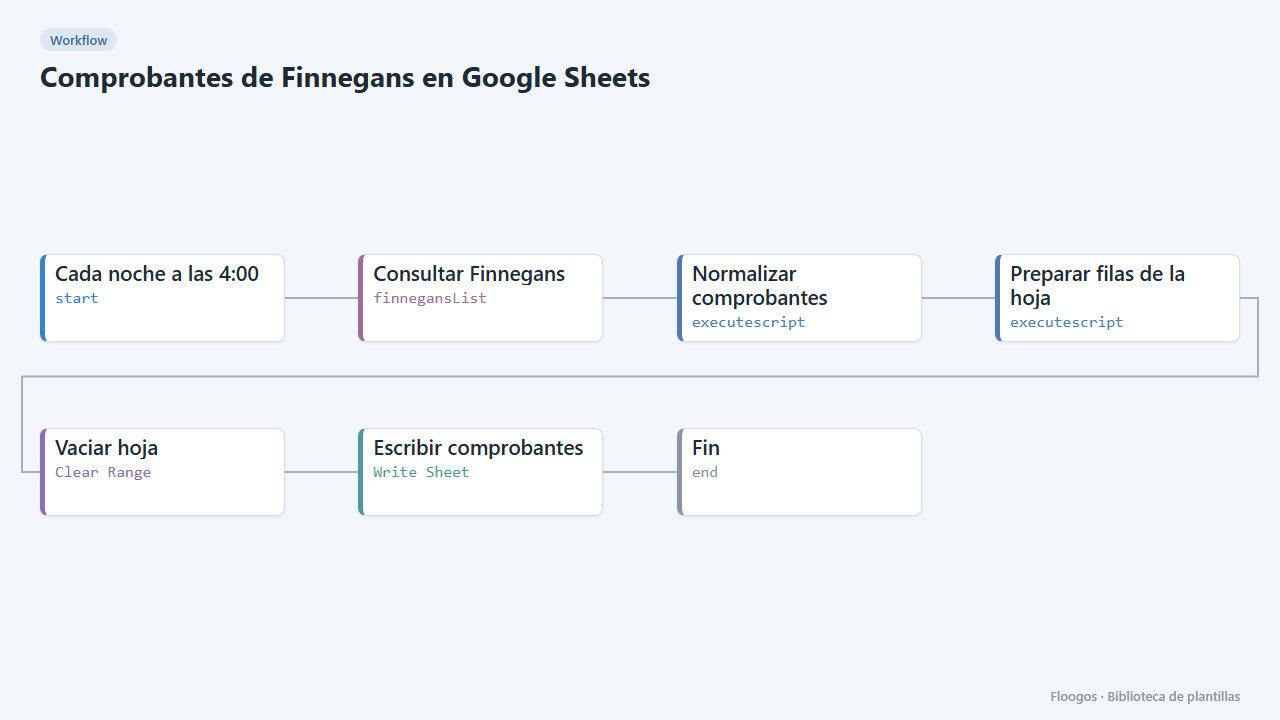
Finnegans documents in Google Sheets
Every night it dumps Finnegans documents to a Google Sheet with clean columns (number, date, customer, seller, status, amount), ready for pivot tables.
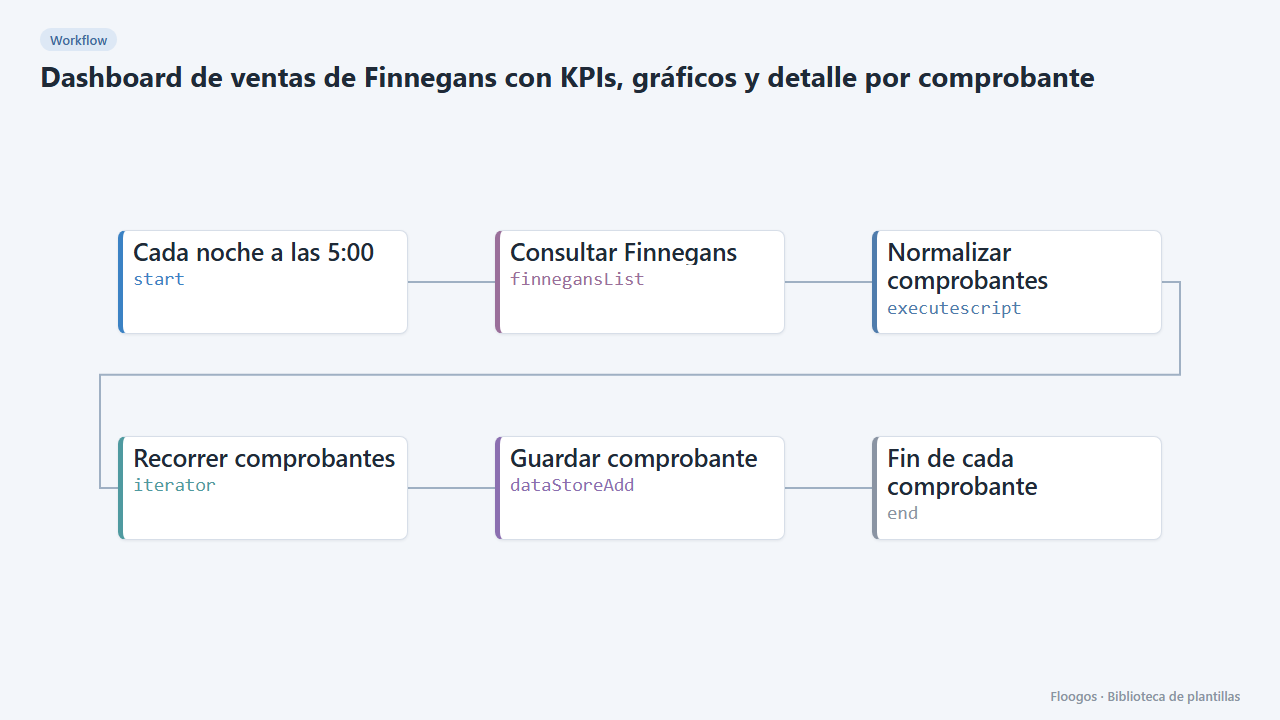
Finnegans sales dashboard with KPIs, charts and per-document detail
Copies Finnegans documents to an interactive dashboard every night: revenue, average ticket, monthly trend, top customers and sellers, with search, a status filter and a side panel with each document's detail.
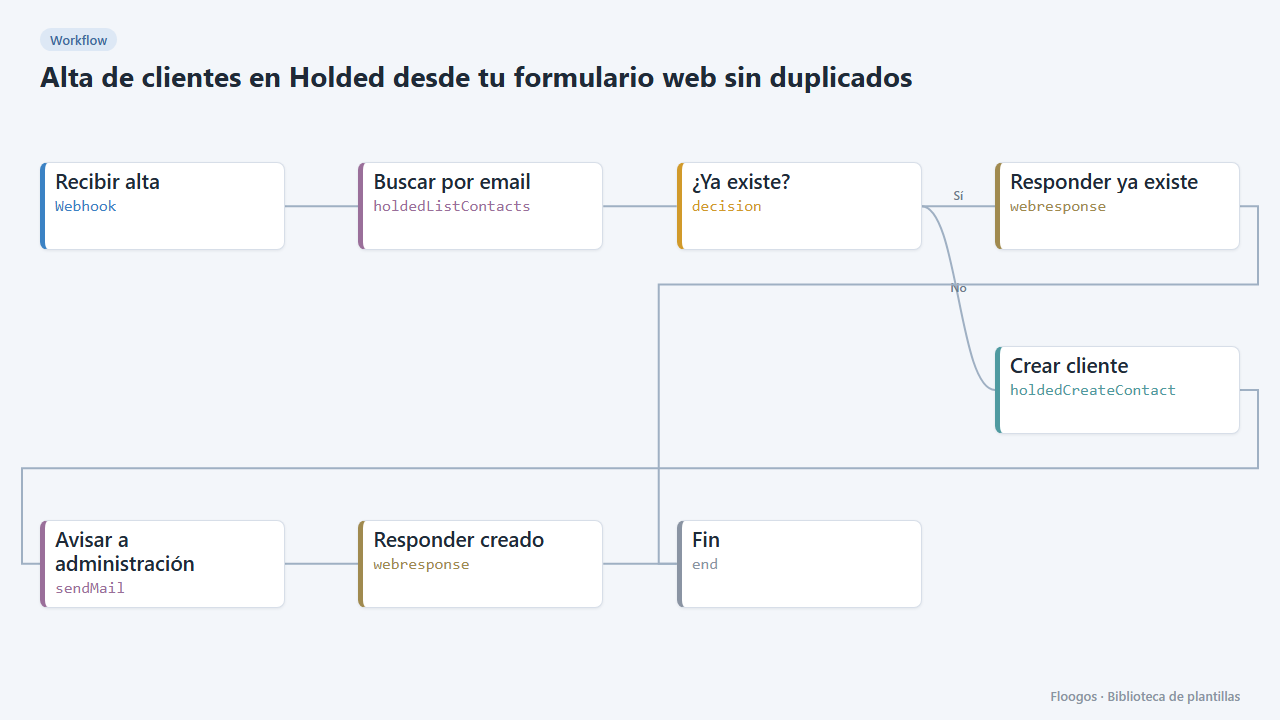
Create Holded customers from your web form without duplicates
Every sign-up received by webhook is looked up by email in Holded: if it already exists nothing happens, otherwise it creates the customer and alerts accounting.
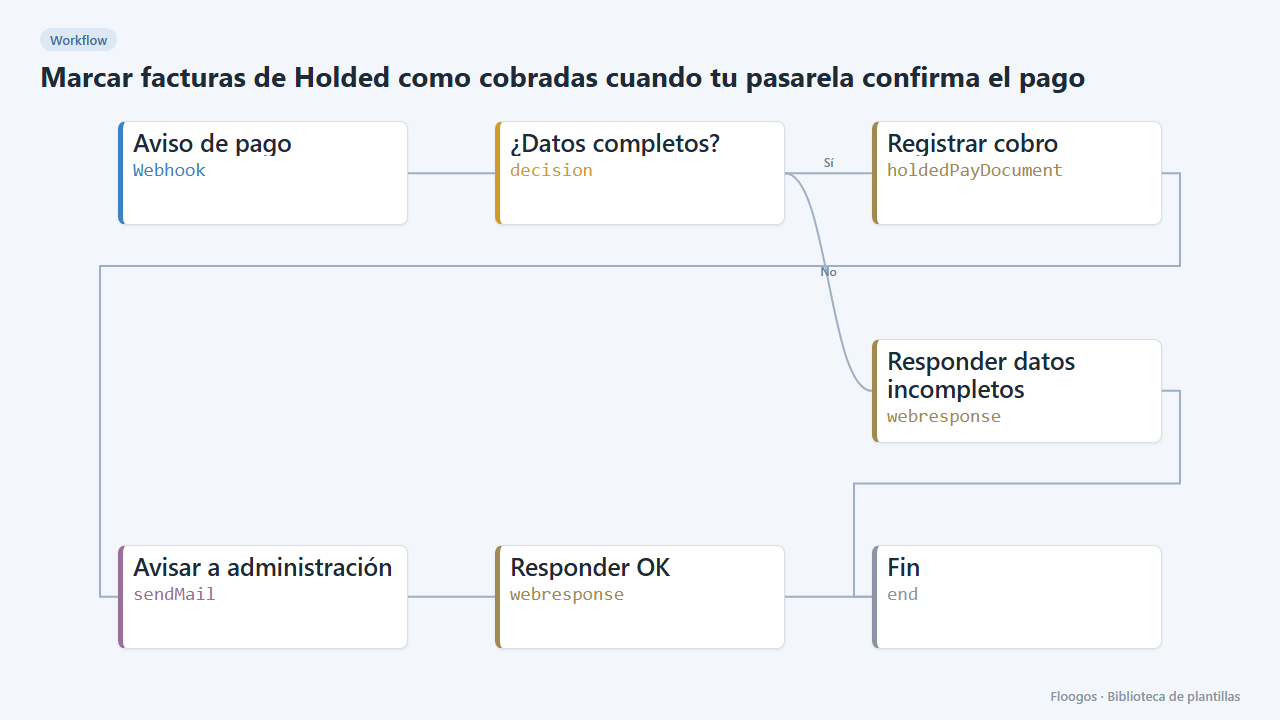
Mark Holded invoices as paid when your payment gateway confirms
When your payment gateway sends a payment notice, it registers the payment on the Holded invoice and alerts accounting by email.
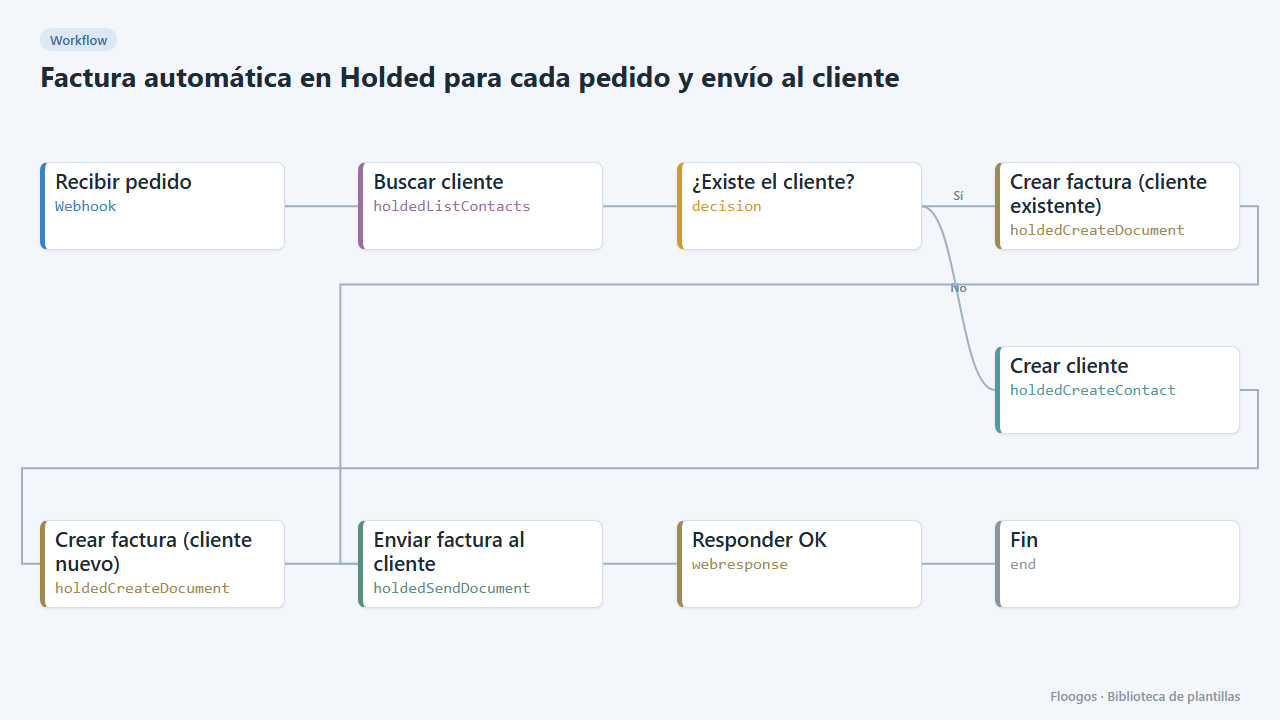
Automatic Holded invoice for every order, emailed to the customer
When an order comes in, it finds or creates the customer in Holded, issues the invoice and emails it from Holded.
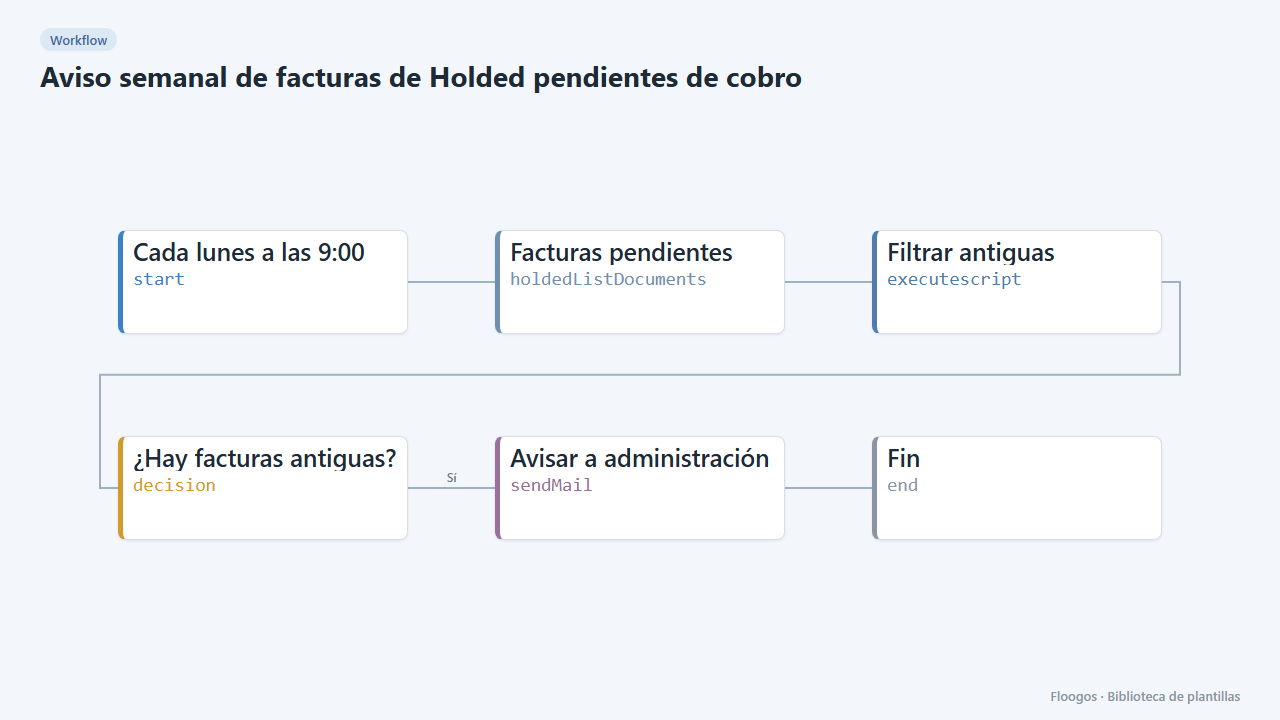
Weekly alert for unpaid Holded invoices
Every Monday it checks your unpaid Holded invoices older than 30 days and emails accounting the list and the outstanding amount.
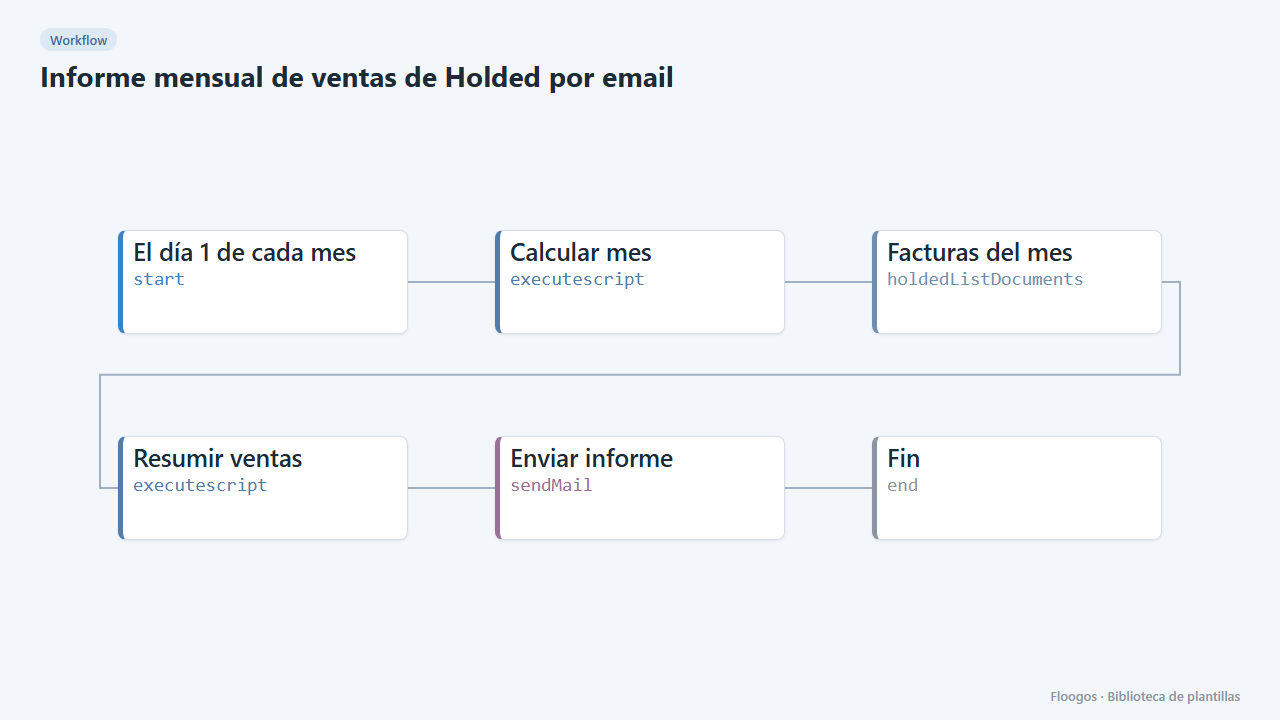
Monthly Holded sales report by email
On the 1st of every month it adds up last month invoices in Holded and emails management a summary with total, invoice count and top customers.
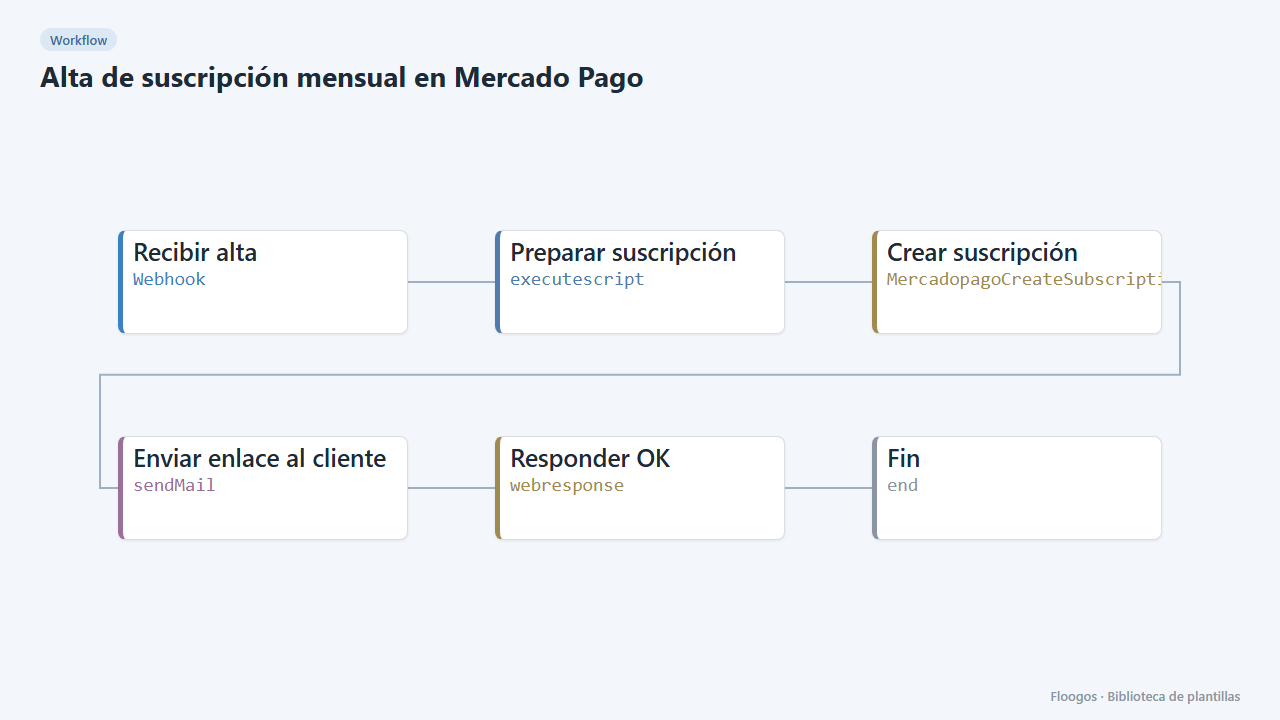
Monthly subscription sign-up in Mercado Pago
Receives a customer data via webhook, creates their monthly Mercado Pago subscription and emails them the link to authorize it.
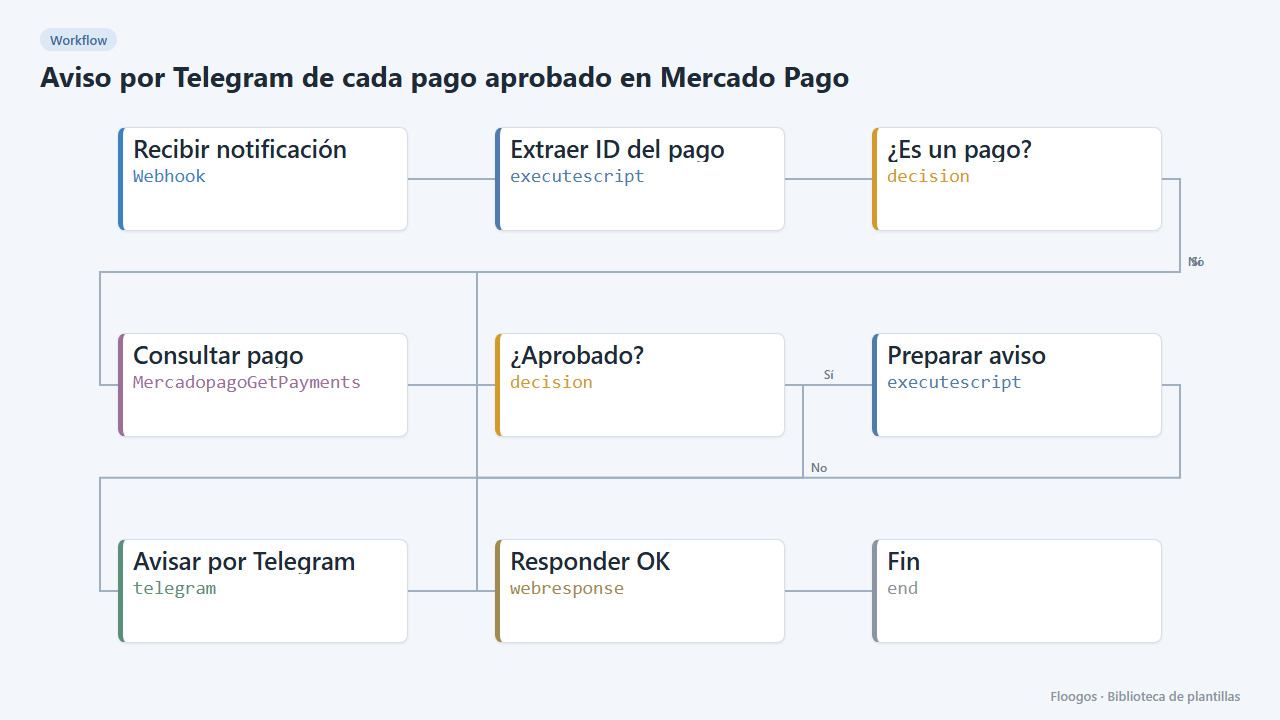
Telegram alert for every approved Mercado Pago payment
When Mercado Pago notifies a payment, it checks it is approved and alerts you on Telegram with the amount and reference.
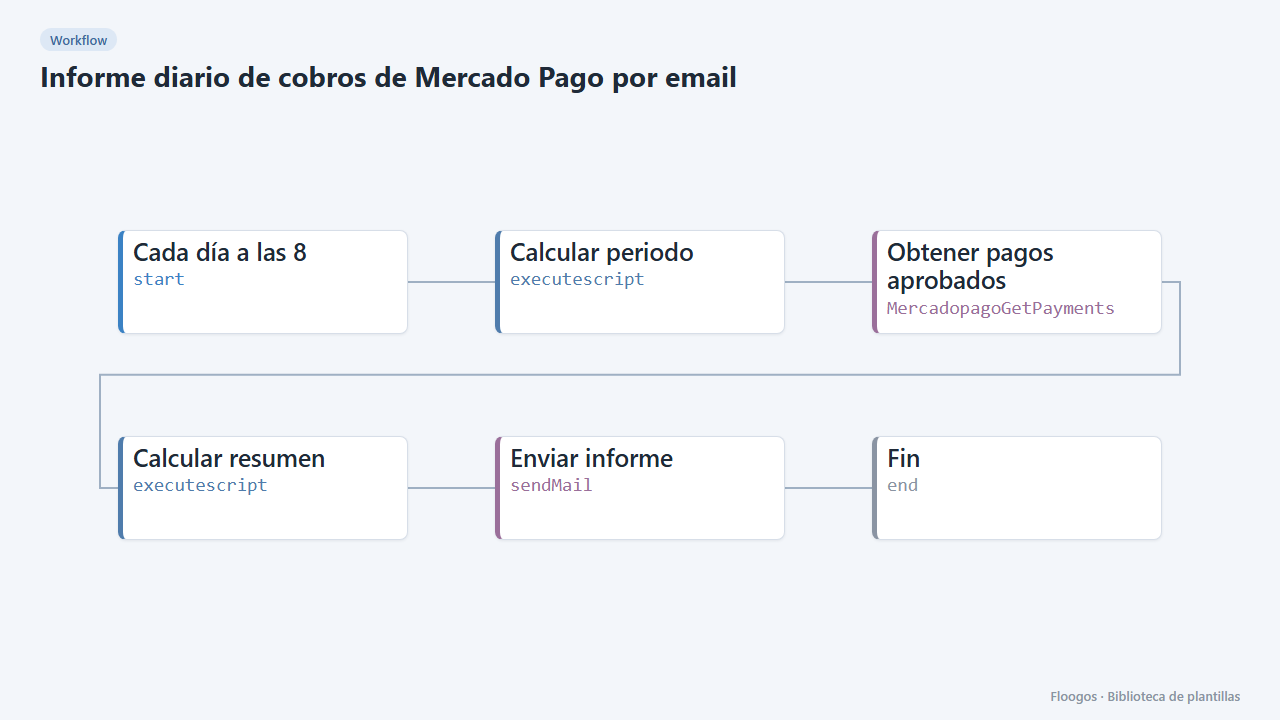
Daily Mercado Pago collections report by email
Every morning it adds up the last 24 hours of approved Mercado Pago payments and emails you the summary.
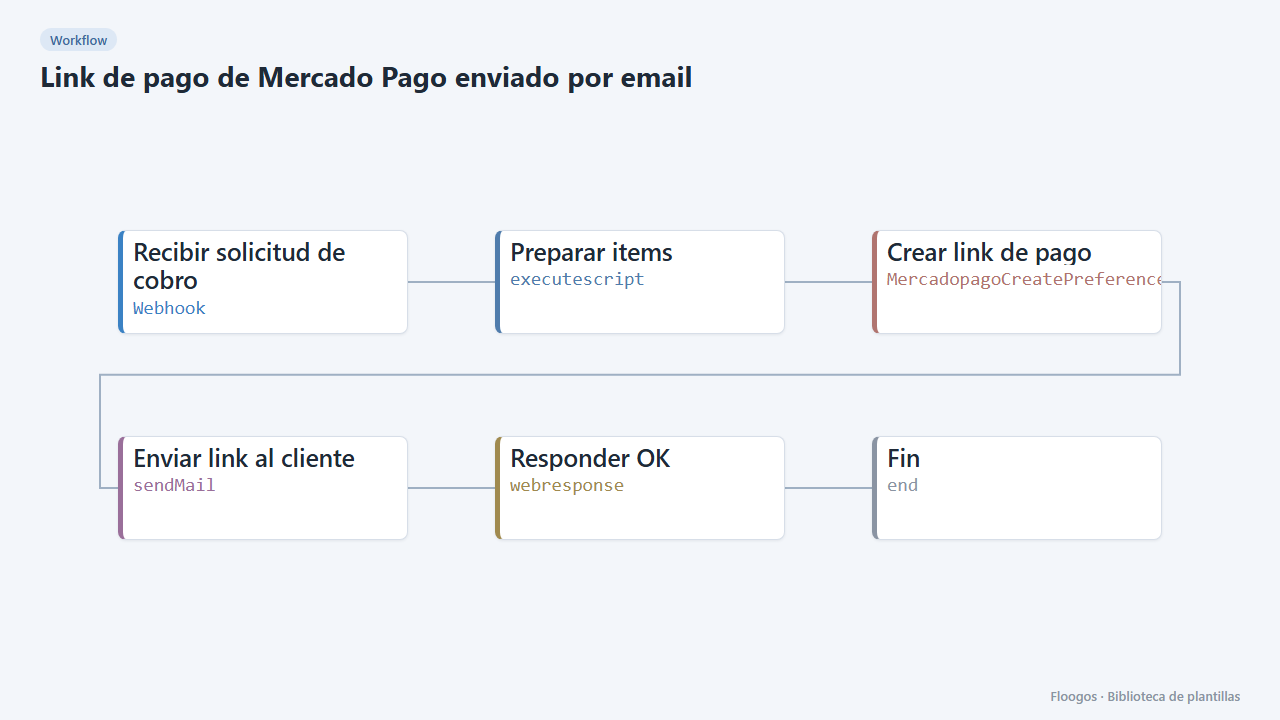
Mercado Pago payment link sent by email
Receives a charge request via webhook, creates the Mercado Pago payment link and emails it to the customer.
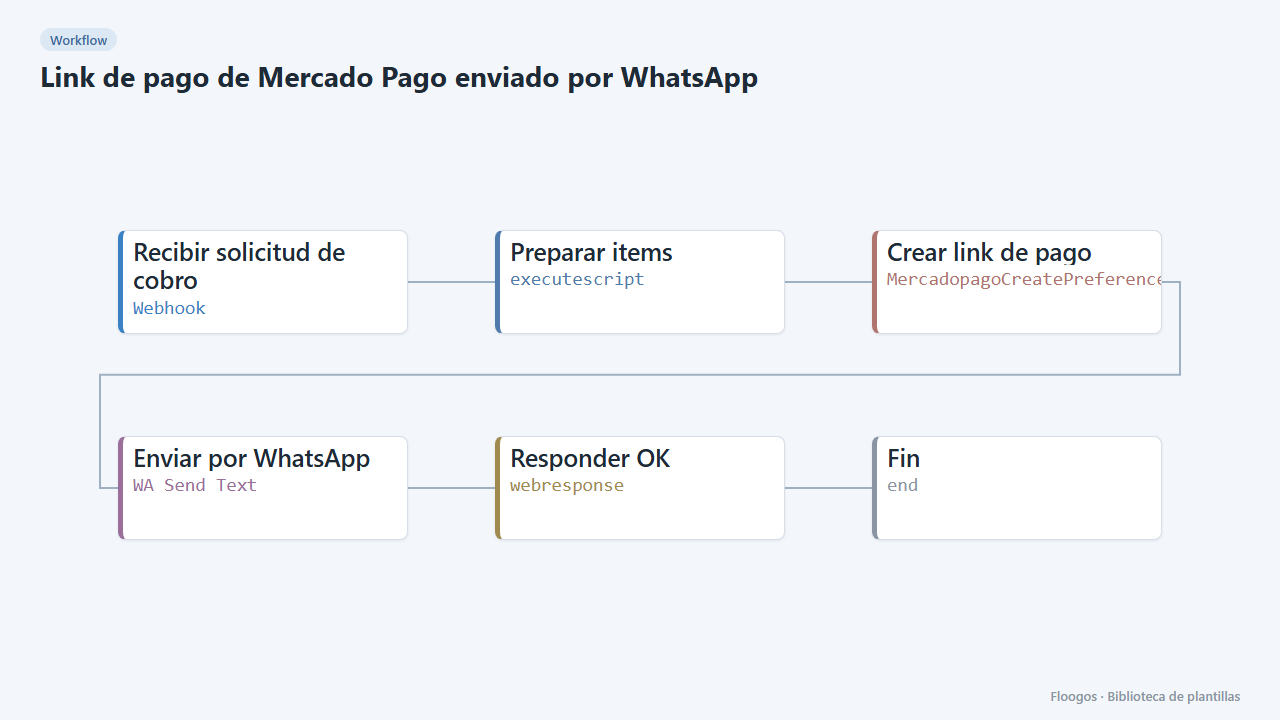
Mercado Pago payment link sent via WhatsApp
Creates the Mercado Pago payment link and sends it to the customer on WhatsApp Business right away.
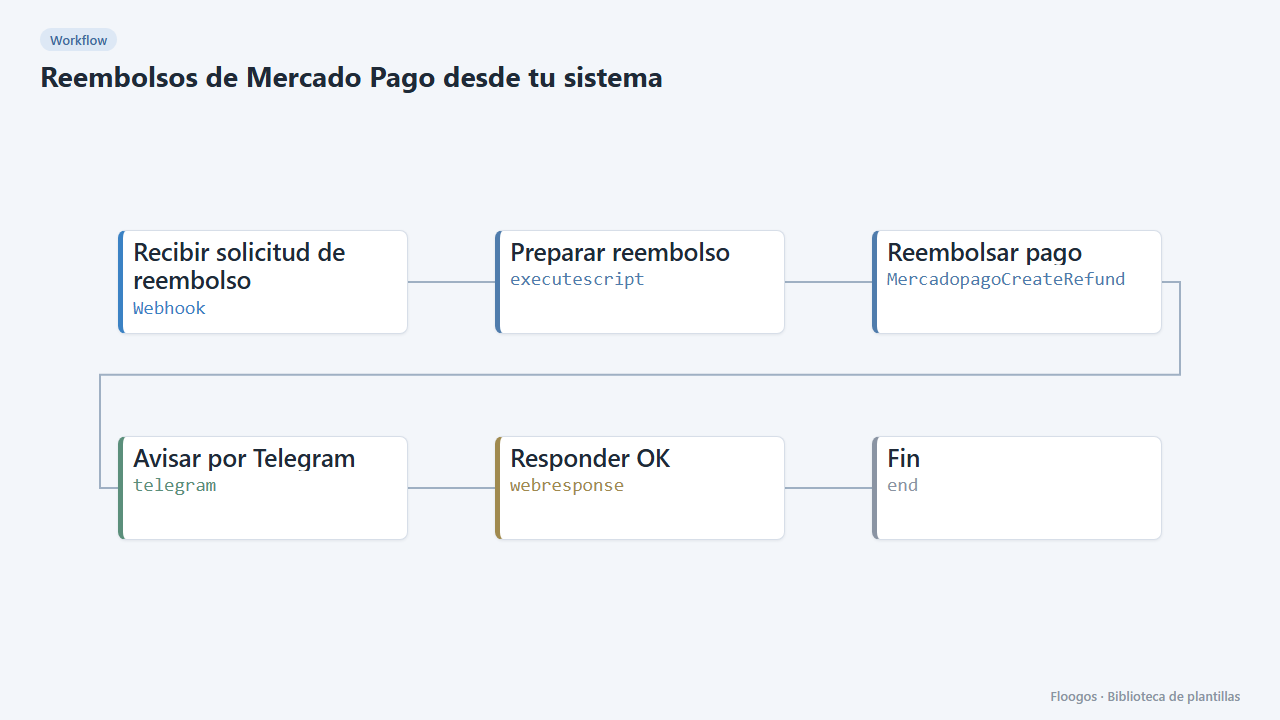
Mercado Pago refunds from your own system
A webhook receives a payment ID (and optionally an amount), refunds it in Mercado Pago and alerts you on Telegram.
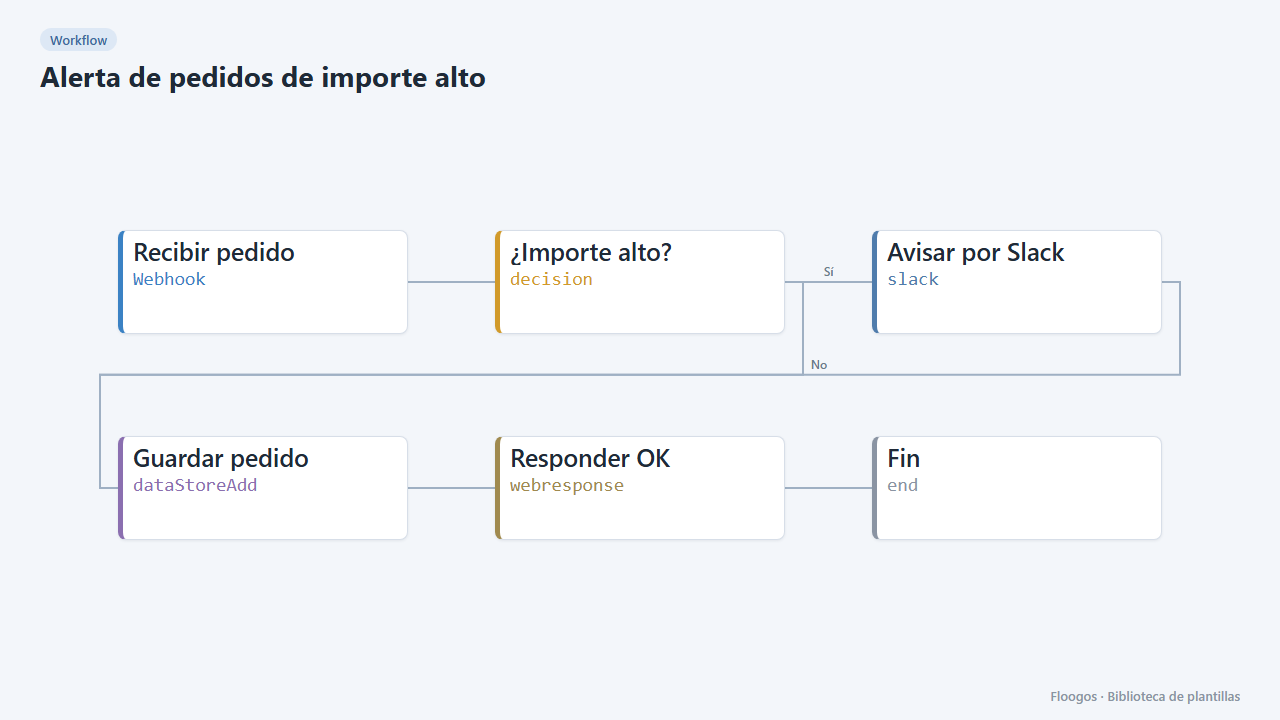
High-value order alert
Receive every order via webhook, alert on Slack when it exceeds an amount, and store all orders in a Data Store.
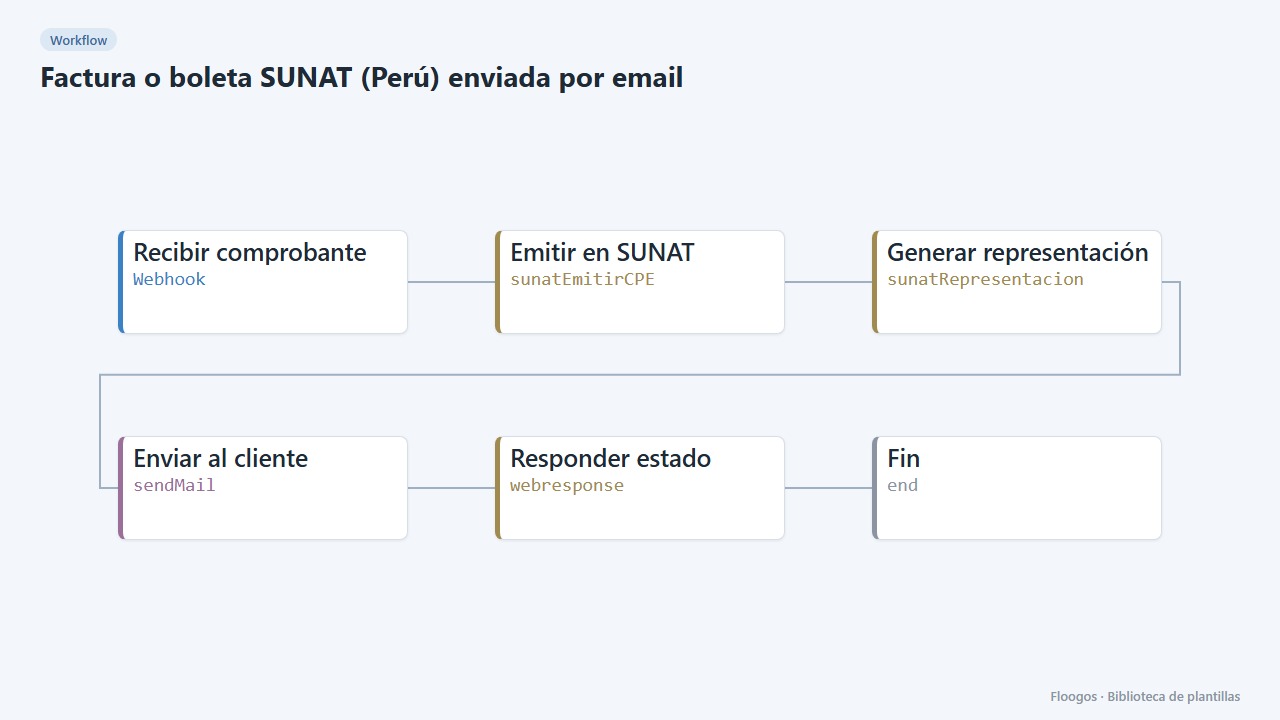
SUNAT invoice or receipt (Peru) sent by email
Issue SUNAT electronic invoices and receipts from a webhook, get the acceptance receipt and email the document to the customer.
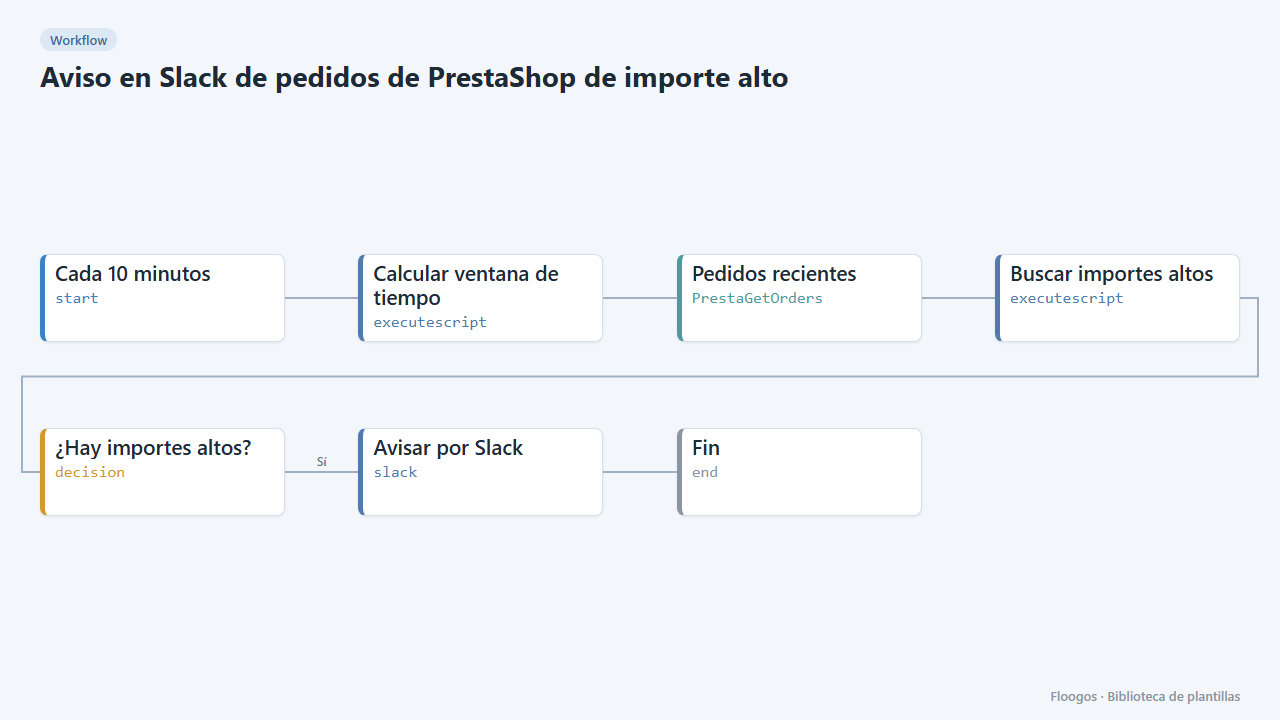
Slack alert for high-value PrestaShop orders
Every 10 minutes it looks for new PrestaShop orders above an amount and alerts on Slack for manual review.
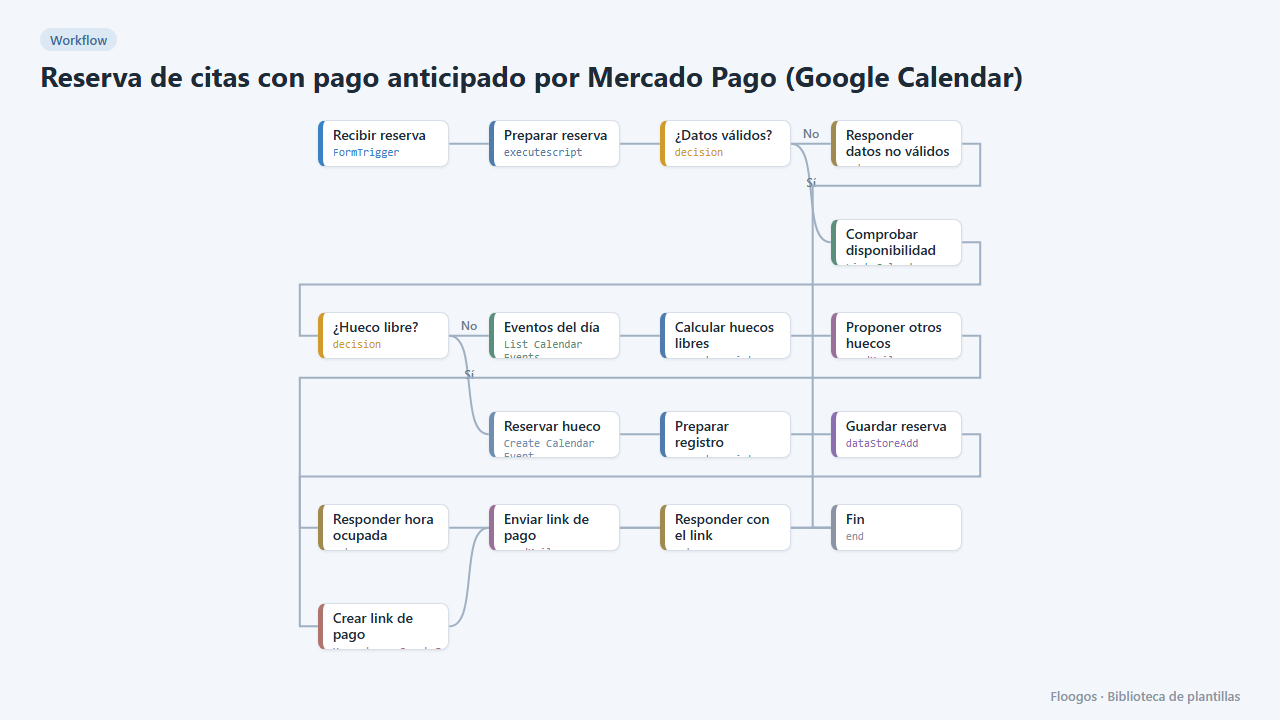
Appointment booking with upfront Mercado Pago payment (Google Calendar)
The customer books, gets a Mercado Pago payment link and the appointment is only confirmed in your Google Calendar once the payment is approved; if they do not pay, the slot is released automatically.
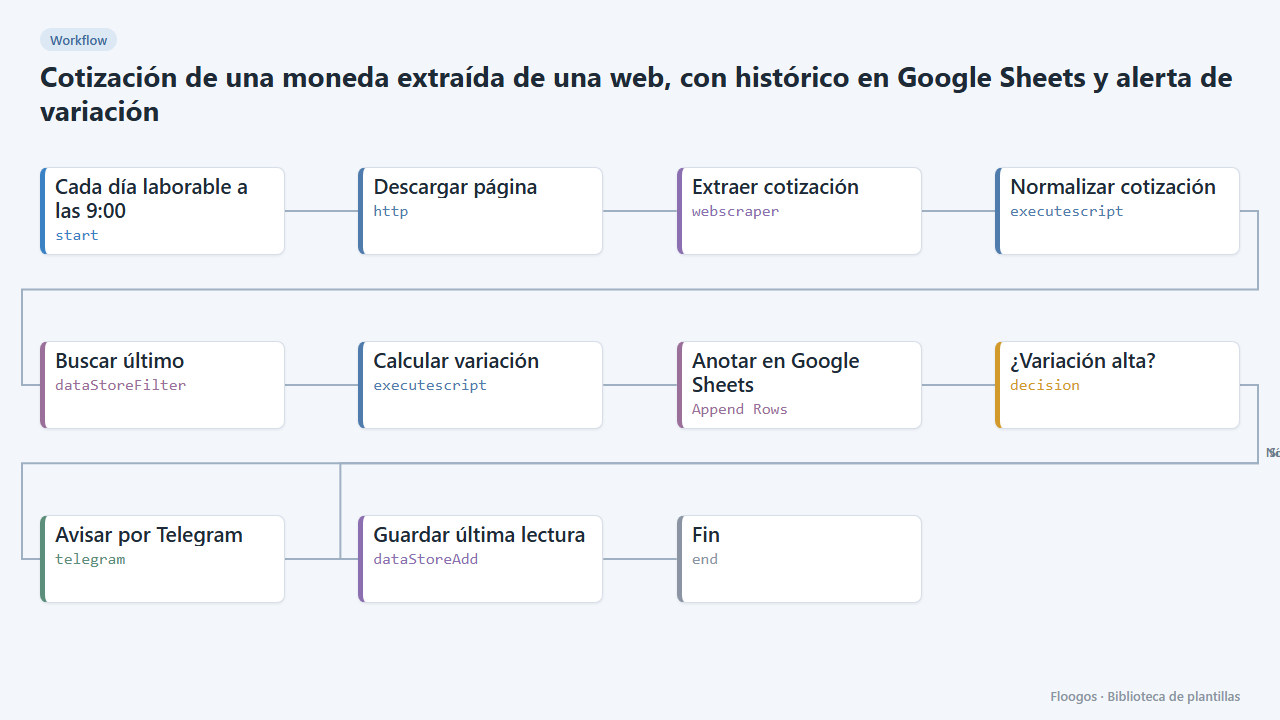
Currency rate scraped from a website, with Google Sheets history and variation alert
Reads the dollar, euro or any currency rate from a web page, logs it in Google Sheets every day and alerts you on Telegram when it moves more than a set percentage.
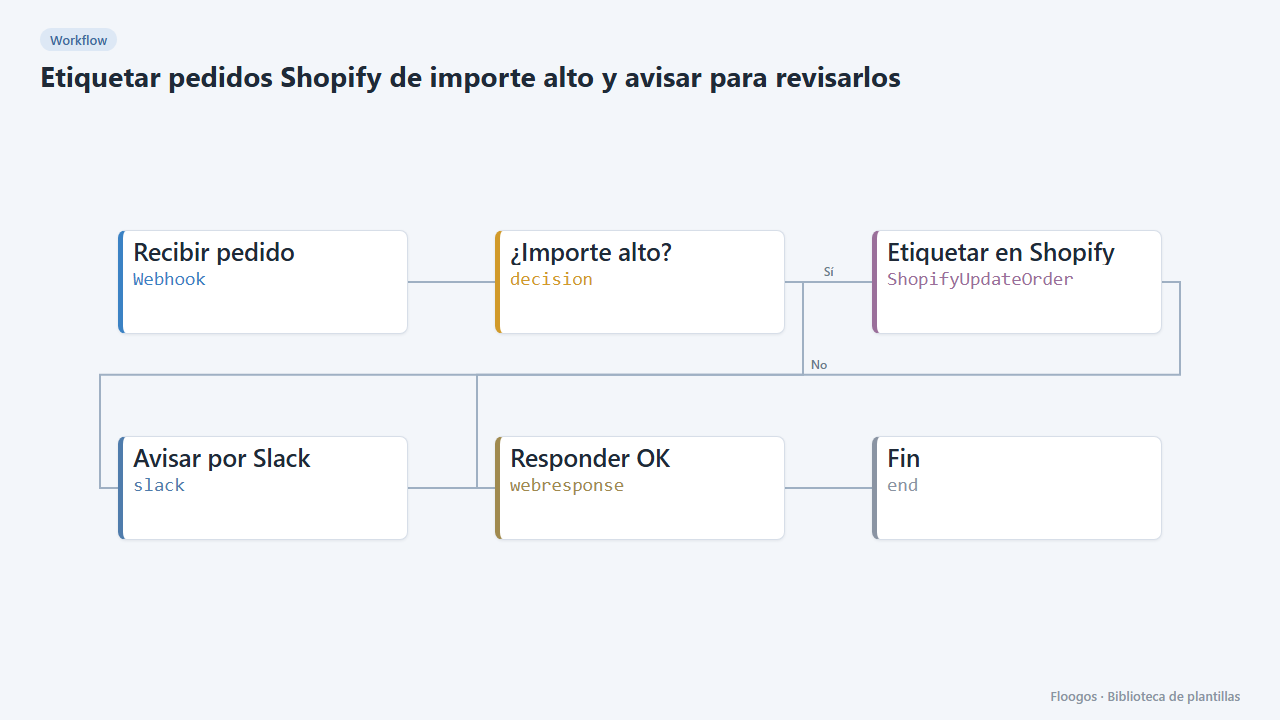
Tag high-value Shopify orders and alert for review
If a Shopify order exceeds an amount, it is tagged "revision-manual" in the store itself and Slack is alerted before shipping is prepared.
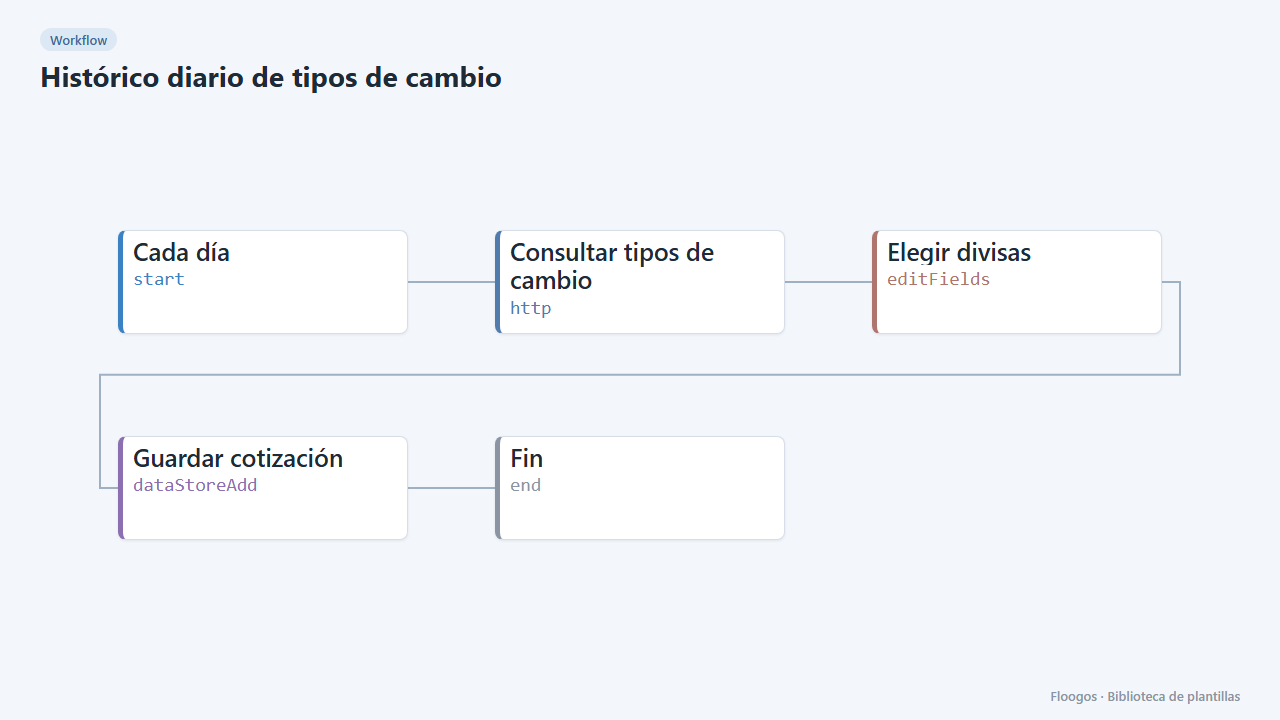
Daily exchange-rate history
Every day it fetches the US dollar exchange rates and stores one row per date in a Data Store, ready for reports and reconciliations.
Already have a template code?
If someone gave you a FLGS-XXXX-XXXX code, import it from the Library in your Floogos account.
Open the Library