
Currency rate scraped from a website, with Google Sheets history and variation alert
Reads the dollar, euro or any currency rate from a web page, logs it in Google Sheets every day and alerts you on Telegram when it moves more than a set percentage.
Everything is created inactive in a new folder of your account. Nothing runs until you activate it, and you can undo it for 24 hours.
What it does
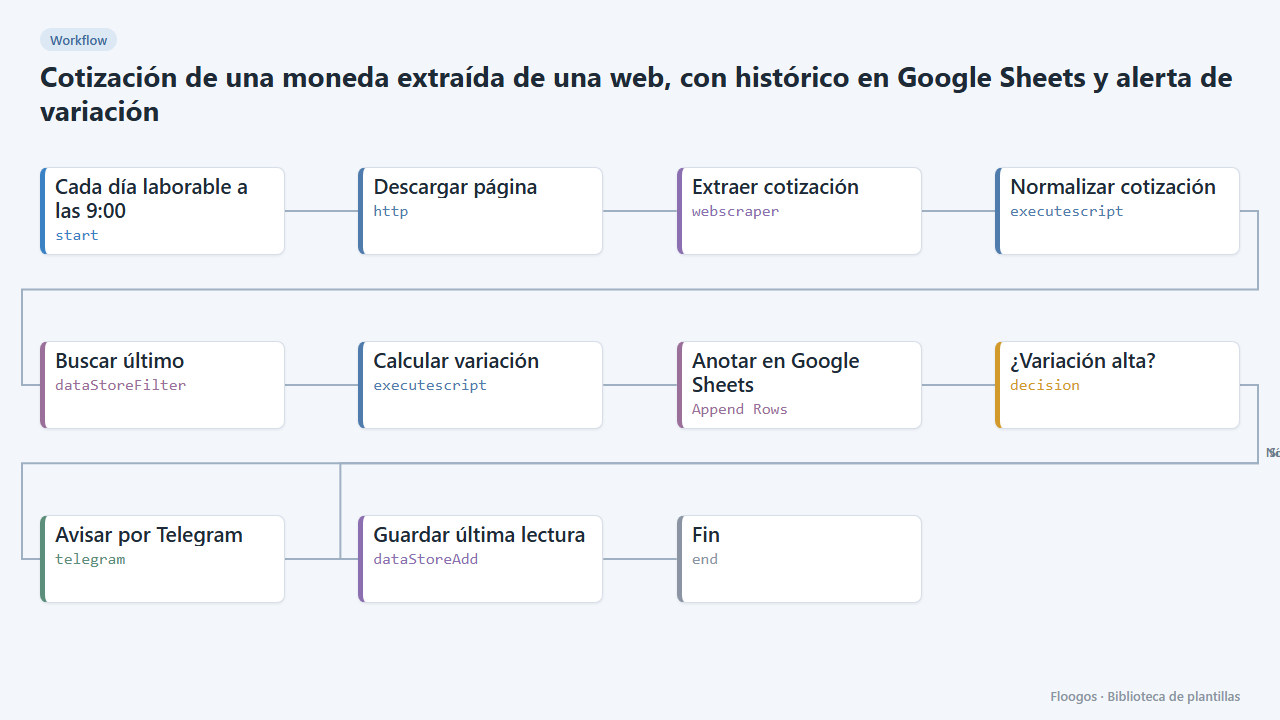
For when your currency is not in a free API but is on a public page (an exchange house, a central bank, a financial portal). The workflow downloads the page, the Web Scraper node extracts the value with a CSS selector, turns it into a number, compares it with the last reading stored in a Data Store and appends a row (date, pair, value, variation %) to your Google Sheets spreadsheet. If the variation exceeds the threshold (1% by default) you get a Telegram alert.
What is included: 1 scheduled workflow (Monday to Friday at 9:00) and the cotizaciones data group, where the last reading is kept.
What you need: a Google Sheets spreadsheet with the headers fecha, par, valor, variacion, the Google connection and a Telegram bot. The sample URL and selector are only indicative: you will have to adapt them to the website you choose.
Responsible use: check the site robots.txt and terms of use before extracting data and do not make requests more often than needed. If the website offers an official API, it is always the best option.
How to set it up
- 1
Connect the google credential
This template uses google in: Anotar en Google Sheets. Create or pick the credential and assign it in those nodes.
- 2
Connect the telegram credential
This template uses telegram in: Avisar por Telegram. Create or pick the credential and assign it in those nodes.
- 3
Pick the website and the selector
In the Descargar página node enter the URL of the page showing the rate. Open it in your browser, right-click the number and choose Inspect; copy a CSS selector that identifies it (for example
.sell-price) and paste it into the Extraer cotización node, in theselectorfield. The sample selector (.ccOutputRslt) only fits the sample website and may stop working. Note that the node reads the HTML as delivered: if JavaScript paints the number, it will not see it. - 4
Set the pair name and the threshold
In the Normalizar cotización node change
USD/EURto the pair you follow and, in Calcular variación, adjustUMBRAL_PORCENTAJE(1 = alert when it moves 1% or more compared with the previous reading). - 5
Connect Google Sheets and Telegram
In Anotar en Google Sheets pick your Google connection, the spreadsheet ID and the sheet tab name (range). In Avisar por Telegram pick the bot credential; the chat the message goes to is defined in that credential.
- 6
Test and enable the schedule
Run the workflow by hand: a row should appear in the spreadsheet. The first time there is no previous reading, so no alert is sent. Then enable the schedule on the first node (by default, Monday to Friday at 9:00).
- 7
Activate the workflow
Workflows are installed inactive. Once everything is set, activate it.
Related templates
Other templates that use similar nodes or integrations.
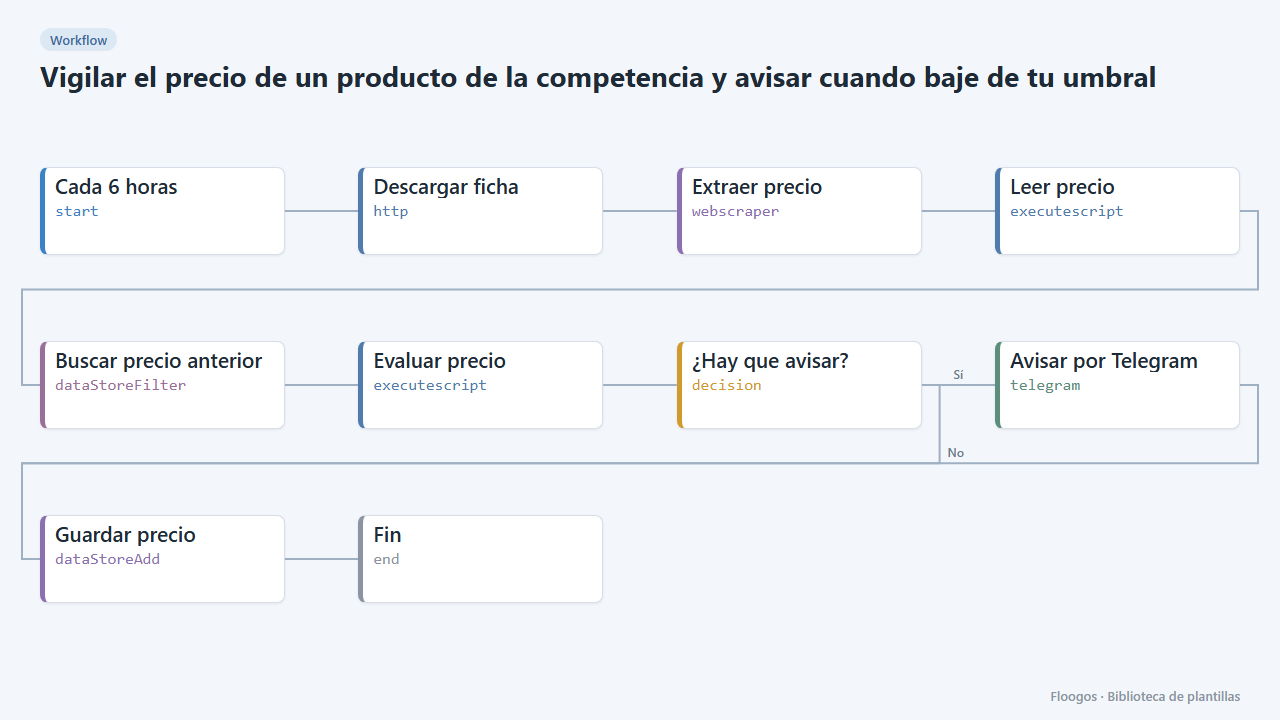
Watch a competitor product price and alert when it drops below your threshold
Checks a competitor product page every few hours, extracts its price and alerts you on Telegram when it falls below the figure you set.
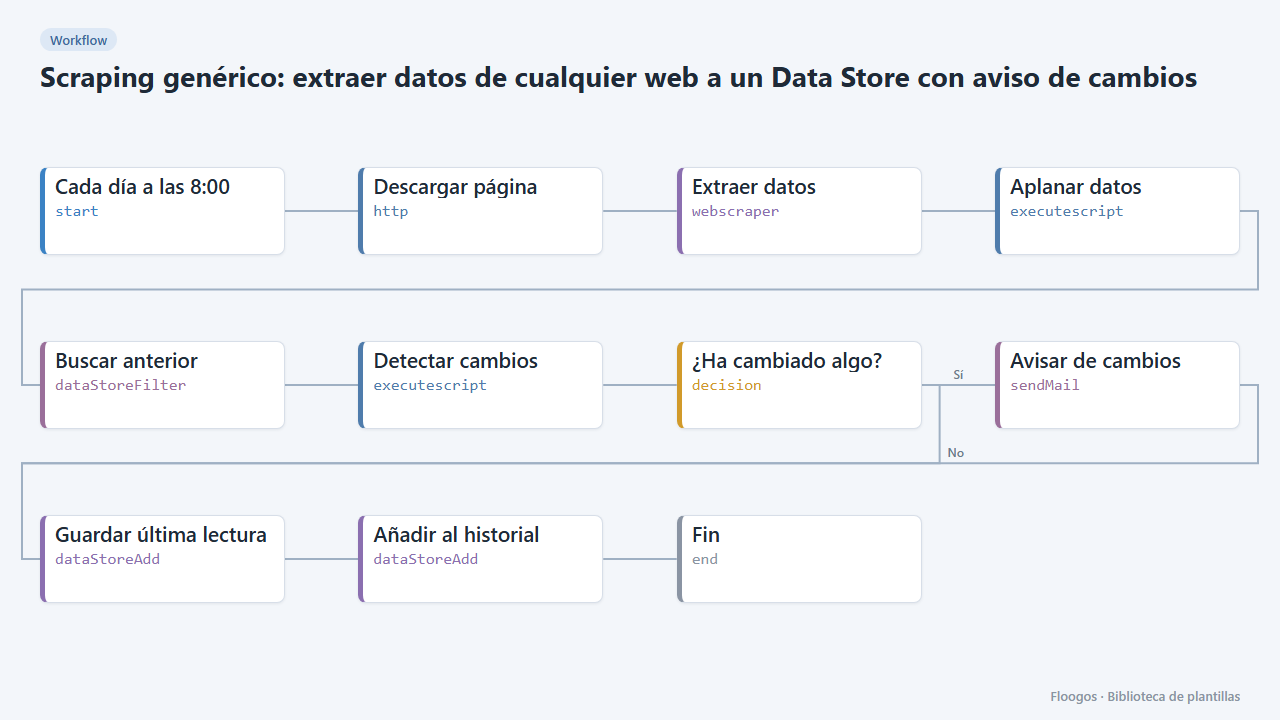
Generic scraping: extract data from any website into a Data Store with change alerts
Base template: you give a URL and the CSS selectors of what you want to extract, and the workflow stores each reading in a Data Store and alerts you if any value changes.
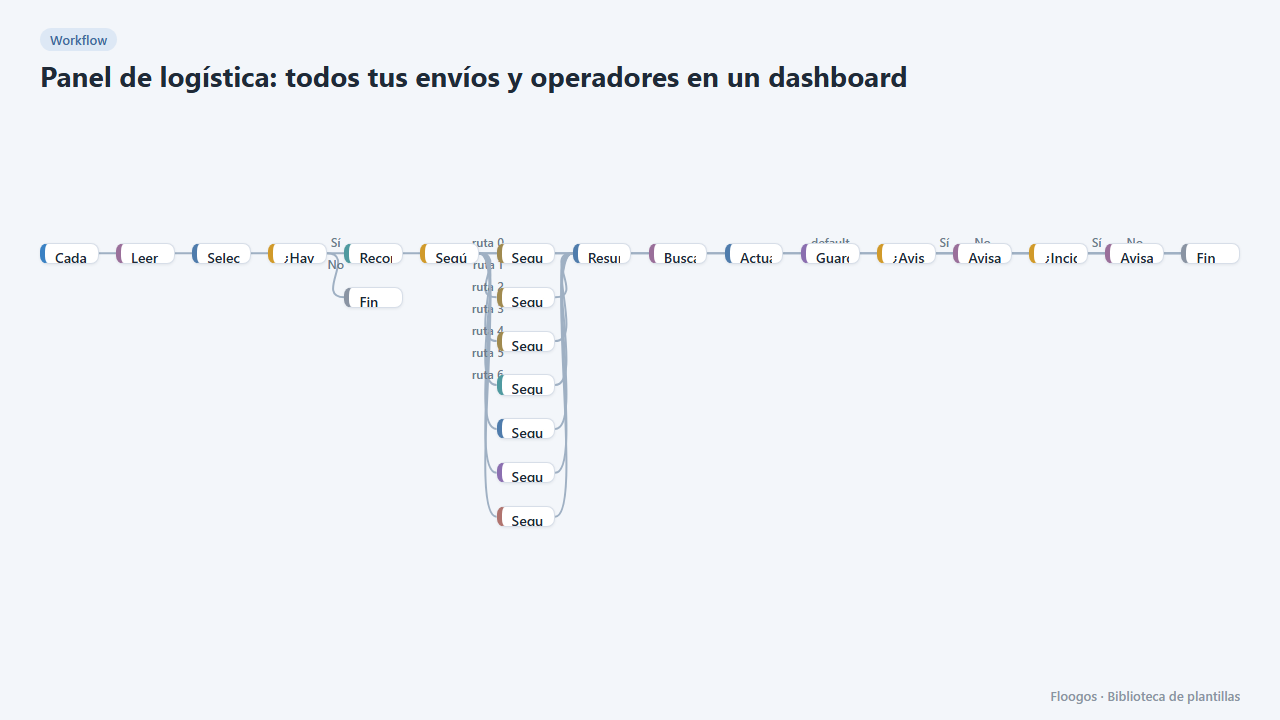
Logistics panel: all your shipments and carriers in one dashboard
Dashboard with KPIs, charts, filters and a side detail panel per shipment, fed by automatic tracking of DHL, FedEx, UPS, SEUR, Sendcloud, Shippo and EasyPost.
Try it in under 5 minutes
Create the template in your account, connect your credentials and activate it when you are ready.
Use this template