
Watch a competitor product price and alert when it drops below your threshold
Checks a competitor product page every few hours, extracts its price and alerts you on Telegram when it falls below the figure you set.
Everything is created inactive in a new folder of your account. Nothing runs until you activate it, and you can undo it for 24 hours.
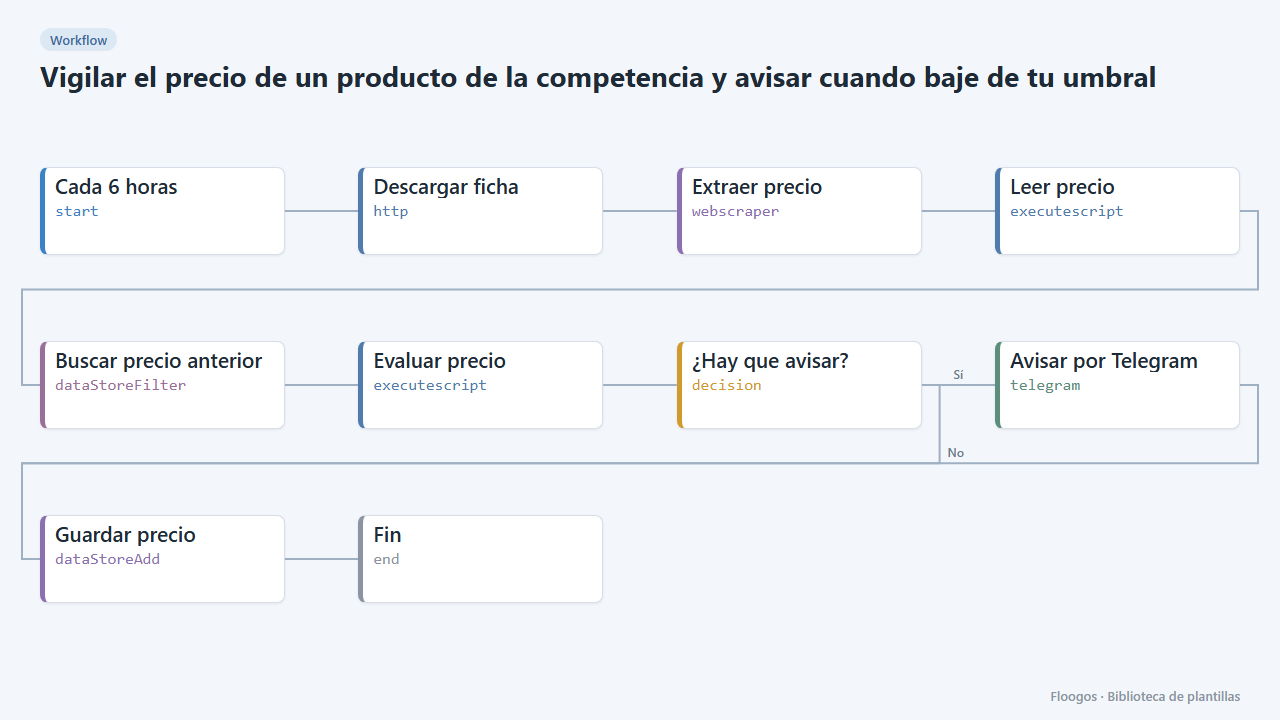
What it does
For sales and e-commerce teams that want to react quickly to market price changes. The workflow downloads the product page, the Web Scraper node extracts the price and name, and a script turns it into a number and compares it with your threshold and with the previous reading (kept in a Data Store). It only alerts when the price drops below the threshold or keeps dropping, so you do not get the same alert on every run.
What is included: 1 scheduled workflow (every 6 hours) and the precios-competencia data group.
What you need: a Telegram bot and the product URL. The sample selector is only indicative: you must adjust it to the specific website. Many shops paint the price with JavaScript; in that case the node will not see it and you will need to find the figure in the HTML (for example a meta tag or a JSON-LD block) or use an API.
Responsible use: check the site robots.txt and terms of use and do not query more often than needed; some shops expressly forbid automated scraping.
How to set it up
- 1
Connect the telegram credential
This template uses telegram in: Avisar por Telegram. Create or pick the credential and assign it in those nodes.
- 2
Set the product and the price selector
In Descargar ficha paste the product URL. In Extraer precio adjust the
precioandproductoselectors (right-click > Inspect on the price in your browser; copy a selector like.product-price). If the price does not appear in the original HTML (View source), the site loads it with JavaScript and this method will not work. - 3
Set your threshold
In the Evaluar precio node change
UMBRAL_PRECIO(100 by default) to the price below which you want to be alerted andURL_PRODUCTOto the product URL, which is included in the message. - 4
Connect Telegram and test
In Avisar por Telegram pick the bot credential (the destination chat is defined in the credential). Run the workflow by hand: the first time it stores the price and alerts only if it is already below the threshold. Then enable the schedule on the first node (by default, every 6 hours).
- 5
Activate the workflow
Workflows are installed inactive. Once everything is set, activate it.
Related templates
Other templates that use similar nodes or integrations.
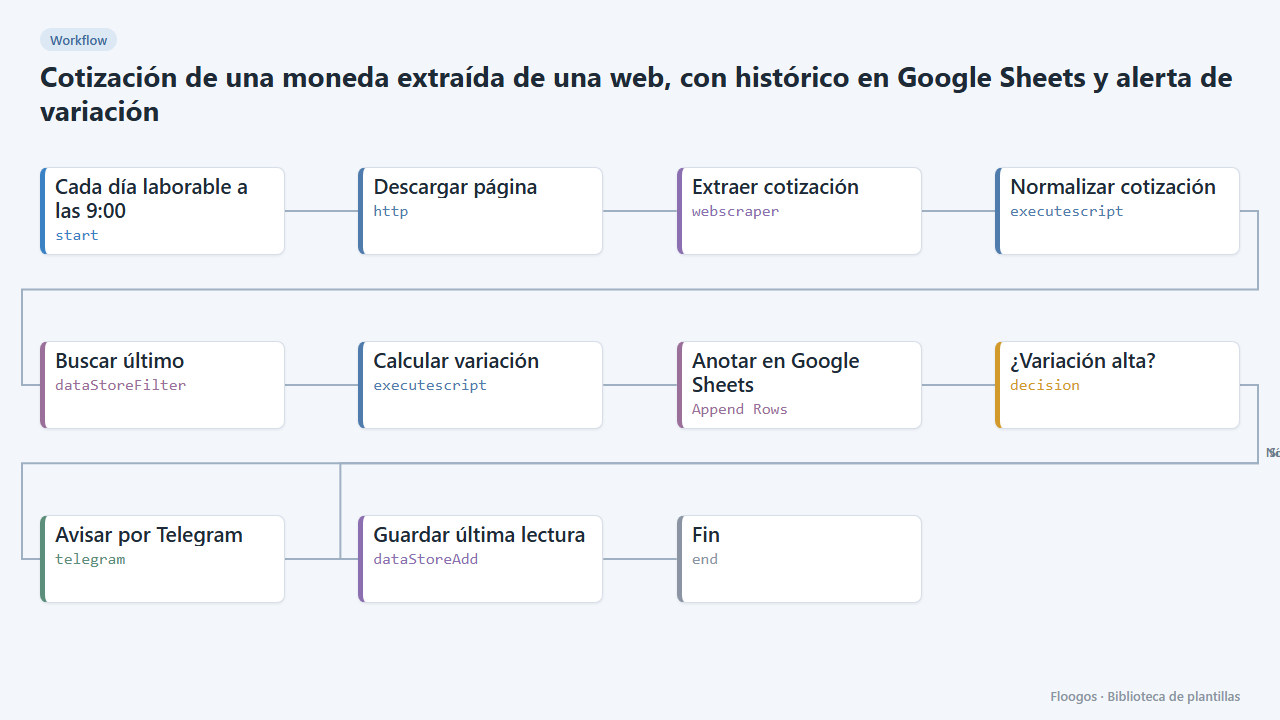
Currency rate scraped from a website, with Google Sheets history and variation alert
Reads the dollar, euro or any currency rate from a web page, logs it in Google Sheets every day and alerts you on Telegram when it moves more than a set percentage.
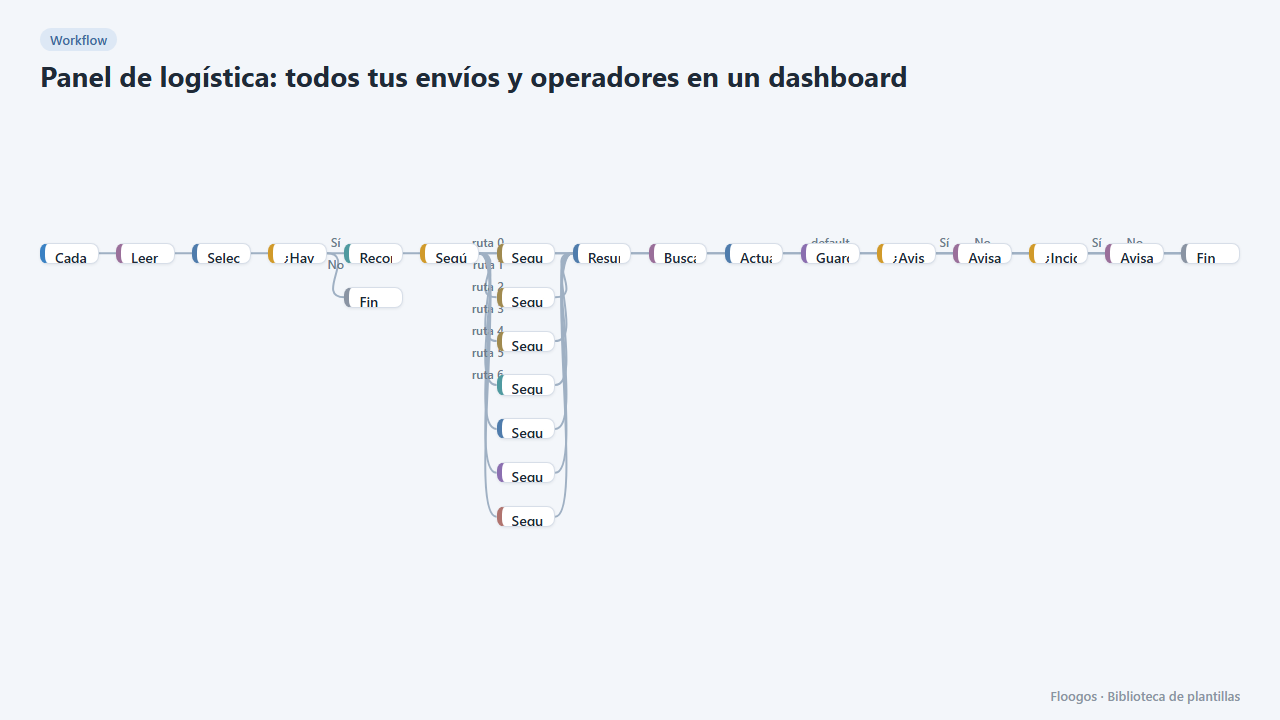
Logistics panel: all your shipments and carriers in one dashboard
Dashboard with KPIs, charts, filters and a side detail panel per shipment, fed by automatic tracking of DHL, FedEx, UPS, SEUR, Sendcloud, Shippo and EasyPost.
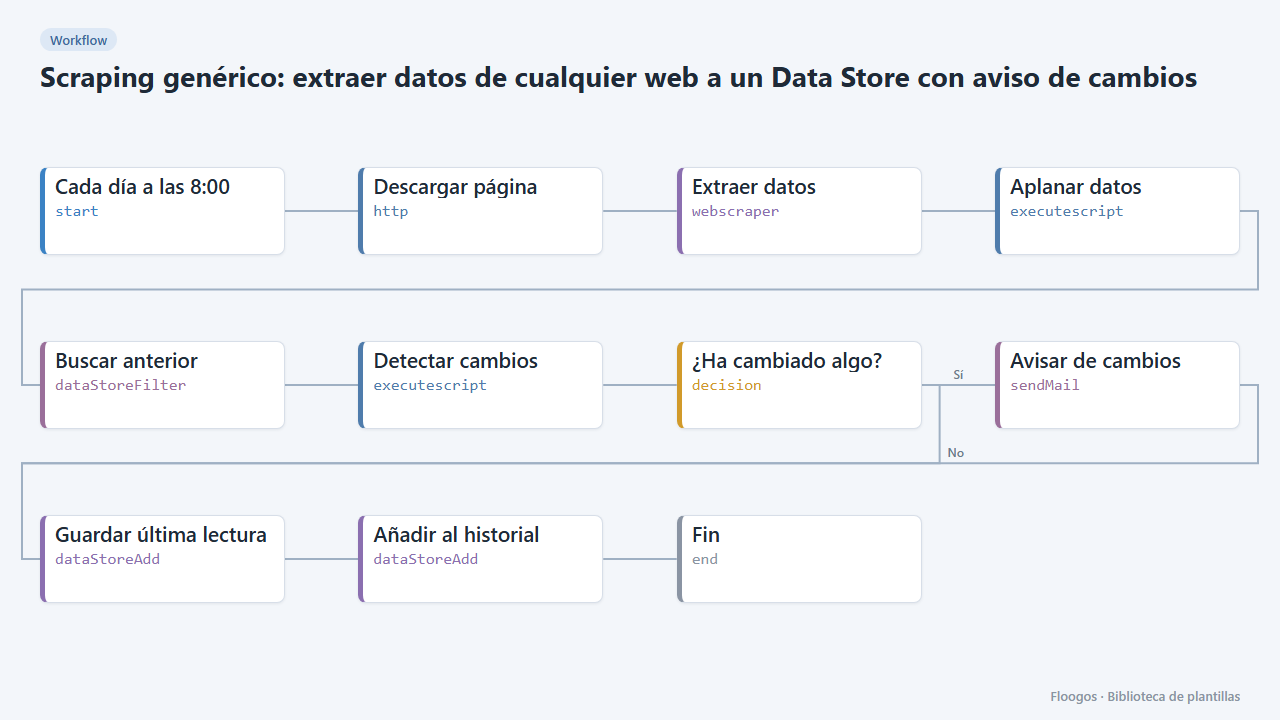
Generic scraping: extract data from any website into a Data Store with change alerts
Base template: you give a URL and the CSS selectors of what you want to extract, and the workflow stores each reading in a Data Store and alerts you if any value changes.
Try it in under 5 minutes
Create the template in your account, connect your credentials and activate it when you are ready.
Use this template