
Templates that use Telegram
22 templates to get started in minutes, with a step-by-step guide and no code.
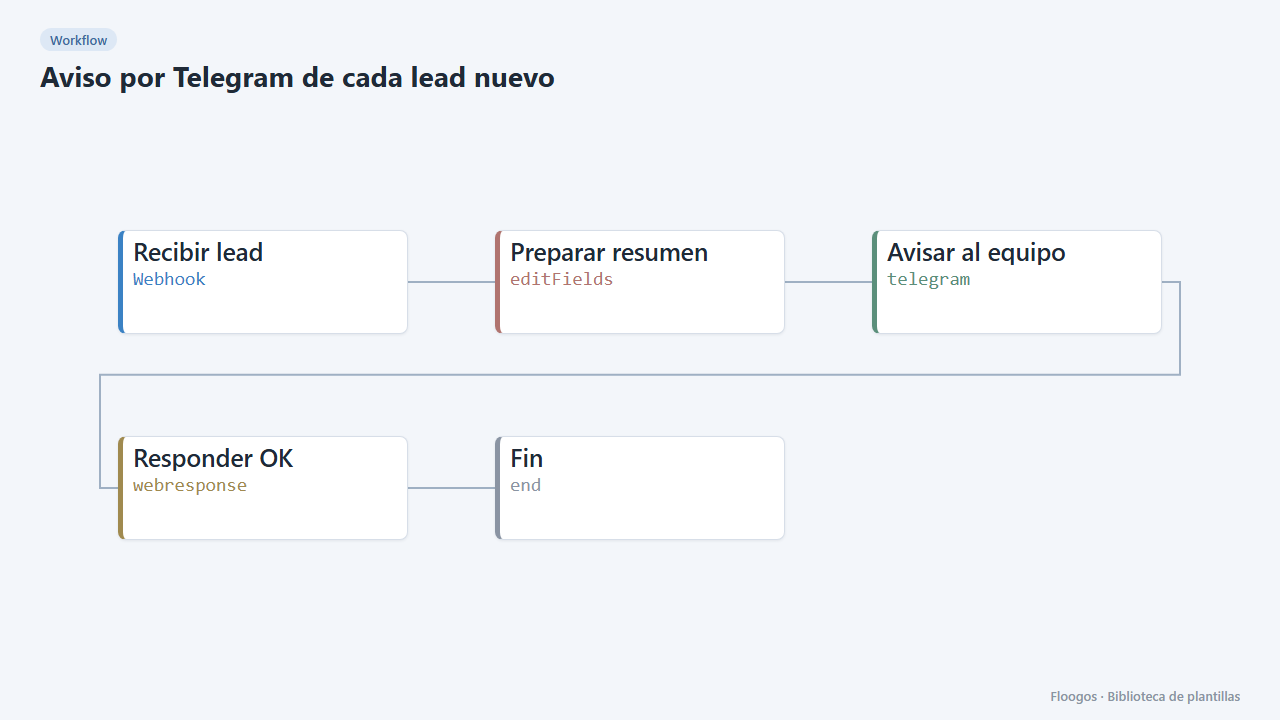
Telegram alert for every new lead
Receive leads from your website or form via webhook and alert your sales team on Telegram instantly.
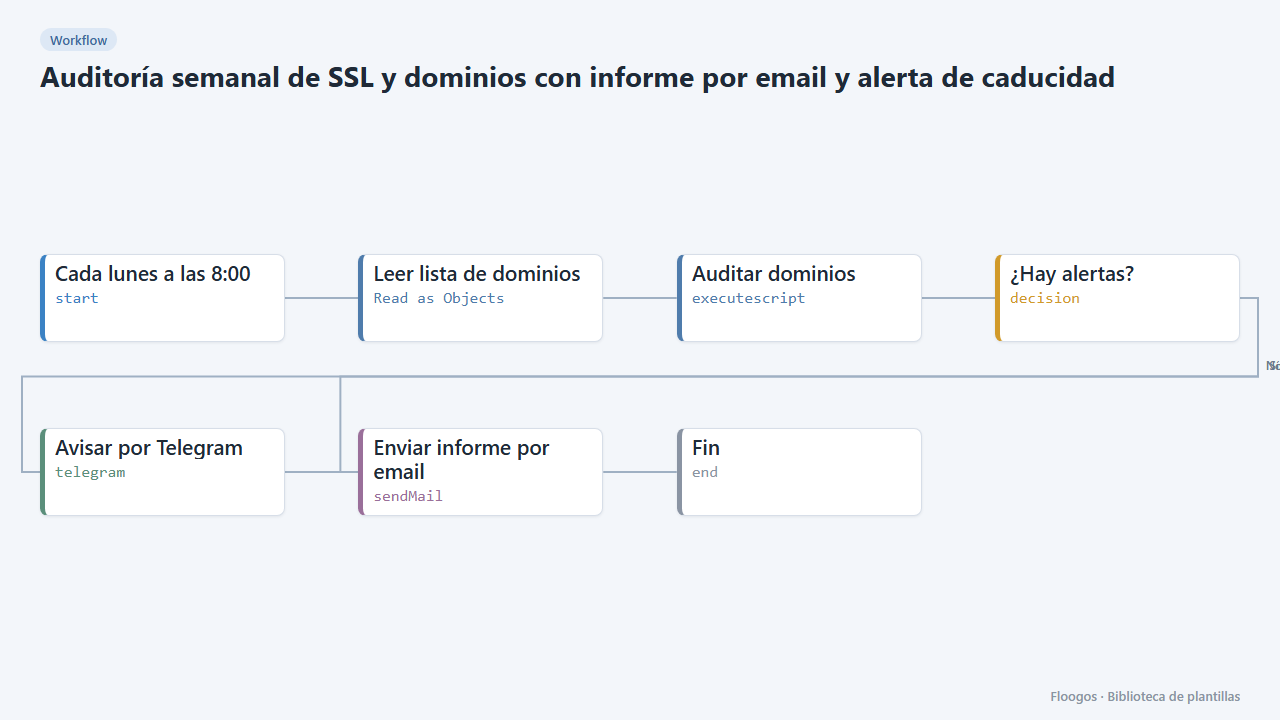
Weekly SSL and domain audit with email report and expiry alert
Every Monday it checks the domain list in your Google Sheets, verifies SSL certificate and domain expiry, and emails you a report with alerts if anything expires in under 30 days.
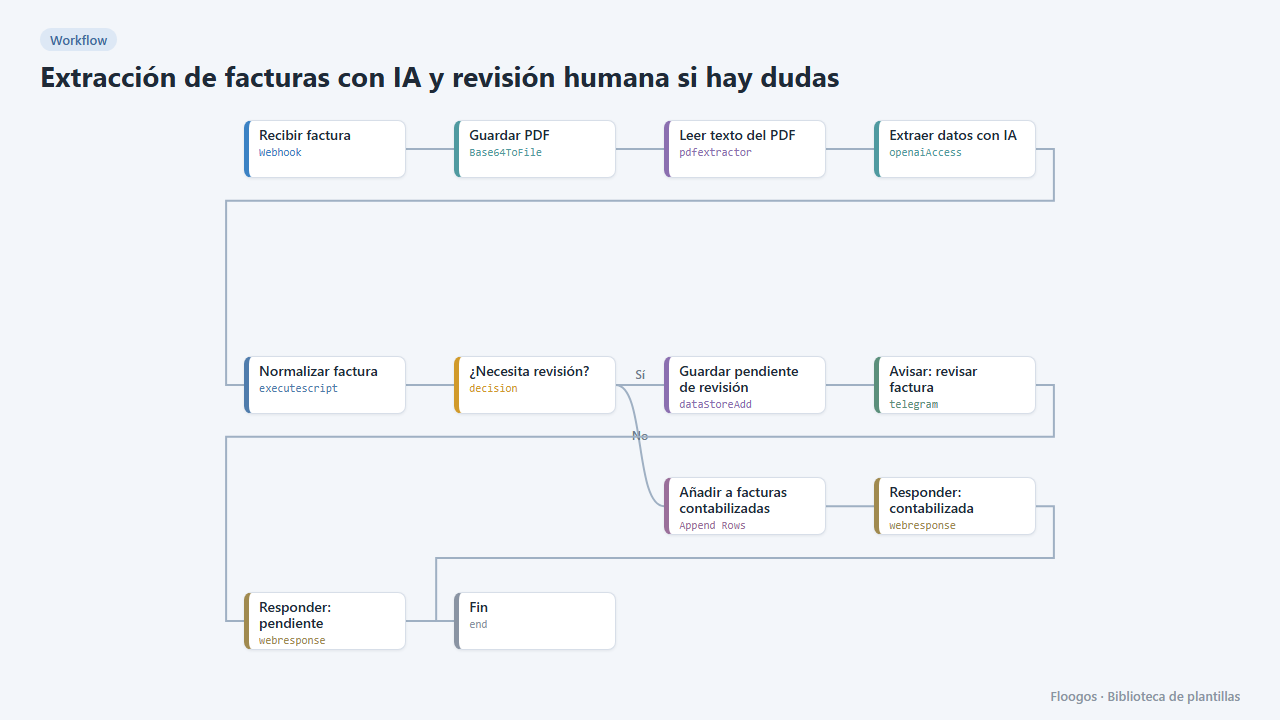
AI invoice extraction with human review when in doubt
AI extracts the invoice data; reliable ones go straight to the sheet, and if confidence is low or fields are missing they are set aside and you get a Telegram alert to review them.
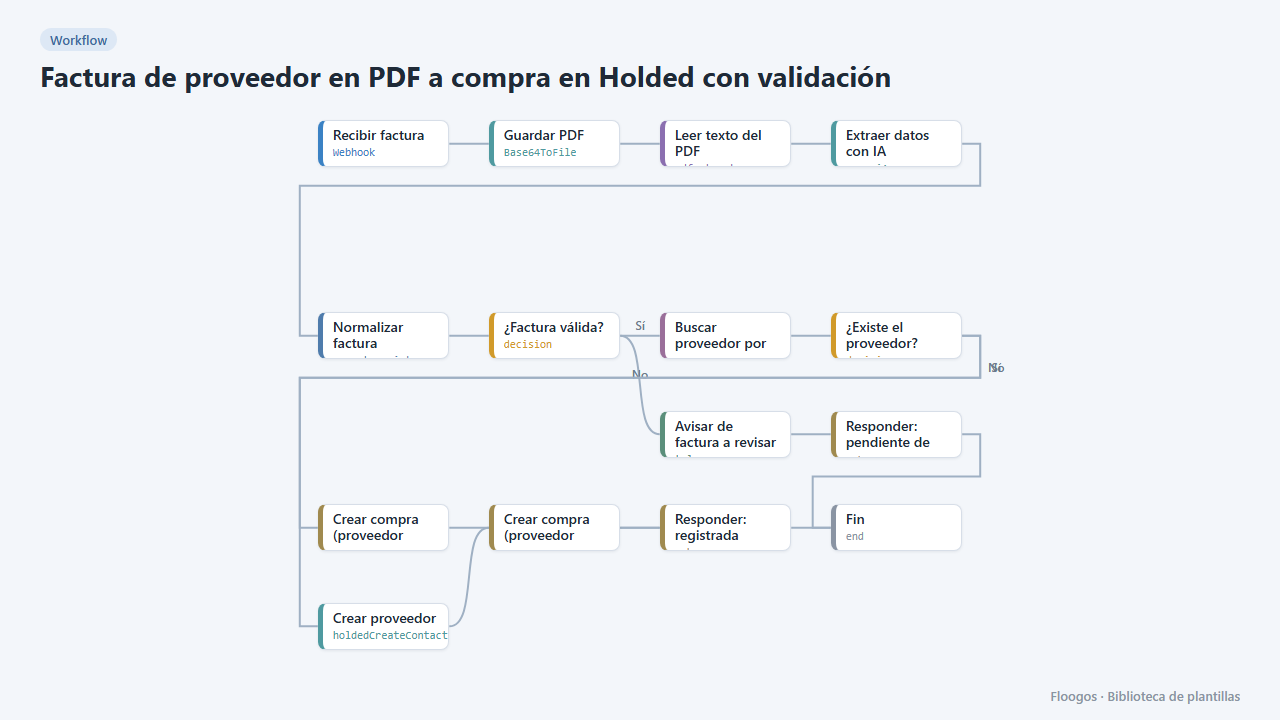
Supplier PDF invoice to a Holded purchase with validation
AI reads the PDF invoice, validates amounts and required fields, finds or creates the supplier in Holded and records the purchase; if anything fails it alerts you on Telegram.
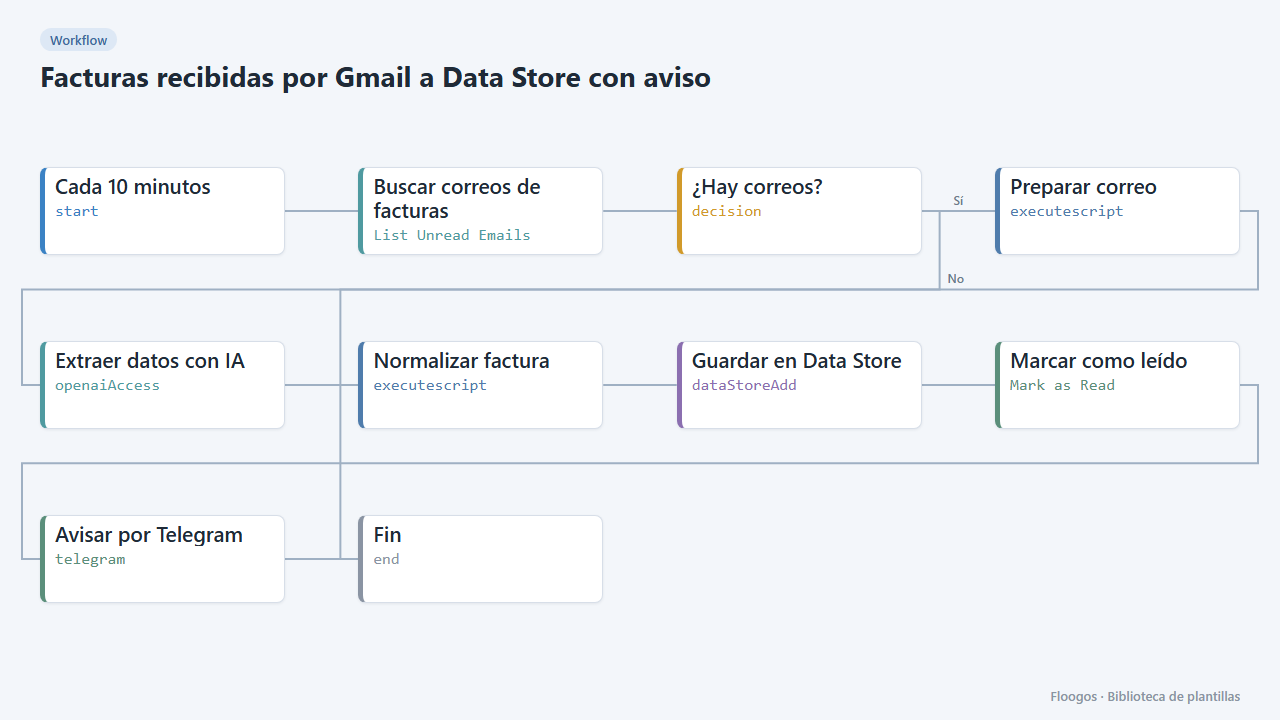
Invoices received by Gmail to a Data Store with alert
Every few minutes it checks your Gmail, extracts with AI the data of invoices written in the email body, saves them to a Data Store and alerts you on Telegram.
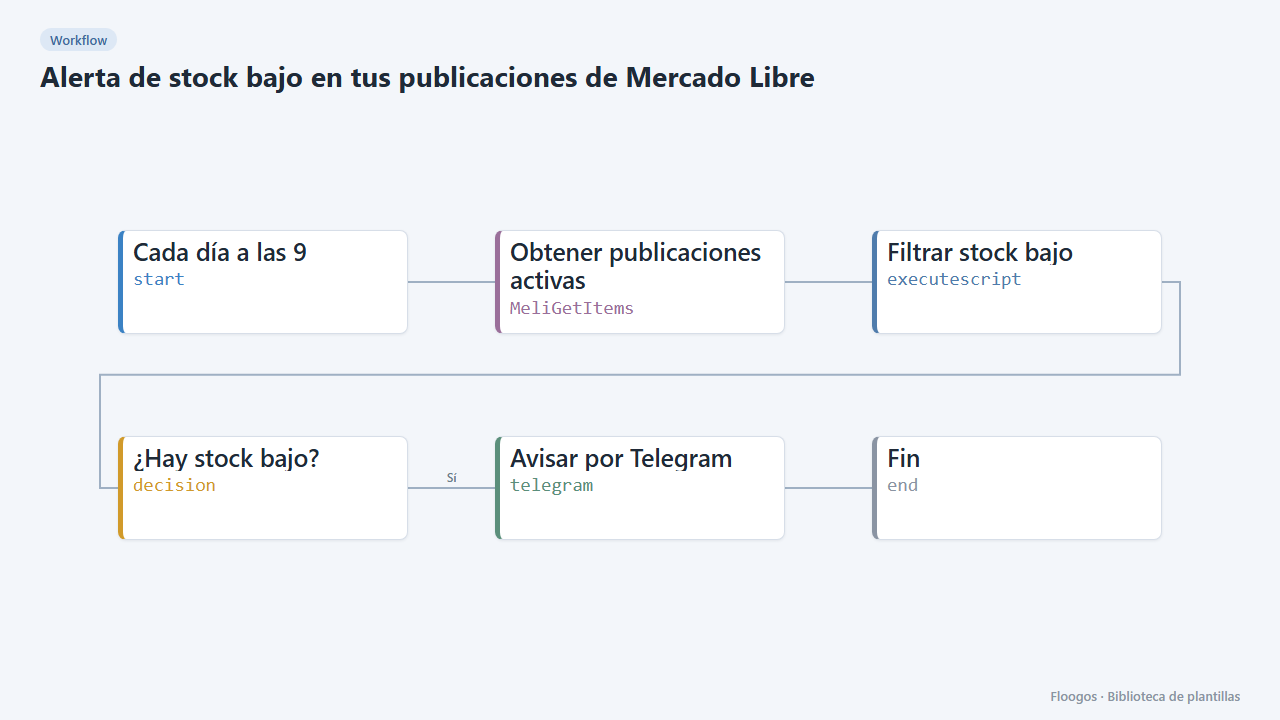
Low-stock alert for your Mercado Libre listings
Every morning it checks your active listings and alerts you on Telegram about the ones running low on stock.
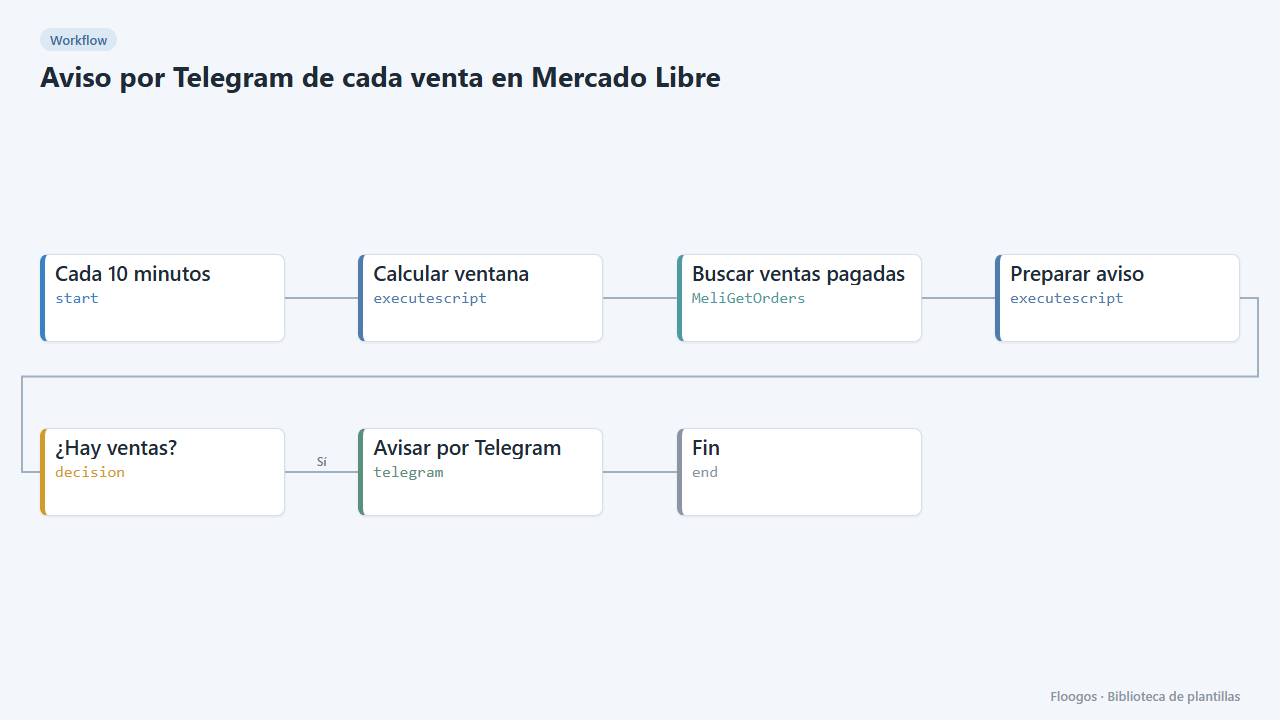
Telegram alert for every Mercado Libre sale
Every 10 minutes it checks paid Mercado Libre sales and sends you a Telegram summary with product, buyer and amount.
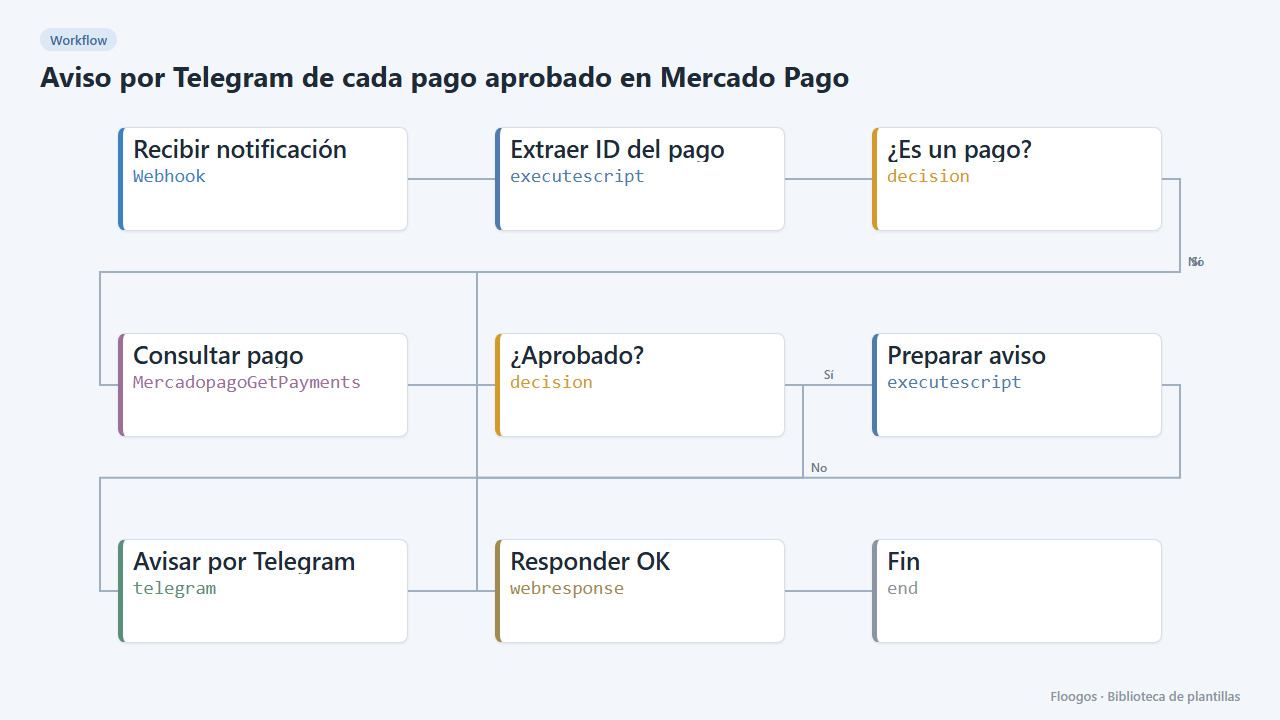
Telegram alert for every approved Mercado Pago payment
When Mercado Pago notifies a payment, it checks it is approved and alerts you on Telegram with the amount and reference.
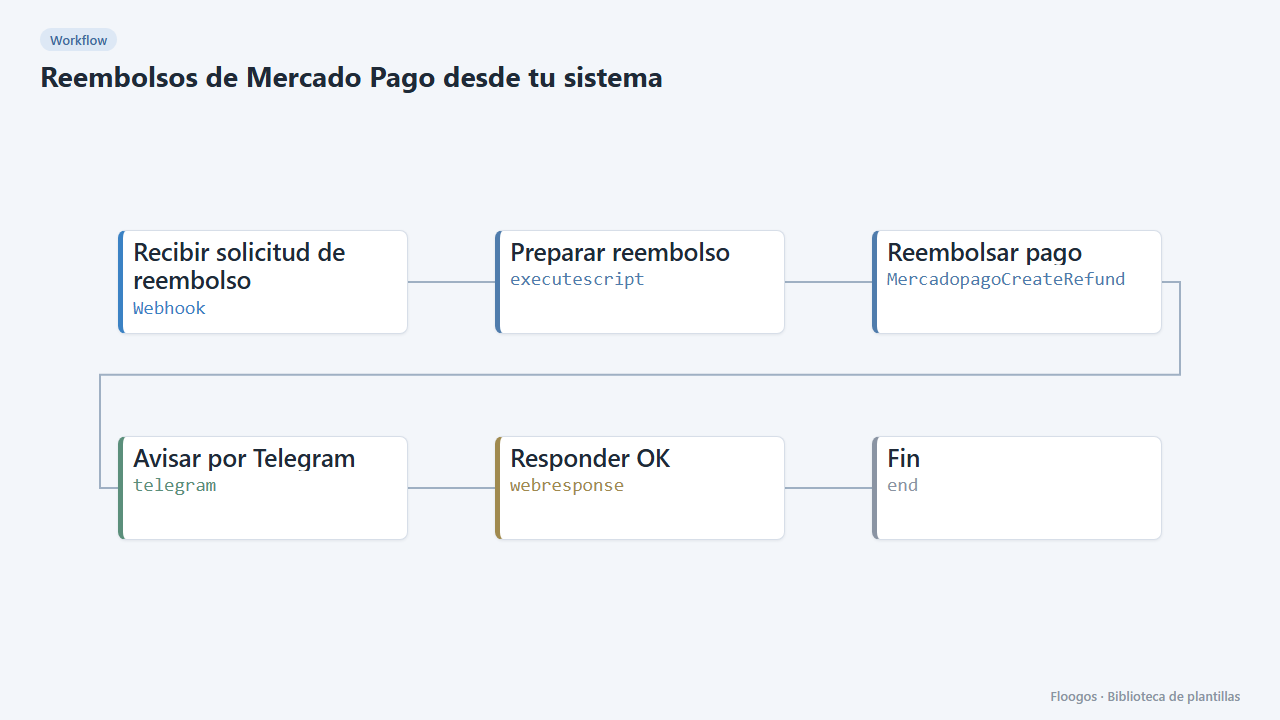
Mercado Pago refunds from your own system
A webhook receives a payment ID (and optionally an amount), refunds it in Mercado Pago and alerts you on Telegram.
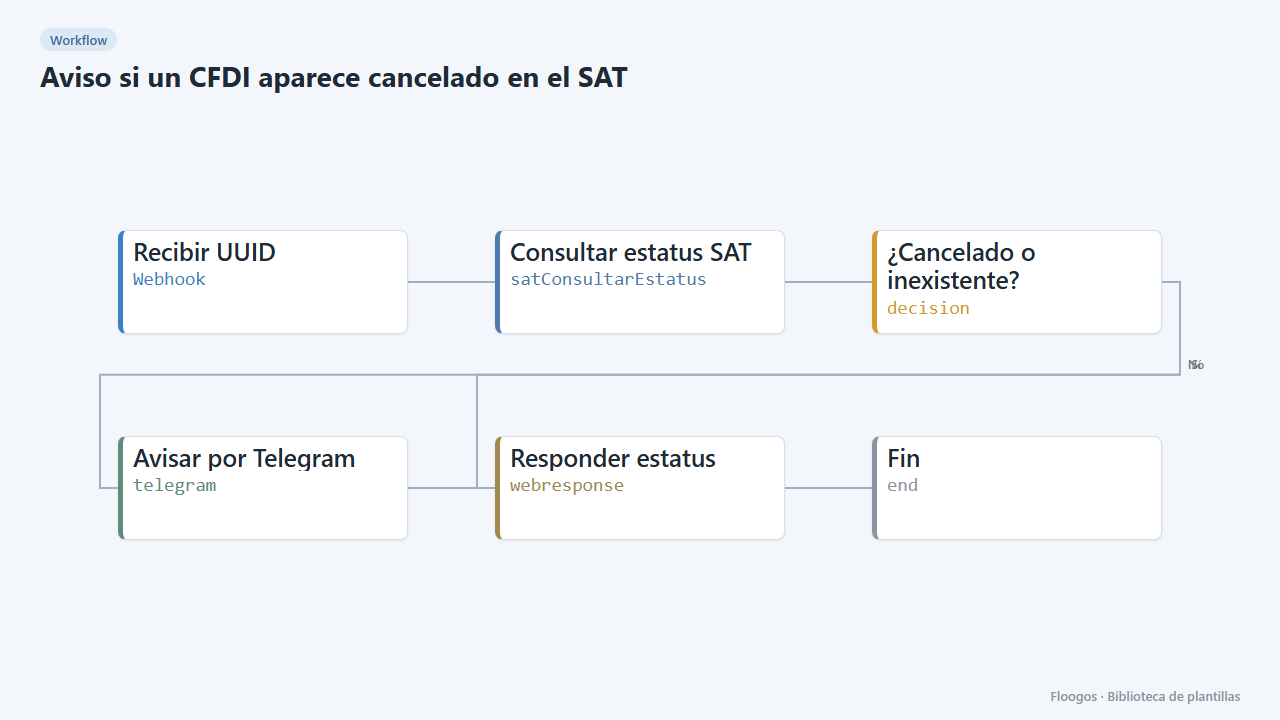
Alert when a CFDI shows as cancelled at the SAT
Check a CFDI status with the SAT and alert on Telegram if it is cancelled or not found.
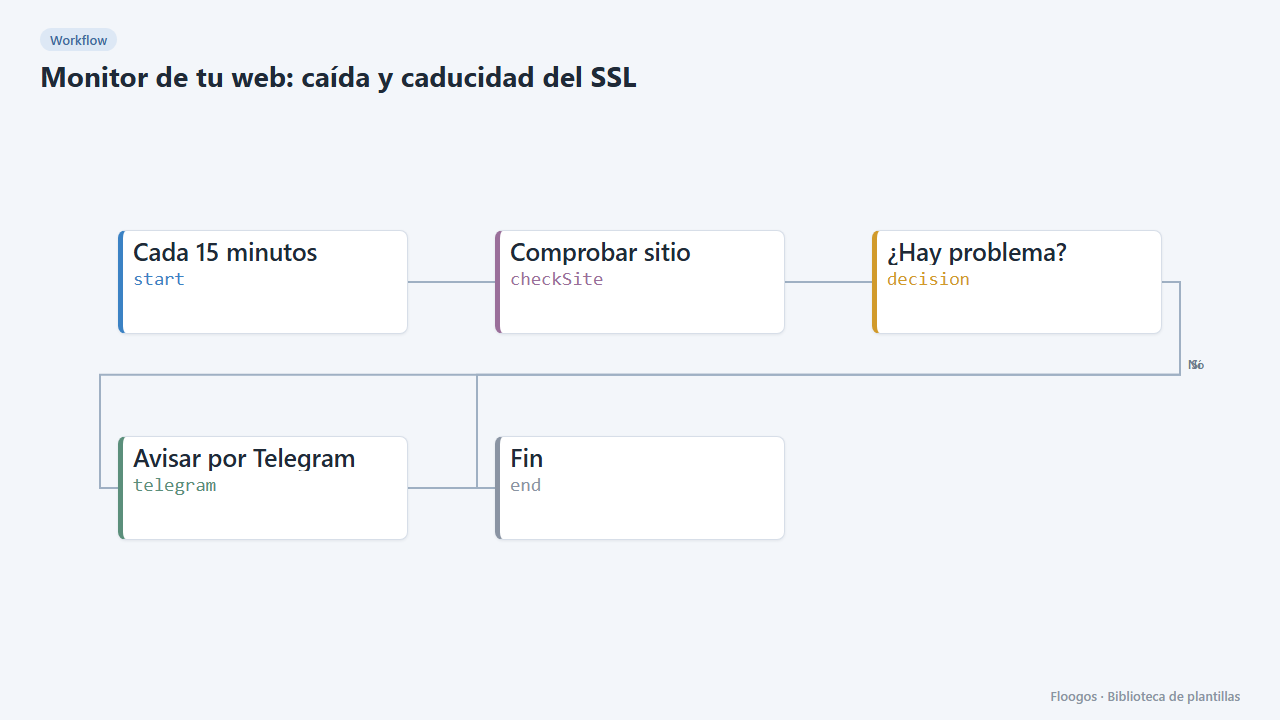
Website monitor: downtime and SSL expiry
Every 15 minutes it checks your website responds and its SSL certificate is not about to expire; if anything fails, it alerts you on Telegram.
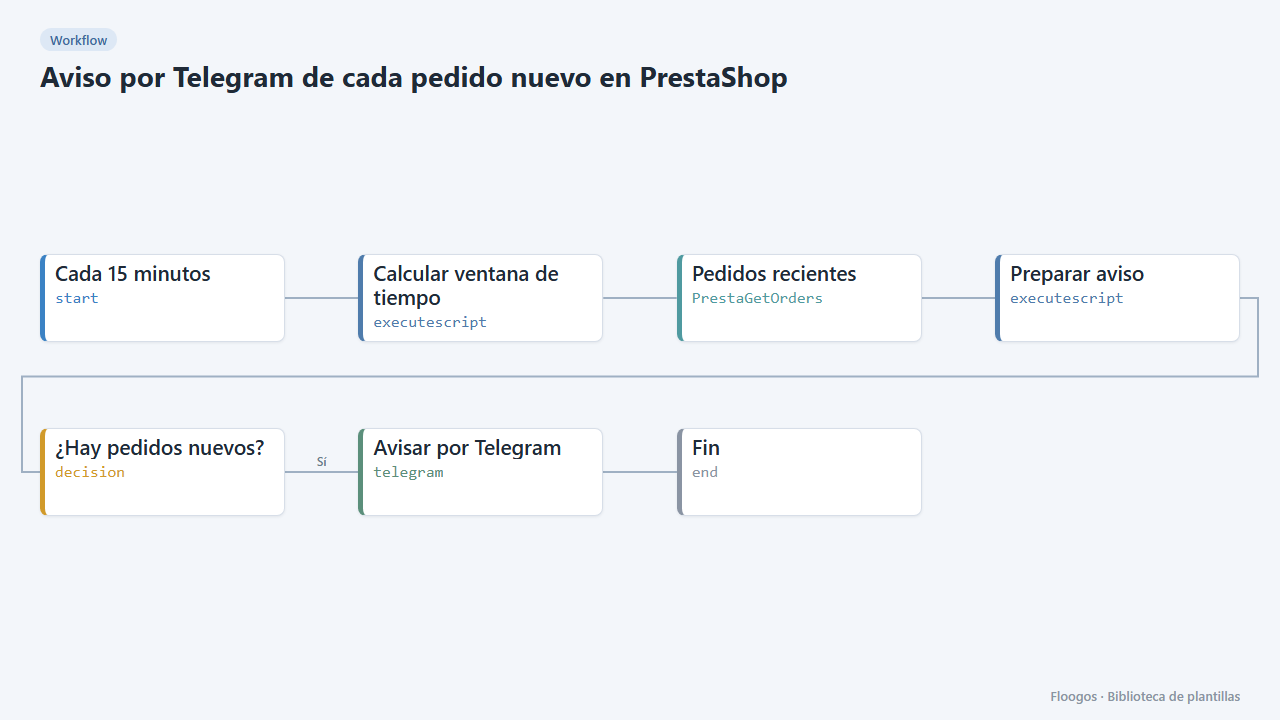
Telegram alert for every new PrestaShop order
Every 15 minutes it checks your PrestaShop store for new orders and sends them to Telegram with reference, amount and status.
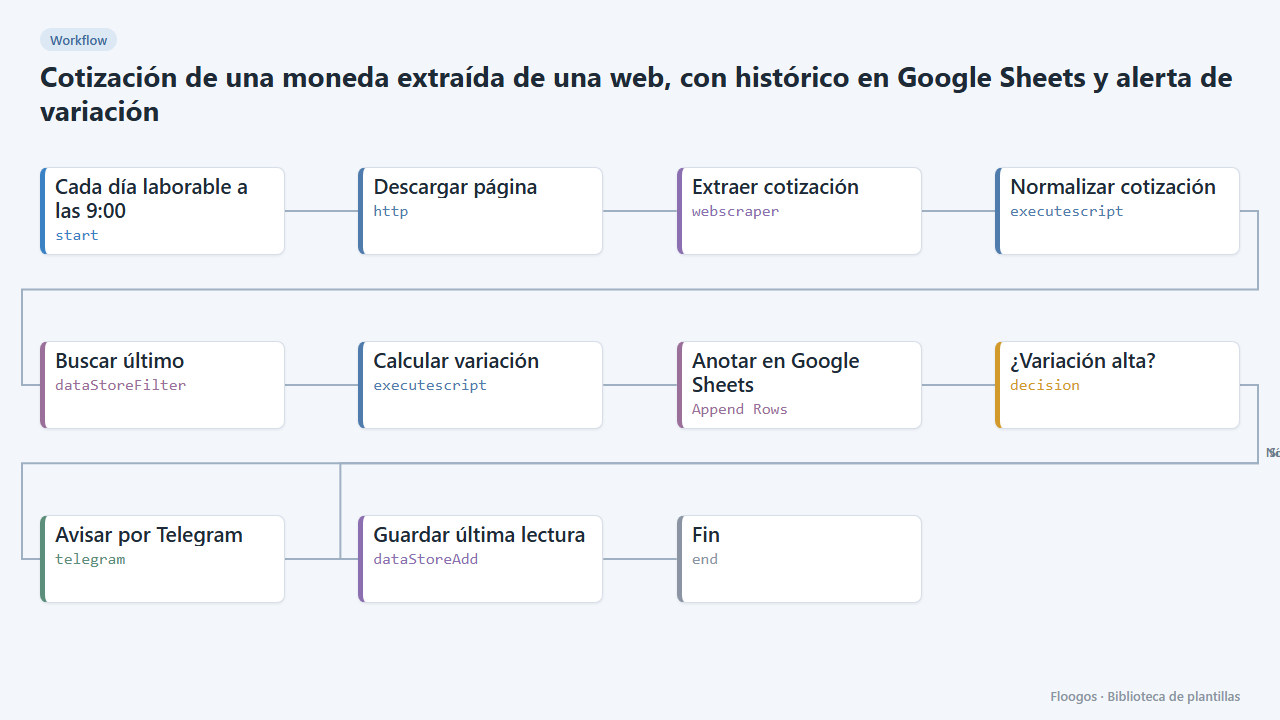
Currency rate scraped from a website, with Google Sheets history and variation alert
Reads the dollar, euro or any currency rate from a web page, logs it in Google Sheets every day and alerts you on Telegram when it moves more than a set percentage.
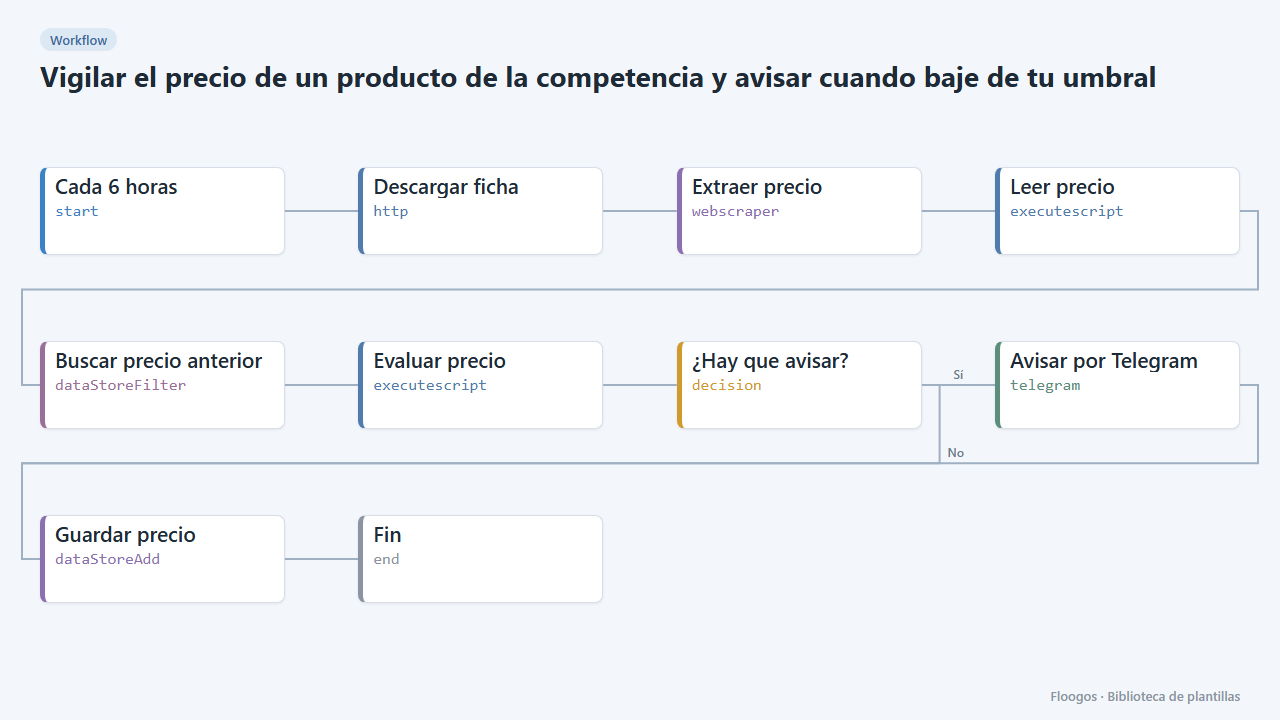
Watch a competitor product price and alert when it drops below your threshold
Checks a competitor product page every few hours, extracts its price and alerts you on Telegram when it falls below the figure you set.
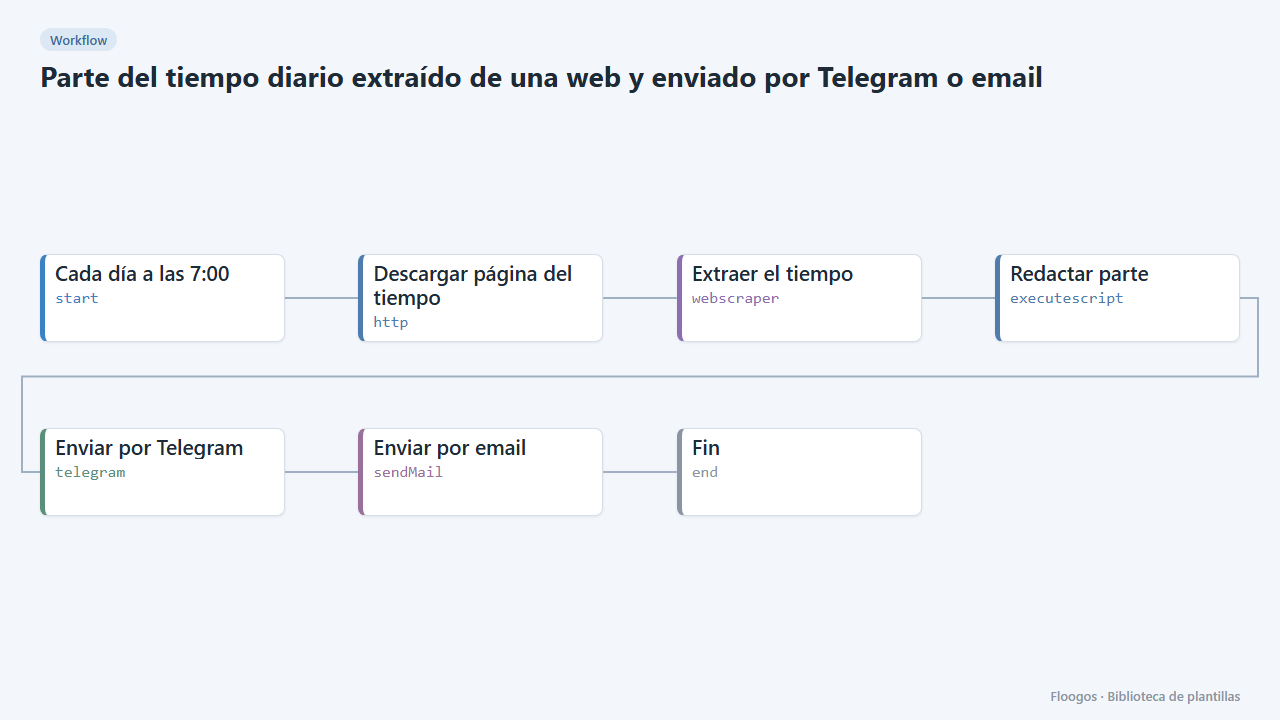
Daily weather report scraped from a website and sent by Telegram or email
Every morning it reads your city weather from a web page and sends it to you by Telegram and email before the working day starts.
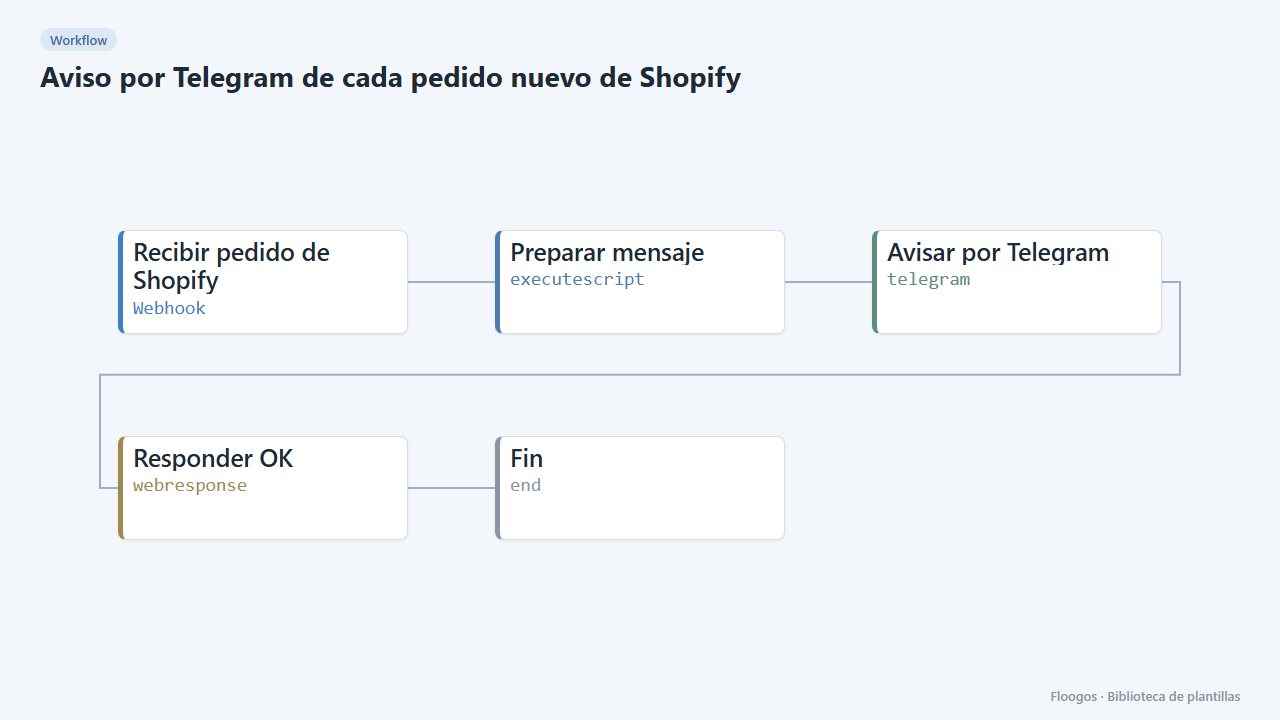
Telegram alert for every new Shopify order
Every time an order comes into your Shopify store, you get a Telegram message with the number, customer, amount and products.
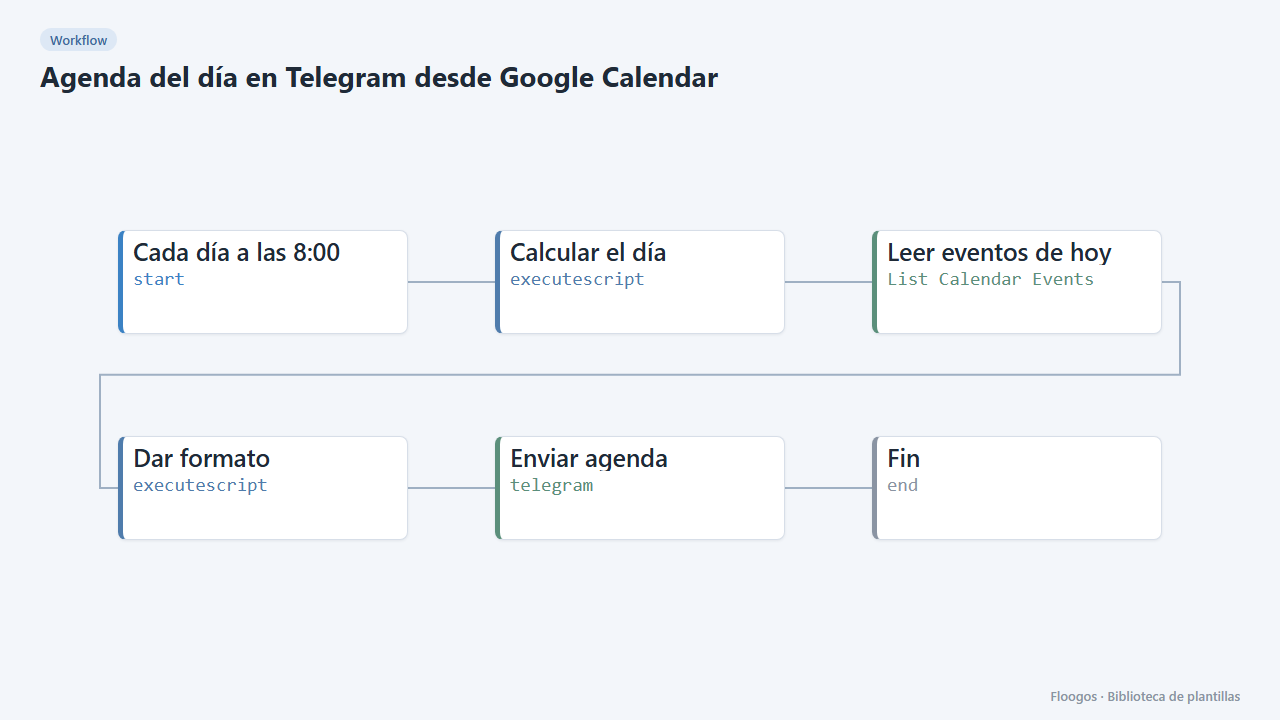
Daily agenda on Telegram from Google Calendar
Every morning it sends you the list of the day meetings and events with their time on Telegram.
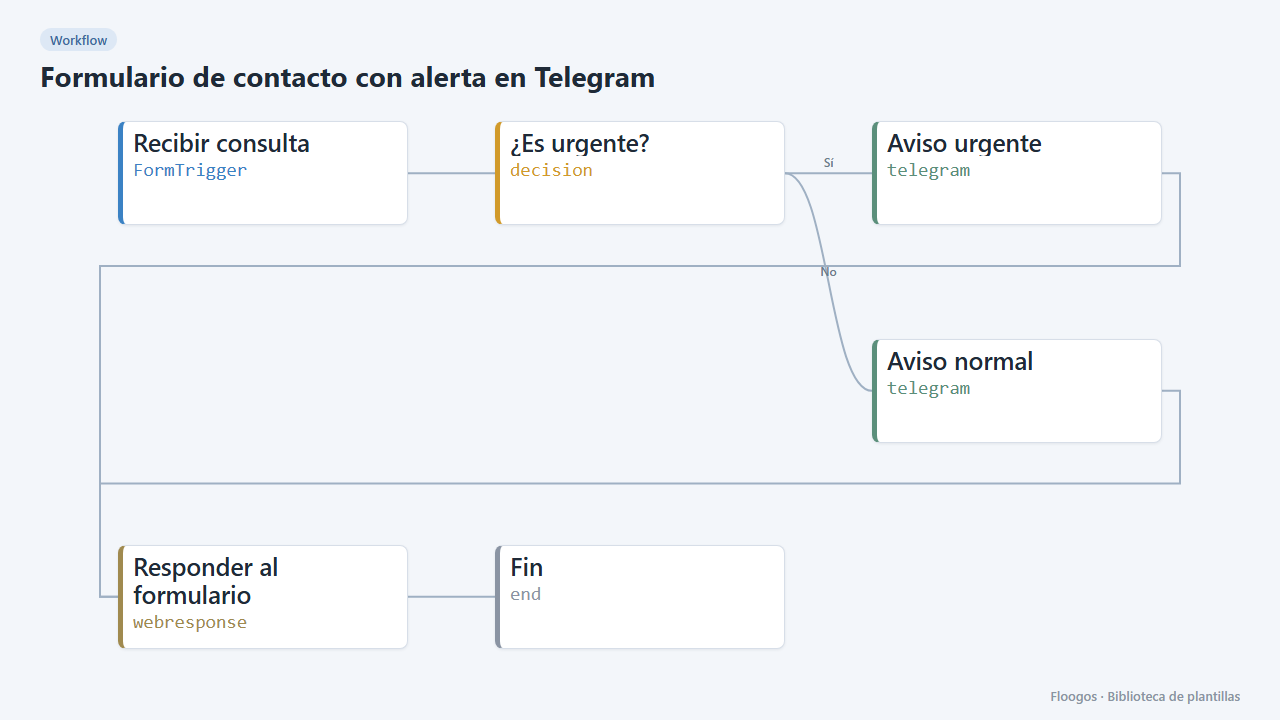
Contact form with Telegram alert
Includes a public form: every enquiry reaches your Telegram chat and those marked urgent stand out.
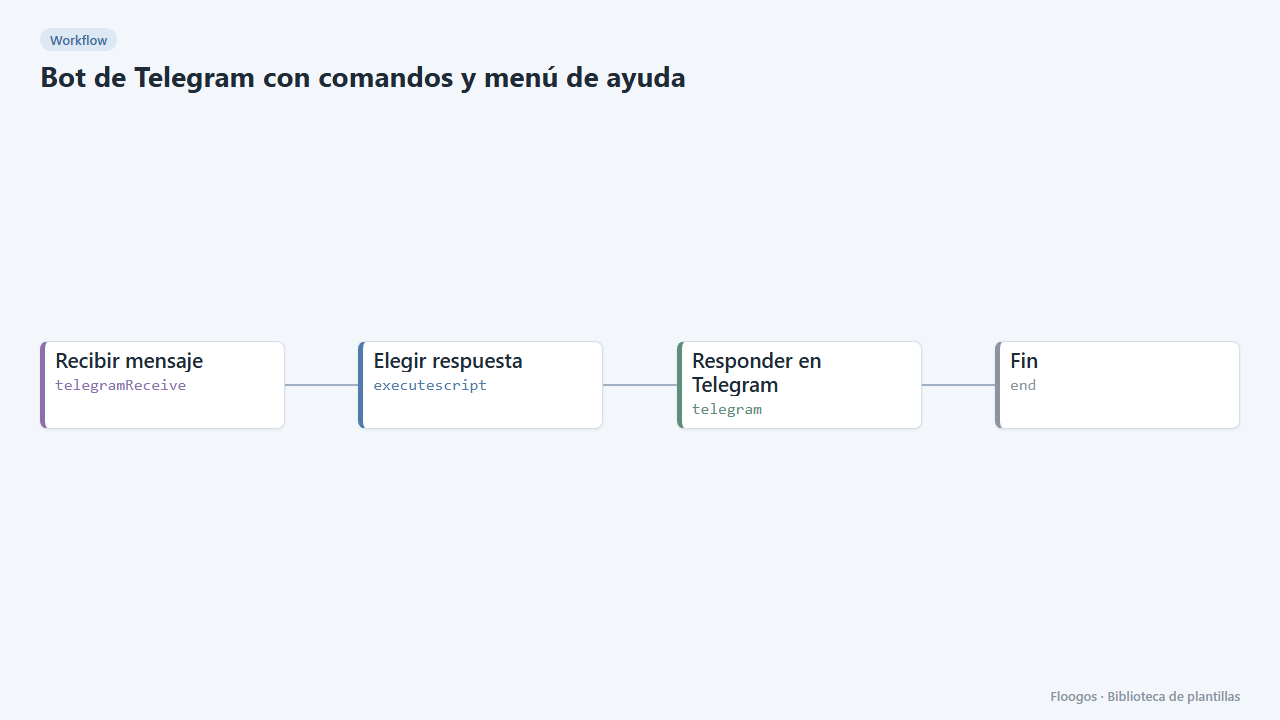
Telegram bot with commands and help menu
A bot that answers /start, /ayuda, /horario, /contacto and /precios with texts you edit in a single node.
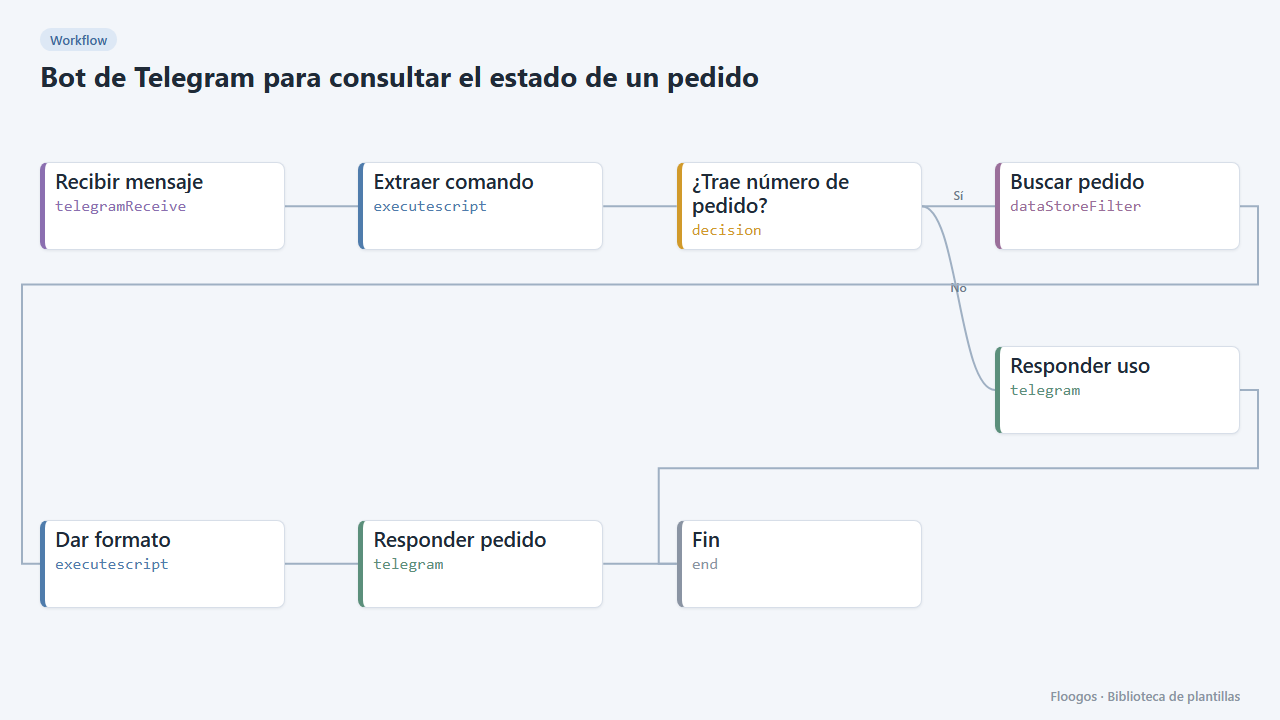
Telegram bot to check an order status
The customer types /pedido PED-1001 and the bot answers with the status read from a Data Store.
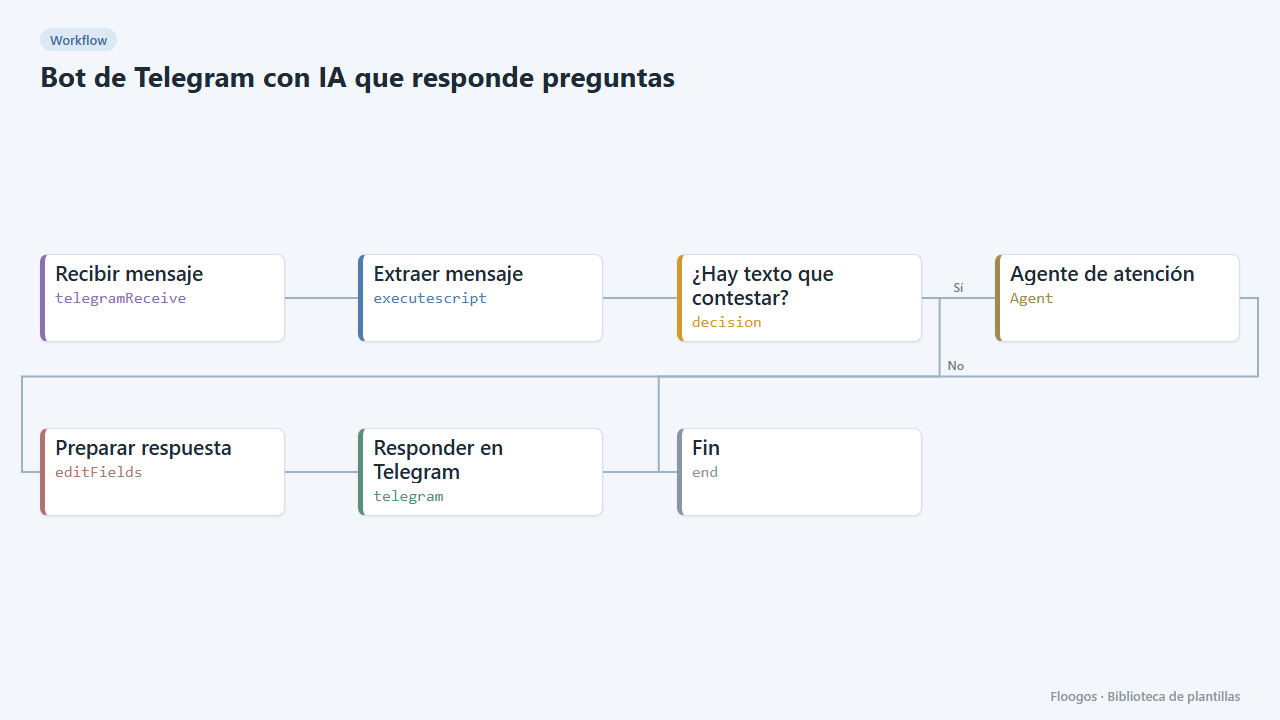
AI Telegram bot that answers questions
An AI agent with memory answers each of your customers questions on Telegram, remembering each chat conversation.
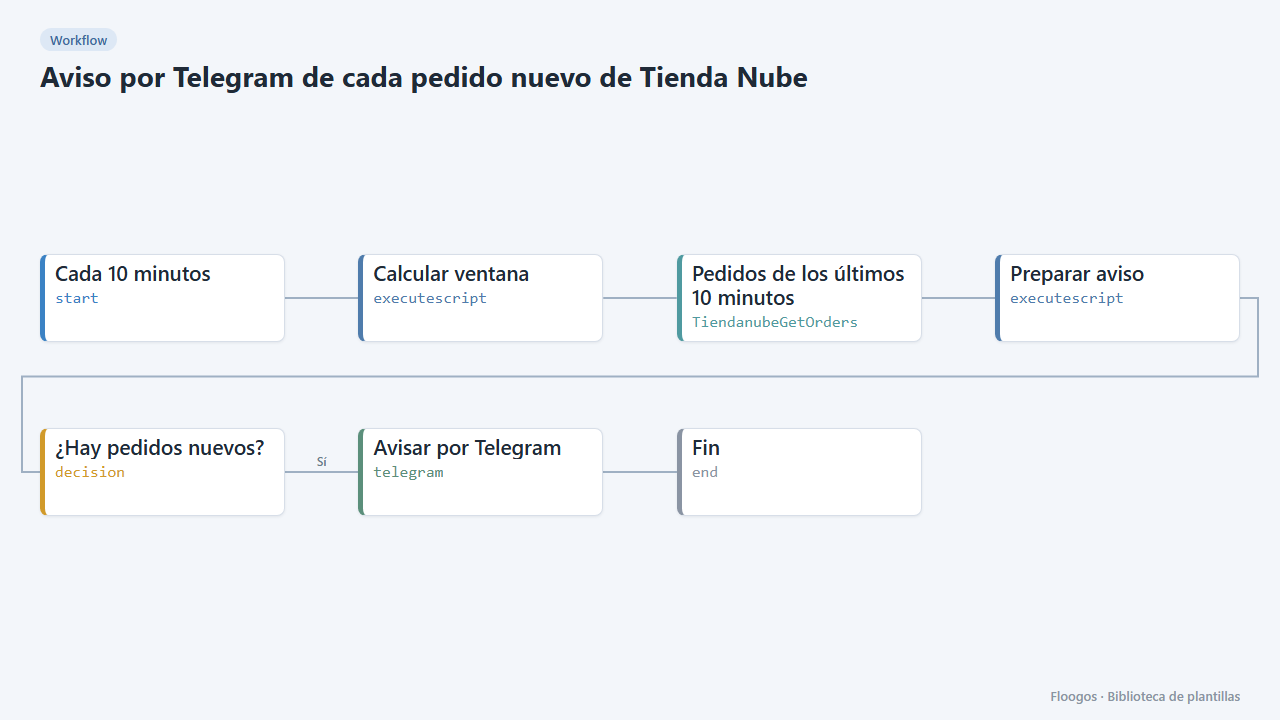
Telegram alert for every new Tienda Nube order
Every 10 minutes it looks for new orders in your Tienda Nube store and sends you a Telegram summary with number, customer, amount and status.
Already have a template code?
If someone gave you a FLGS-XXXX-XXXX code, import it from the Library in your Floogos account.
Open the Library