
Alert when a CFDI shows as cancelled at the SAT
Check a CFDI status with the SAT and alert on Telegram if it is cancelled or not found.
Everything is created inactive in a new folder of your account. Nothing runs until you activate it, and you can undo it for 24 hours.
What it does
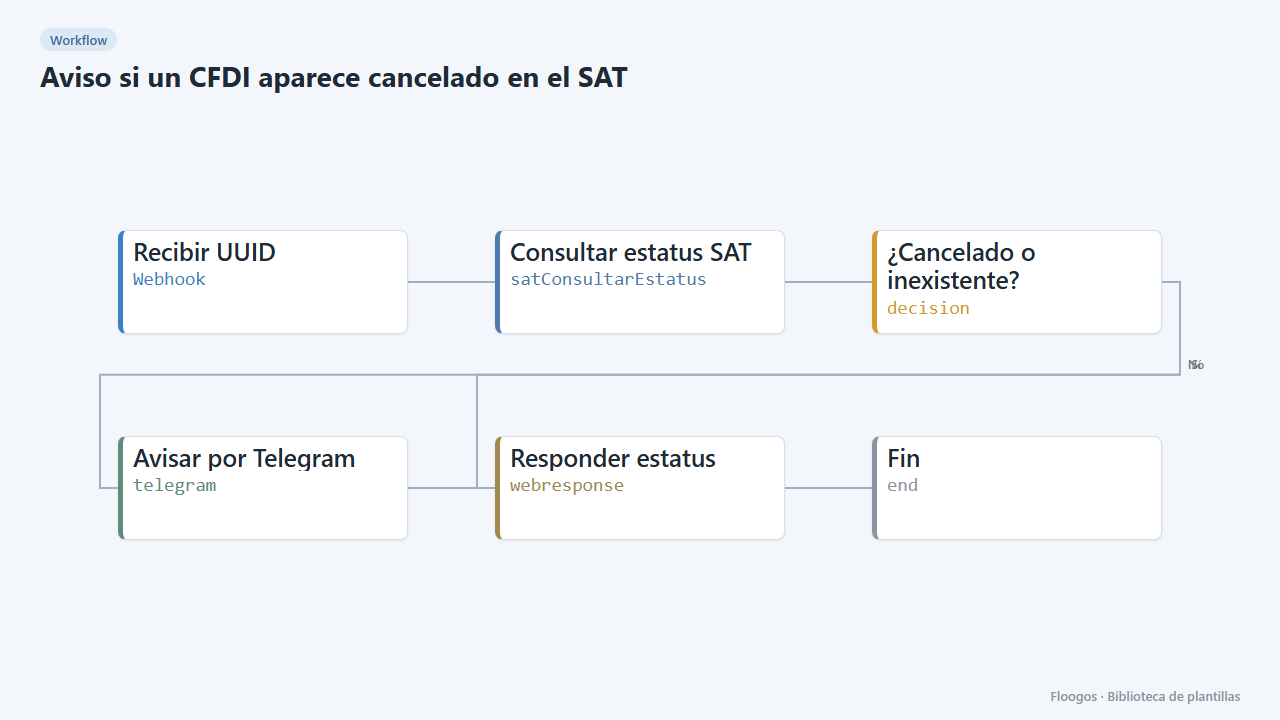
A watchdog for your Mexican invoices. Call the webhook with a CFDI UUID (and, if it was not issued from Floogos, the issuer RFC, receiver RFC and total); the workflow queries the public SAT service and, if the receipt appears as Cancelled or Not found, alerts you on Telegram. Useful to reconcile supplier invoices or audit the ones you issued.
What you need: a SAT credential and a Telegram bot.
How to use it: install the template, connect the credentials, set the chat and call the webhook (for example from a scheduled process that loops over your invoices).
How to set it up
- 1
Connect the sat credential
This template uses sat in: Consultar estatus SAT. Create or pick the credential and assign it in those nodes.
- 2
Connect the telegram credential
This template uses telegram in: Avisar por Telegram. Create or pick the credential and assign it in those nodes.
- 3
Copy the webhook URL (Recibir UUID)
A new URL is generated on install. Paste it into the external system that must call this workflow.
- 4
Set the alert chat
In the Avisar por Telegram node replace
TU_CHAT_IDwith your chat or group ID. - 5
Test with a UUID
Send a
POSTto the webhook with{"uuid":"CFDI-UUID","rfc_emisor":"AAA010101AAA","rfc_receptor":"XAXX010101000","total":"1160.00"}. With a non-existent UUID the Not found alert should arrive. - 6
Activate the workflow
Workflows are installed inactive. Once everything is set, activate it.
Related templates
Other templates that use similar nodes or integrations.
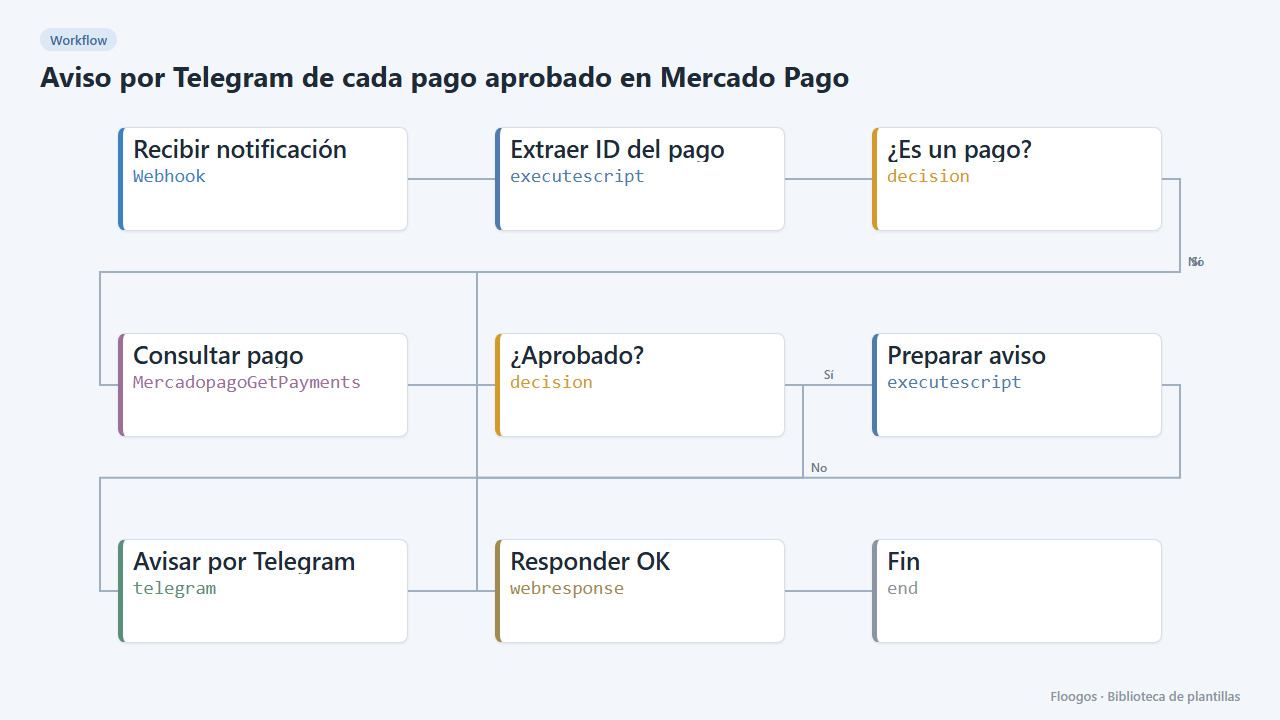
Telegram alert for every approved Mercado Pago payment
When Mercado Pago notifies a payment, it checks it is approved and alerts you on Telegram with the amount and reference.
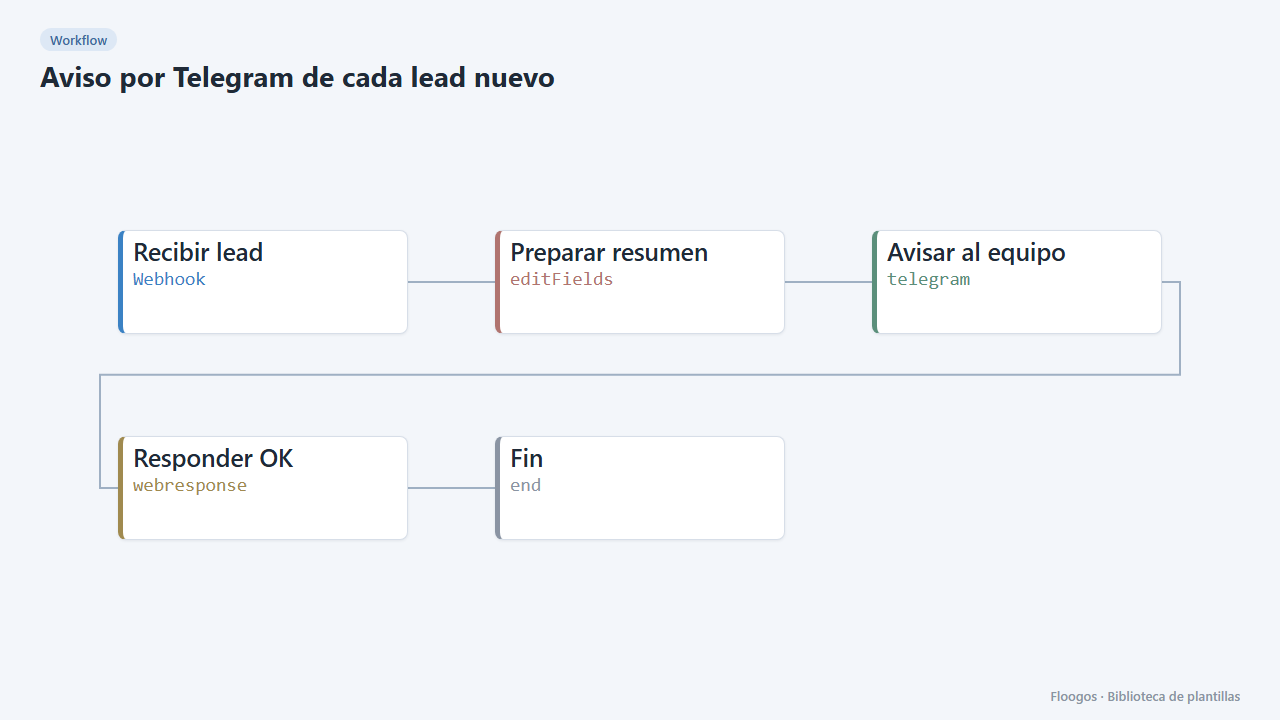
Telegram alert for every new lead
Receive leads from your website or form via webhook and alert your sales team on Telegram instantly.
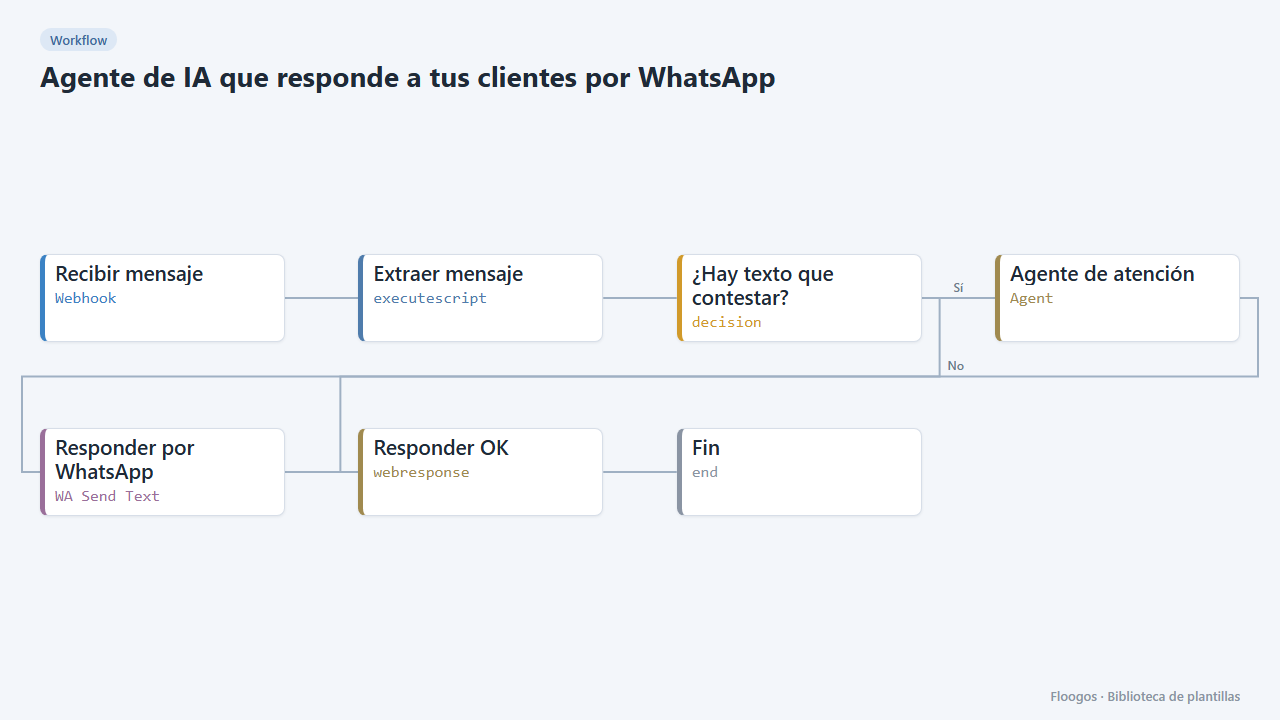
AI agent that answers your customers on WhatsApp
Every WhatsApp message you receive is answered by an AI agent that remembers the conversation, and the reply goes back to the customer on the same channel.
Try it in under 5 minutes
Create the template in your account, connect your credentials and activate it when you are ready.
Use this template