
Website monitor: downtime and SSL expiry
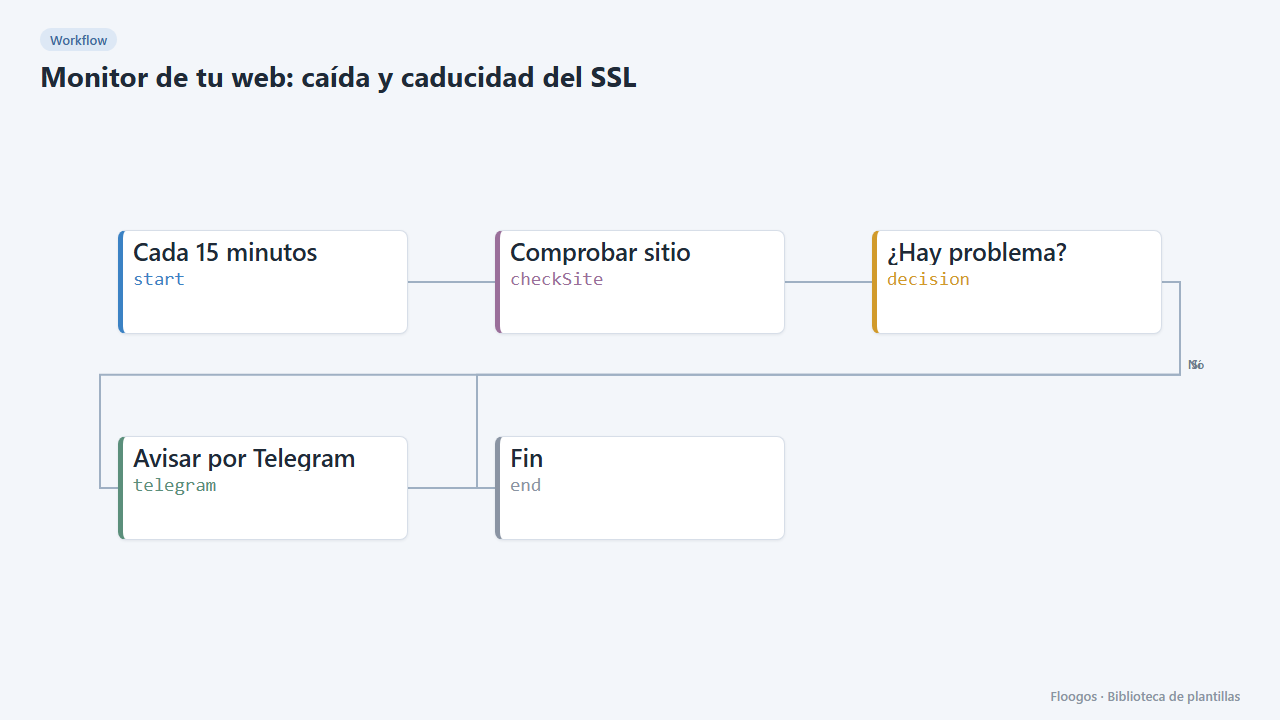
Every 15 minutes it checks your website responds and its SSL certificate is not about to expire; if anything fails, it alerts you on Telegram.
Everything is created inactive in a new folder of your account. Nothing runs until you activate it, and you can undo it for 24 hours.
What it does
A lightweight, no-extra-cost monitor: every 15 minutes it analyses the URL you provide (availability, response time and days left on the SSL certificate) and, if the site is down or the certificate expires in under 15 days, it sends an alert on Telegram. If everything is fine, it stays quiet.
What you need: a Telegram bot and the ID of the chat that will receive the alerts.
How to use it: install the template, enter your URL, connect the bot, set the chat and activate the workflow.
How to set it up
- 1
Connect the telegram credential
This template uses telegram in: Avisar por Telegram. Create or pick the credential and assign it in those nodes.
- 2
Set the website to watch
In the Comprobar sitio node replace
https://www.tusitio.comwith your website URL. - 3
Set the alert chat
In the Avisar por Telegram node replace
TU_CHAT_IDwith your chat or group ID. - 4
Test the alert
Run it once with a non-existent URL (for example
https://no-existe.invalid): the alert should arrive. Then set your real URL back. - 5
Activate the workflow
Workflows are installed inactive. Once everything is set, activate it.
Related templates
Other templates that use similar nodes or integrations.
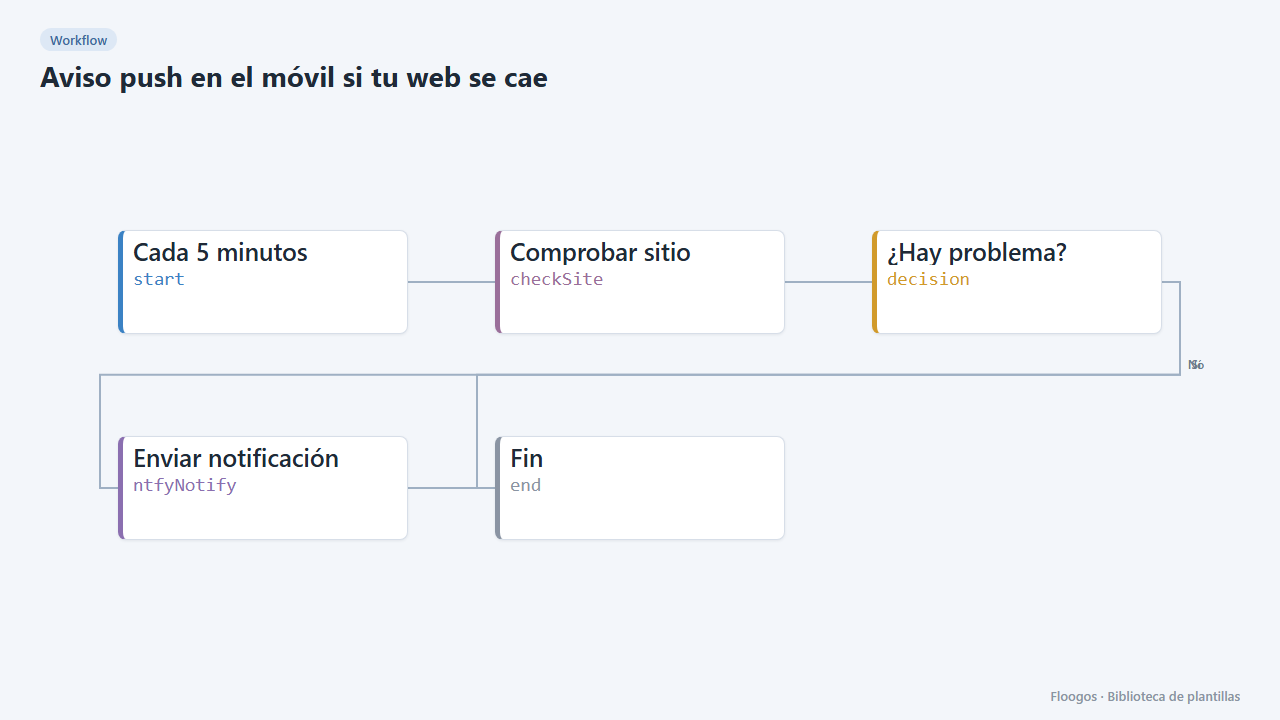
Phone push alert if your website goes down
Every 5 minutes it checks your website and, if it does not respond or is too slow, sends a push notification to your phone.
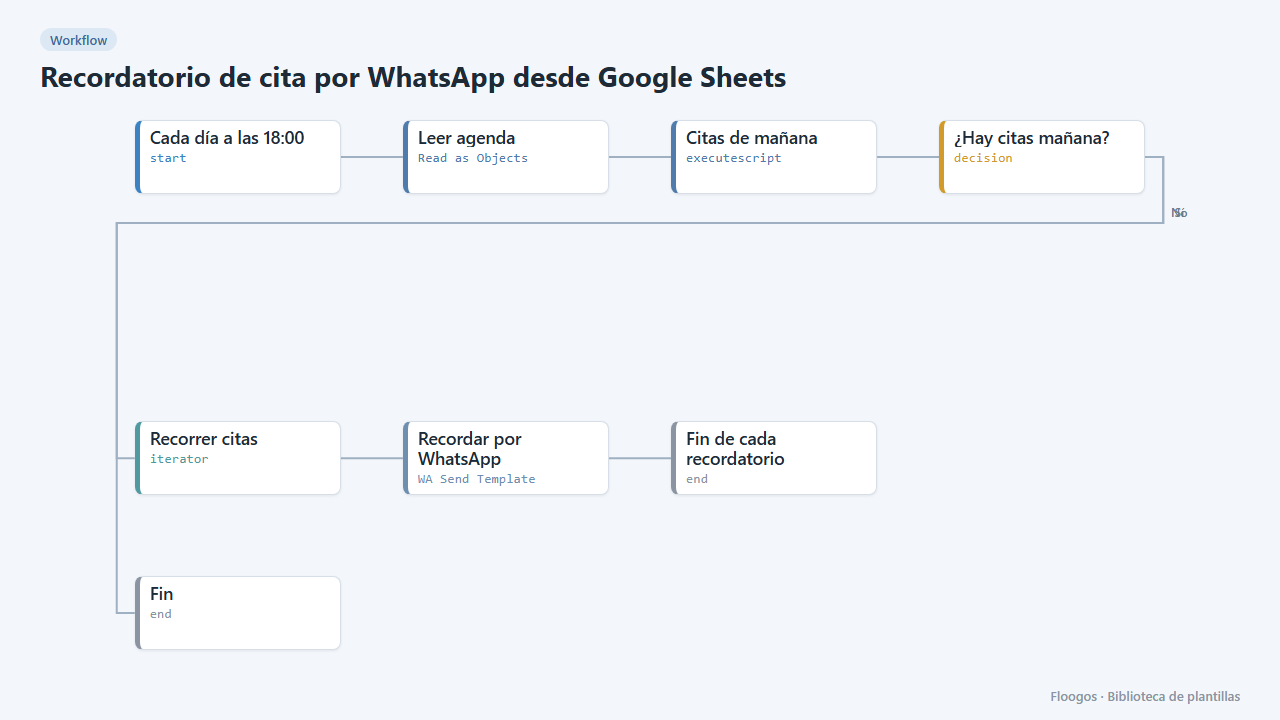
Appointment reminder via WhatsApp from Google Sheets
Every afternoon it reads your agenda in Google Sheets and sends a WhatsApp reminder to everyone with an appointment tomorrow.
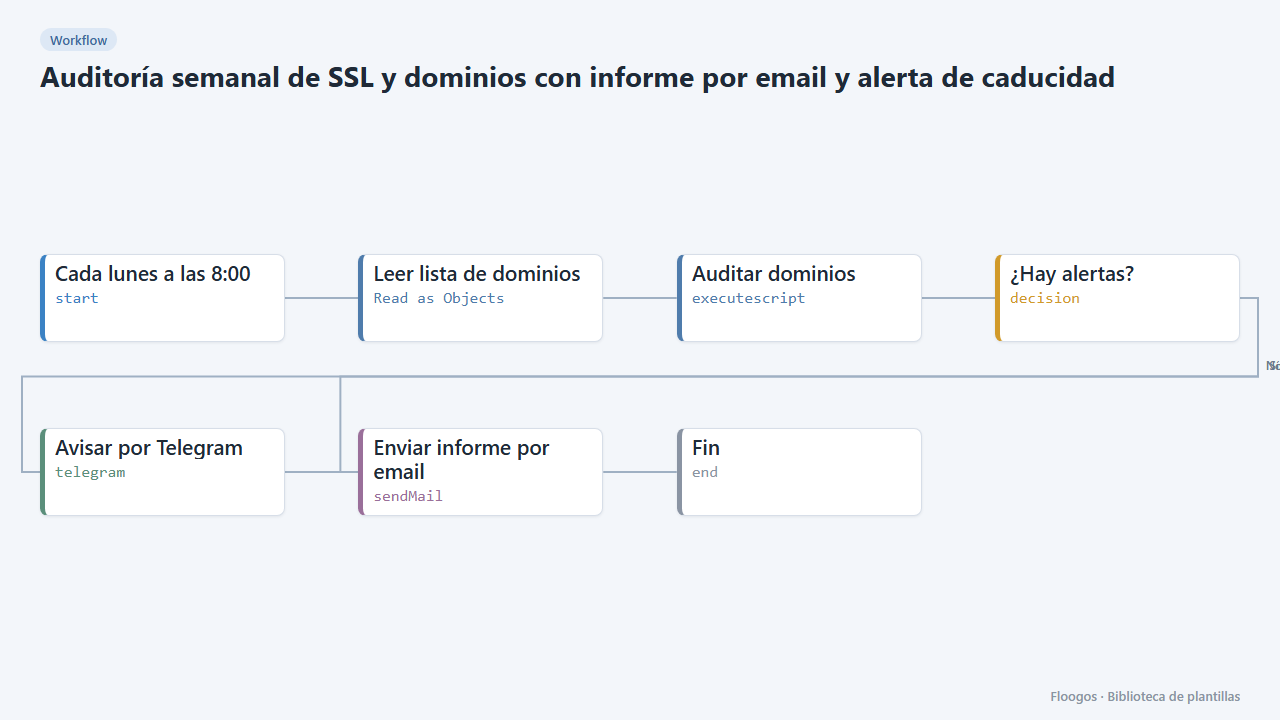
Weekly SSL and domain audit with email report and expiry alert
Every Monday it checks the domain list in your Google Sheets, verifies SSL certificate and domain expiry, and emails you a report with alerts if anything expires in under 30 days.
Try it in under 5 minutes
Create the template in your account, connect your credentials and activate it when you are ready.
Use this template