
Phone push alert if your website goes down
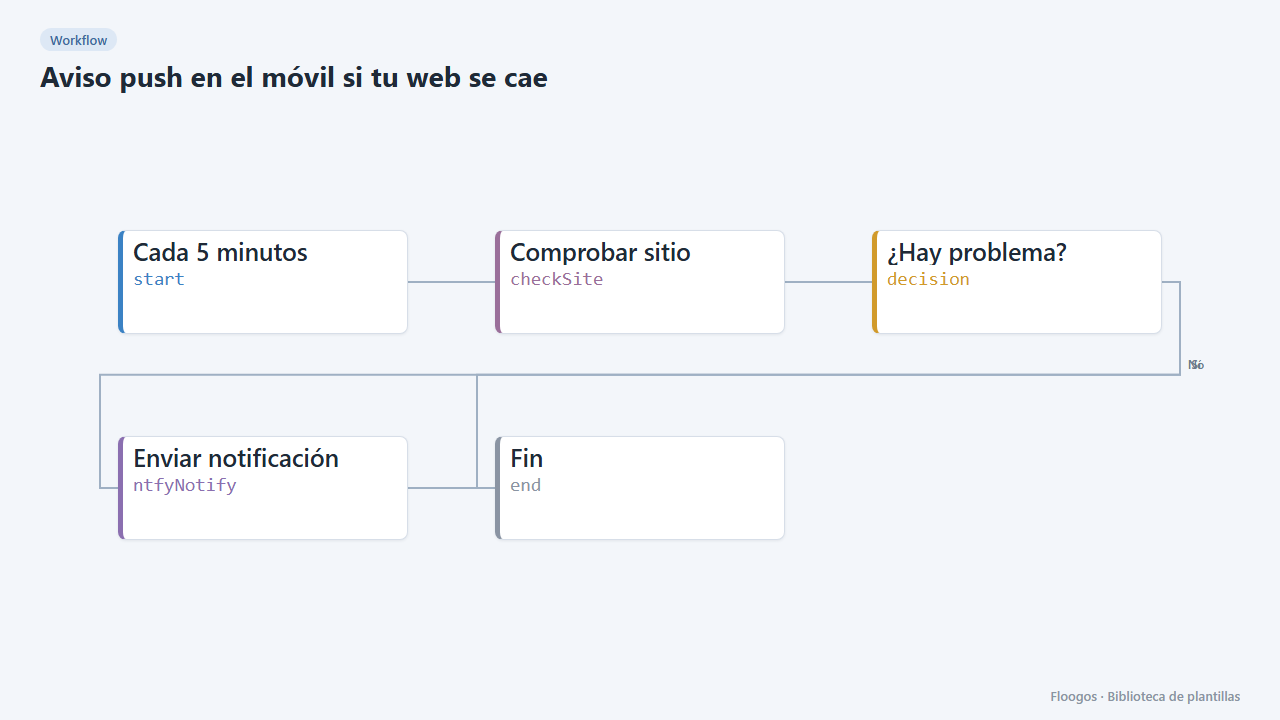
Every 5 minutes it checks your website and, if it does not respond or is too slow, sends a push notification to your phone.
Everything is created inactive in a new folder of your account. Nothing runs until you activate it, and you can undo it for 24 hours.
What it does
A minimal, free, bot-free monitor: every 5 minutes the workflow visits the URL you provide and, if the site is down or takes more than 5 seconds to respond, sends you a push notification with ntfy. If everything is fine you receive nothing.
What you need: the ntfy app and a hard-to-guess topic. On the public ntfy.sh server anyone who knows the topic can read the alerts.
How to use it: install the template, type your URL and topic, subscribe to the topic in the app and activate the workflow.
Note: it alerts on every failed check (every 5 minutes) while the site stays down.
How to set it up
- 1
Set the website to watch
In the Comprobar sitio node replace
https://www.tusitio.comwith your website URL. - 2
Pick the ntfy topic
In Enviar notificación replace
tu-tema-secretowith your topic and subscribe in the ntfy app. - 3
Test the alert
Run it once with a non-existent URL (for example
https://no-existe.invalid): the notification should arrive. Then set your URL back. - 4
Activate the workflow
Workflows are installed inactive. Once everything is set, activate it.
Related templates
Other templates that use similar nodes or integrations.
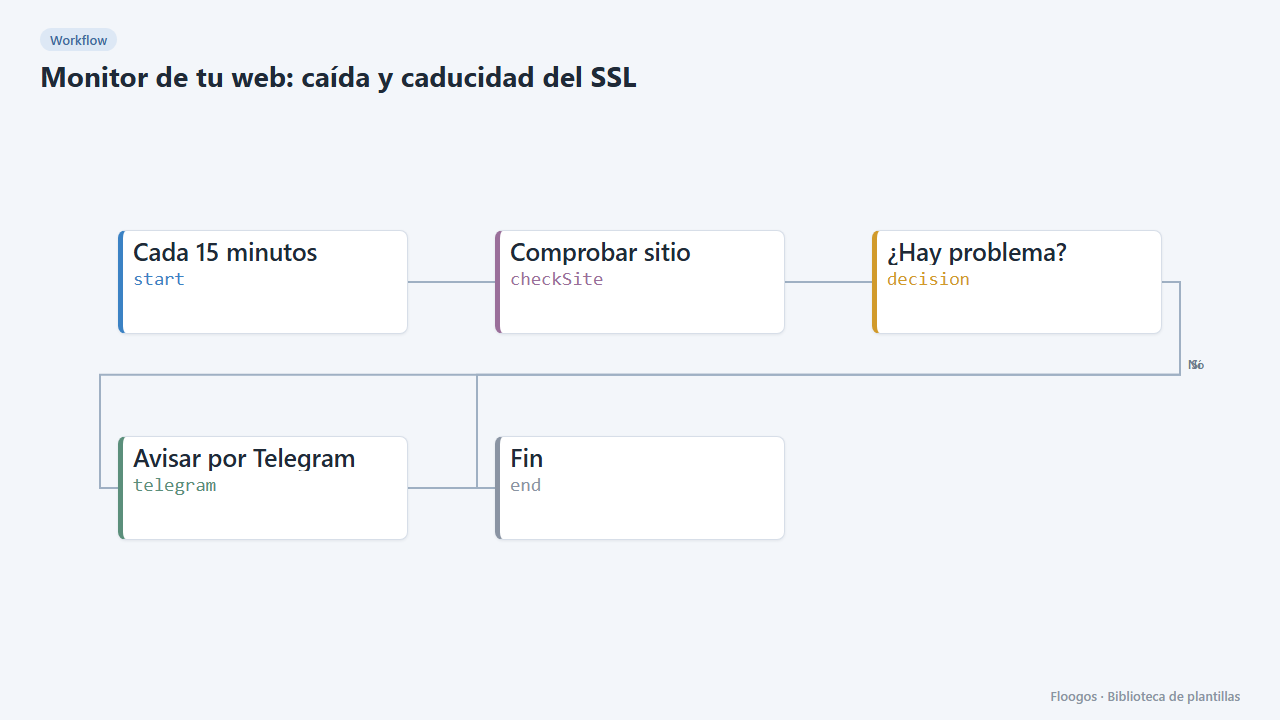
Website monitor: downtime and SSL expiry
Every 15 minutes it checks your website responds and its SSL certificate is not about to expire; if anything fails, it alerts you on Telegram.
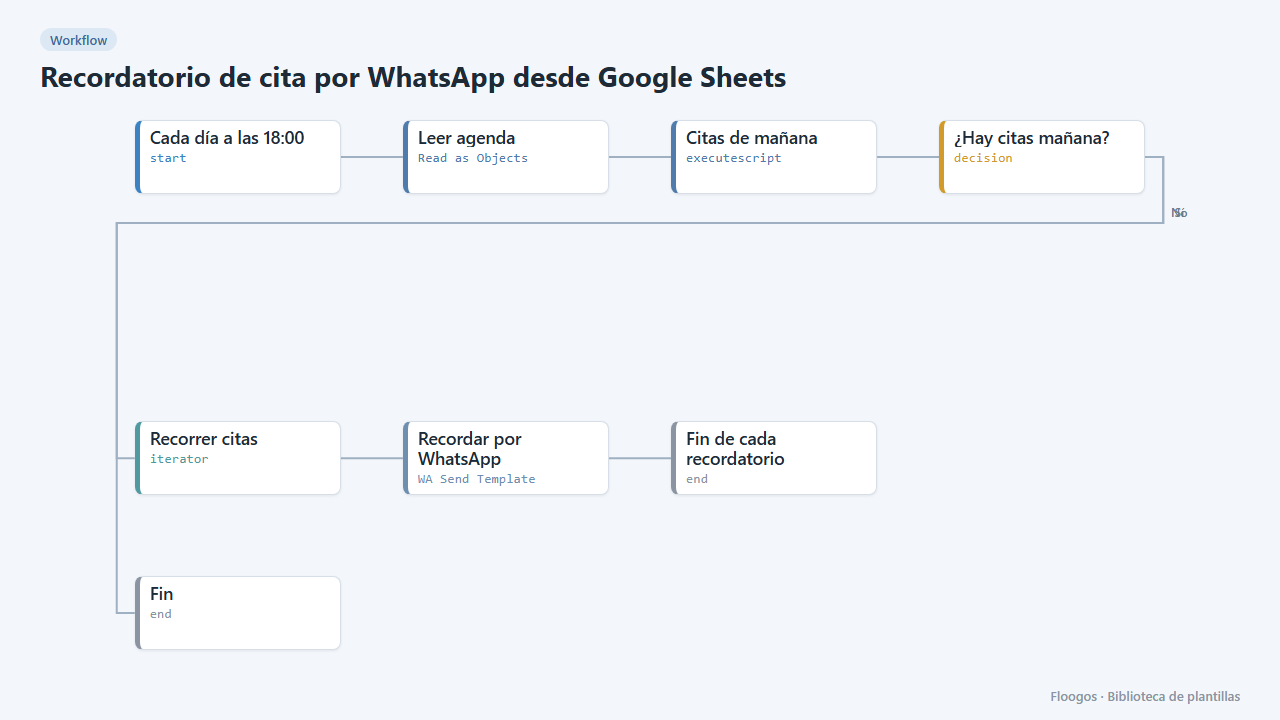
Appointment reminder via WhatsApp from Google Sheets
Every afternoon it reads your agenda in Google Sheets and sends a WhatsApp reminder to everyone with an appointment tomorrow.
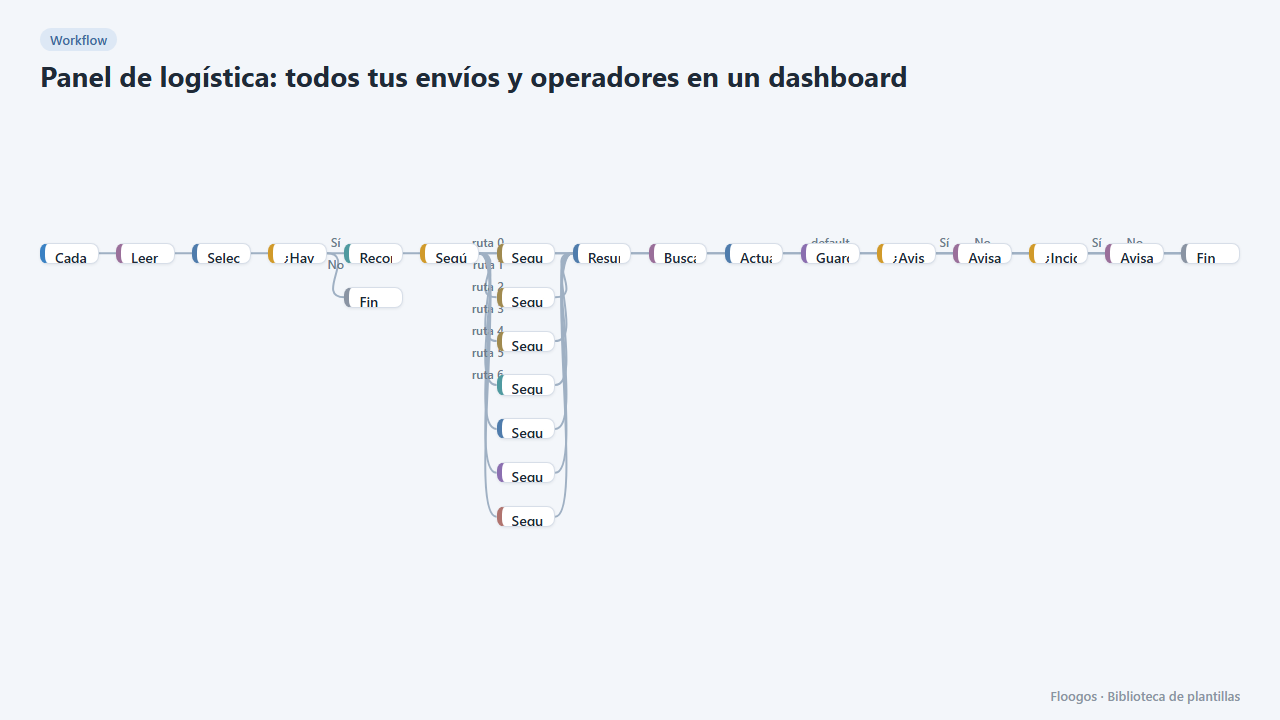
Logistics panel: all your shipments and carriers in one dashboard
Dashboard with KPIs, charts, filters and a side detail panel per shipment, fed by automatic tracking of DHL, FedEx, UPS, SEUR, Sendcloud, Shippo and EasyPost.
Try it in under 5 minutes
Create the template in your account, connect your credentials and activate it when you are ready.
Use this template