
Contact form with Telegram alert
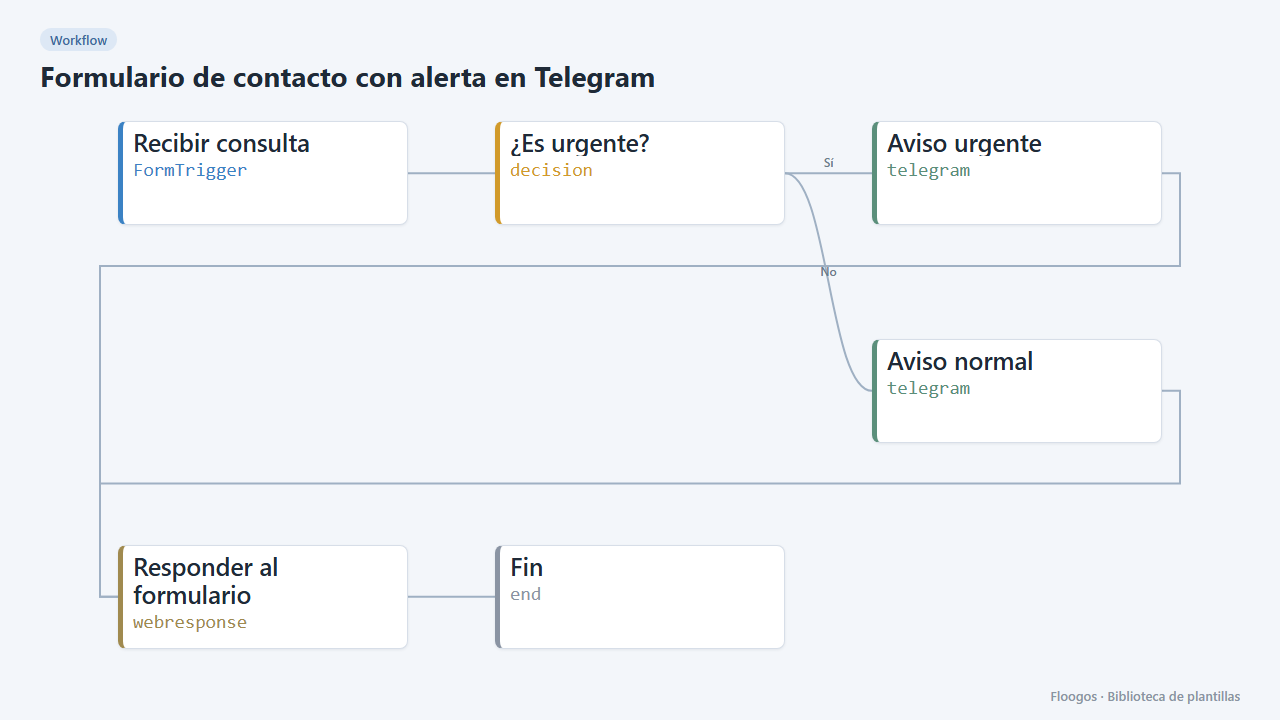
Includes a public form: every enquiry reaches your Telegram chat and those marked urgent stand out.
Everything is created inactive in a new folder of your account. Nothing runs until you activate it, and you can undo it for 24 hours.
What it does
A ready-to-publish contact form (name, email, urgency and message) that alerts you on Telegram instantly. If the visitor marks the enquiry as urgent, the alert starts with "URGENTE" so you spot it among other notifications. The visitor sees a confirmation message.
What you need: a Telegram bot (@BotFather), its token and the ID of the chat or group where you want the alerts.
How to use it: install the template, create the Telegram credential with the bot token and the chat ID (the alert destination comes from the credential), share the form link and try a submission.
How to set it up
- 1
Connect the telegram credential
This template uses telegram in: Aviso urgente, Aviso normal. Create or pick the credential and assign it in those nodes.
- 2
Copy the webhook URL (Recibir consulta)
A new URL is generated on install. Paste it into the external system that must call this workflow.
- 3
Publish and test the form "Contacto con aviso por Telegram"
Open it, publish it and submit a test entry to check the workflow starts.
- 4
Create the Telegram credential
Create a Telegram credential with your bot token and the destination chat ID. Add the bot to the group if you want alerts in a group.
- 5
Pick it in both alerts
Select that credential in the Aviso urgente and Aviso normal nodes.
- 6
Try a submission
Open the public form link, submit an enquiry marked as urgent and check that it arrives on Telegram.
- 7
Activate the workflow
Workflows are installed inactive. Once everything is set, activate it.
Related templates
Other templates that use similar nodes or integrations.
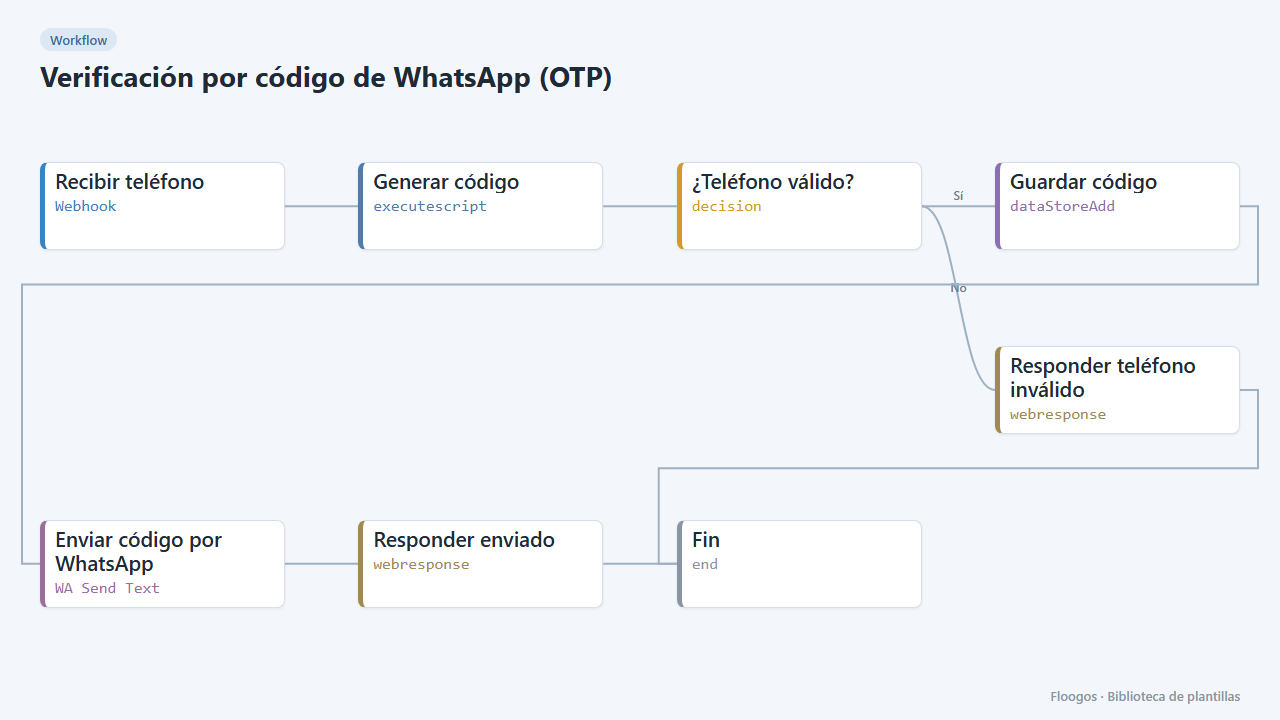
WhatsApp one-time code verification (OTP)
Send a 6-digit code over WhatsApp and verify it afterwards: two ready-made webhooks to validate your users phone numbers.
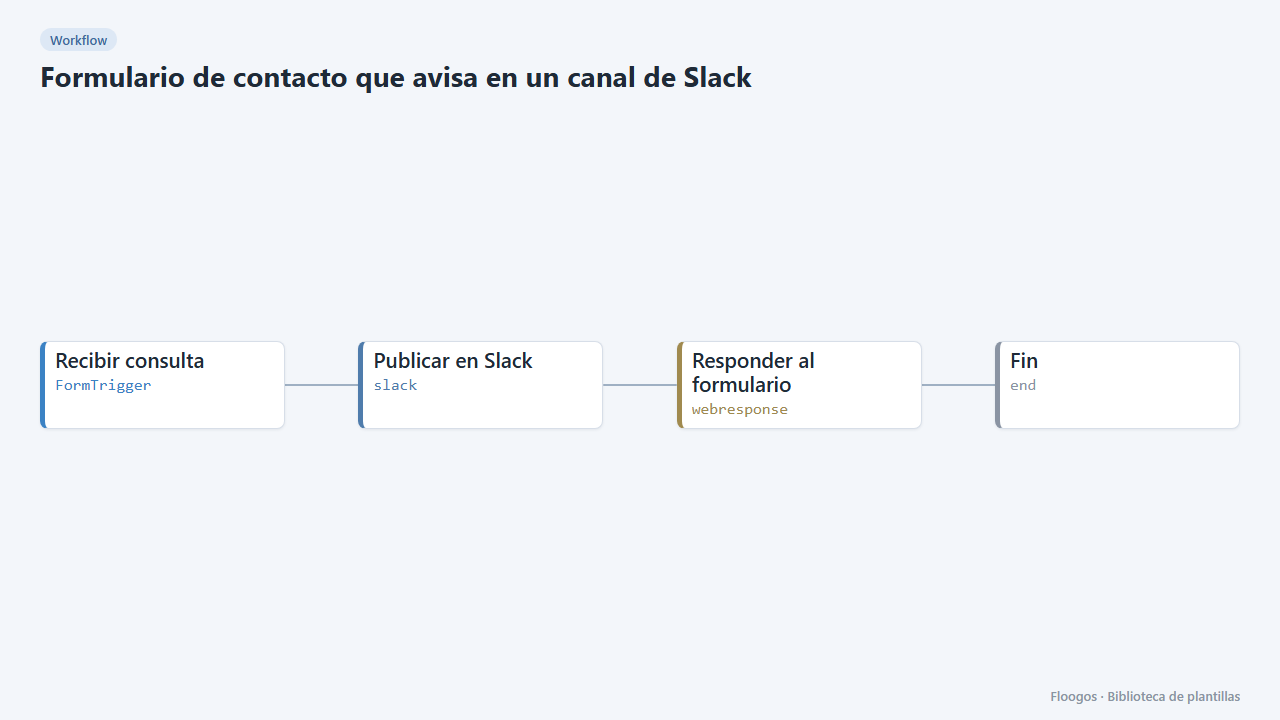
Contact form that notifies a Slack channel
Includes a public contact form: every submission lands in your team Slack channel and the visitor gets a confirmation.
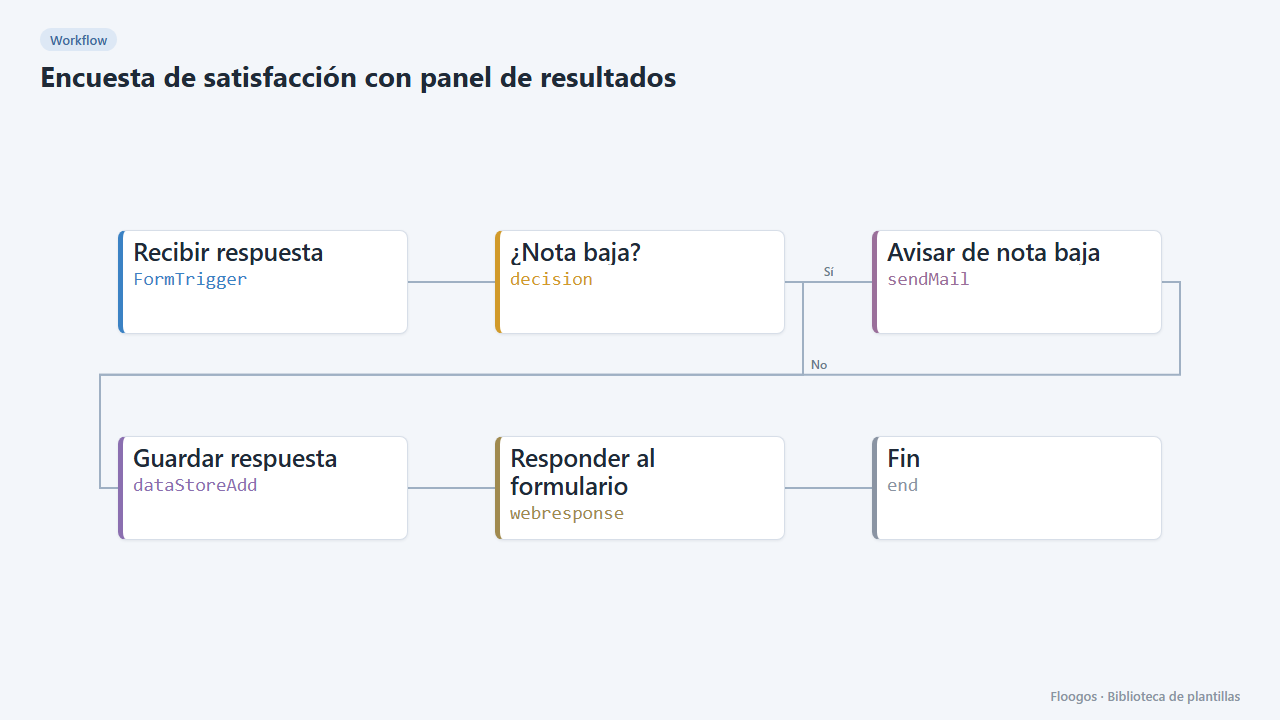
Customer satisfaction survey with results dashboard
A 1-to-5 rating form with comments, an automatic alert on low scores and a dashboard with average, distribution and latest comments.
Try it in under 5 minutes
Create the template in your account, connect your credentials and activate it when you are ready.
Use this template