
WhatsApp one-time code verification (OTP)
Send a 6-digit code over WhatsApp and verify it afterwards: two ready-made webhooks to validate your users phone numbers.
Everything is created inactive in a new folder of your account. Nothing runs until you activate it, and you can undo it for 24 hours.
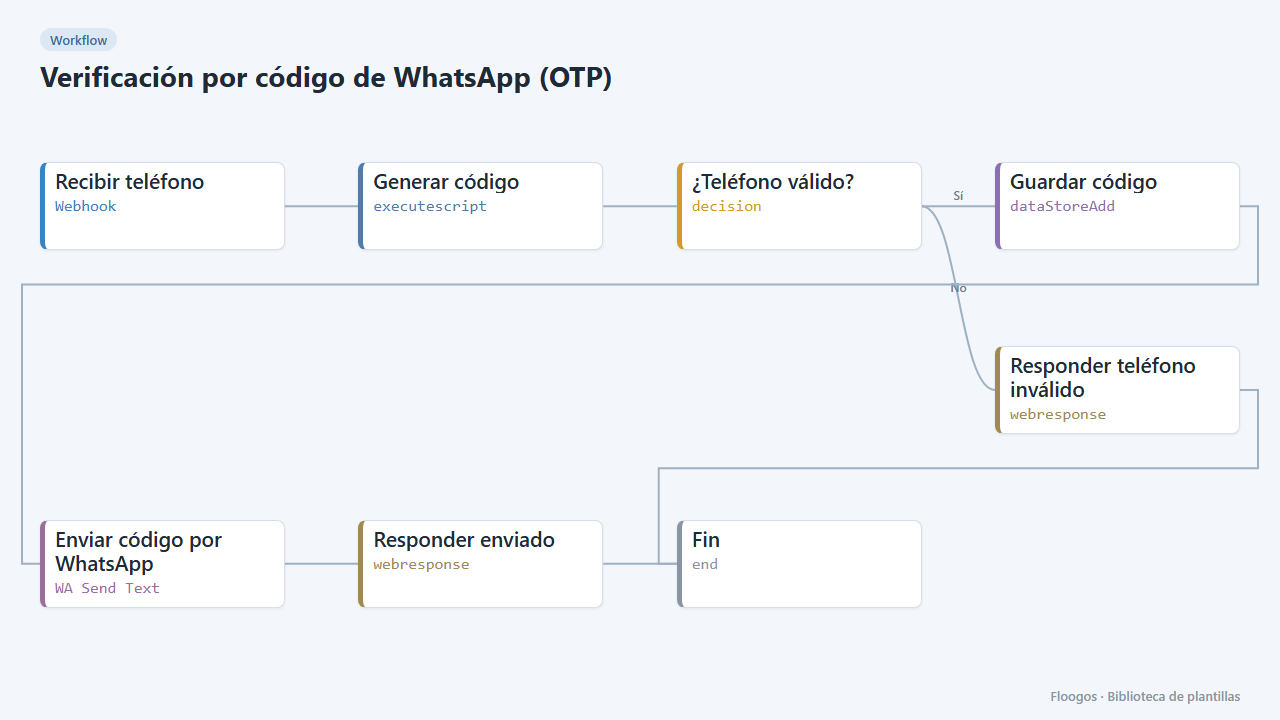
What it does
Two workflows that together implement a one-time code verification. Request code receives a phone number, generates a random 6-digit code, stores it in a Data Store with a 5-minute expiry and sends it over WhatsApp. Verify code receives the phone and the code typed by the user, checks it exists and has not expired, deletes it so it cannot be reused and answers verified: true or verified: false.
What you need: a WhatsApp Business Cloud API account (token and phoneNumberId). Outside the 24-hour conversation window WhatsApp requires an approved template; if that is your case, swap the node for WA Send Template.
How to use it: install the template, connect WhatsApp and call both webhooks from your website or app.
Note: expired codes that nobody verifies stay in the otp Data Store; you can clean them up periodically.
How to set it up
- 1
Connect the whatsapp_business credential
This template uses whatsapp_business in: Enviar código por WhatsApp. Create or pick the credential and assign it in those nodes.
- 2
Copy the webhook URL (Recibir teléfono)
A new URL is generated on install. Paste it into the external system that must call this workflow.
- 3
Copy the webhook URL (Recibir código)
A new URL is generated on install. Paste it into the external system that must call this workflow.
- 4
Connect WhatsApp Business
Set up the Enviar código por WhatsApp node of the Solicitar código workflow with your WhatsApp Business account (token and phoneNumberId).
- 5
Request a code
Send a
POSTto the Solicitar código webhook URL with{"phone":"34600111222"}(with country code, without+). The user receives the code on WhatsApp. - 6
Verify the code
Send a
POSTto the Verificar código webhook URL with{"phone":"34600111222","code":"123456"}. It answers{"verified":true}if the code is correct and valid (HTTP 200) or{"verified":false}(HTTP 401). - 7
Activate the workflow
Workflows are installed inactive. Once everything is set, activate it.
Related templates
Other templates that use similar nodes or integrations.
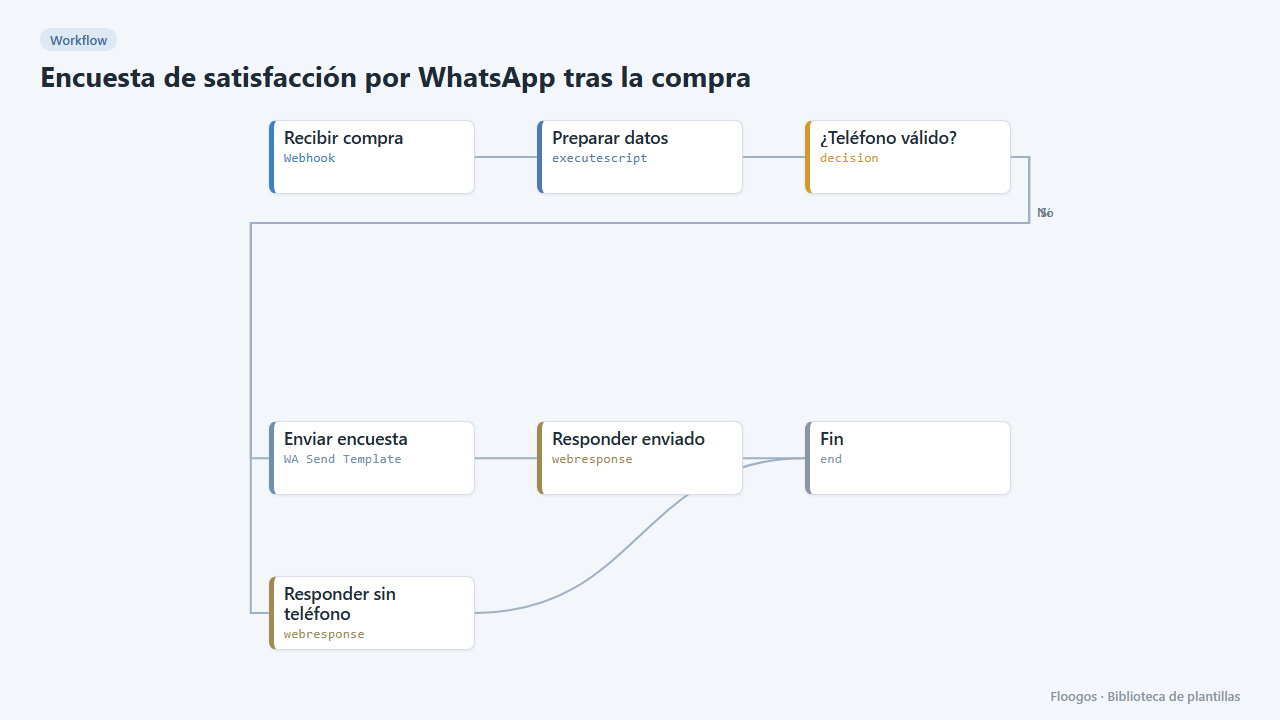
Post-purchase satisfaction survey via WhatsApp
Asks the customer how their purchase went with three quick-reply buttons and stores each rating in a Data Store.
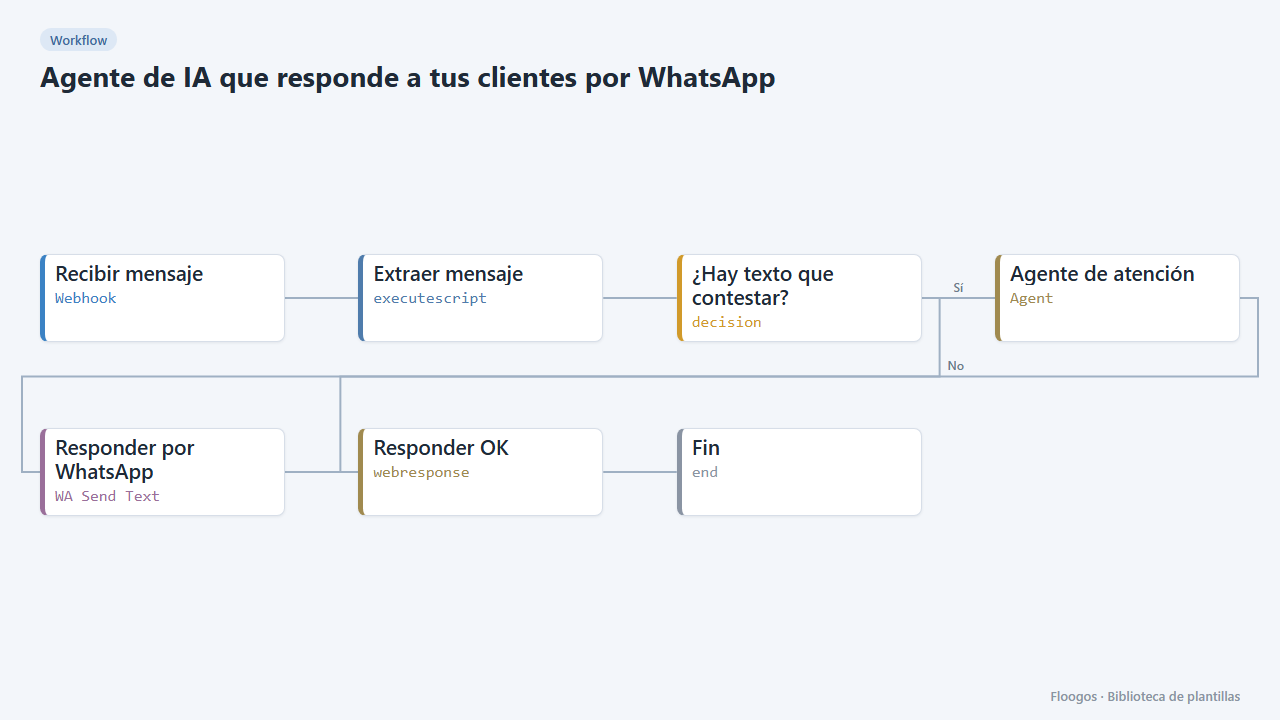
AI agent that answers your customers on WhatsApp
Every WhatsApp message you receive is answered by an AI agent that remembers the conversation, and the reply goes back to the customer on the same channel.
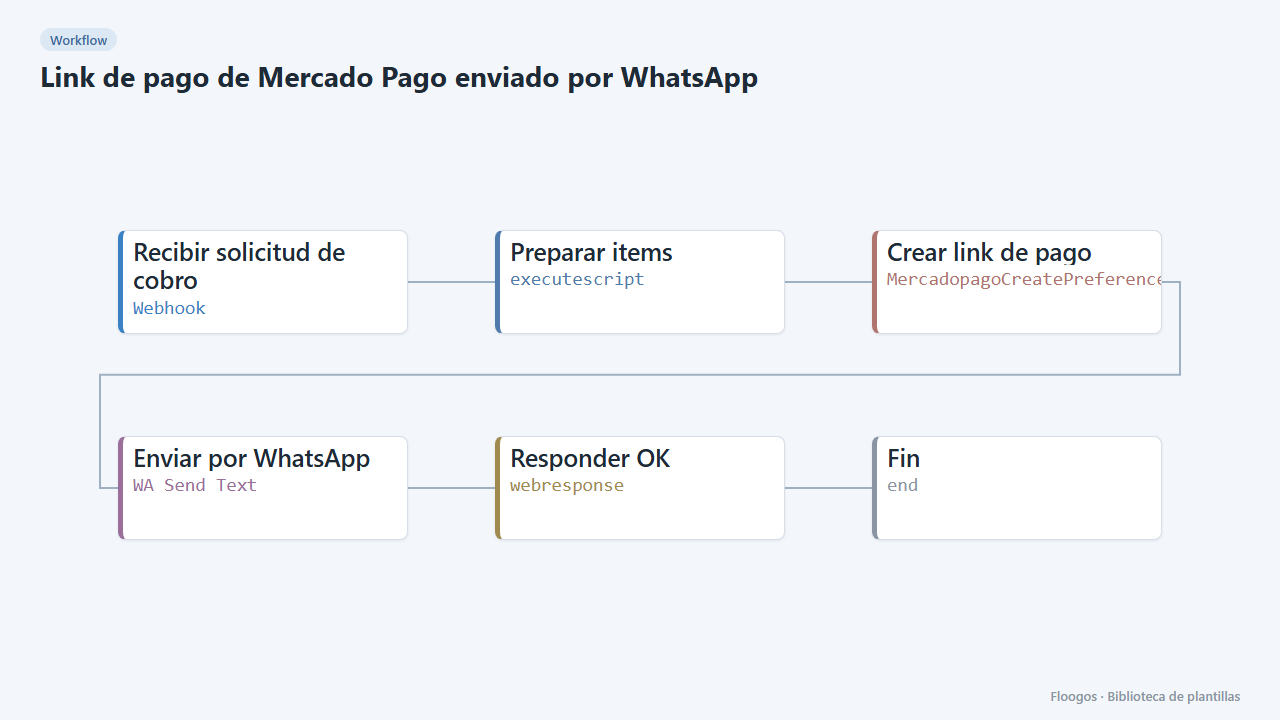
Mercado Pago payment link sent via WhatsApp
Creates the Mercado Pago payment link and sends it to the customer on WhatsApp Business right away.
Try it in under 5 minutes
Create the template in your account, connect your credentials and activate it when you are ready.
Use this template