
Post-purchase satisfaction survey via WhatsApp
Asks the customer how their purchase went with three quick-reply buttons and stores each rating in a Data Store.
Everything is created inactive in a new folder of your account. Nothing runs until you activate it, and you can undo it for 24 hours.
What it does
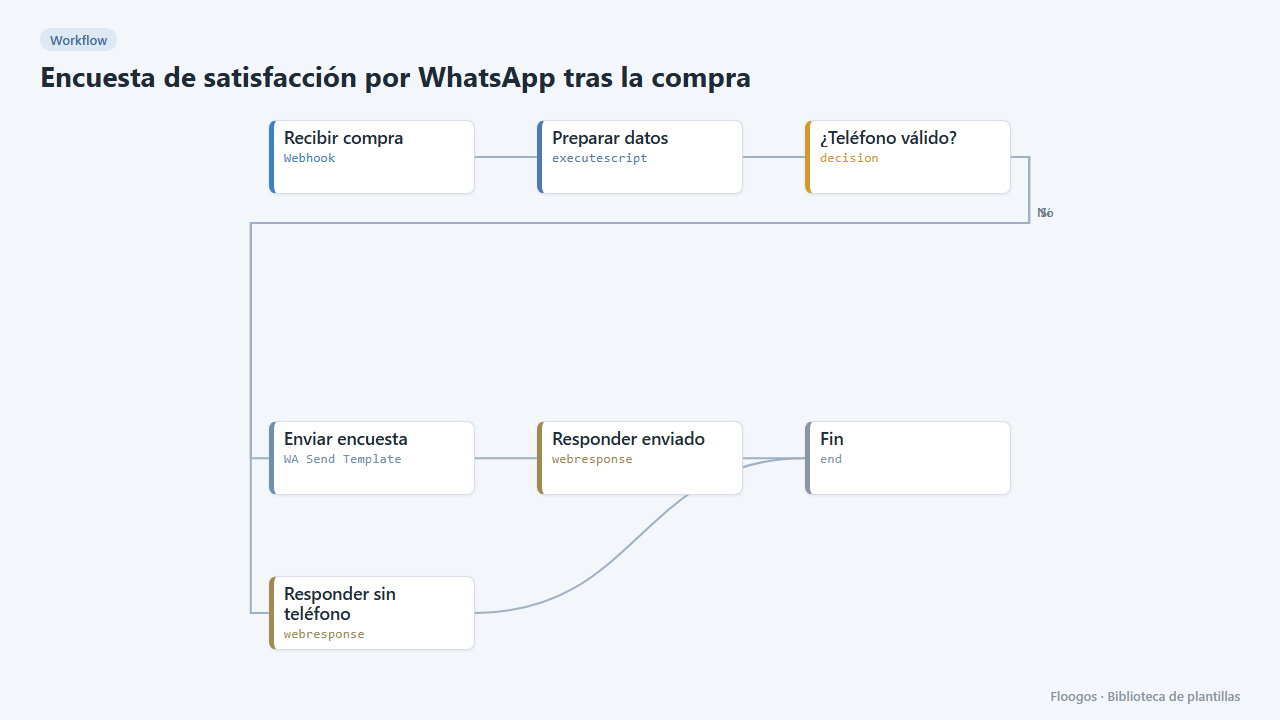
Two workflows in one. The first fires when a purchase is completed (webhook from your shop) and sends a WhatsApp Business template with three buttons: Muy bien, Normal and Mal. The second receives the customer reply from WhatsApp, stores the rating (with order and phone) in the encuestas Data Store and thanks them.
What you need: WhatsApp Business (Meta API) with the messages webhook pointing to the second workflow, and an approved template encuesta_postcompra with two variables ({{1}} name, {{2}} order) and three quick-reply buttons.
How to use it: install the template, create the template in Meta, connect WhatsApp in both workflows and set the Recibir respuesta webhook URL in Meta.
How to set it up
- 1
Connect the whatsapp_business credential
This template uses whatsapp_business in: Enviar encuesta, Agradecer. Create or pick the credential and assign it in those nodes.
- 2
Copy the webhook URL (Recibir compra)
A new URL is generated on install. Paste it into the external system that must call this workflow.
- 3
Copy the webhook URL (Recibir respuesta)
A new URL is generated on install. Paste it into the external system that must call this workflow.
- 4
Create the template with buttons
In Meta create the
encuesta_postcompratemplate with body "Hi {{1}}, how was your order {{2}}?" and three quick-reply buttons: Muy bien, Normal and Mal. - 5
Connect WhatsApp in both workflows
Pick your credentials in Enviar encuesta (sending workflow) and Agradecer (reply workflow).
- 6
Point the Meta webhook
In Meta WhatsApp settings register the Recibir respuesta webhook URL and subscribe to the
messagesfield. - 7
Test
Send a
POSTto the Recibir compra webhook with{"cliente":"Ana","pedido":"PED-1001","telefono":"34600111222"}, tap a button on your phone and check theencuestasData Store. - 8
Activate the workflow
Workflows are installed inactive. Once everything is set, activate it.
Related templates
Other templates that use similar nodes or integrations.
Order confirmation via WhatsApp
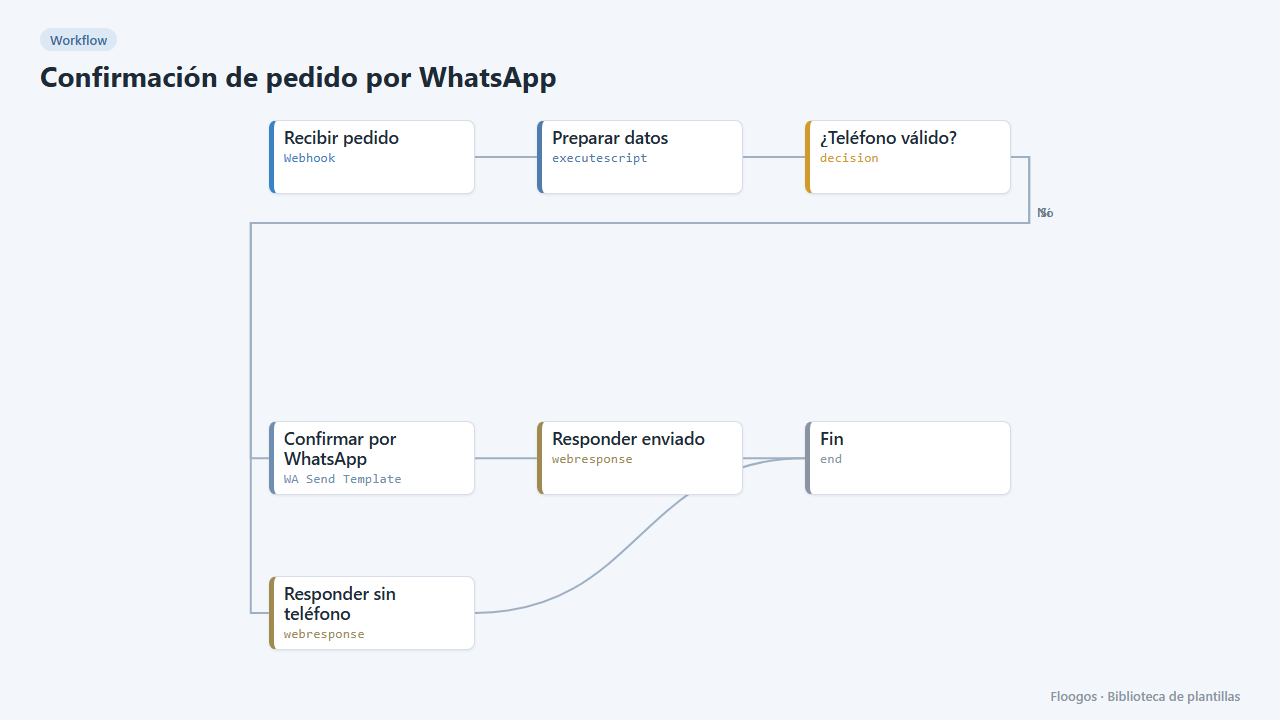
When your shop registers an order, it sends the customer a WhatsApp Business confirmation with the order number and amount.
WhatsApp one-time code verification (OTP)
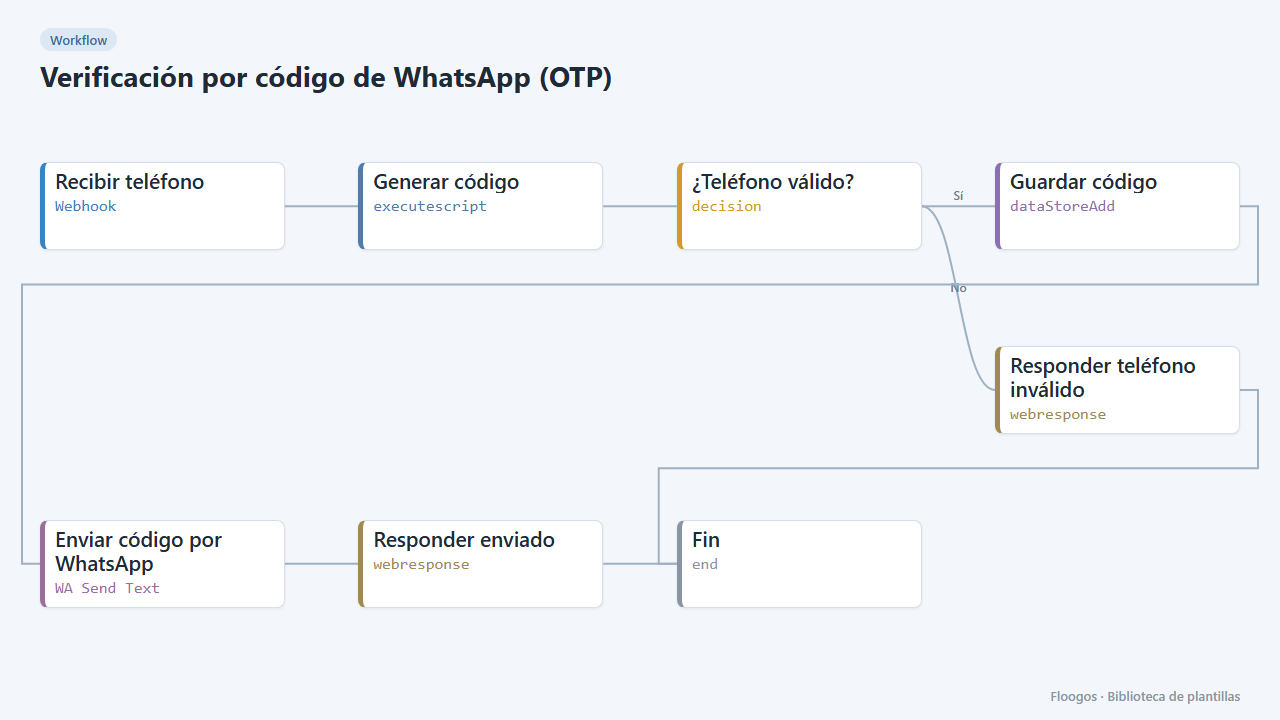
Send a 6-digit code over WhatsApp and verify it afterwards: two ready-made webhooks to validate your users phone numbers.
AI agent that answers your customers on WhatsApp
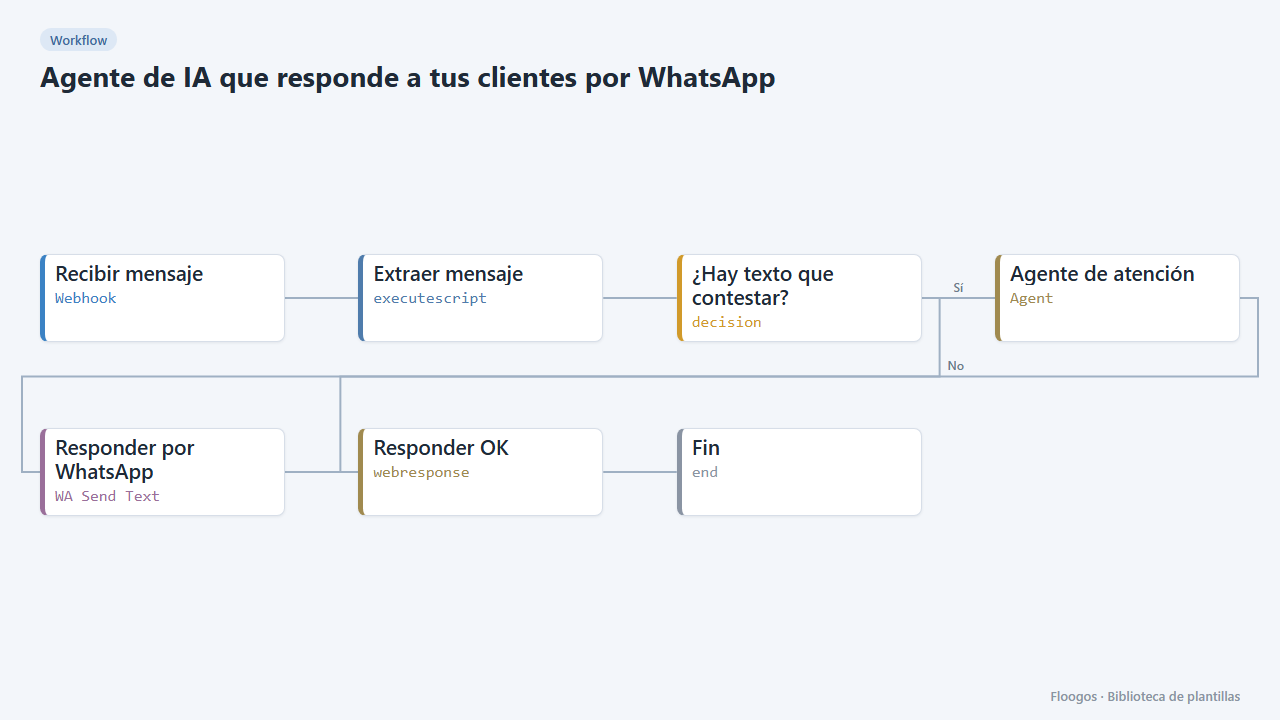
Every WhatsApp message you receive is answered by an AI agent that remembers the conversation, and the reply goes back to the customer on the same channel.
Try it in under 5 minutes
Create the template in your account, connect your credentials and activate it when you are ready.
Use this template