
Templates that use Form Trigger
22 templates to get started in minutes, with a step-by-step guide and no code.
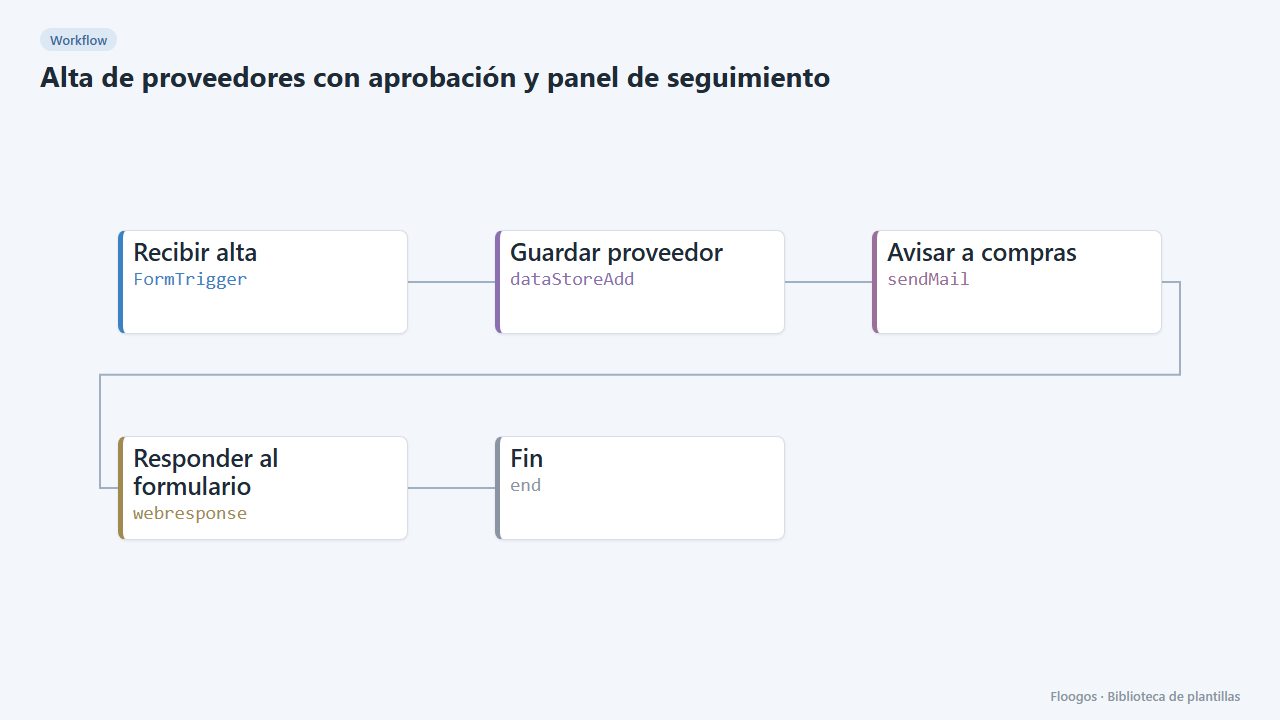
Supplier onboarding with approval and tracking dashboard
A public form to onboard suppliers, an alert to the purchasing manager and a dashboard to approve or reject each request in one click.
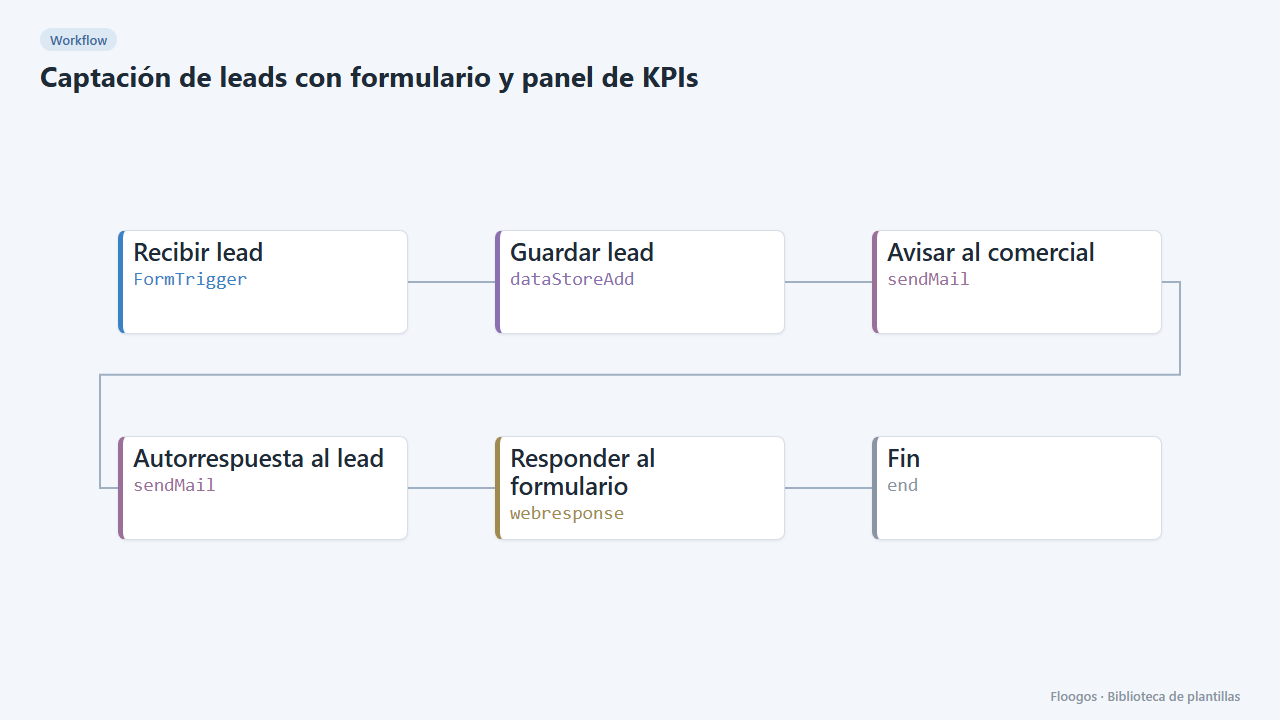
Lead capture form with KPI dashboard
A public form that stores each lead, alerts sales and feeds a dashboard with totals, source, interest and daily trend.
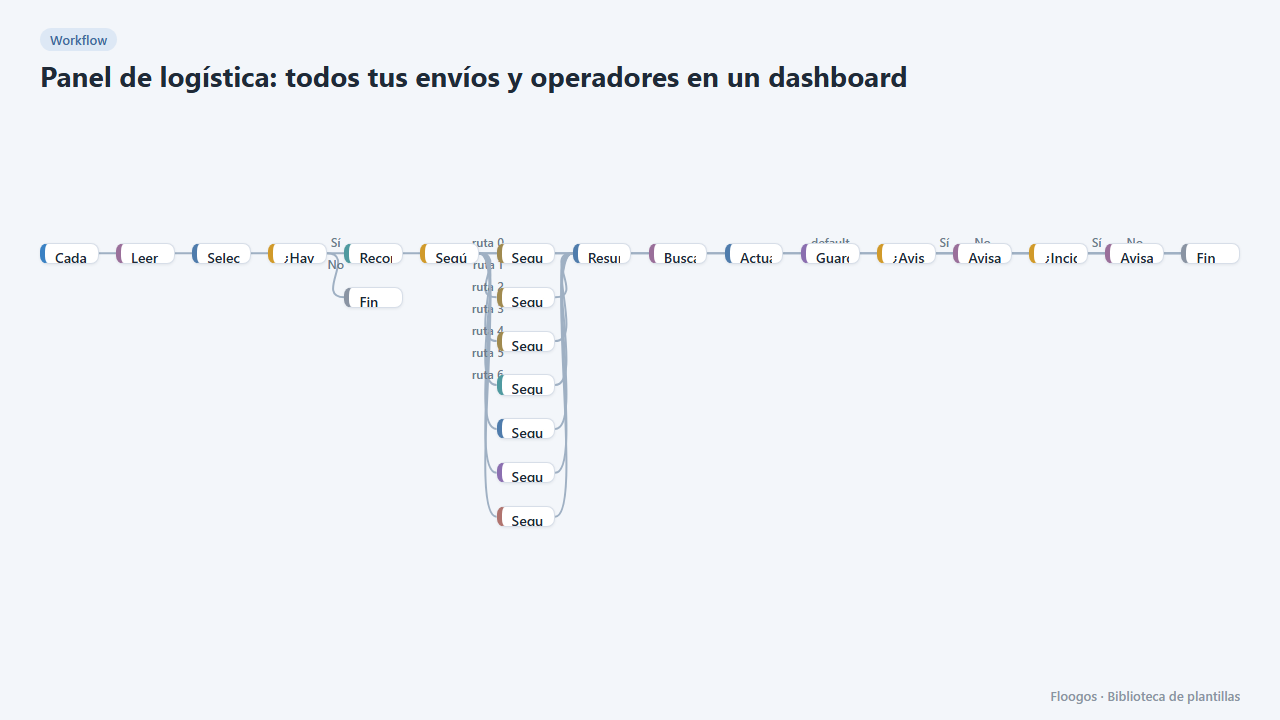
Logistics panel: all your shipments and carriers in one dashboard
Dashboard with KPIs, charts, filters and a side detail panel per shipment, fed by automatic tracking of DHL, FedEx, UPS, SEUR, Sendcloud, Shippo and EasyPost.
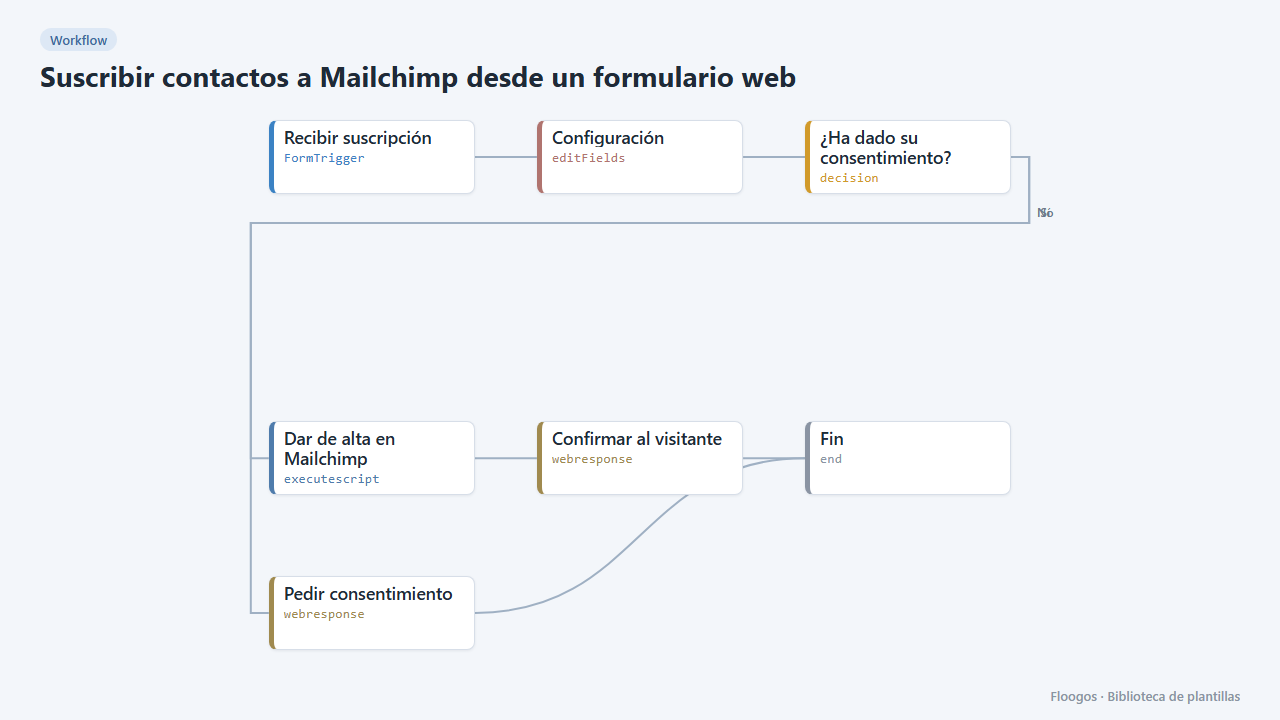
Subscribe contacts to Mailchimp from a web form
A public form that adds the contact to your Mailchimp audience, with email confirmation and a source tag.
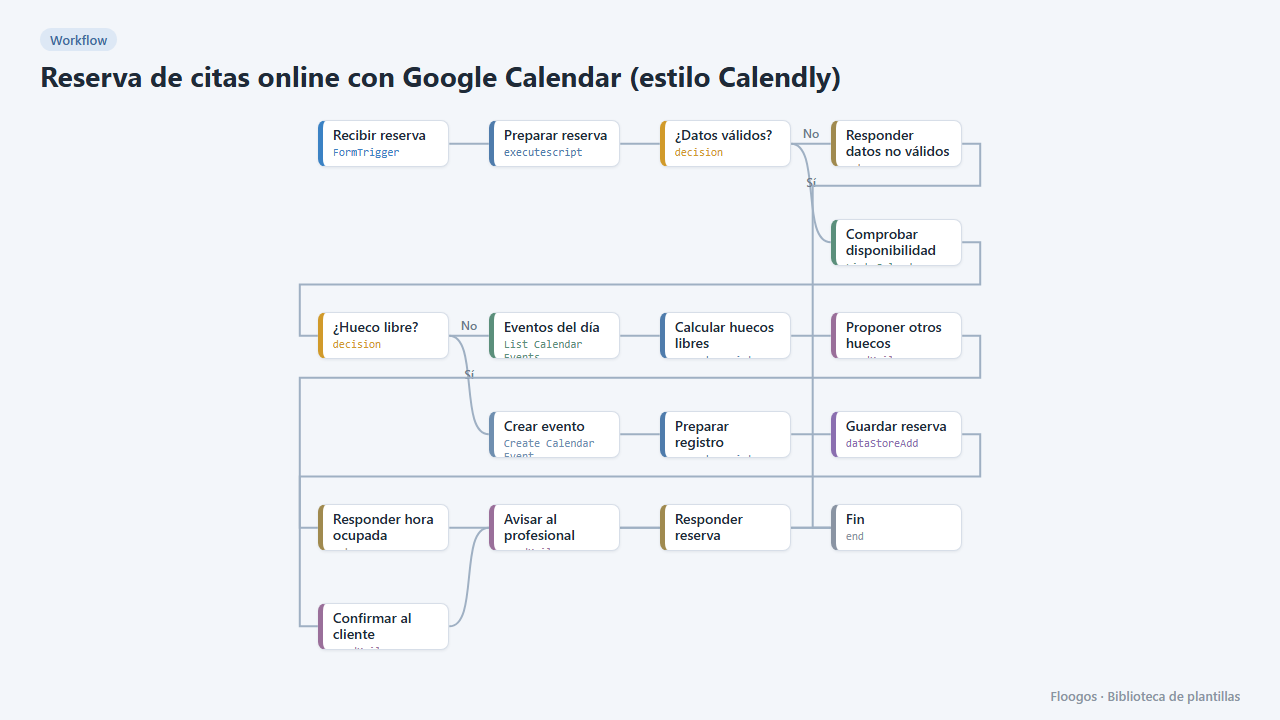
Online appointment booking with Google Calendar (Calendly-style)
A public form for your customers to book an appointment: it checks your Google Calendar, creates the event, confirms by email and, if the slot is taken, suggests the free slots of that day.
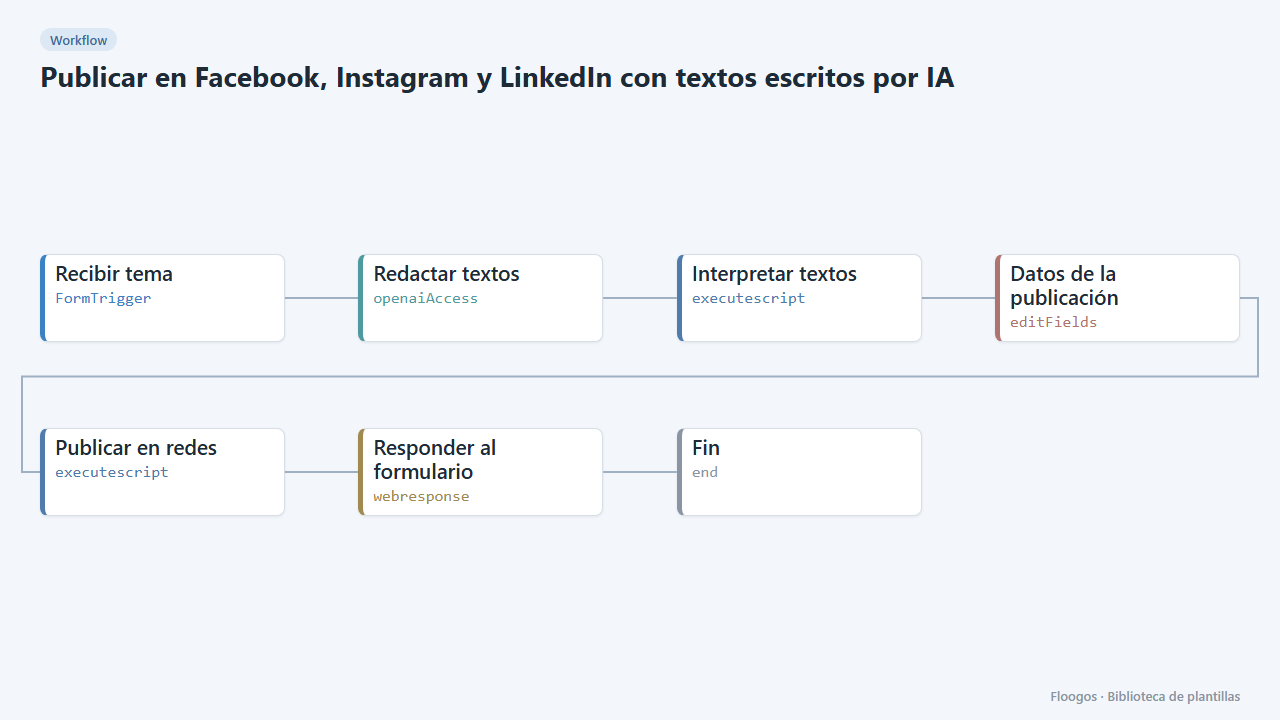
Post to Facebook, Instagram and LinkedIn with AI-written copy
Fill in a form with the topic, AI writes a text for each network and publishes it (or shows it as a draft).
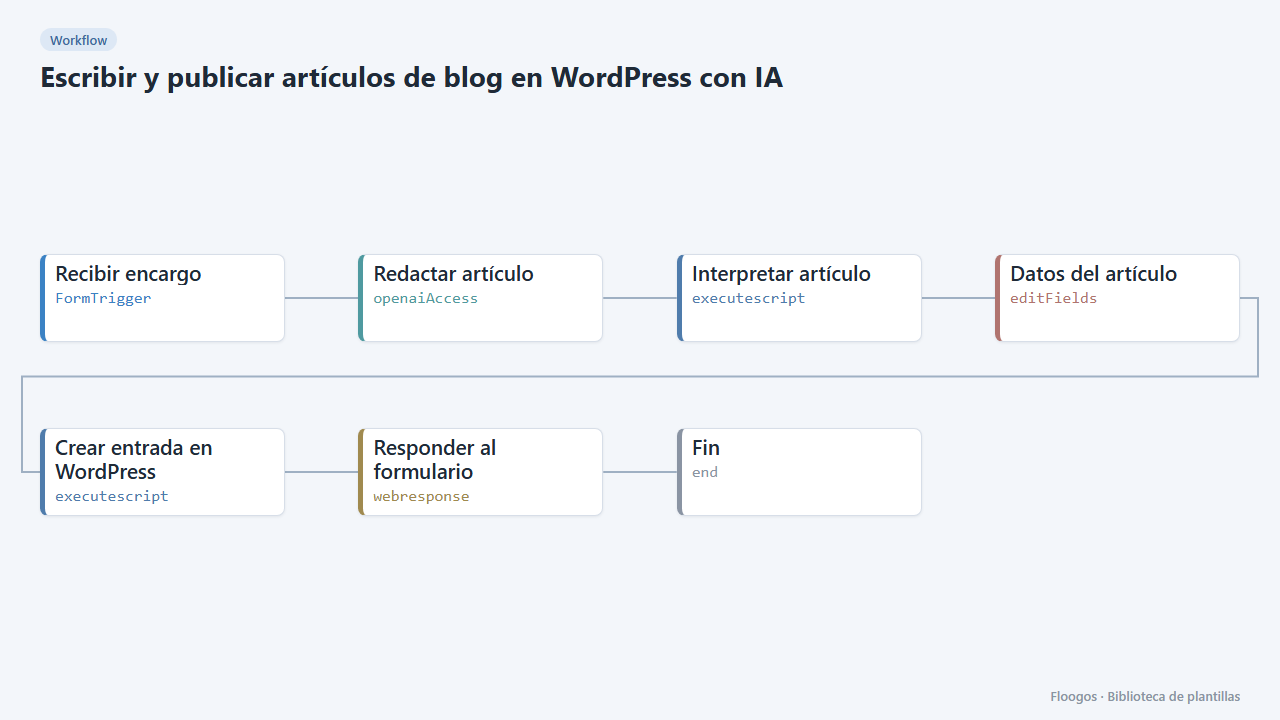
Write and publish blog posts on WordPress with AI
You give the topic and keywords, AI writes the article and leaves it in your WordPress as a draft or published.
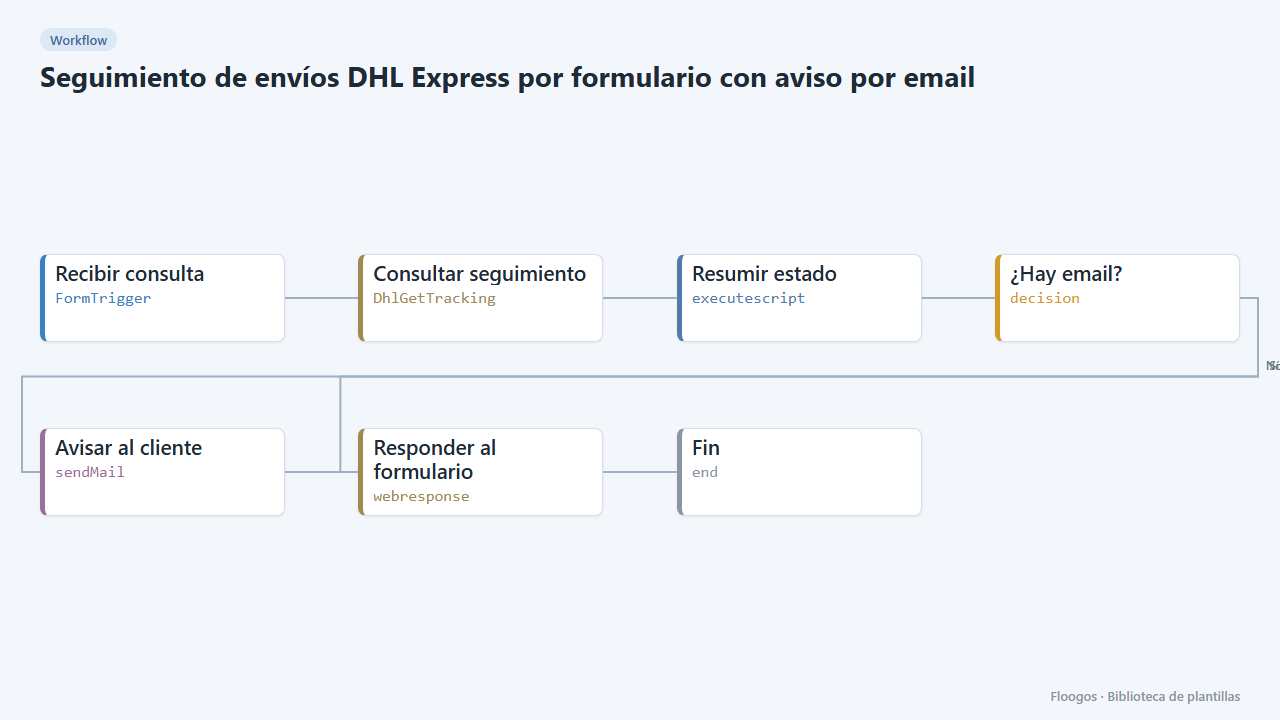
DHL Express shipment tracking form with email notice
A public form that checks the status of a DHL Express shipment and emails the customer the latest movement and the estimated date.
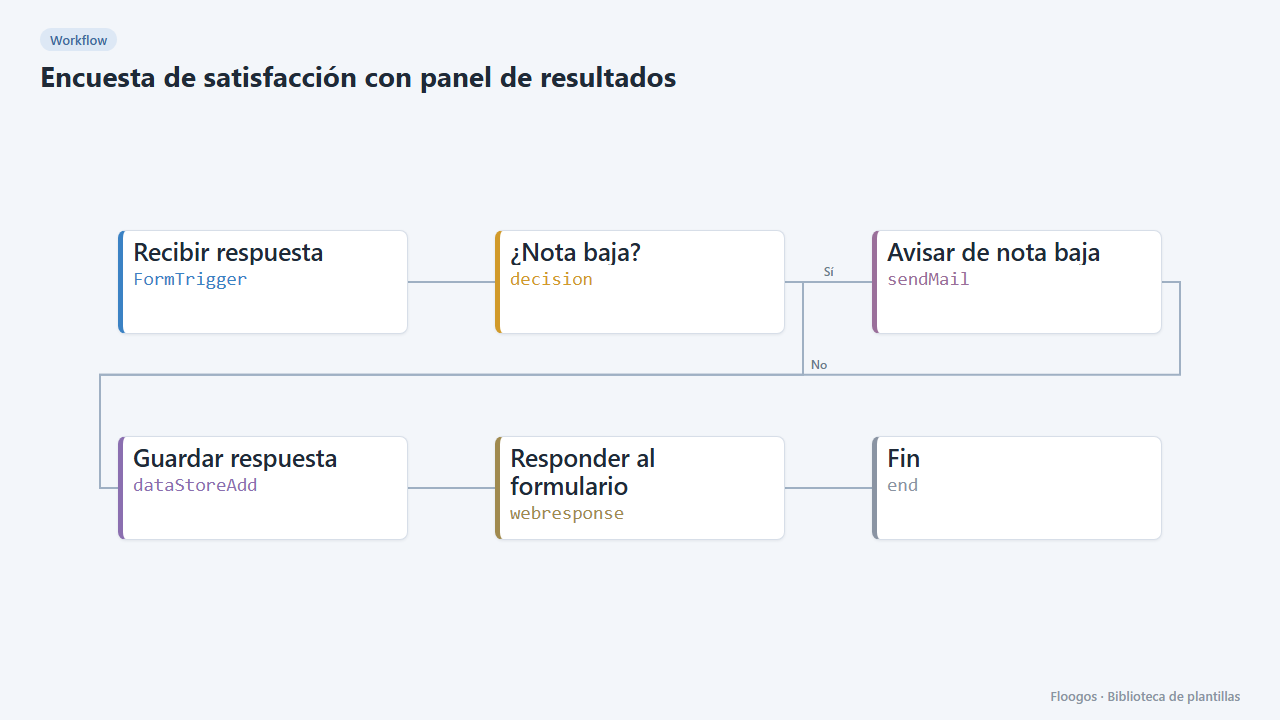
Customer satisfaction survey with results dashboard
A 1-to-5 rating form with comments, an automatic alert on low scores and a dashboard with average, distribution and latest comments.
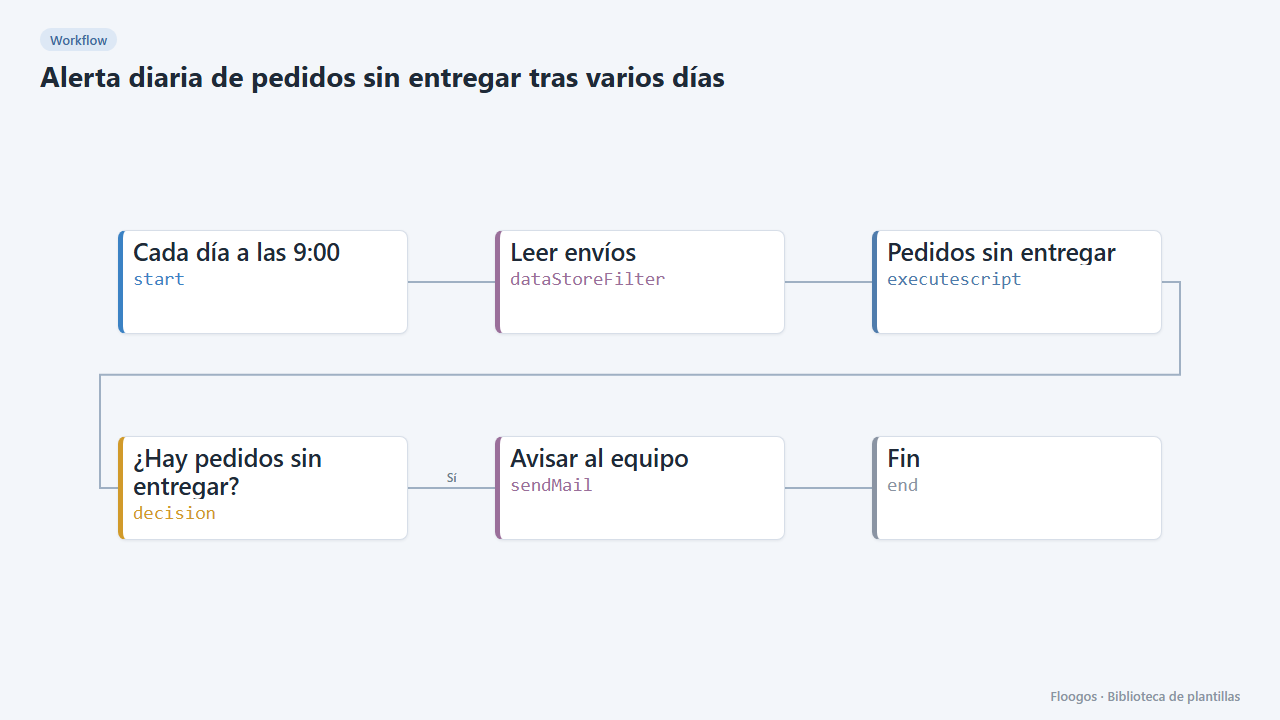
Daily alert for orders not delivered after several days
Every morning it checks the shipments Data Store and emails your team a table of orders still undelivered after more than 4 days.
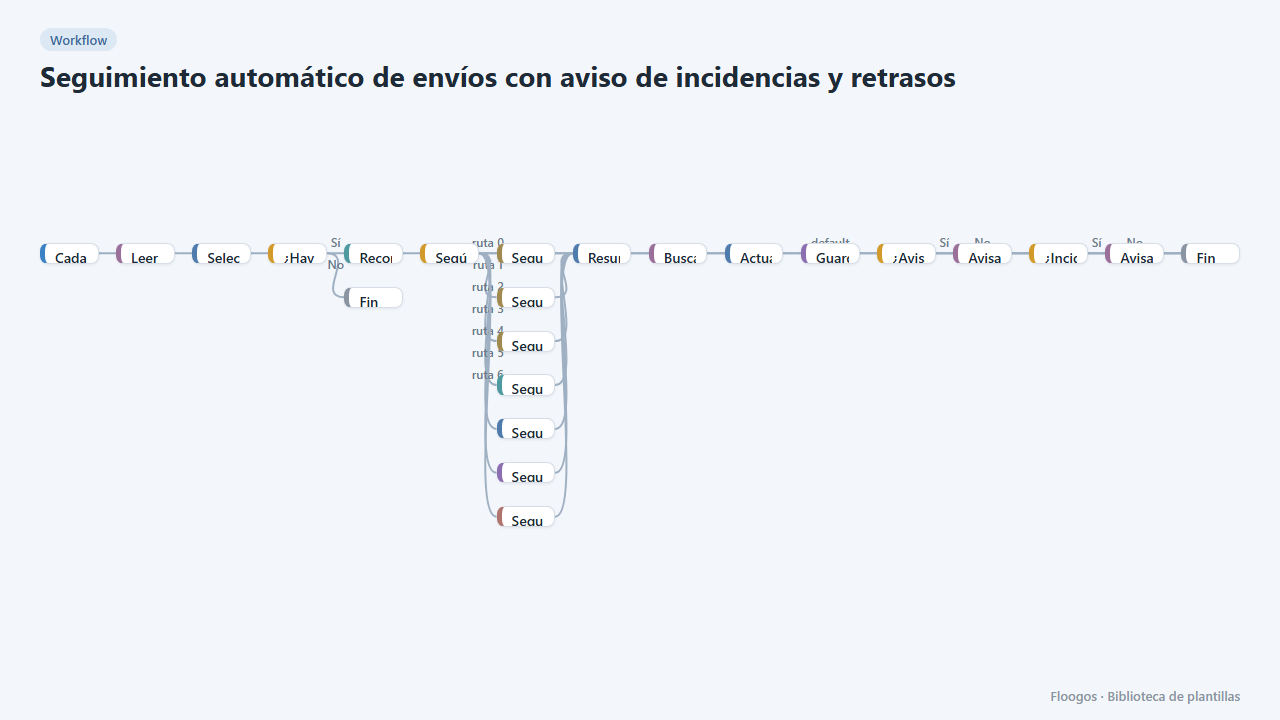
Automatic shipment tracking with incident and delay alerts
Every 3 hours it queries the status of in-flight shipments in DHL, FedEx, UPS, SEUR, Sendcloud, Shippo or EasyPost and notifies the customer and your team.
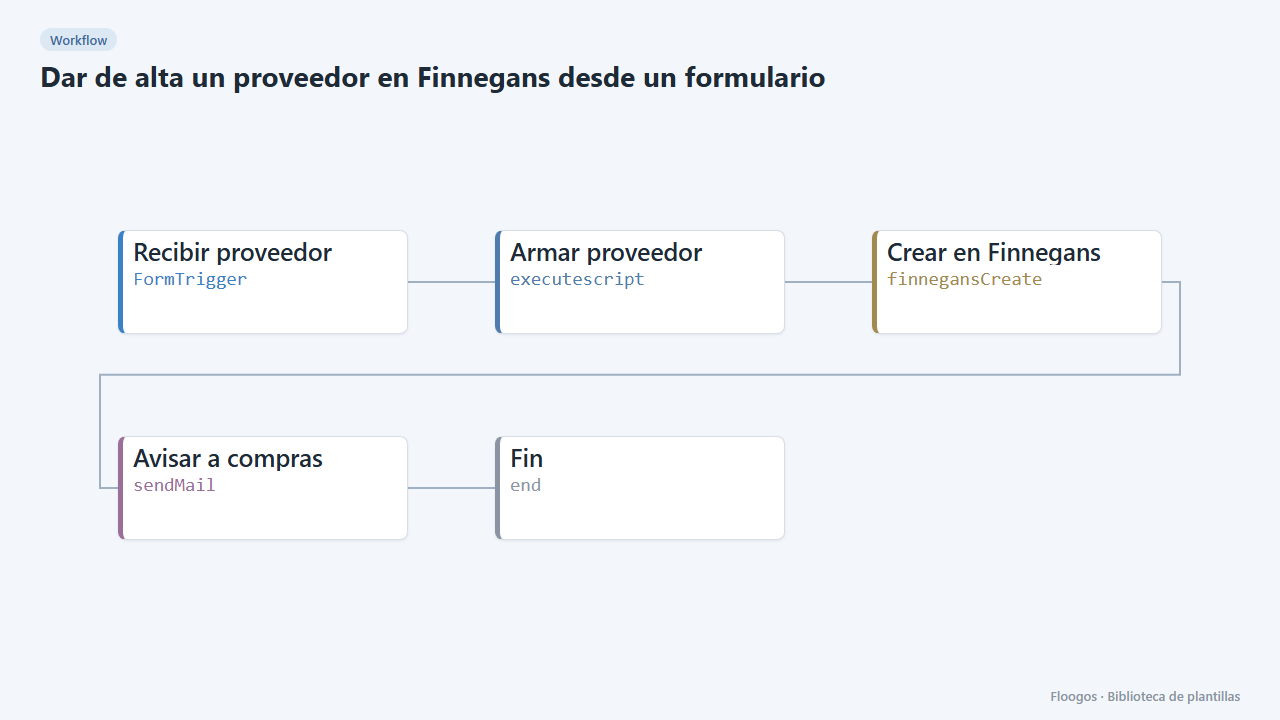
Create a supplier in Finnegans from a form
An internal form to register new suppliers in Finnegans without retyping data, with an email notice when one is created.
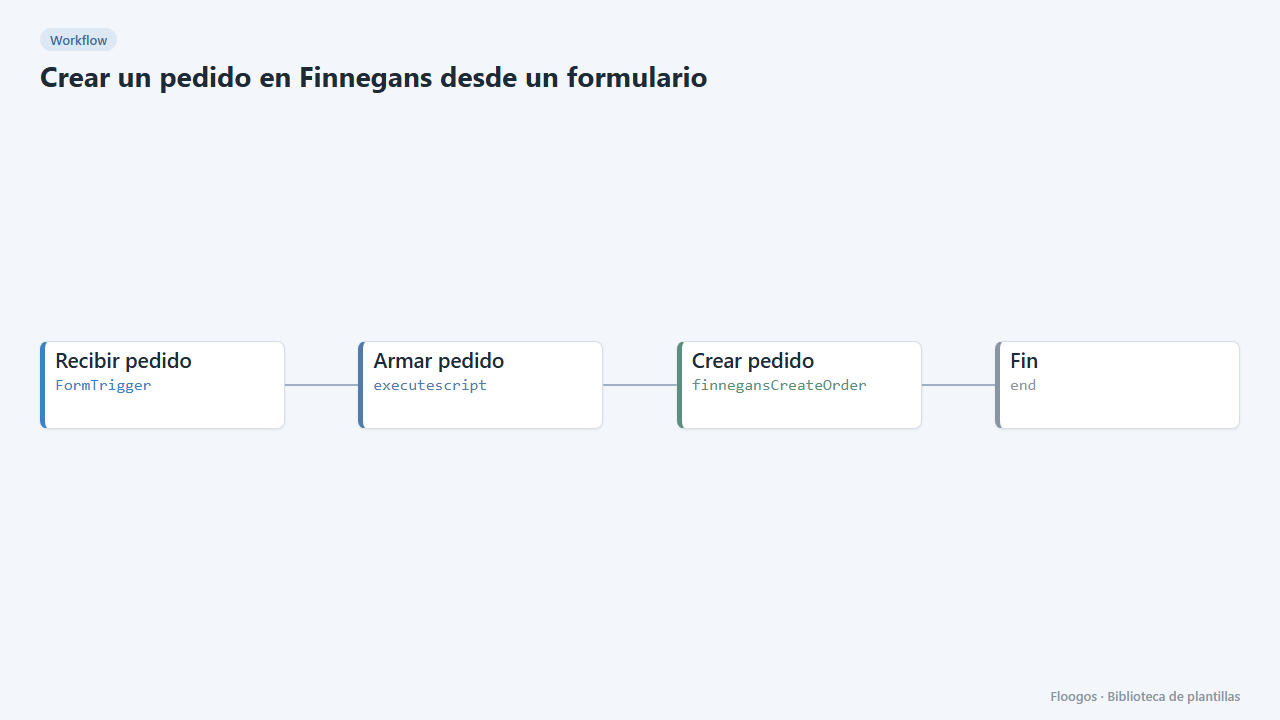
Create a Finnegans order from a form
An internal form so sales or customer service can enter an order into Finnegans without opening the ERP.
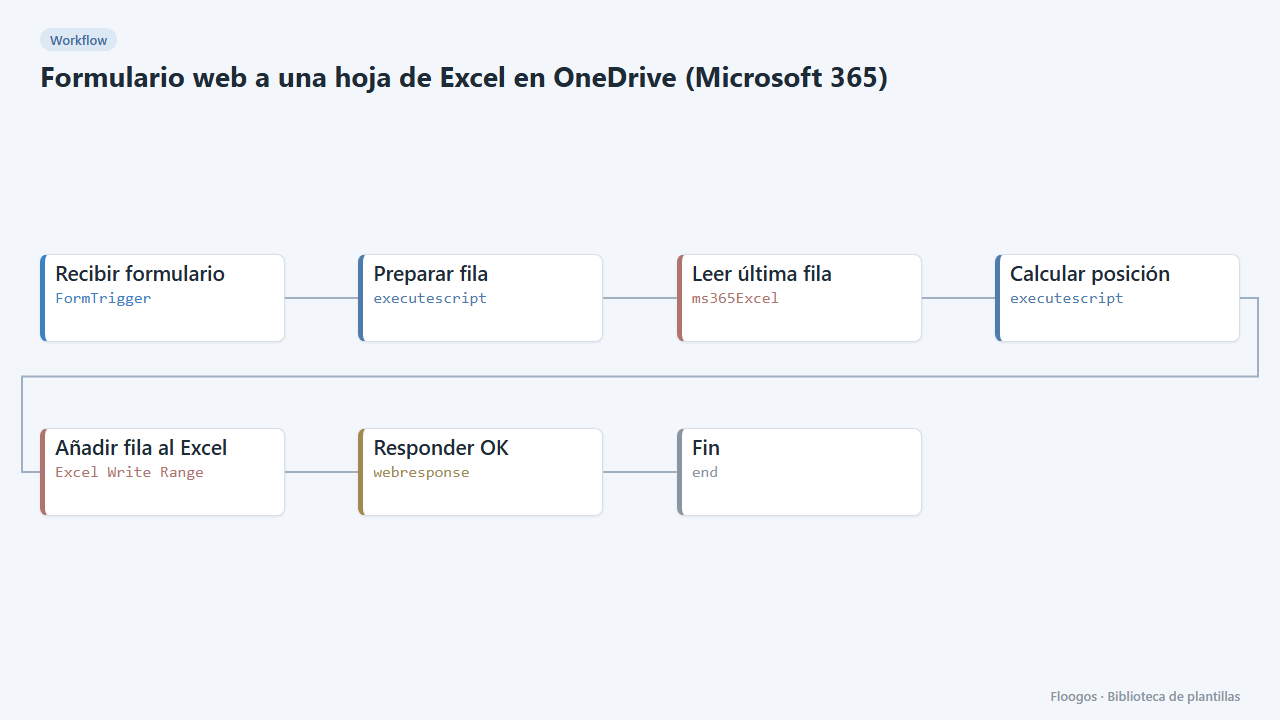
Web form to an Excel sheet in OneDrive (Microsoft 365)
Every form submission is added as a new row in an Excel workbook in your OneDrive, with the header row created automatically.
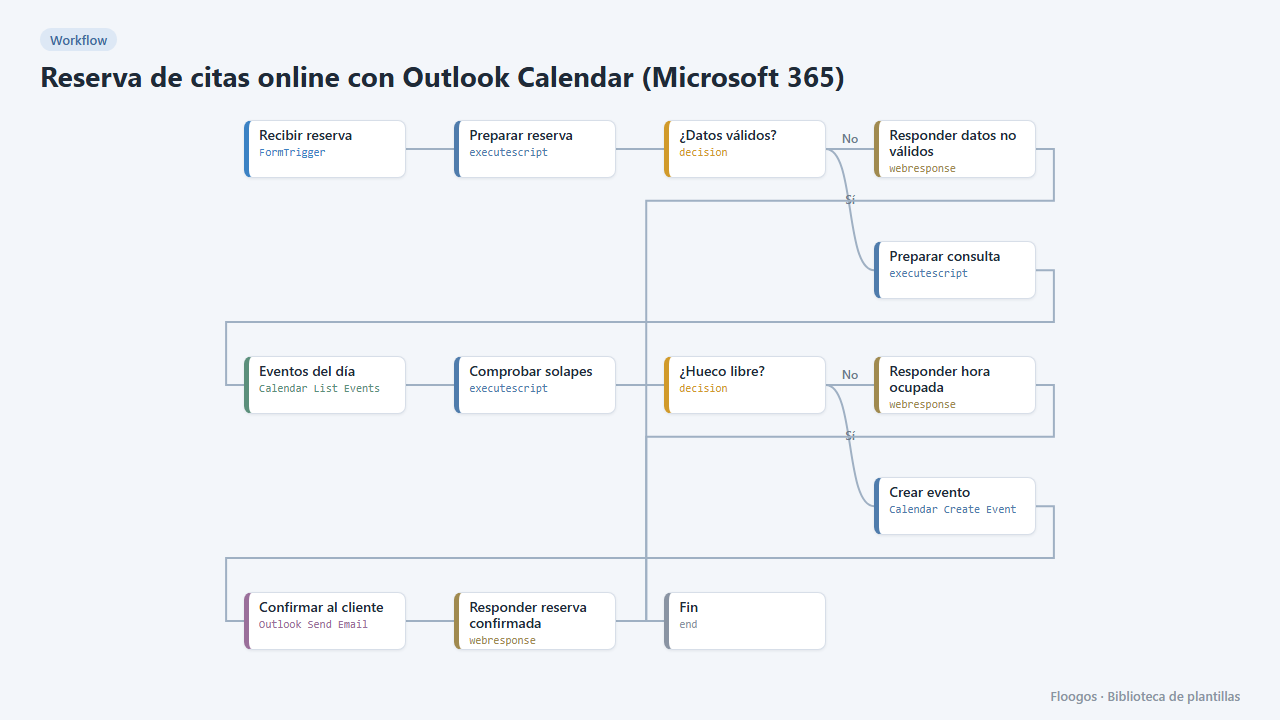
Online appointment booking with Outlook Calendar (Microsoft 365)
A public booking form: it checks your Outlook calendar, creates the event with the customer as a guest and confirms by email from your account.
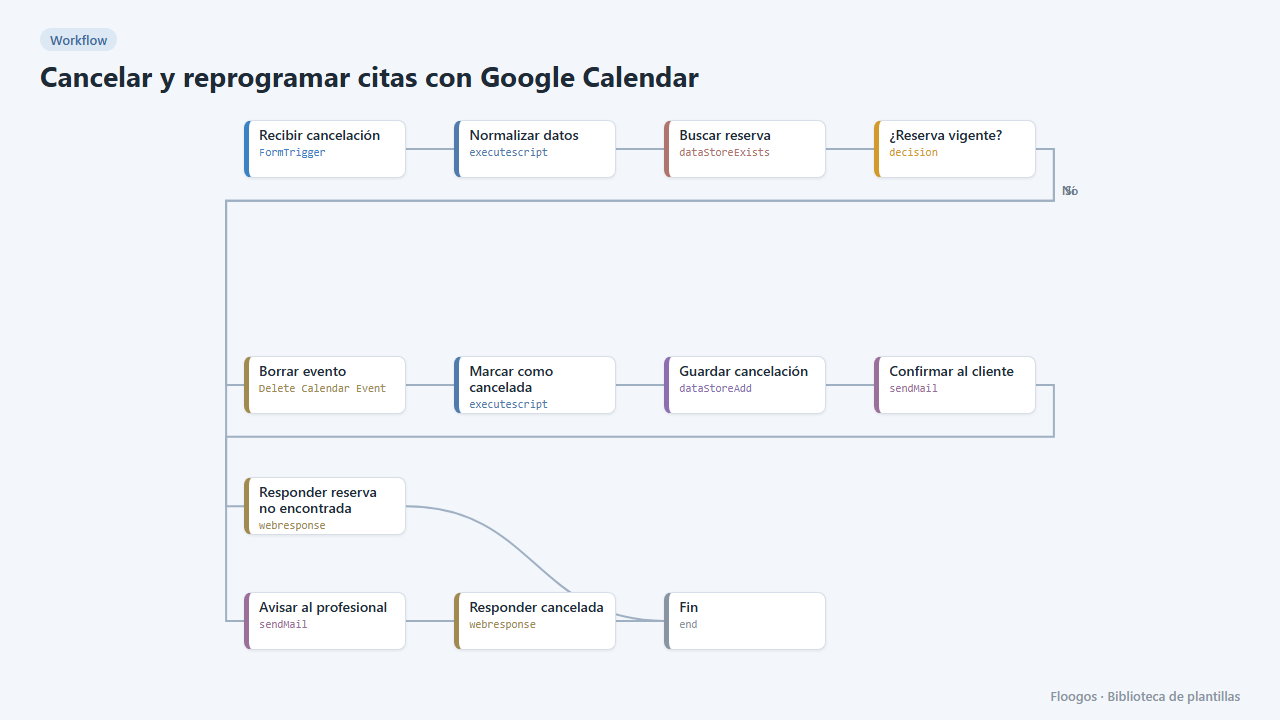
Cancel and reschedule appointments with Google Calendar
Two public forms for your customers to cancel or change their appointment with their booking code: the Google Calendar event is deleted or moved and everyone gets notified.
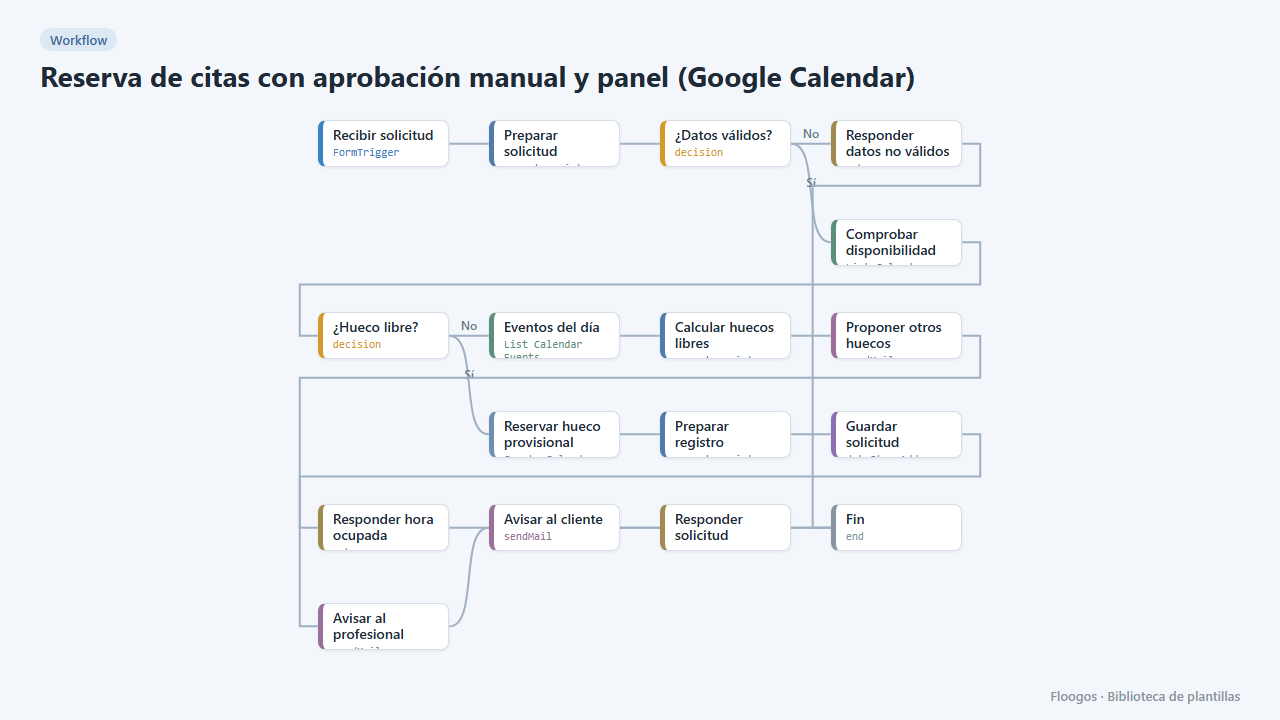
Appointment booking with manual approval and dashboard (Google Calendar)
The customer requests an appointment, the slot is held as tentative in your Google Calendar and you approve or reject it from a dashboard in one click; the customer gets the outcome by email.
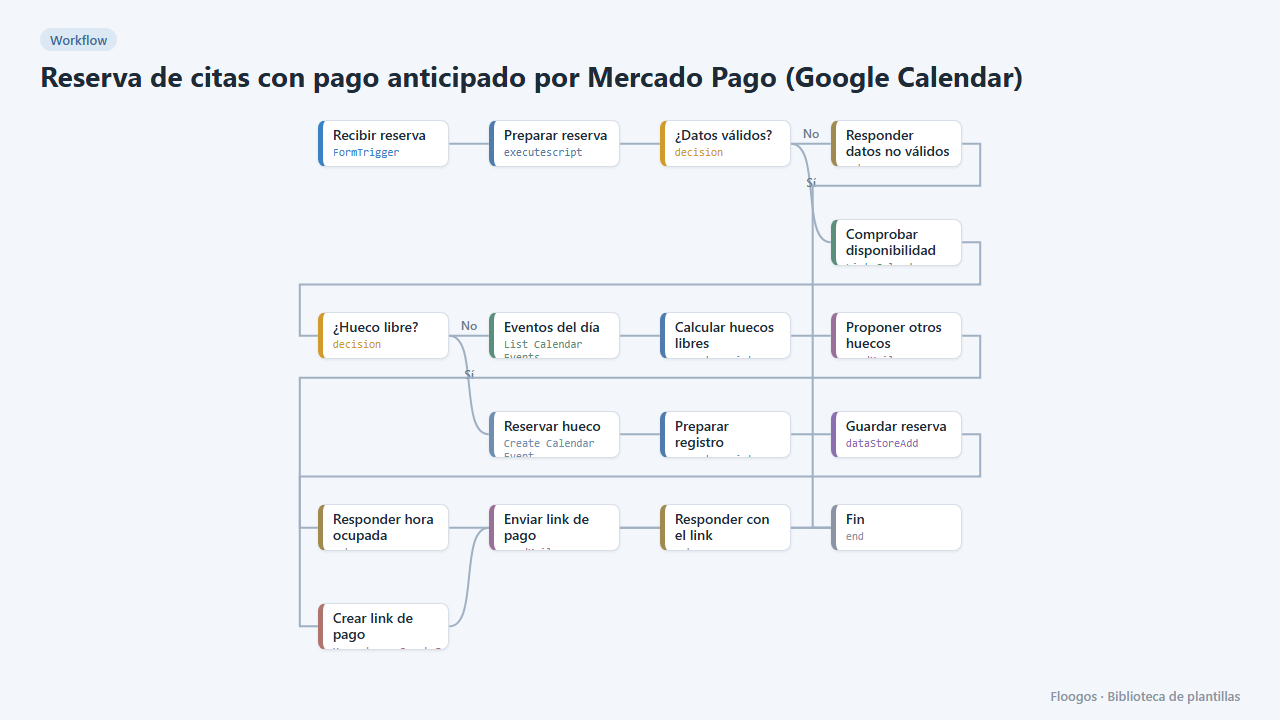
Appointment booking with upfront Mercado Pago payment (Google Calendar)
The customer books, gets a Mercado Pago payment link and the appointment is only confirmed in your Google Calendar once the payment is approved; if they do not pay, the slot is released automatically.
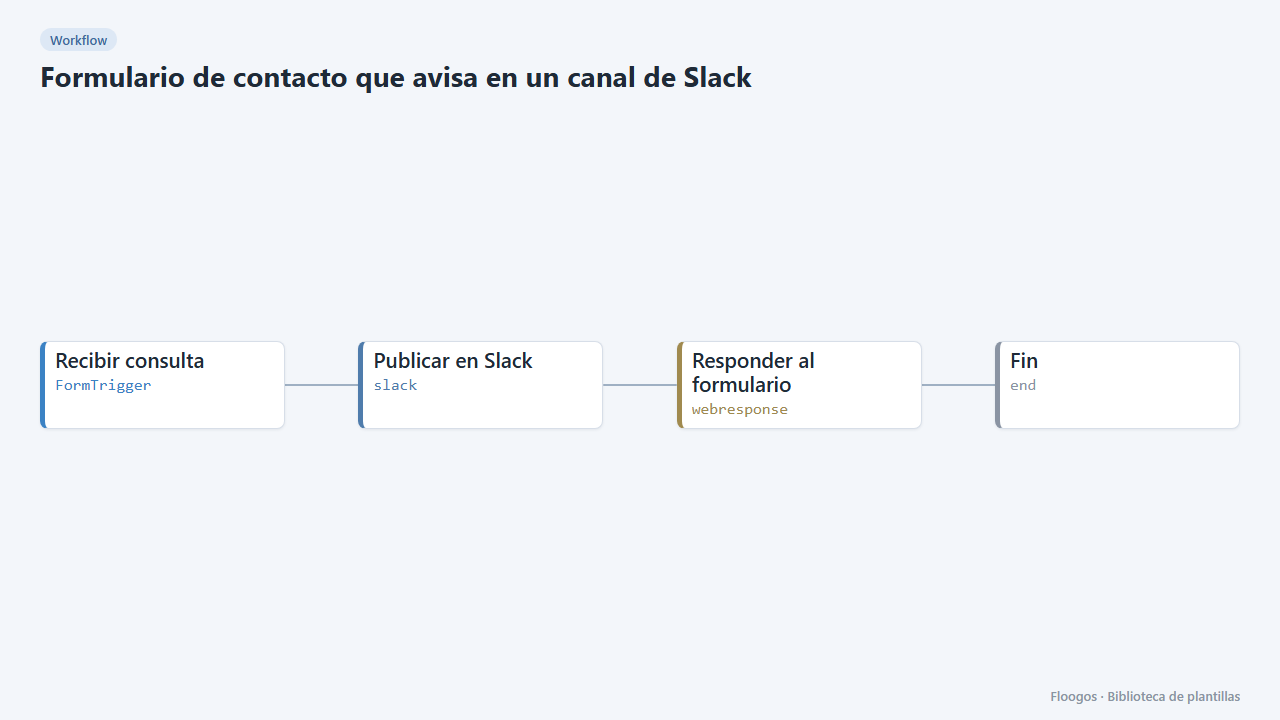
Contact form that notifies a Slack channel
Includes a public contact form: every submission lands in your team Slack channel and the visitor gets a confirmation.
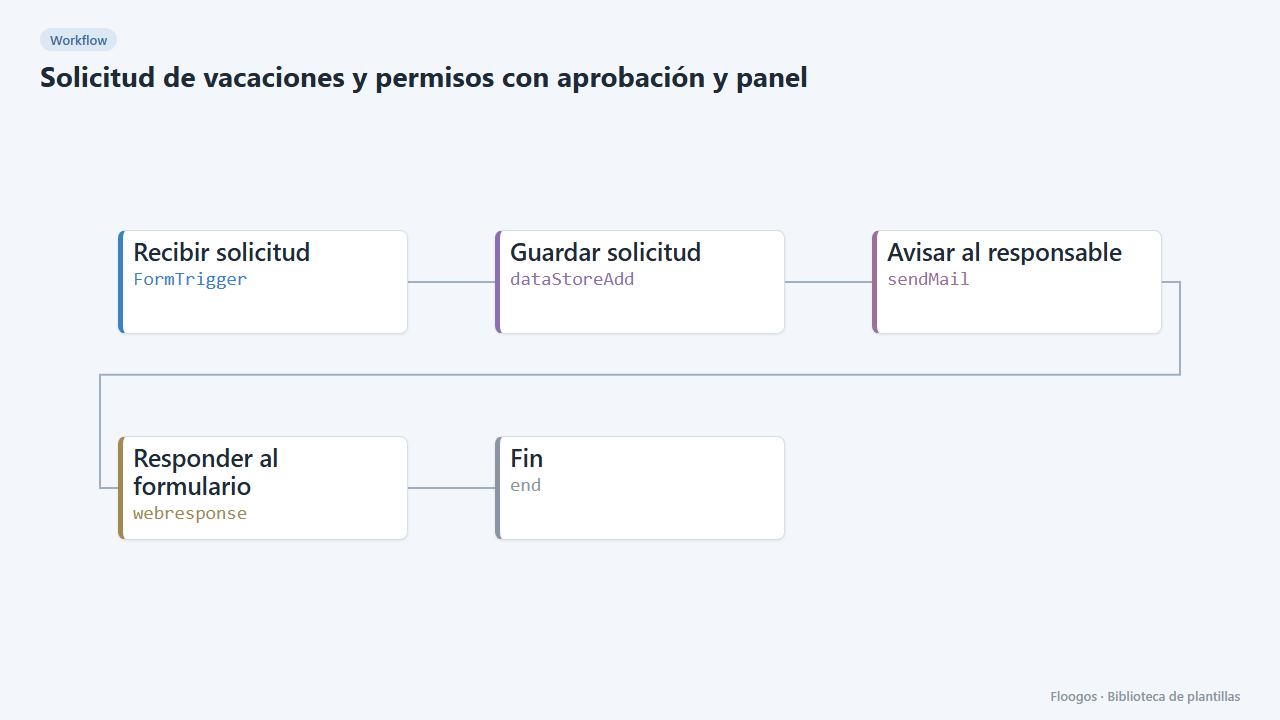
Time-off requests with approval and dashboard
A form to request vacation or time off, an alert to the manager and a dashboard to approve or reject each request in one click.
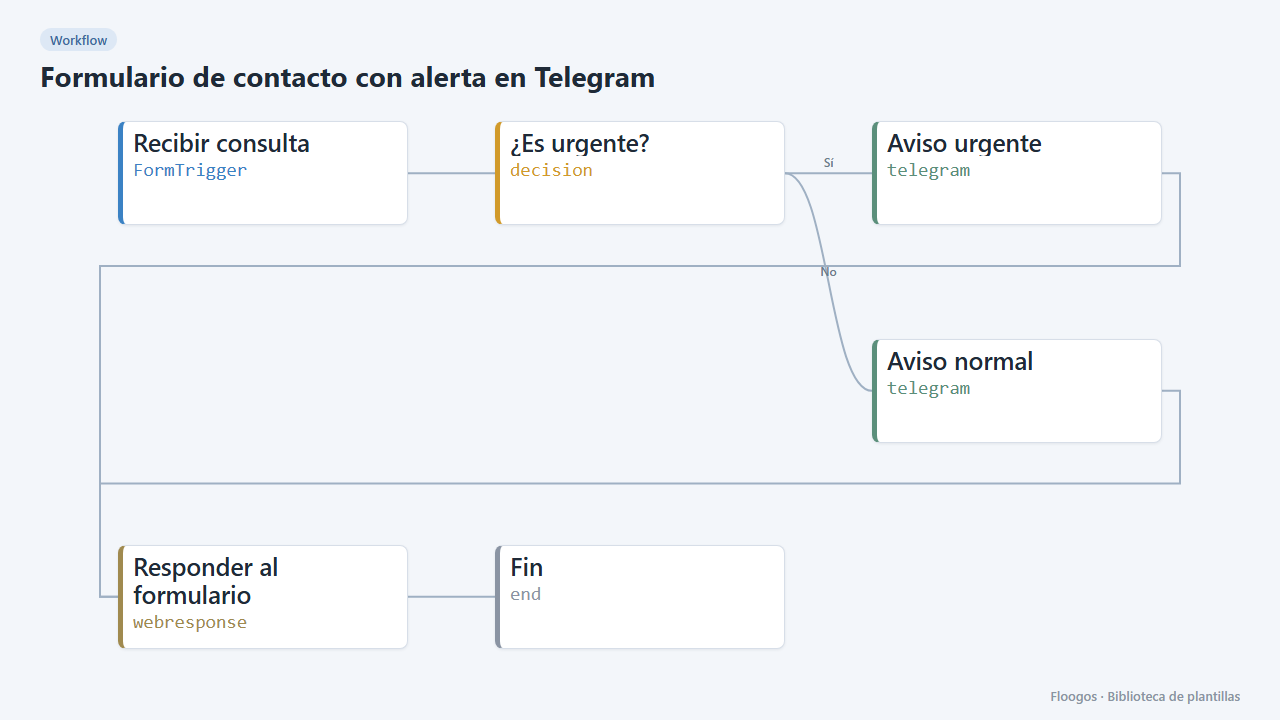
Contact form with Telegram alert
Includes a public form: every enquiry reaches your Telegram chat and those marked urgent stand out.
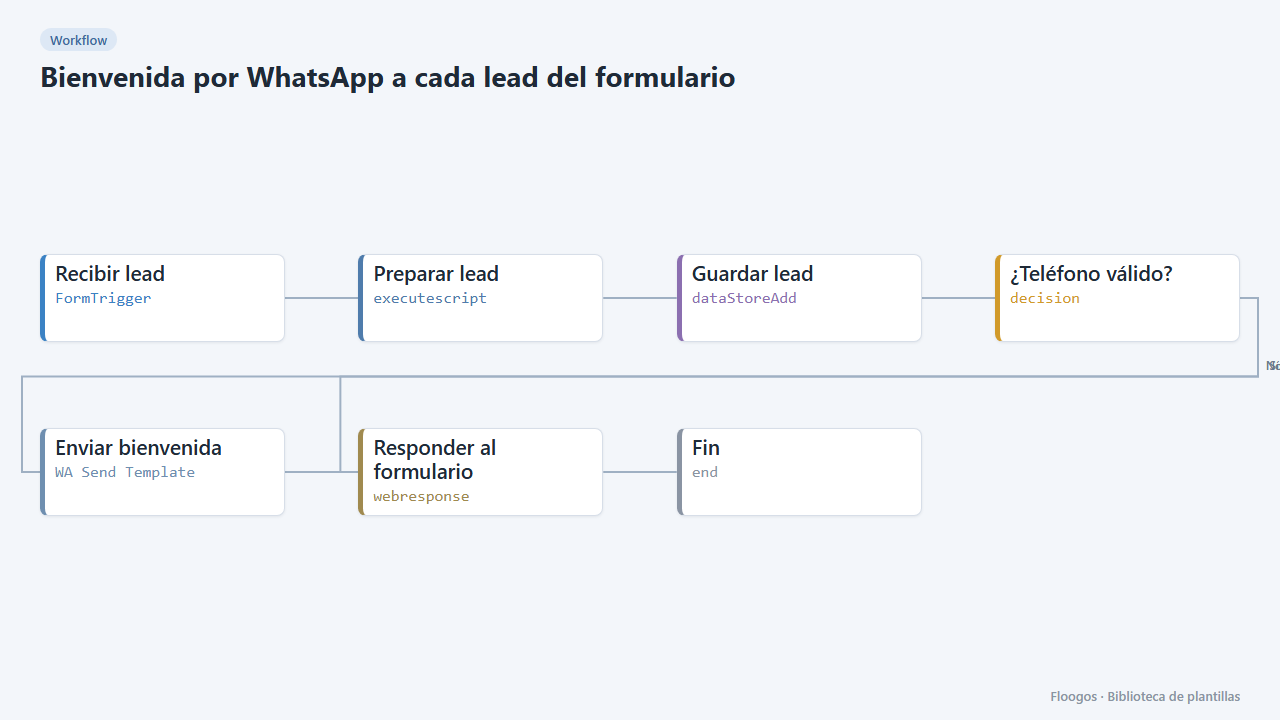
WhatsApp welcome for every form lead
Includes a contact form; as soon as someone submits it they get a welcome WhatsApp and the lead is saved in a Data Store.
Already have a template code?
If someone gave you a FLGS-XXXX-XXXX code, import it from the Library in your Floogos account.
Open the Library