
Subscribe contacts to Mailchimp from a web form
A public form that adds the contact to your Mailchimp audience, with email confirmation and a source tag.
Everything is created inactive in a new folder of your account. Nothing runs until you activate it, and you can undo it for 24 hours.
What it does
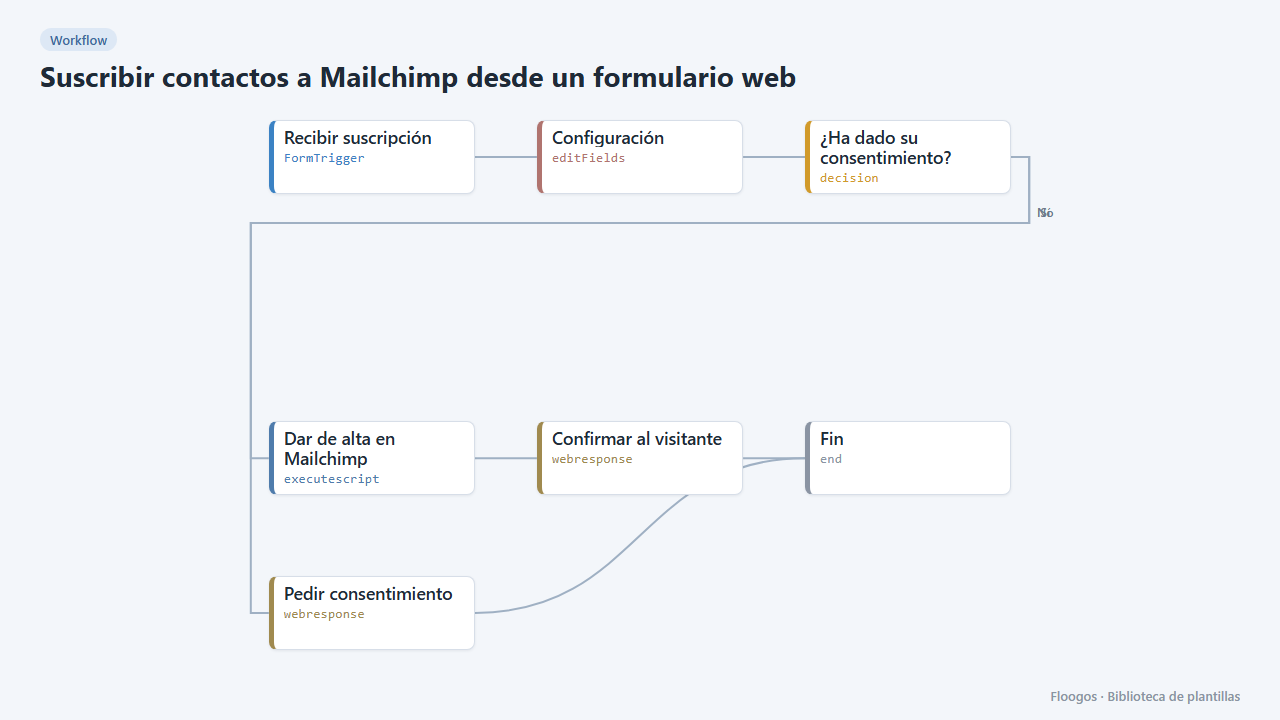
Capture subscribers without touching Mailchimp. The person fills in the form (first name, last name, email and consent) and the flow adds them to your audience through the Mailchimp API, with a tag showing where they came from.
By default it uses double opt-in: Mailchimp sends an email to confirm the subscription, which is recommended for GDPR. If the contact already existed, their data and tags are updated without duplicating them. If someone who unsubscribed tries to subscribe again from here, Mailchimp does not allow it and the form explains why.
What you need: a Mailchimp account, an API key and the audience ID (steps below).
How to set it up
- 1
Copy the webhook URL (Recibir suscripción)
A new URL is generated on install. Paste it into the external system that must call this workflow.
- 2
Publish and test the form "Suscripción a la newsletter"
Open it, publish it and submit a test entry to check the workflow starts.
- 3
Connect Mailchimp
In Mailchimp go to Account > Extras > API keys and create a key (it looks like
xxxxxxxx-us21). In Credentials create a Basic Auth one namedmailchimp: username = anything, password = the API key. The audience ID is under Audience > Settings > Audience name and defaults. - 4
Set your audience
In the Configuración node set your audience
lista_id. If you do not want double opt-in, changeestado_altatosubscribed(only if you have documented consent).etiquetascan hold several separated by commas. - 5
Publish the form
Open the Suscripción a la newsletter form, copy its public link and share or embed it on your site. Test with your own email and check that it shows up in the audience as pending.
- 6
Activate the workflow
Workflows are installed inactive. Once everything is set, activate it.
Related templates
Other templates that use similar nodes or integrations.
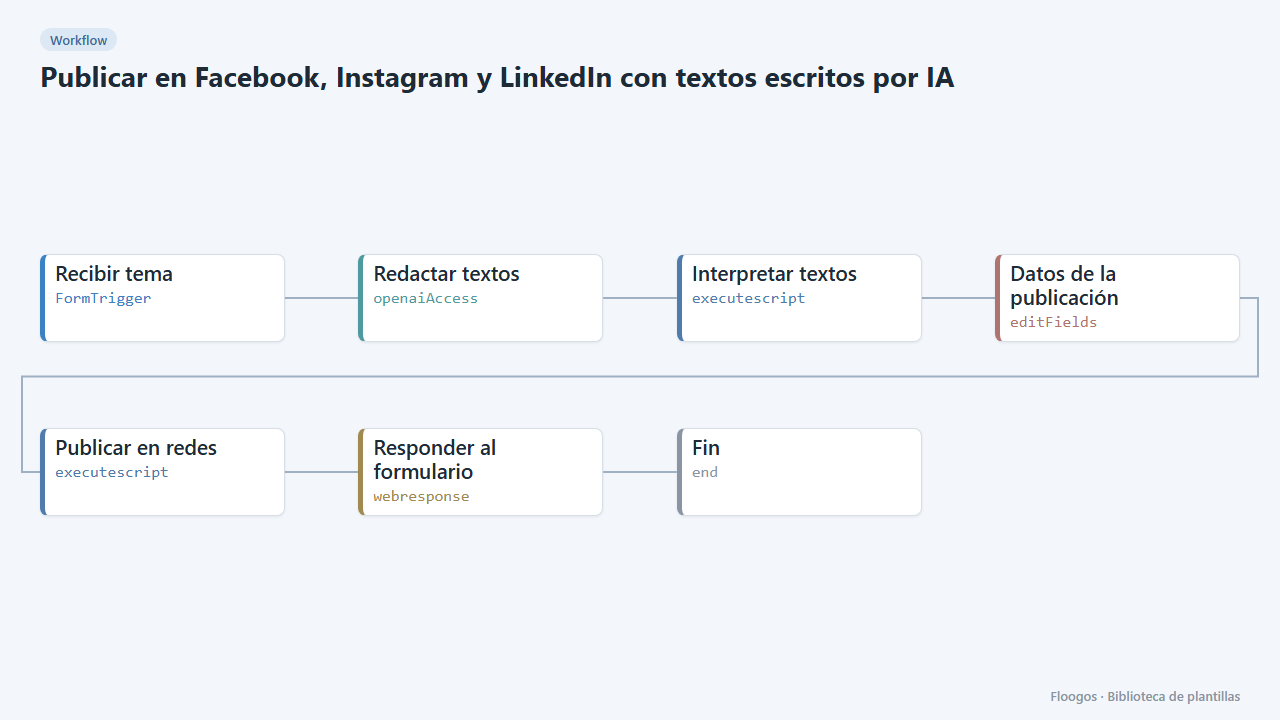
Post to Facebook, Instagram and LinkedIn with AI-written copy
Fill in a form with the topic, AI writes a text for each network and publishes it (or shows it as a draft).
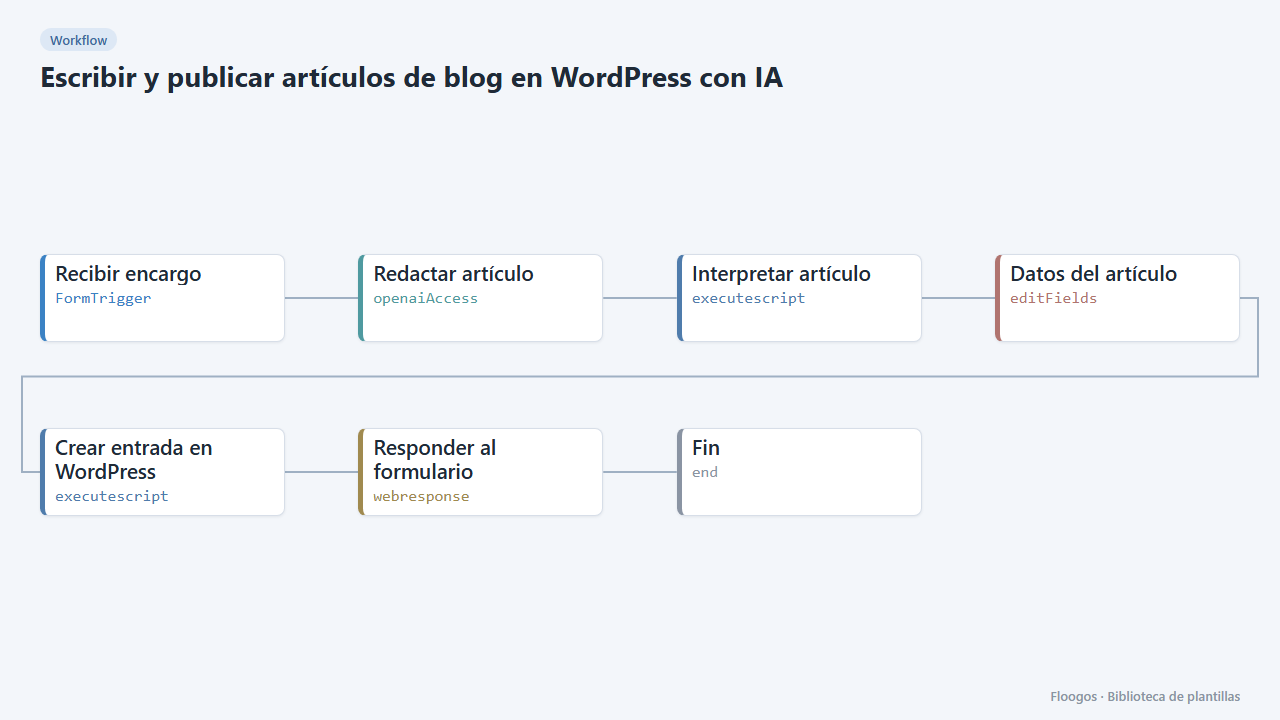
Write and publish blog posts on WordPress with AI
You give the topic and keywords, AI writes the article and leaves it in your WordPress as a draft or published.
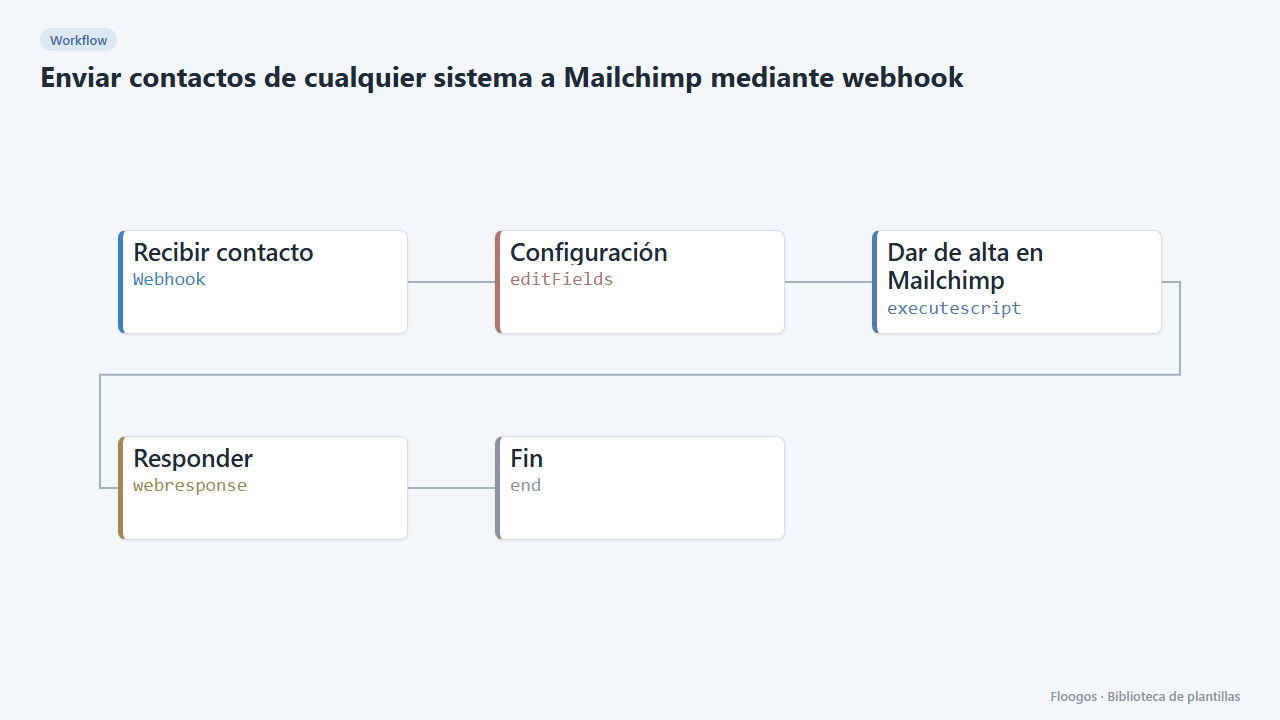
Send contacts from any system to Mailchimp through a webhook
A webhook receives a contact from your site, CRM or shop and adds it to your Mailchimp audience with tags.
Try it in under 5 minutes
Create the template in your account, connect your credentials and activate it when you are ready.
Use this template