
Daily alert for orders not delivered after several days
Every morning it checks the shipments Data Store and emails your team a table of orders still undelivered after more than 4 days.
Everything is created inactive in a new folder of your account. Nothing runs until you activate it, and you can undo it for 24 hours.
What it does
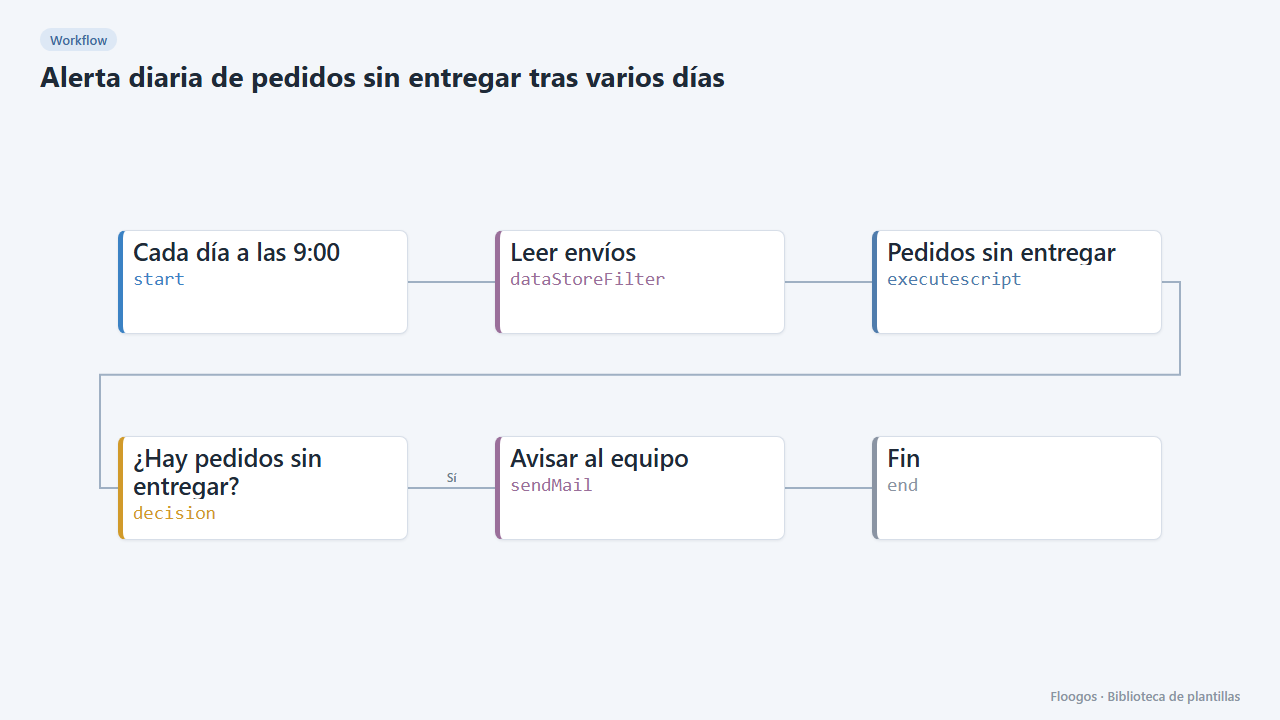
Spot orders that got lost on the way before the customer complains. Every day at 9:00 the workflow goes through the envios Data Store, filters shipments that are not delivered and left more than 4 days ago, and emails your team a table sorted from most to fewest days: order, carrier, tracking, customer, destination and status. If there are none, it sends nothing.
To change the threshold edit the DIAS constant in the Pedidos sin entregar script.
What you need: shipments in the envios Data Store (filled by the “Create shipment…” templates, automatic tracking or the included manual registration form) and a mail account.
How to set it up
- 1
Connect the smtp credential
This template uses smtp in: Avisar al equipo. Create or pick the credential and assign it in those nodes.
- 2
Copy the webhook URL (Recibir envío)
A new URL is generated on install. Paste it into the external system that must call this workflow.
- 3
Publish and test the form "Registrar envío"
Open it, publish it and submit a test entry to check the workflow starts.
- 4
Open the dashboard "Panel de logística"
Check that the test data shows up.
- 5
Connect email and recipient
In the Avisar al equipo node choose your mail account and replace
logistica@tuempresa.comwith the recipient. - 6
Adjust the days and enable
For another threshold change
DIASin the Pedidos sin entregar script. Run it by hand to see the email and enable the schedule (daily at 9:00). - 7
Activate the workflow
Workflows are installed inactive. Once everything is set, activate it.
Related templates
Other templates that use similar nodes or integrations.
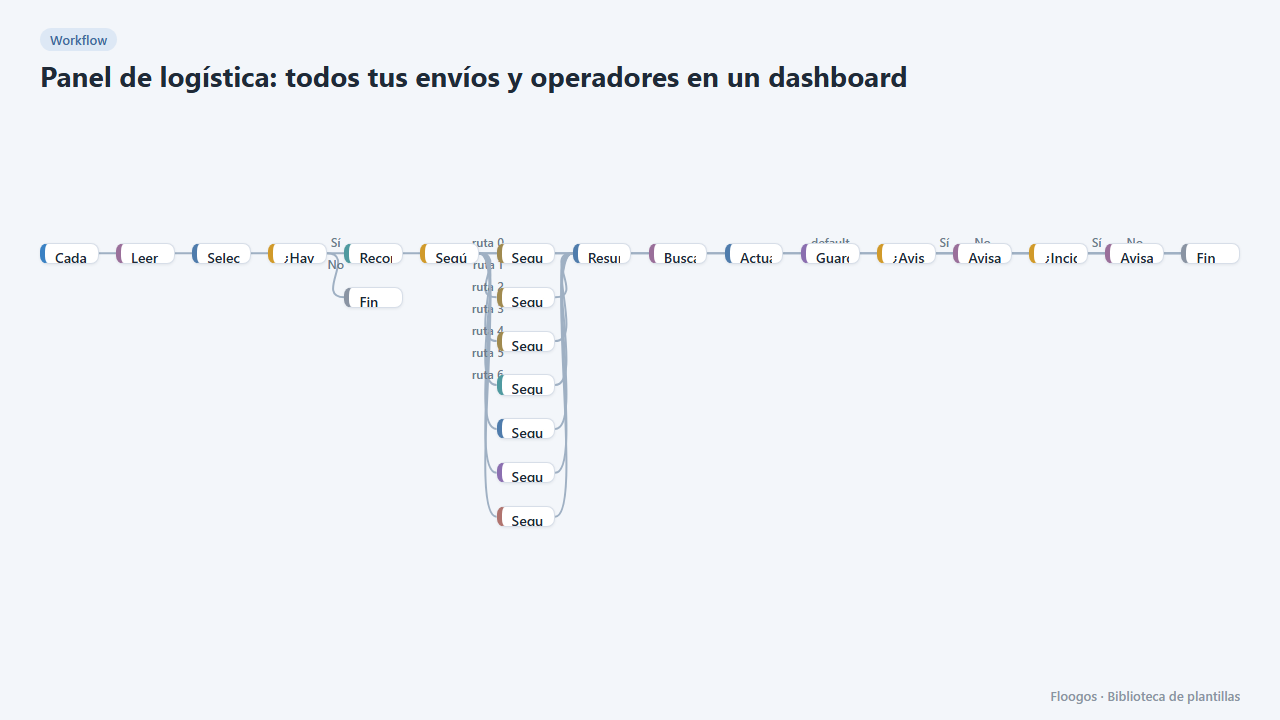
Logistics panel: all your shipments and carriers in one dashboard
Dashboard with KPIs, charts, filters and a side detail panel per shipment, fed by automatic tracking of DHL, FedEx, UPS, SEUR, Sendcloud, Shippo and EasyPost.
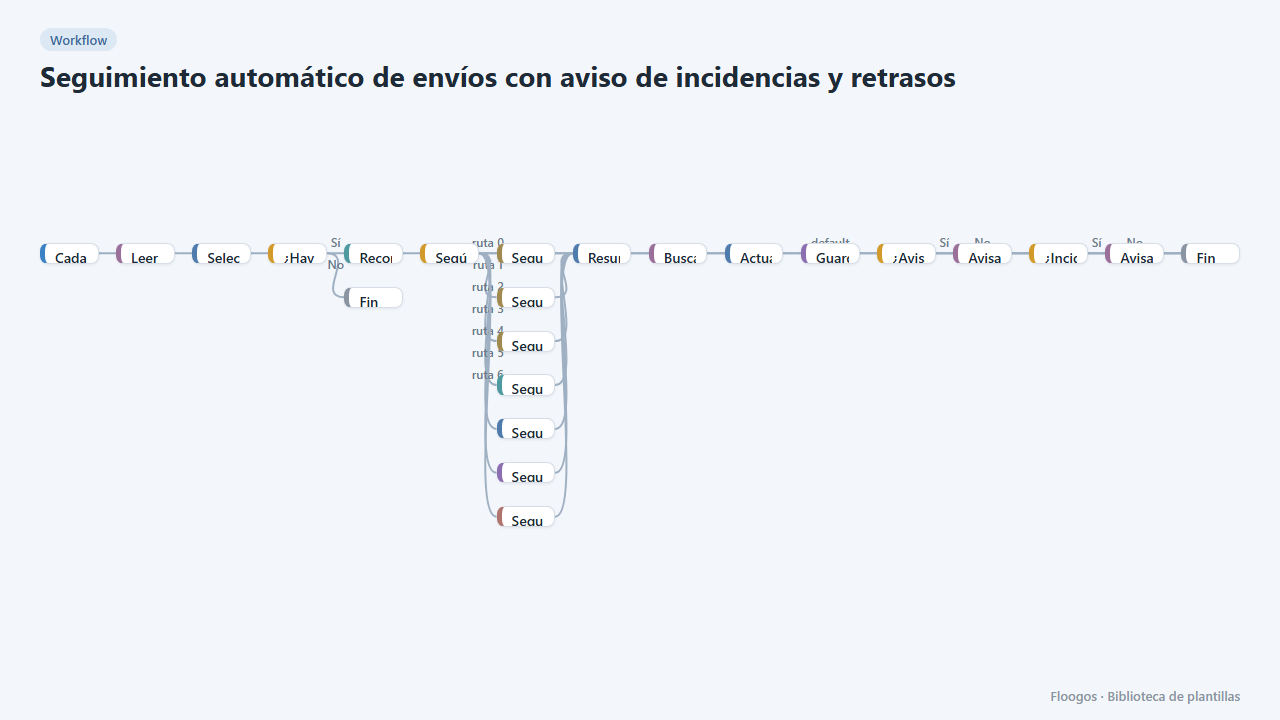
Automatic shipment tracking with incident and delay alerts
Every 3 hours it queries the status of in-flight shipments in DHL, FedEx, UPS, SEUR, Sendcloud, Shippo or EasyPost and notifies the customer and your team.
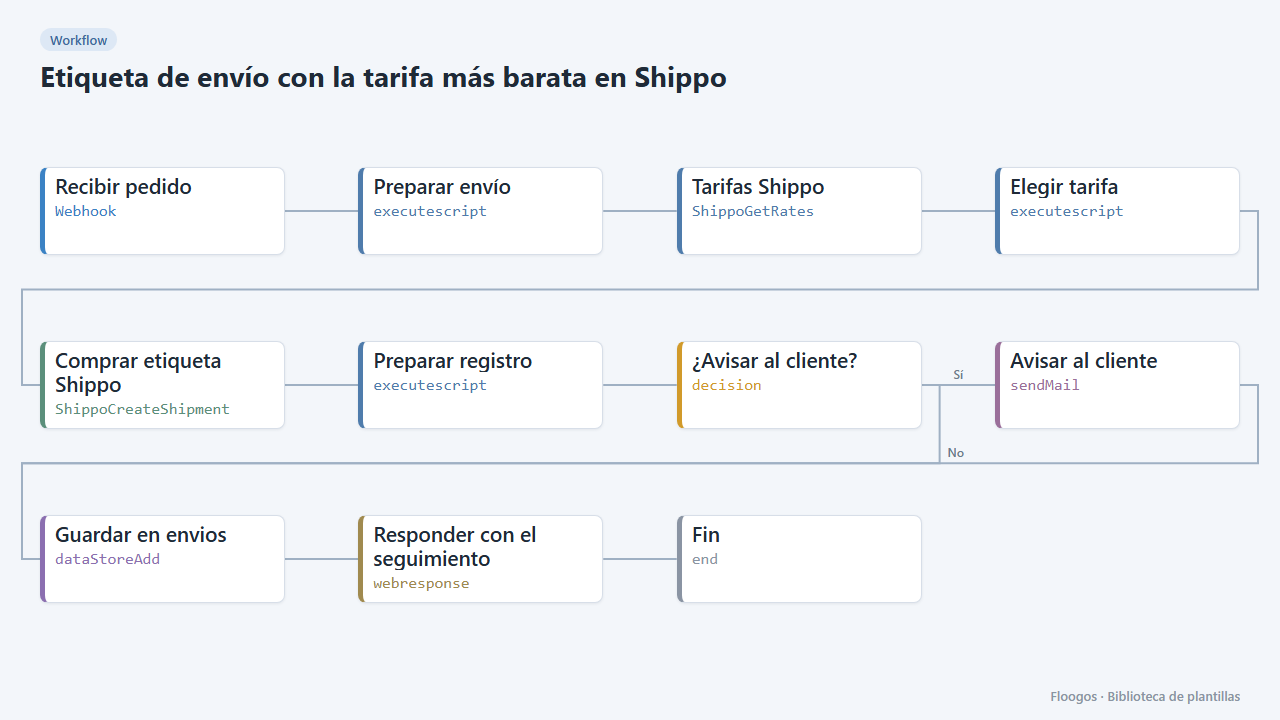
Shipping label with the cheapest rate in Shippo
When an order arrives it requests rates from every carrier in Shippo, buys the cheapest, saves the tracking and notifies the customer.
Try it in under 5 minutes
Create the template in your account, connect your credentials and activate it when you are ready.
Use this template