
Customer satisfaction survey with results dashboard
A 1-to-5 rating form with comments, an automatic alert on low scores and a dashboard with average, distribution and latest comments.
Everything is created inactive in a new folder of your account. Nothing runs until you activate it, and you can undo it for 24 hours.
What it does
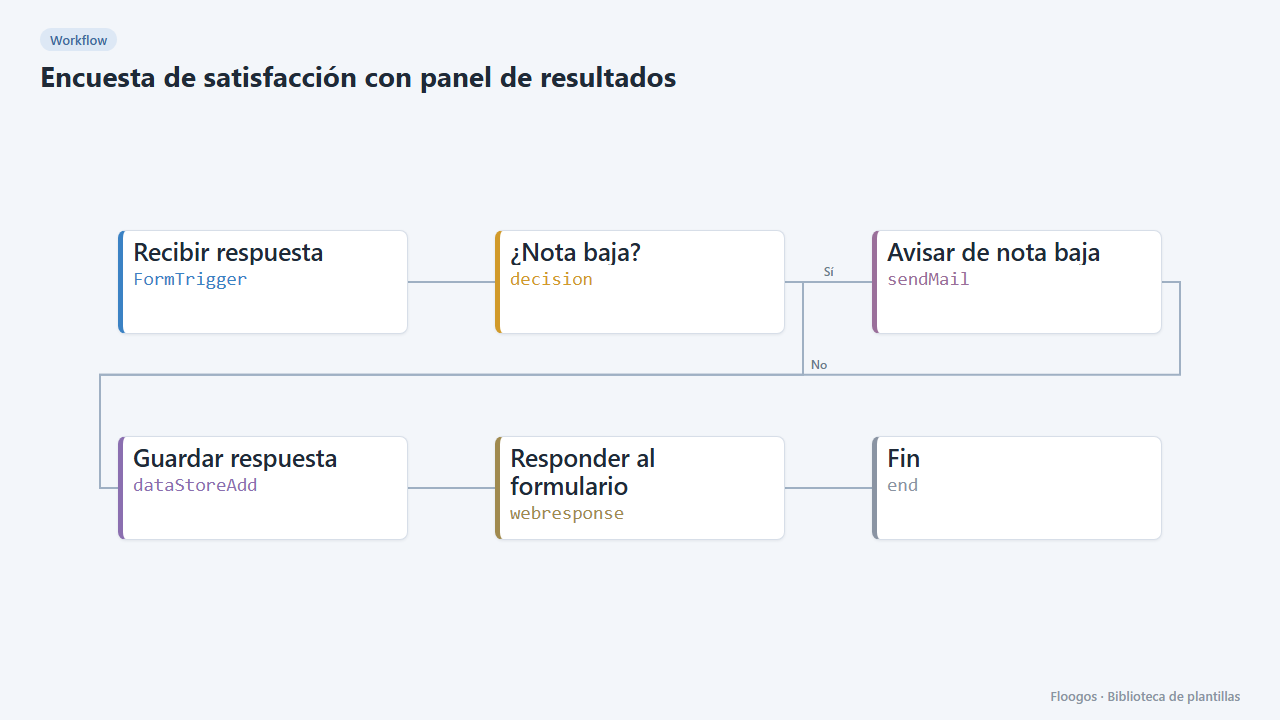
Measure customer satisfaction without external tools. The customer answers a short survey (score from 1 to 5, service channel and comment); the answer is stored and, if the score is low, the team gets an alert to act in time. The satisfaction dashboard shows the average score, number of responses, score distribution, breakdown by channel, daily trend and the latest comments.
What is included: 1 form, 1 workflow, 1 dashboard and the encuestas_satisfaccion data group.
What you need: an SMTP account and the customer-service manager email.
How to use it: install the template, connect SMTP, set the manager email, send the survey link to your customers (for example when closing a ticket) and review results in the dashboard.
How to set it up
- 1
Connect the smtp credential
This template uses smtp in: Avisar de nota baja. Create or pick the credential and assign it in those nodes.
- 2
Copy the webhook URL (Recibir respuesta)
A new URL is generated on install. Paste it into the external system that must call this workflow.
- 3
Publish and test the form "Encuesta de satisfacción"
Open it, publish it and submit a test entry to check the workflow starts.
- 4
Open the dashboard "Satisfacción"
Check that the test data shows up.
- 5
Set who receives alerts
In the Respuesta de encuesta workflow, Avisar de nota baja node, replace
atencion@tuempresa.comwith the manager email. The alert is only sent for scores of 1 or 2. - 6
Send the survey
Open the Encuesta de satisfacción form, copy its public link and send it to your customers. Answers show up in the Satisfacción dashboard.
- 7
Activate the workflow
Workflows are installed inactive. Once everything is set, activate it.
Related templates
Other templates that use similar nodes or integrations.
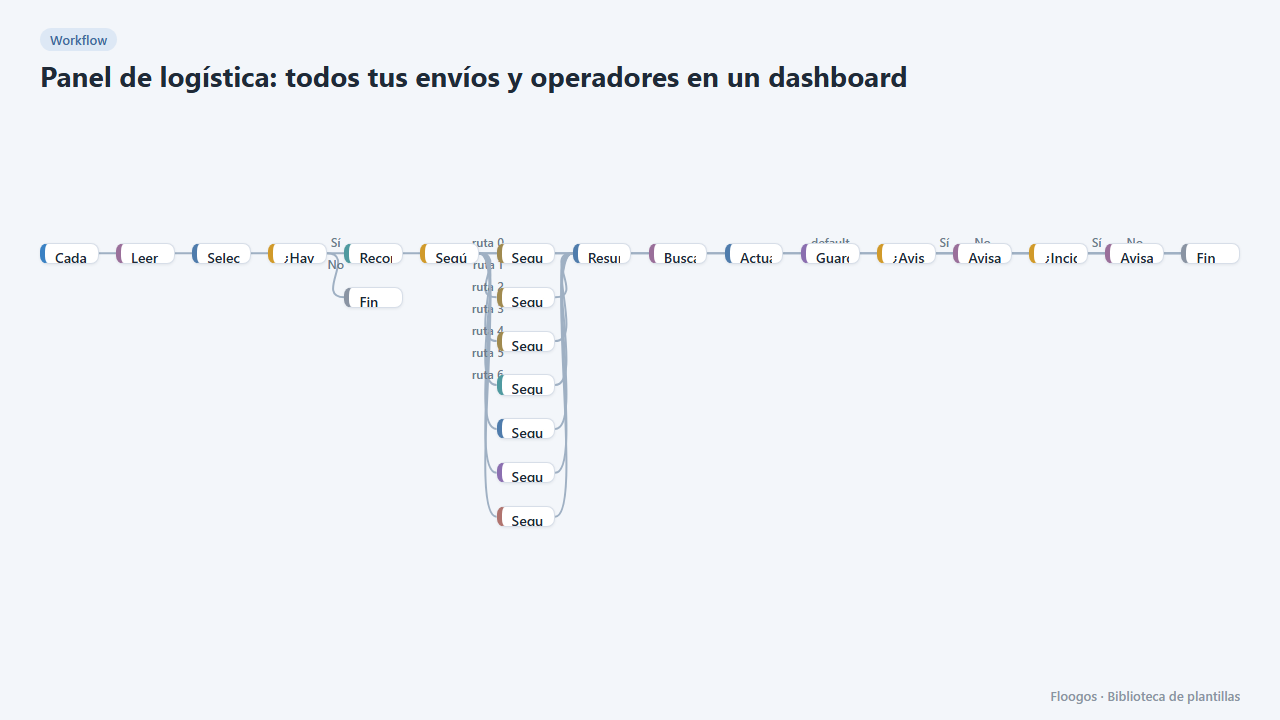
Logistics panel: all your shipments and carriers in one dashboard
Dashboard with KPIs, charts, filters and a side detail panel per shipment, fed by automatic tracking of DHL, FedEx, UPS, SEUR, Sendcloud, Shippo and EasyPost.
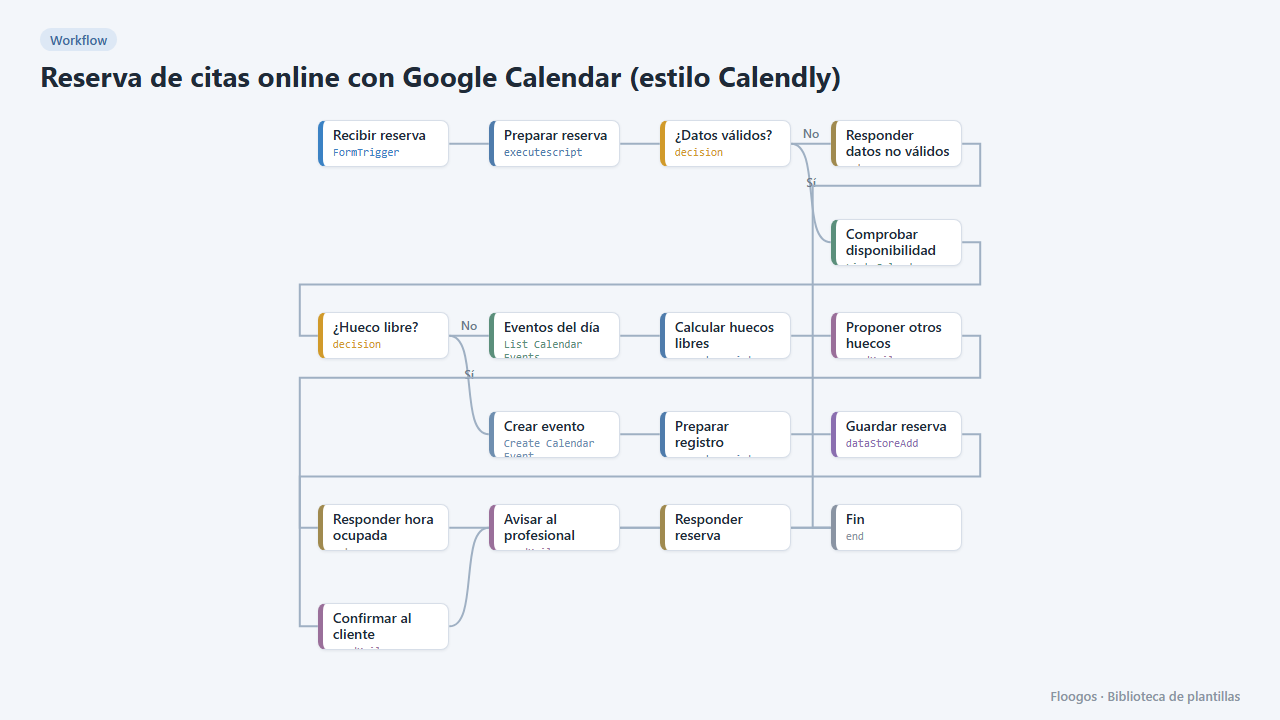
Online appointment booking with Google Calendar (Calendly-style)
A public form for your customers to book an appointment: it checks your Google Calendar, creates the event, confirms by email and, if the slot is taken, suggests the free slots of that day.
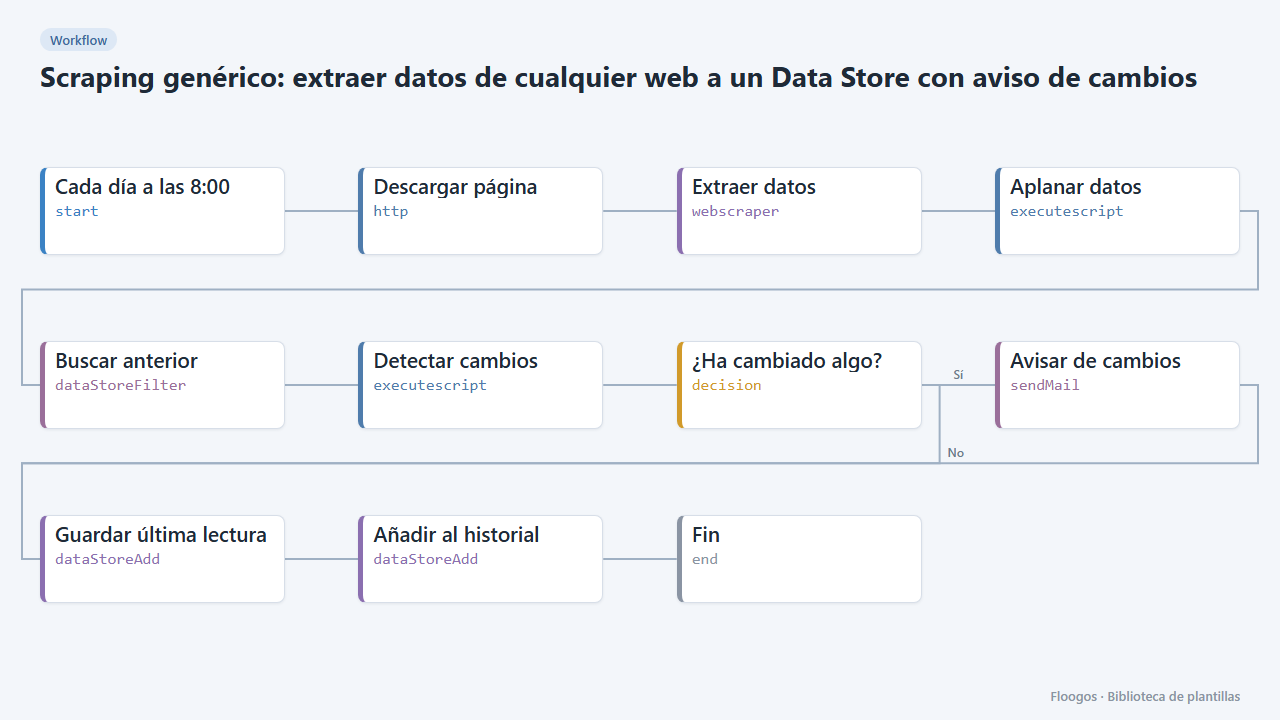
Generic scraping: extract data from any website into a Data Store with change alerts
Base template: you give a URL and the CSS selectors of what you want to extract, and the workflow stores each reading in a Data Store and alerts you if any value changes.
Try it in under 5 minutes
Create the template in your account, connect your credentials and activate it when you are ready.
Use this template