
Daily agenda on Telegram from Google Calendar
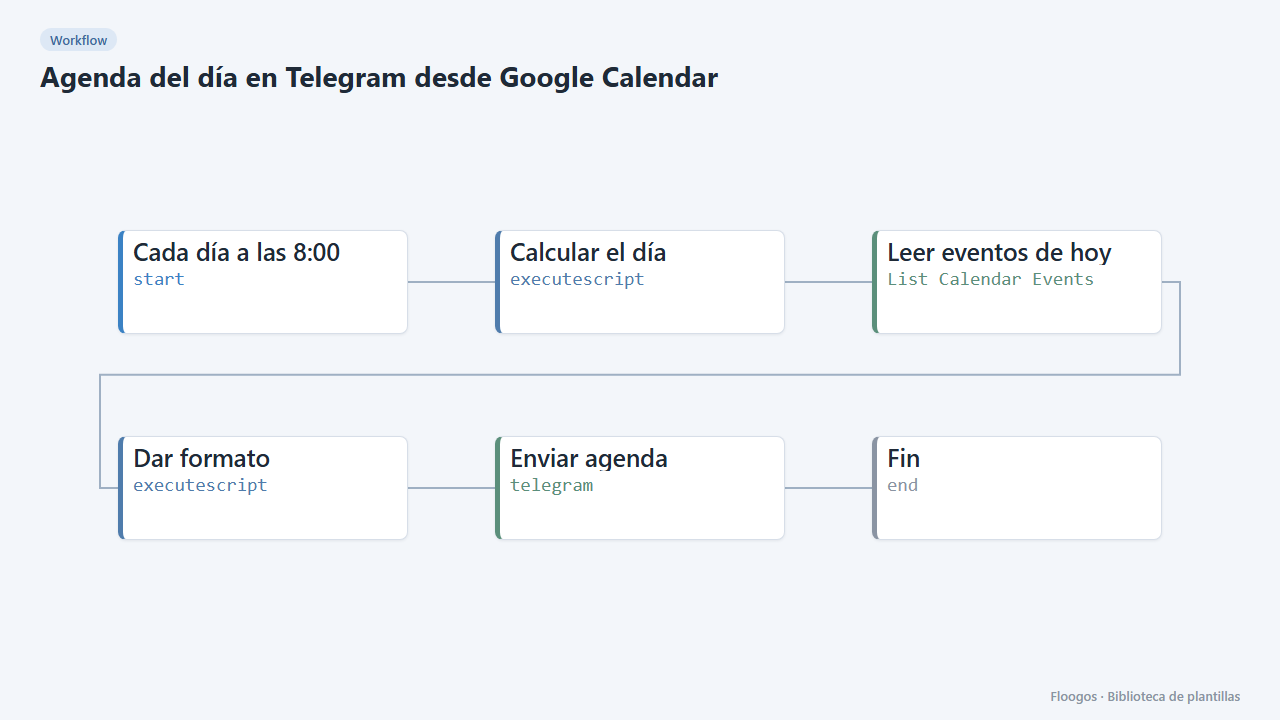
Every morning it sends you the list of the day meetings and events with their time on Telegram.
Everything is created inactive in a new folder of your account. Nothing runs until you activate it, and you can undo it for 24 hours.
What it does
Start the day knowing what is ahead. At 8:00 the workflow queries your Google Calendar, sorts today events and sends you a single Telegram message with the time and title of each one. If you have nothing, it tells you that too.
What you need: a Google account with Calendar and a Telegram bot (@BotFather) with your chat ID stored in the credential.
How to use it: install the template, connect Google Calendar, create the Telegram credential with the token and the chat ID (the destination comes from the credential) and activate the workflow. To change the time zone edit the TZ constant in the Dar formato node. The day is computed in UTC.
How to set it up
- 1
Connect the google credential
This template uses google in: Leer eventos de hoy. Create or pick the credential and assign it in those nodes.
- 2
Connect the telegram credential
This template uses telegram in: Enviar agenda. Create or pick the credential and assign it in those nodes.
- 3
Connect Google Calendar
Pick your Google account in Leer eventos de hoy. Use
primaryas the calendar or the ID of another calendar. - 4
Create the Telegram credential
Create the credential with the bot token and your chat ID, and select it in Enviar agenda. Write something to your bot first so it can message you.
- 5
Adjust time zone and test
Change
TZin Dar formato if you are not in Madrid, run the workflow manually and check the message. - 6
Activate the workflow
Workflows are installed inactive. Once everything is set, activate it.
Related templates
Other templates that use similar nodes or integrations.
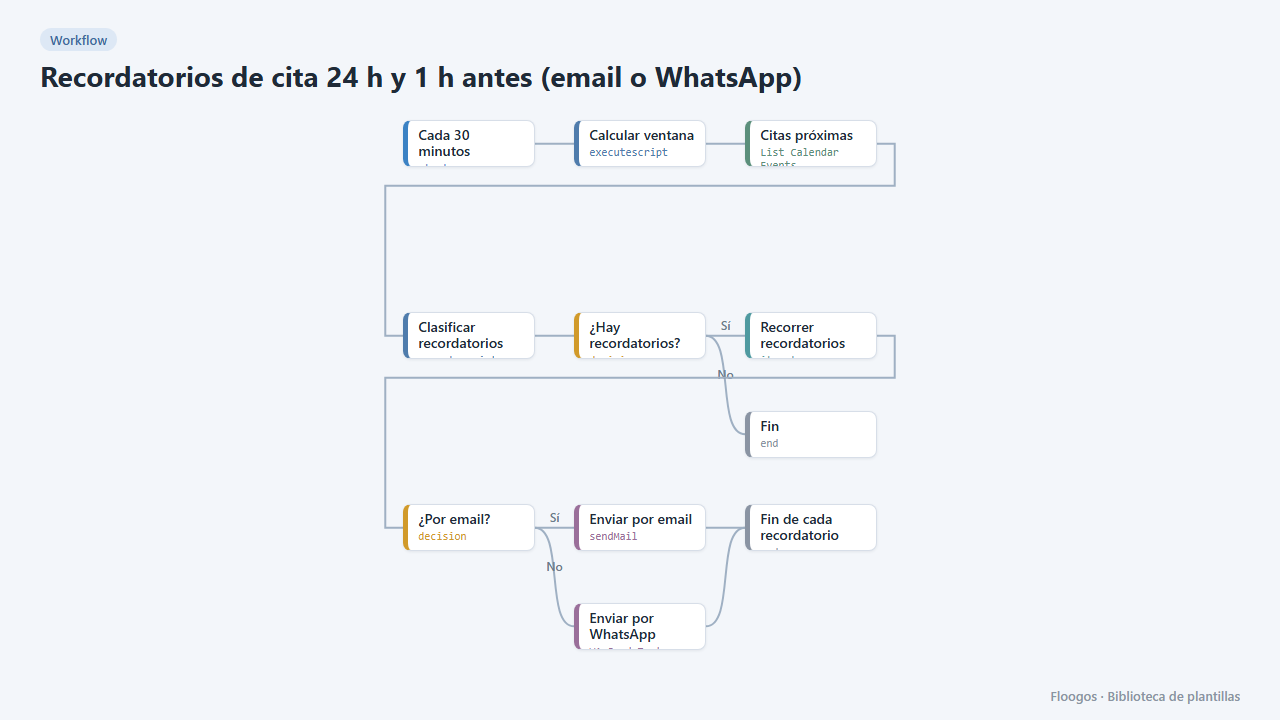
Appointment reminders 24 h and 1 h before (email or WhatsApp)
Every 30 minutes it checks your Google Calendar and notifies your customers by email or WhatsApp one day and one hour before their appointment, to cut no-shows.
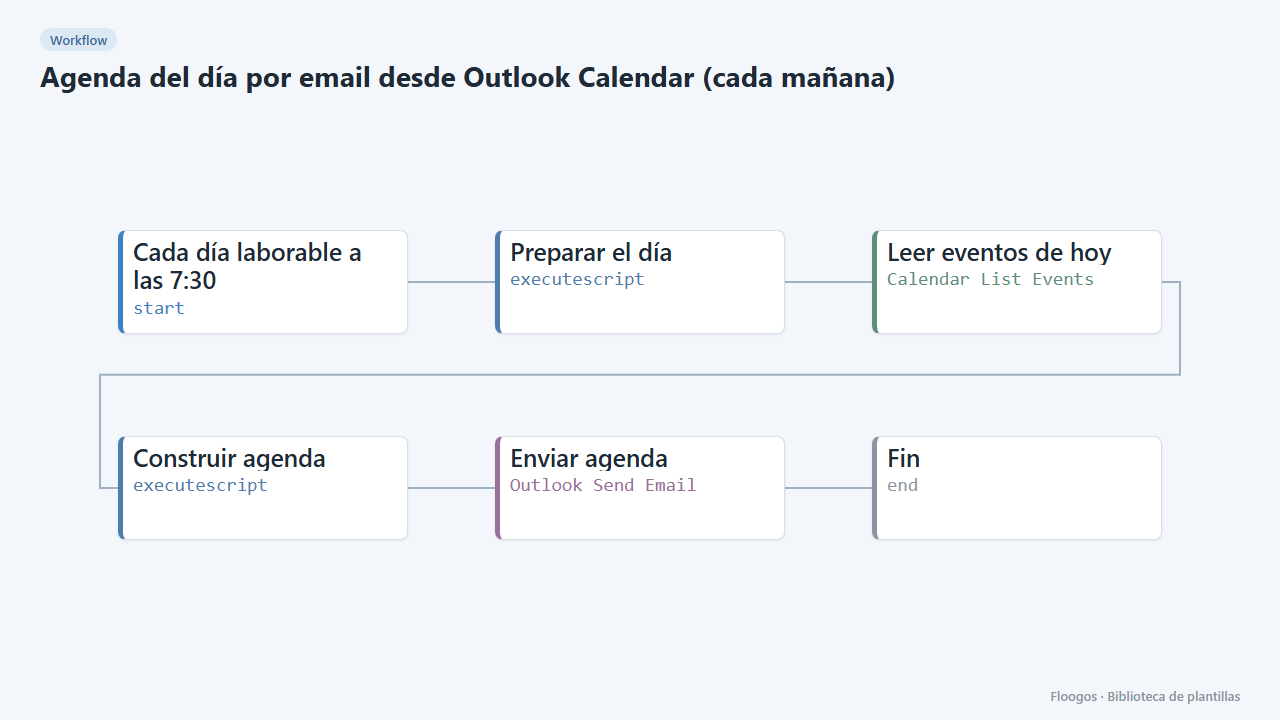
Daily agenda email from Outlook Calendar (every morning)
Every working day at 7:30 it emails you, via Outlook, a summary of today's meetings and events from your calendar.
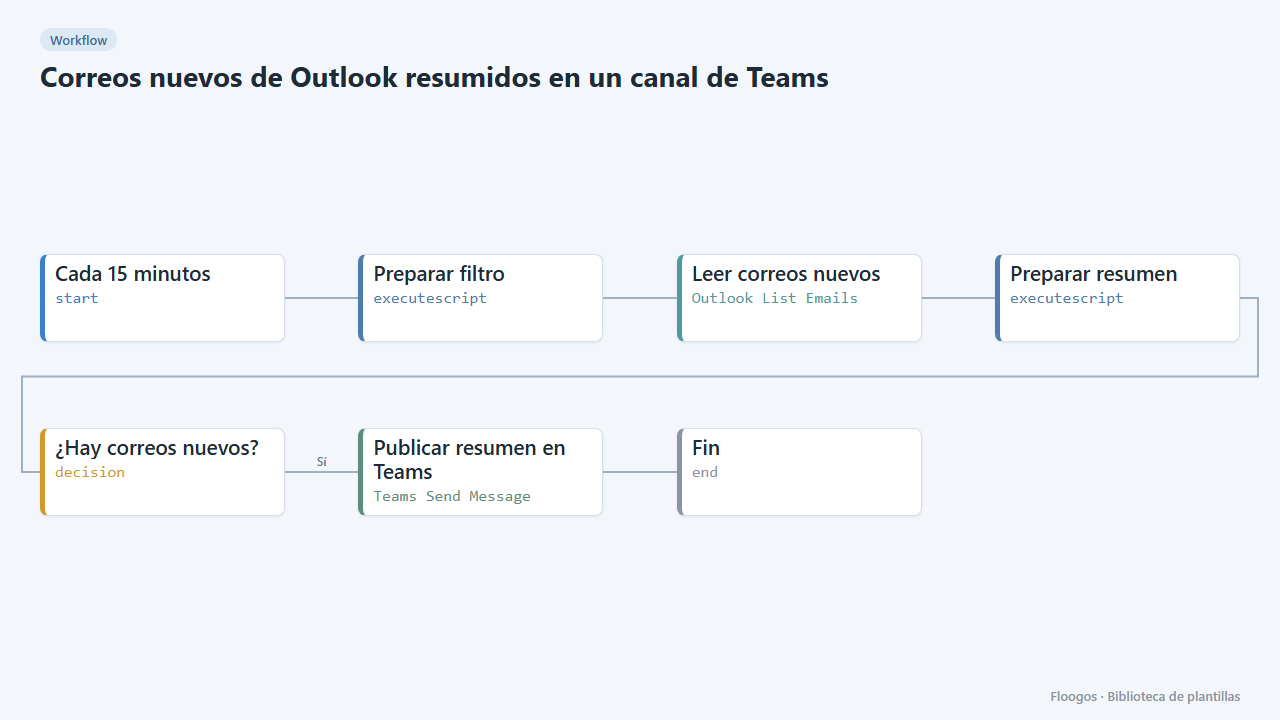
New Outlook emails summarised in a Teams channel
Every 15 minutes it checks your Outlook inbox and, if new emails have arrived, posts a summary (sender and subject) in a Teams channel.
Try it in under 5 minutes
Create the template in your account, connect your credentials and activate it when you are ready.
Use this template