
Daily news digest from an RSS feed or website, written by AI and sent by email
Reads the headlines of an RSS feed (or a website), asks AI for a few-line summary and emails it to you every morning with the links.
Everything is created inactive in a new folder of your account. Nothing runs until you activate it, and you can undo it for 24 hours.
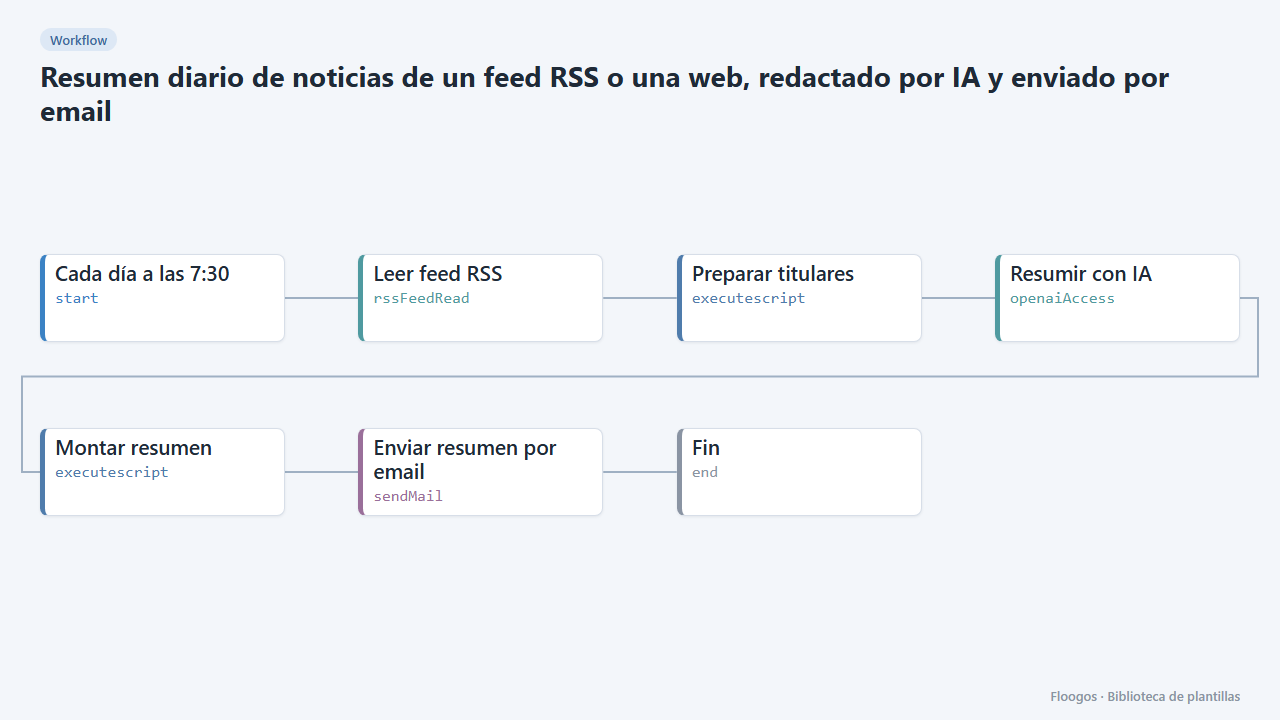
What it does
Stay on top of your industry without opening twenty tabs. Every morning the workflow reads an RSS feed (trade press, a competitor blog, an official gazette, your city news), picks the latest headlines, asks OpenAI for a summary of the key ideas and emails it to you with the list of links.
No-RSS variant: if the website has no feed, replace the Leer feed RSS node with a Descargar página (HTTP) node and a Web Scraper that extracts headlines with a CSS selector, and adapt the Preparar titulares script to that format.
What you need: an RSS feed URL, an OpenAI API key and an SMTP account.
Responsible use: RSS feeds are meant to be consumed; still, respect the site terms, query once a day and do not republish third-party content: this workflow only keeps and sends headlines, links and your own summary for internal use.
How to set it up
- 1
Connect the openai credential
This template uses openai in: Resumir con IA. Create or pick the credential and assign it in those nodes.
- 2
Connect the smtp credential
This template uses smtp in: Enviar resumen por email. Create or pick the credential and assign it in those nodes.
- 3
Set the feed
In Leer feed RSS paste the feed URL (usually
/feed,/rssor/rss.xmlof the site) and adjustlimitwith the number of items to read. In Preparar titulares you can changeMAXIMO(10 by default). - 4
Connect OpenAI and mail
In Resumir con IA pick your OpenAI credential; you can tweak the prompt to change tone or focus (for example, "focus on what affects our business"). In Enviar resumen por email pick your SMTP and the recipients.
- 5
Test and schedule
Run the workflow by hand: an email with the summary and links should arrive. Then enable the schedule on the first node (by default, every day at 7:30).
- 6
Activate the workflow
Workflows are installed inactive. Once everything is set, activate it.
Related templates
Other templates that use similar nodes or integrations.
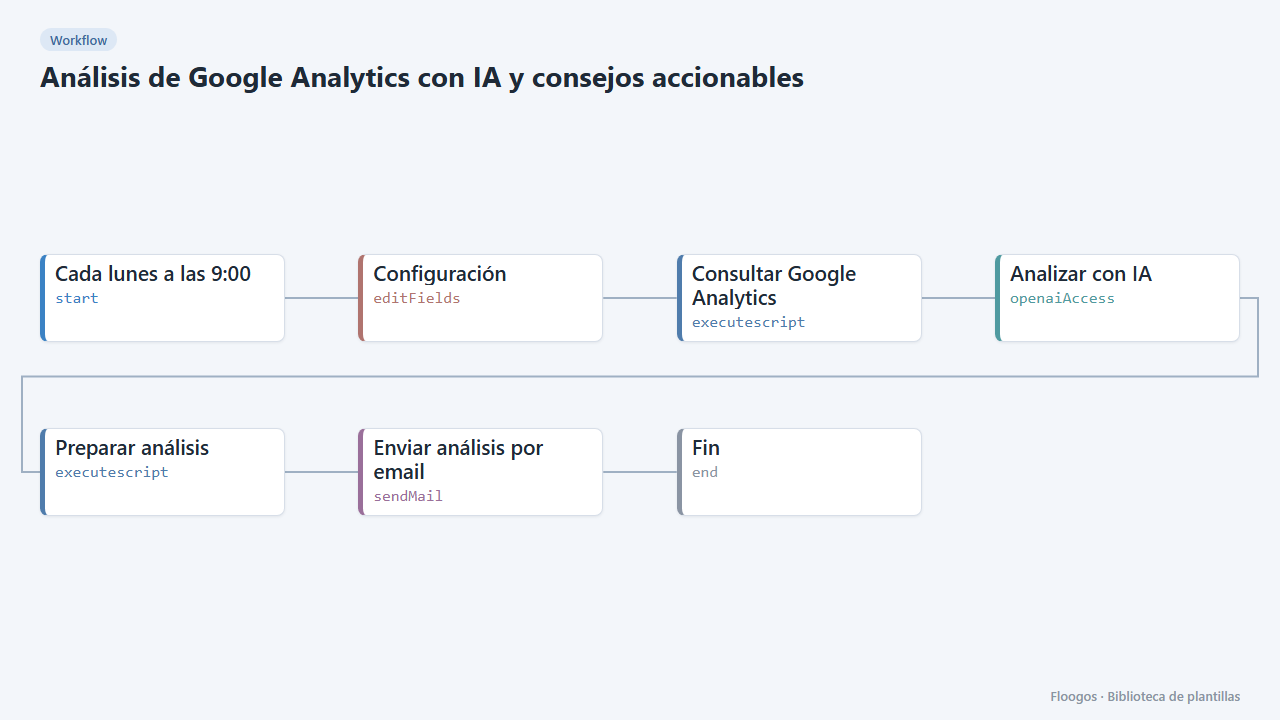
Google Analytics AI analysis with actionable advice
An AI reads your Google Analytics 4 data every week, explains what happened, spots anomalies and emails you a prioritized list of advice.
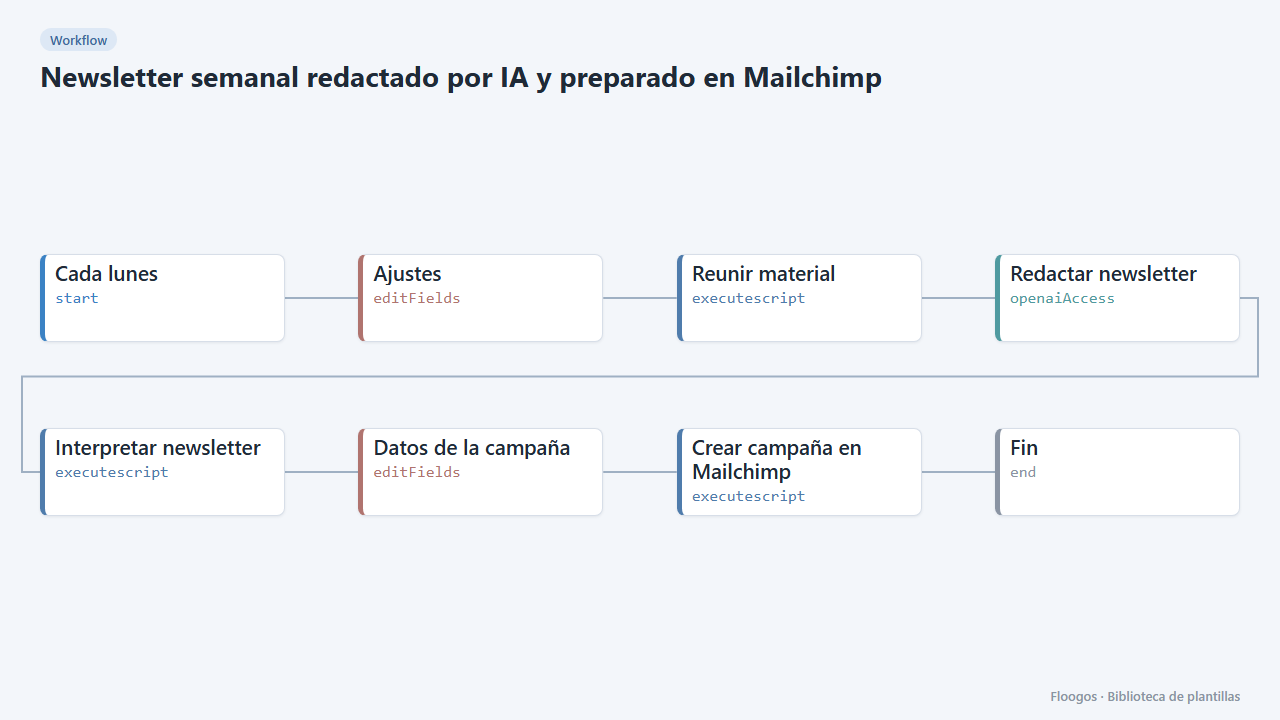
Weekly newsletter written by AI and prepared in Mailchimp
Every week it gathers your news and blog posts, AI writes the newsletter and leaves it ready as a Mailchimp campaign.
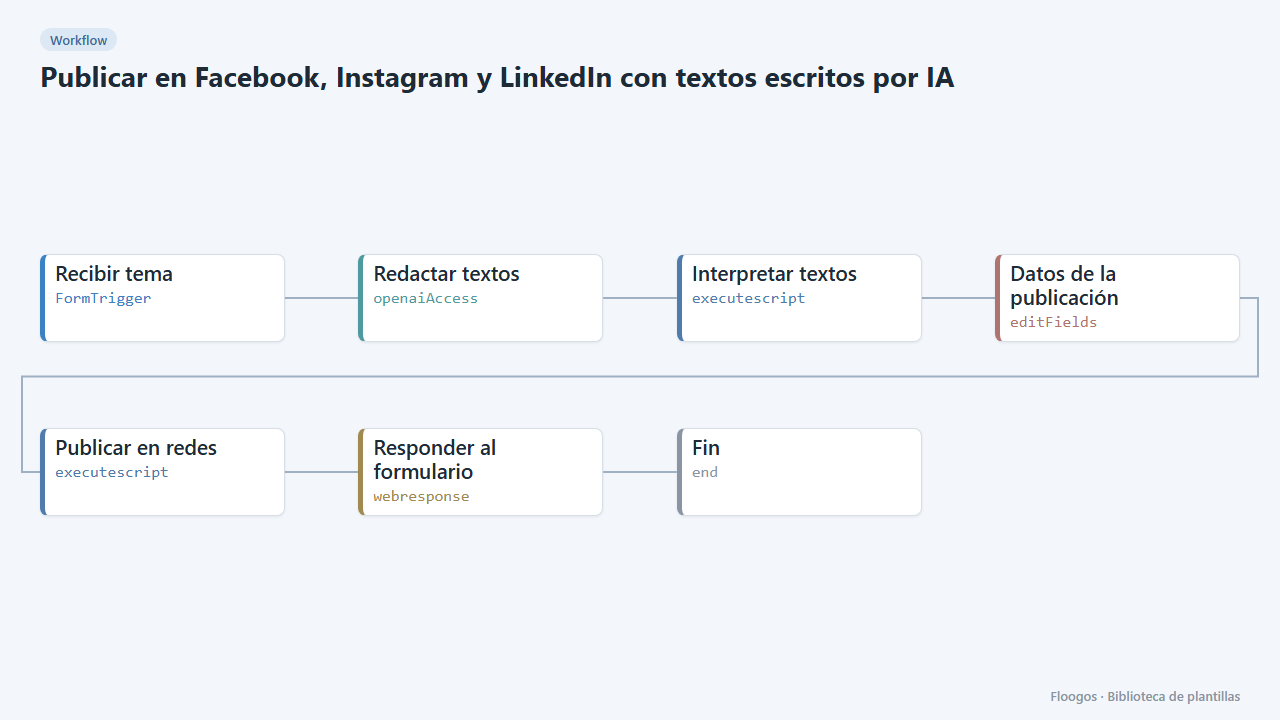
Post to Facebook, Instagram and LinkedIn with AI-written copy
Fill in a form with the topic, AI writes a text for each network and publishes it (or shows it as a draft).
Try it in under 5 minutes
Create the template in your account, connect your credentials and activate it when you are ready.
Use this template