
Daily Shopify sales summary by email
Every morning it calculates yesterdays orders, total sales and average order value in Shopify and emails them to you.
Everything is created inactive in a new folder of your account. Nothing runs until you activate it, and you can undo it for 24 hours.
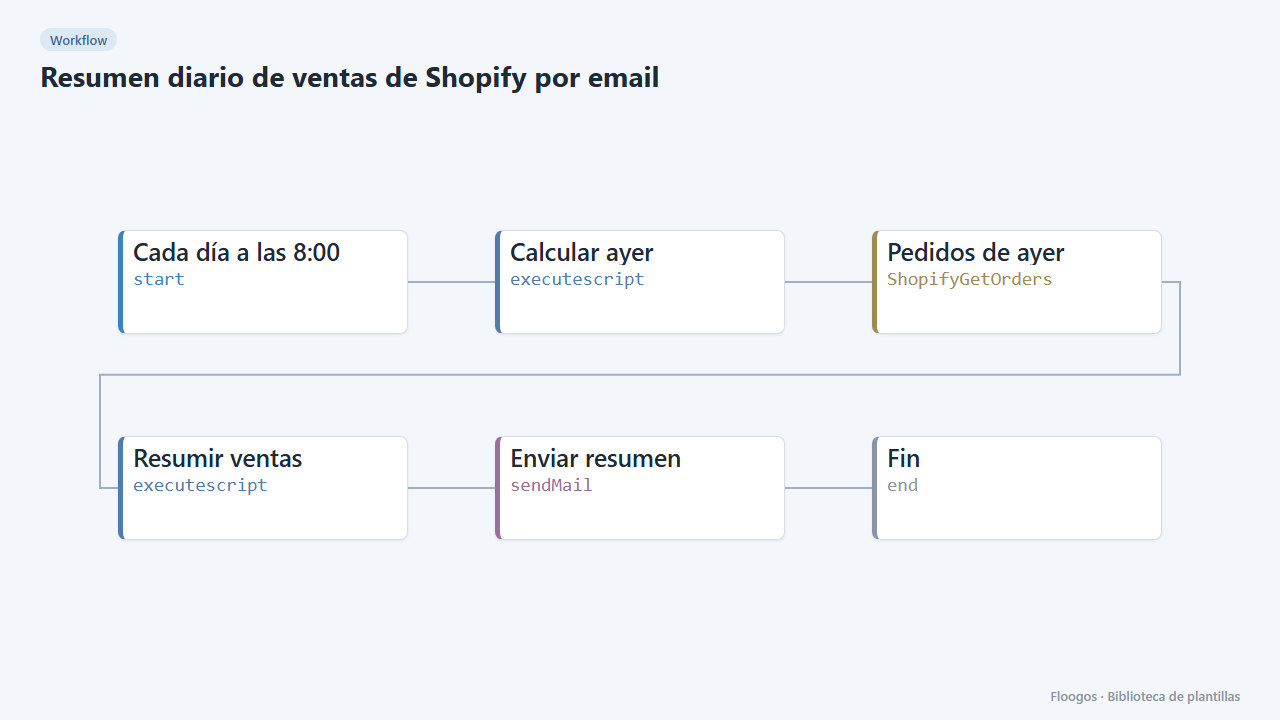
What it does
Start the day with clear numbers. Every day at 8:00 the workflow fetches yesterdays Shopify orders (calendar day in UTC), discards cancelled ones, adds up total sales, calculates the average order value and sends an email with the summary and the detail of each order.
What you need: a Shopify store with API access (Shopify credential) and an SMTP account to send the email.
How to use it: install the template, connect Shopify and SMTP, enter the destination email and activate the workflow.
Limits: up to 250 orders are read per run; if you sell more per day, split the report into several time slots.
How to set it up
- 1
Connect the shopify credential
This template uses shopify in: Pedidos de ayer. Create or pick the credential and assign it in those nodes.
- 2
Connect the smtp credential
This template uses smtp in: Enviar resumen. Create or pick the credential and assign it in those nodes.
- 3
Connect Shopify and email
Set up the Pedidos de ayer node with your Shopify credential and the Enviar resumen node with your SMTP.
- 4
Set the recipient
In the Enviar resumen node replace
direccion@tuempresa.comwith the email that should receive the report. - 5
Run it once
Run the workflow manually: you should get an email with yesterdays sales (with "0 orders" if there were none). Then activate the schedule.
- 6
Activate the workflow
Workflows are installed inactive. Once everything is set, activate it.
Related templates
Other templates that use similar nodes or integrations.
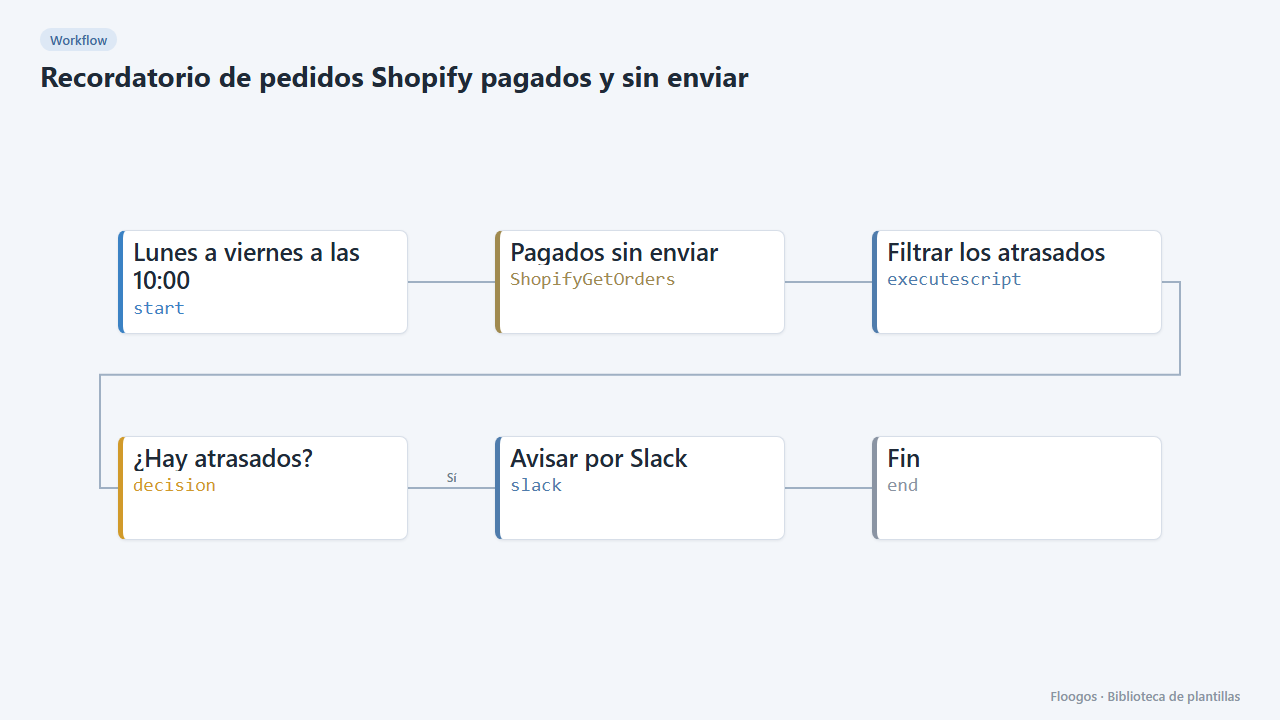
Reminder for paid, unshipped Shopify orders
Every weekday morning it alerts on Slack about paid orders that have been waiting more than 2 days to ship.
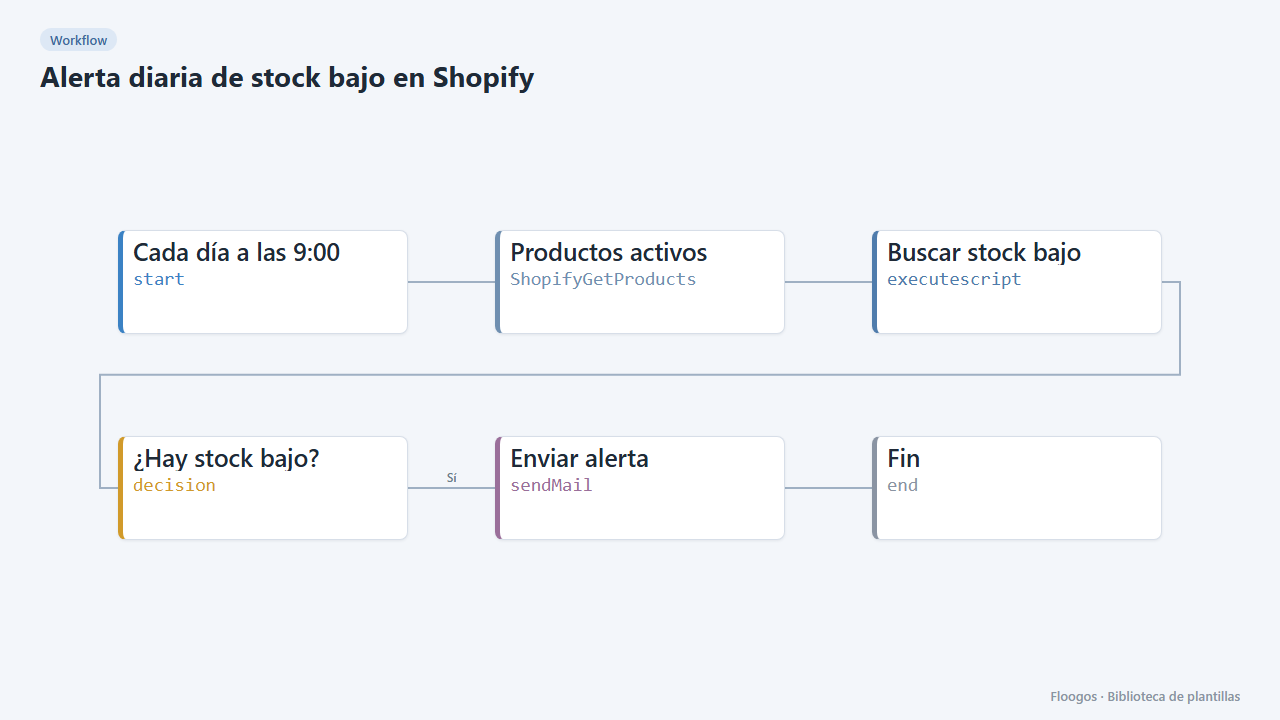
Daily low-stock alert for Shopify
Every morning it checks the inventory of your active Shopify products and emails you the list of low-stock variants.
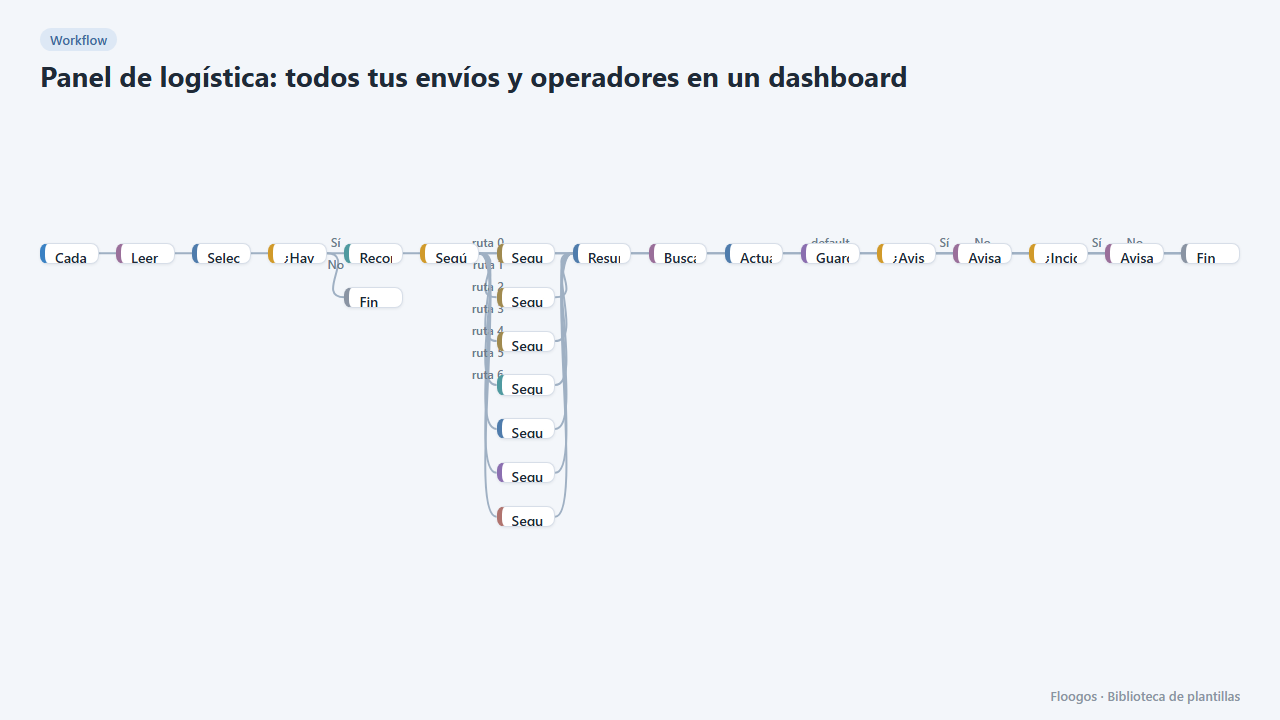
Logistics panel: all your shipments and carriers in one dashboard
Dashboard with KPIs, charts, filters and a side detail panel per shipment, fed by automatic tracking of DHL, FedEx, UPS, SEUR, Sendcloud, Shippo and EasyPost.
Try it in under 5 minutes
Create the template in your account, connect your credentials and activate it when you are ready.
Use this template