
AI agent team chat: reception, sales and support with handoff
A single website chat served by several specialist agents that hand the conversation over depending on the topic, like a human team.
Everything is created inactive in a new folder of your account. Nothing runs until you activate it, and you can undo it for 24 hours.
What it does
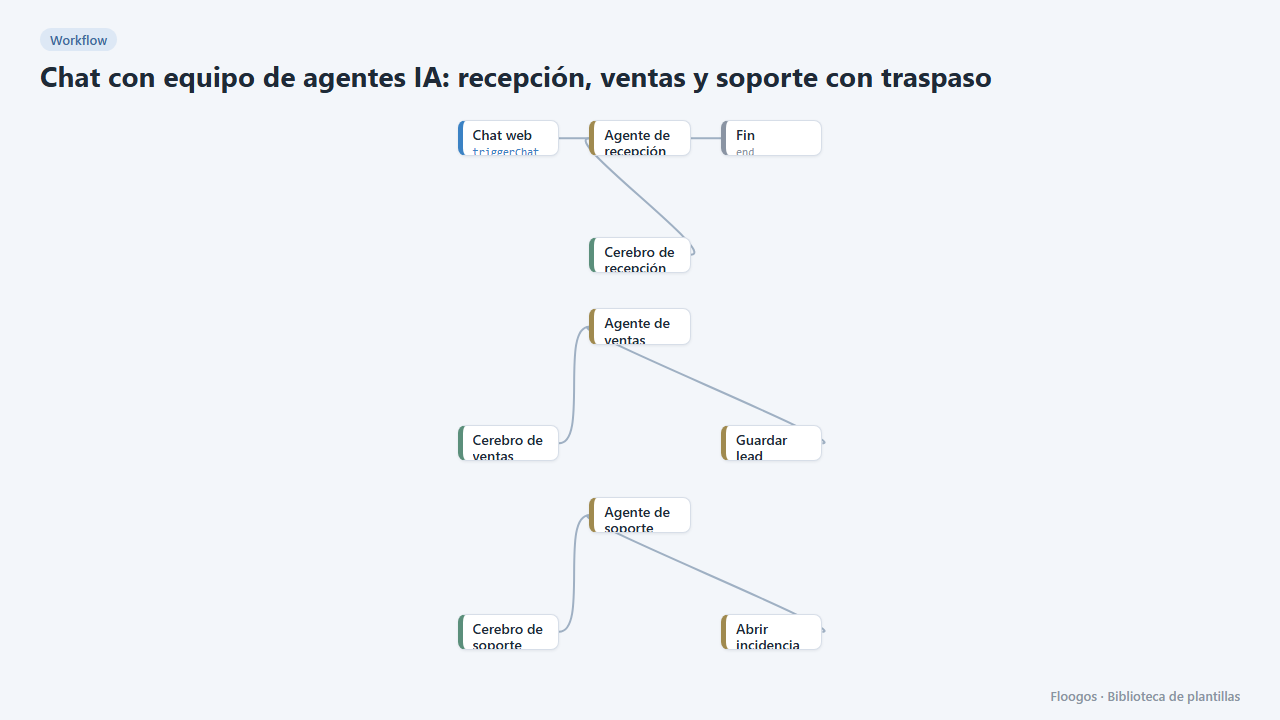
Instead of one agent that knows everything (and gets confused), a team of three agents with their own instructions and tools: Reception (serves by default and routes), Sales (captures leads in leads_chat) and Support (opens tickets in incidencias_chat). When the topic changes, the active agent hands the conversation over to the right specialist; they all share the transcript and the memory, so the customer never has to repeat anything. The widget shows a "Transferring to Sales…" notice so the switch is transparent.
What you need: an AI credential for each Brain (you can use the same in the three, or a cheaper model for Reception and a stronger one for Support).
How to use it: install the template, connect the three brains, adjust the instructions and the "Purpose" field of each agent (it is what the others use to decide when to hand over) and try switching topic mid-conversation. To add another specialist, duplicate an agent with its brain and tools, and give it a name and a purpose. Leads and tickets are stored but fire no alerts; combine it with the daily summary templates to receive them by email.
How to set it up
- 1
Connect the openai credential
This template uses openai in: Cerebro de recepción, Cerebro de ventas, Cerebro de soporte. Create or pick the credential and assign it in those nodes.
- 2
Connect the three brains
Choose provider, model and credential in Cerebro de recepción, Cerebro de ventas and Cerebro de soporte. Every agent needs one in order to answer.
- 3
Adjust instructions and purpose
In each agent review
system_prompt(how it behaves) andpurpose(when it receives a handoff). Replace "MI EMPRESA", the hours and the contact with yours. - 4
Test the handoff
Open the chat and write "I get an error when logging in"; Reception should hand you over to Support. Then say "and I want a quote": Support will pass you to Sales. Check the
leads_chatandincidencias_chatData Store groups. - 5
Activate the workflow
Workflows are installed inactive. Once everything is set, activate it.
Related templates
Other templates that use similar nodes or integrations.
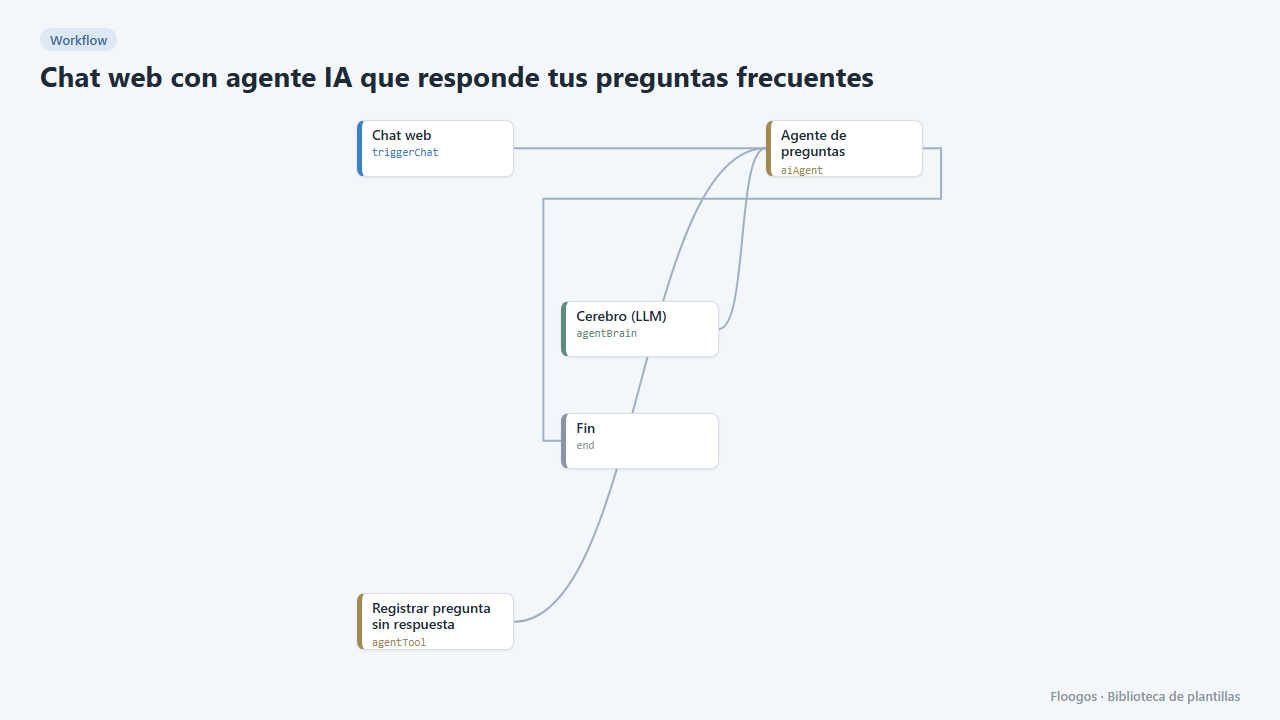
Web chat with an AI agent that answers your FAQ
A public chat for your website that answers common questions with AI and logs the ones it cannot answer.
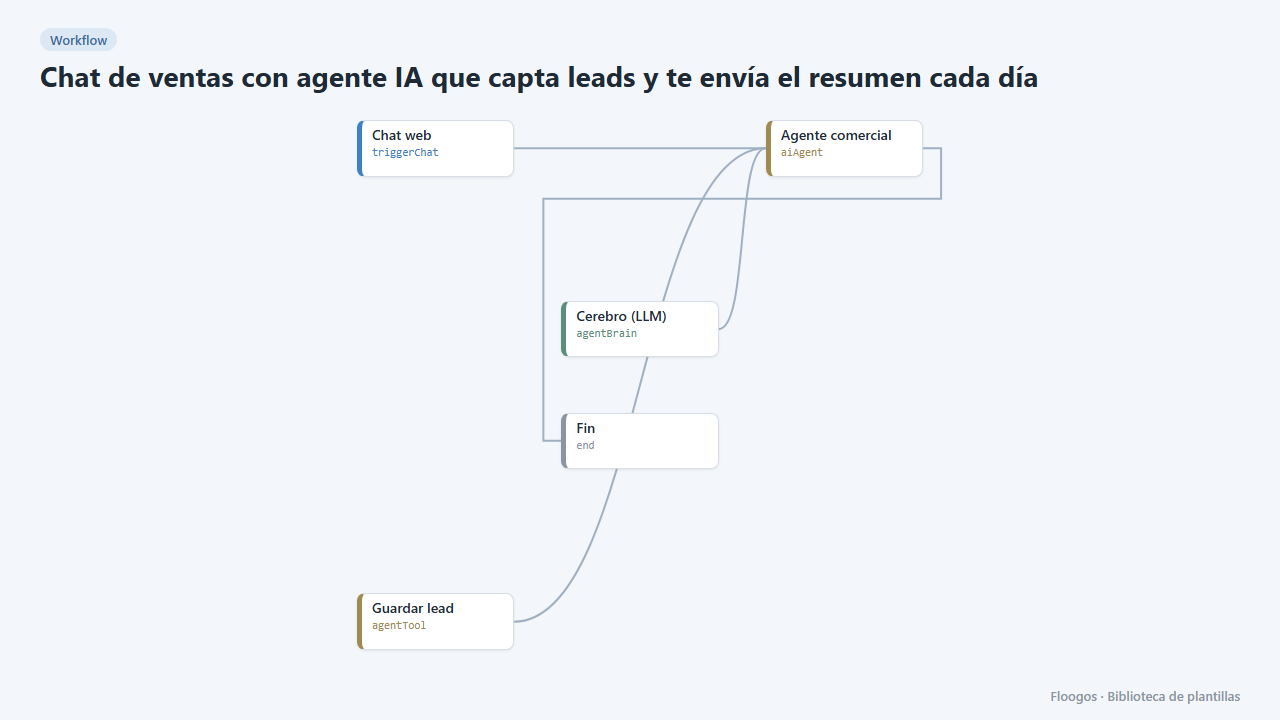
Sales chat with an AI agent that captures leads and emails you a daily summary
A website chat that talks to visitors, collects their contact details and emails you the new leads every morning.
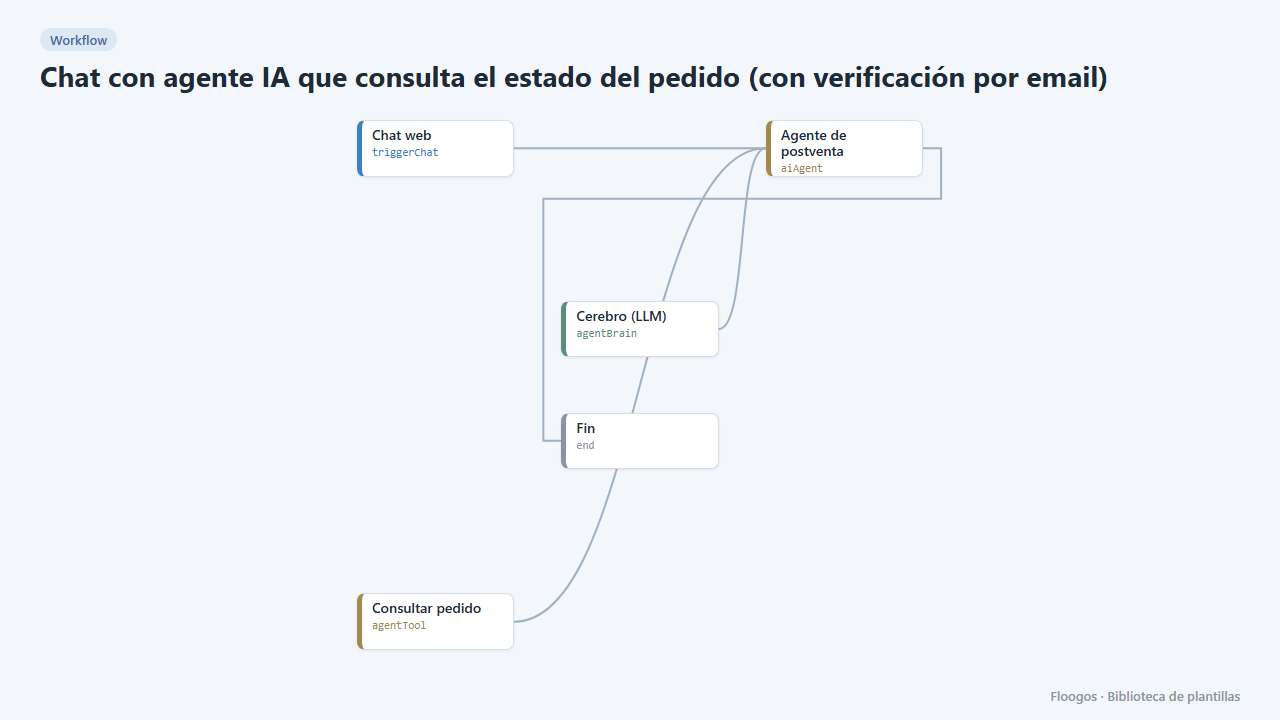
AI agent chat that checks order status (with email verification)
Your customers ask about their order in the chat and the agent answers with real data, only after verifying their email with a code.
Try it in under 5 minutes
Create the template in your account, connect your credentials and activate it when you are ready.
Use this template