
Sales chat with an AI agent that captures leads and emails you a daily summary
A website chat that talks to visitors, collects their contact details and emails you the new leads every morning.
Everything is created inactive in a new folder of your account. Nothing runs until you activate it, and you can undo it for 24 hours.
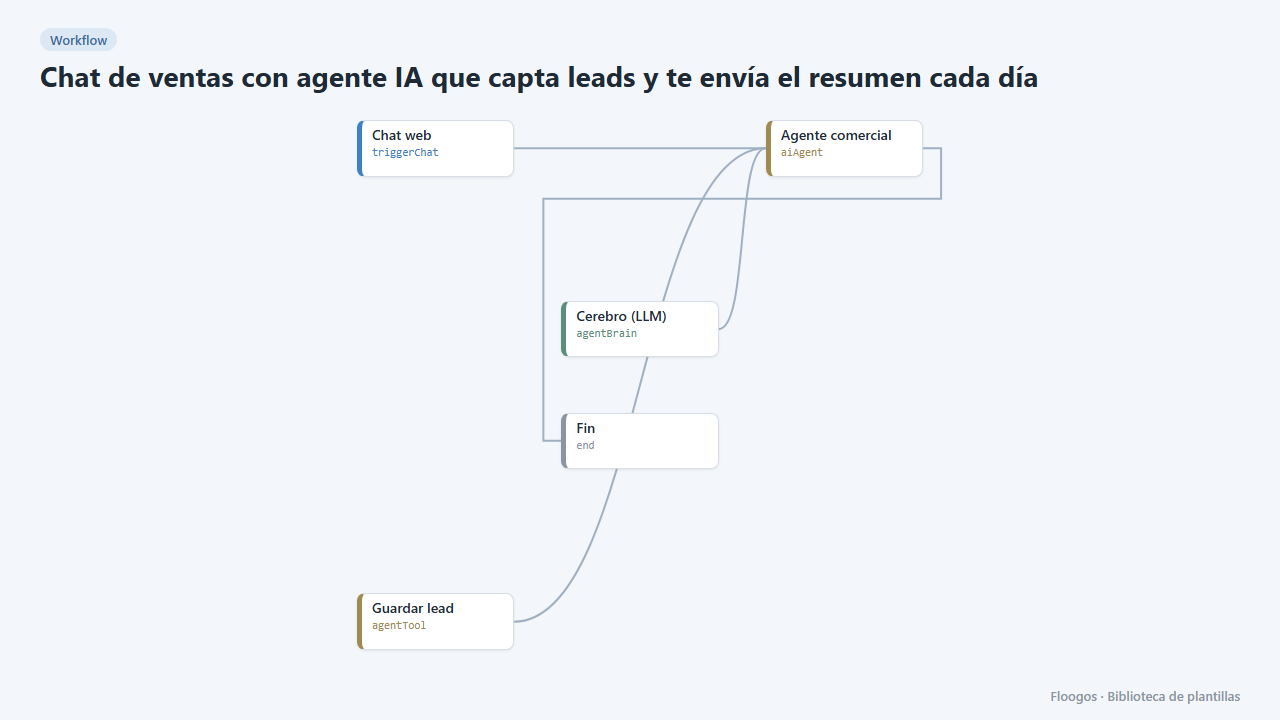
What it does
Two workflows in one. The first publishes a public AI agent chat that talks to your visitors, finds out what they need and, once it has their details, stores them as a lead in a Data Store (leads_chat). The second runs every morning, gathers the leads of the last 24 hours and emails you the list; if there were none, it stays quiet.
What you need: an AI credential (OpenAI, Claude, Gemini…) for the Brain and a mail account (SMTP) for the summary.
How to use it: install the template, connect the brain and the email, adapt the agent instructions to your offer and enable the daily summary schedule. The chat stores the lead but does not fire other workflows: that is why the alert arrives in the daily summary instead of instantly.
How to set it up
- 1
Connect the openai credential
This template uses openai in: Cerebro (LLM). Create or pick the credential and assign it in those nodes.
- 2
Connect the smtp credential
This template uses smtp in: Enviar resumen. Create or pick the credential and assign it in those nodes.
- 3
Connect the agent brain
In the Chat de ventas workflow choose provider, model and credential in the Cerebro (LLM) node.
- 4
Adapt the agent to your offer
Edit the
system_promptfield of the Agente comercial node with what you sell, your tone and which details you want before handing over the lead. - 5
Set up the summary email
In the Resumen diario de leads workflow connect your SMTP account and change the recipient of the Enviar resumen node. Then enable the schedule (by default, every day at 8:30).
- 6
Test
Open the chat URL, say you want information and give a name and an email. The record appears in the
leads_chatData Store; run the summary manually to see the email. - 7
Activate the workflow
Workflows are installed inactive. Once everything is set, activate it.
Related templates
Other templates that use similar nodes or integrations.
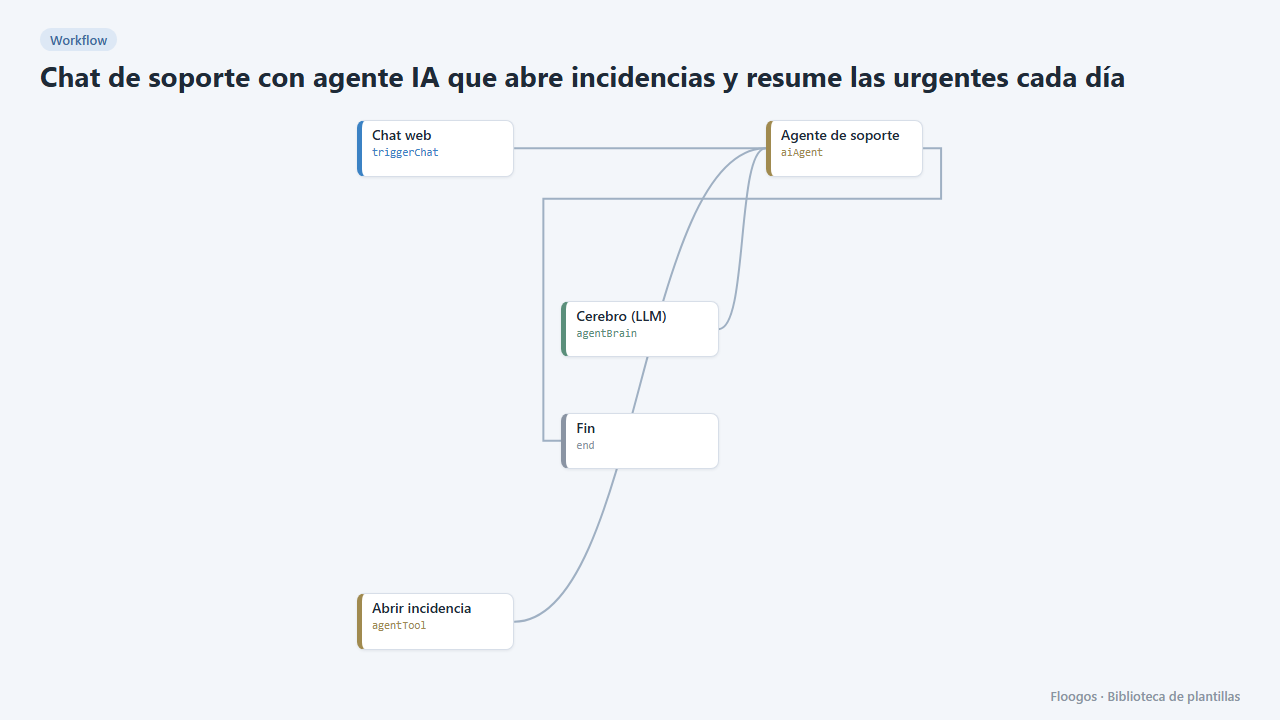
Support chat with an AI agent that opens tickets and summarises the urgent ones daily
The agent tries to solve technical questions in the chat and, if it cannot, opens a ticket with its urgency; every morning you get the sorted list.
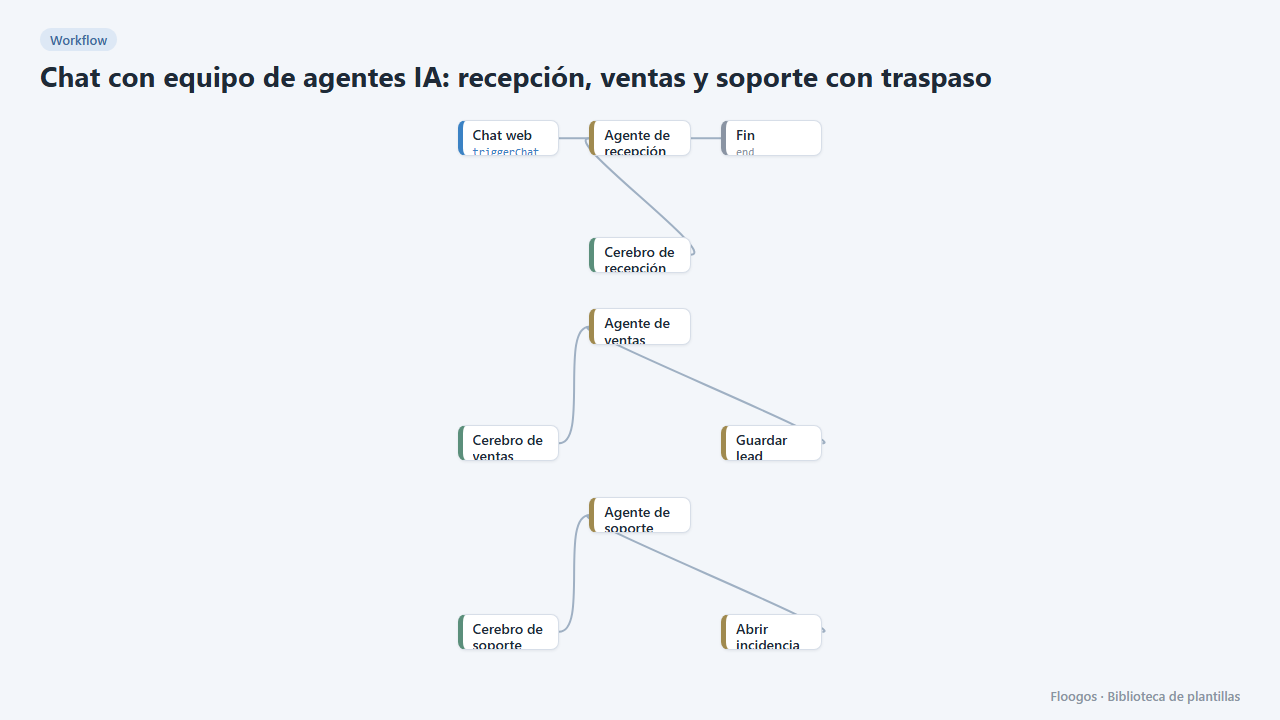
AI agent team chat: reception, sales and support with handoff
A single website chat served by several specialist agents that hand the conversation over depending on the topic, like a human team.
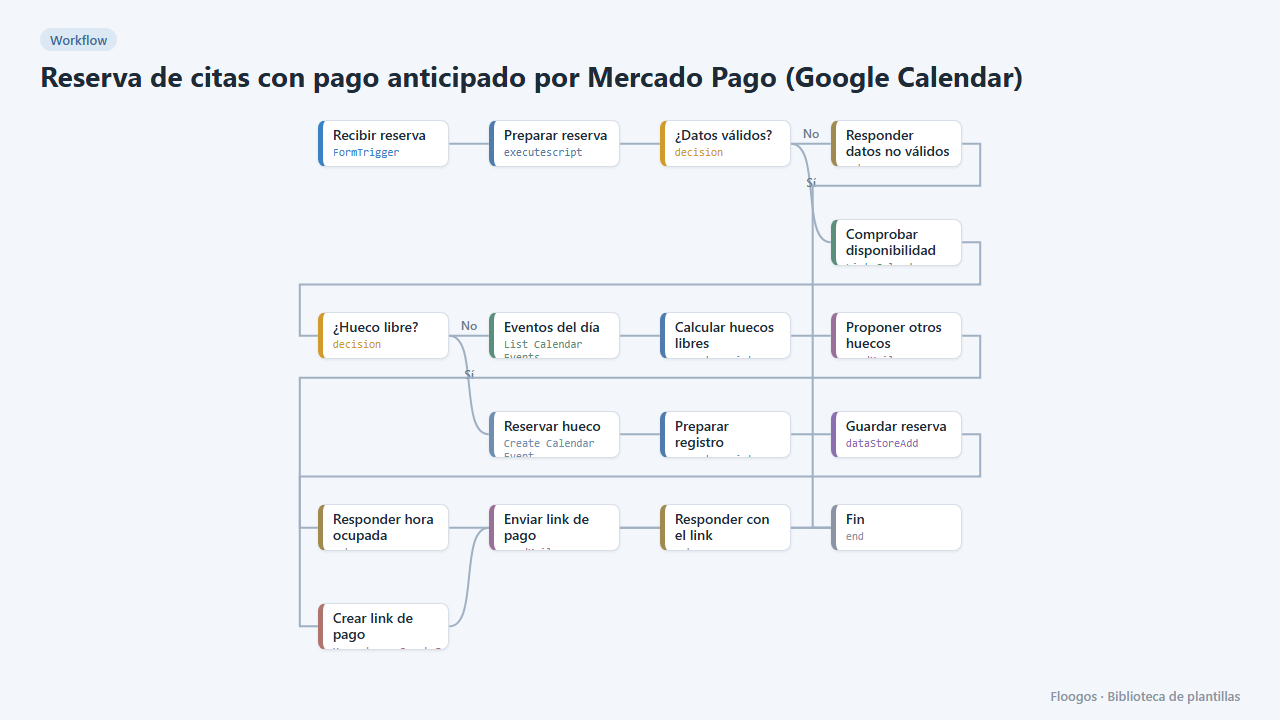
Appointment booking with upfront Mercado Pago payment (Google Calendar)
The customer books, gets a Mercado Pago payment link and the appointment is only confirmed in your Google Calendar once the payment is approved; if they do not pay, the slot is released automatically.
Try it in under 5 minutes
Create the template in your account, connect your credentials and activate it when you are ready.
Use this template