
Weekly Odoo sales orders summary by email
Every Monday it reads the last 7 days of Odoo sales orders and emails management the total and the order list.
Everything is created inactive in a new folder of your account. Nothing runs until you activate it, and you can undo it for 24 hours.
What it does
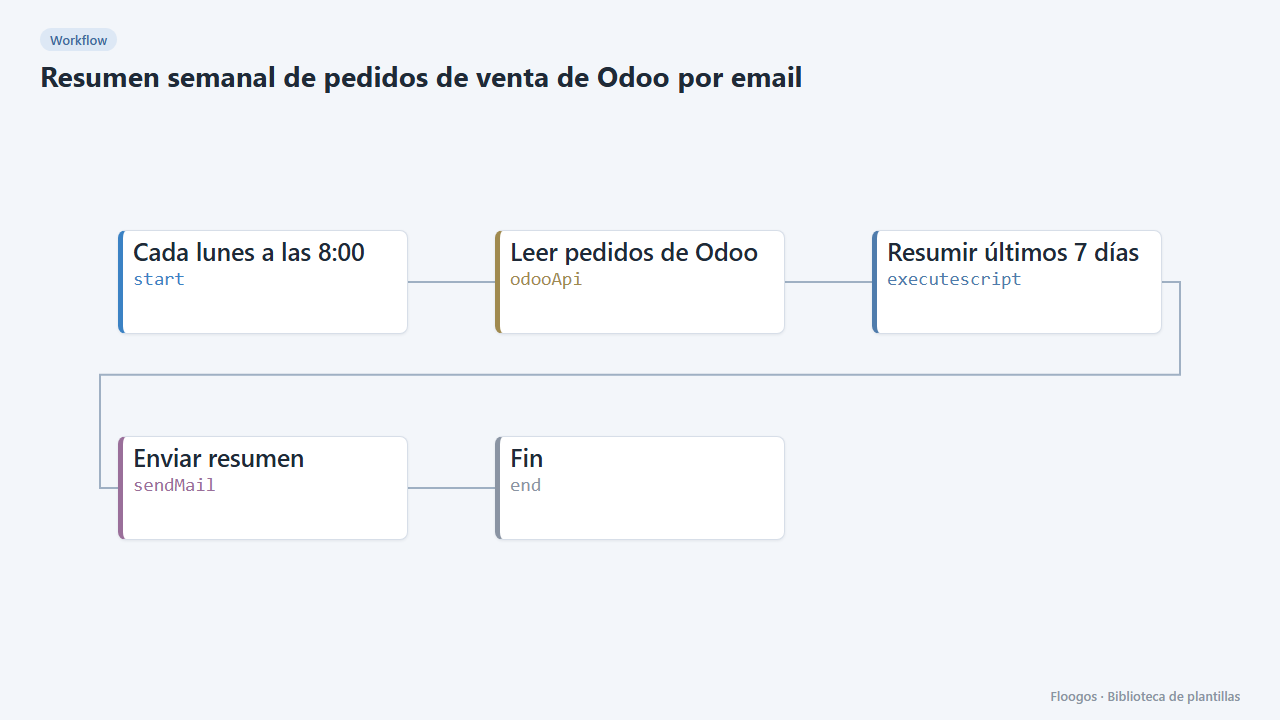
Start the week with clear numbers. Every Monday at 8:00 the workflow reads Odoo sales orders through its REST API, keeps those from the last 7 days and sends an email with the order count, the total amount and a table with each one.
What you need: an Odoo with a REST API module using basic authentication that can read sales orders (sale.order, with date_order and amount_total) and an SMTP account.
How to use it: install the template, connect Odoo and SMTP, enter your endpoint URL, set the recipient and activate the workflow.
How to set it up
- 1
Connect the odoo credential
This template uses odoo in: Leer pedidos de Odoo. Create or pick the credential and assign it in those nodes.
- 2
Connect the smtp credential
This template uses smtp in: Enviar resumen. Create or pick the credential and assign it in those nodes.
- 3
Adapt the URL and recipient
In Leer pedidos de Odoo replace
https://tu-odoo.com/api/sale.orderwith your endpoint and in Enviar resumen set the management email. - 4
Run it once
Run the workflow manually and check that the total and orders match those in Odoo for the last 7 days.
- 5
Activate the workflow
Workflows are installed inactive. Once everything is set, activate it.
Related templates
Other templates that use similar nodes or integrations.
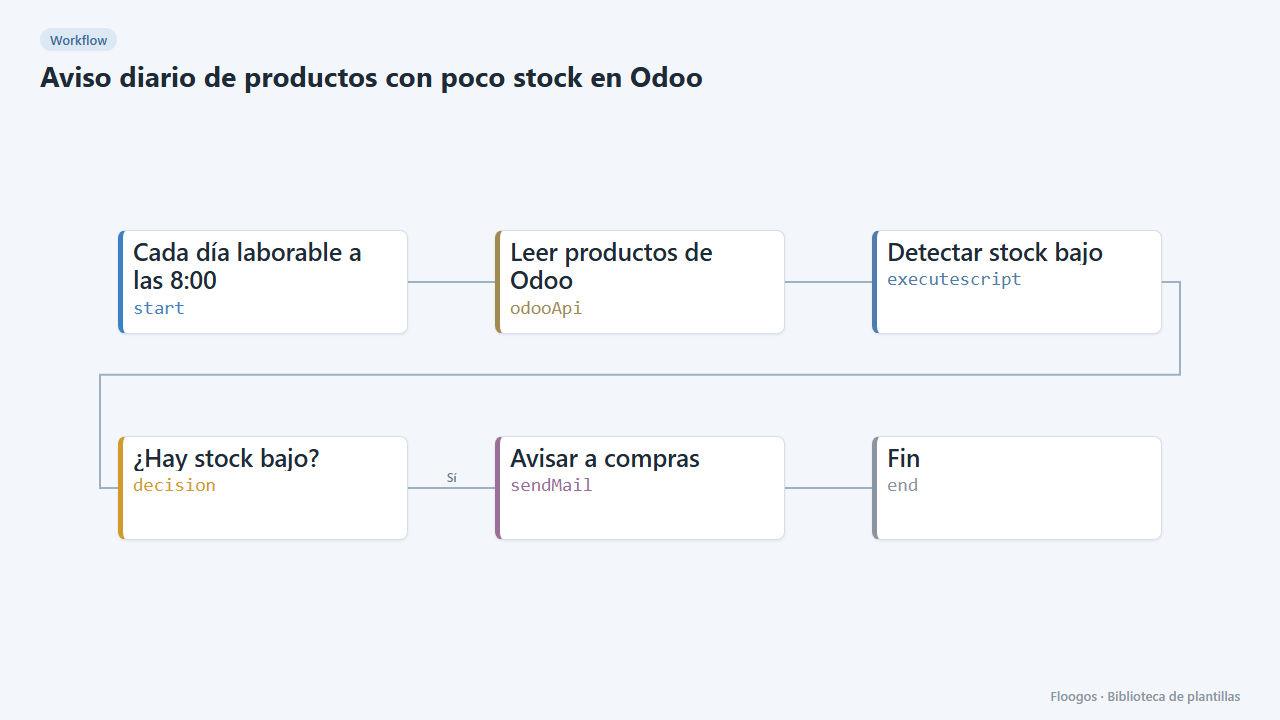
Daily low-stock alert from Odoo
Every working day it reads the Odoo products and emails purchasing about those below the minimum.
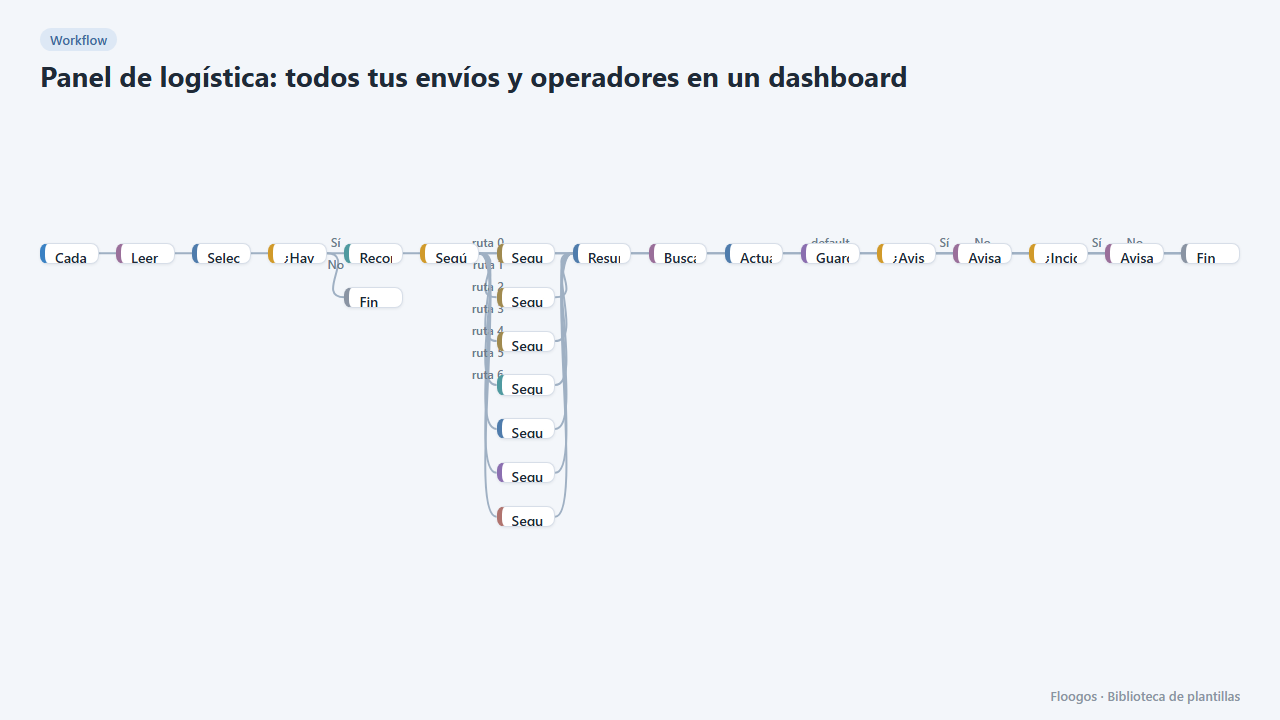
Logistics panel: all your shipments and carriers in one dashboard
Dashboard with KPIs, charts, filters and a side detail panel per shipment, fed by automatic tracking of DHL, FedEx, UPS, SEUR, Sendcloud, Shippo and EasyPost.
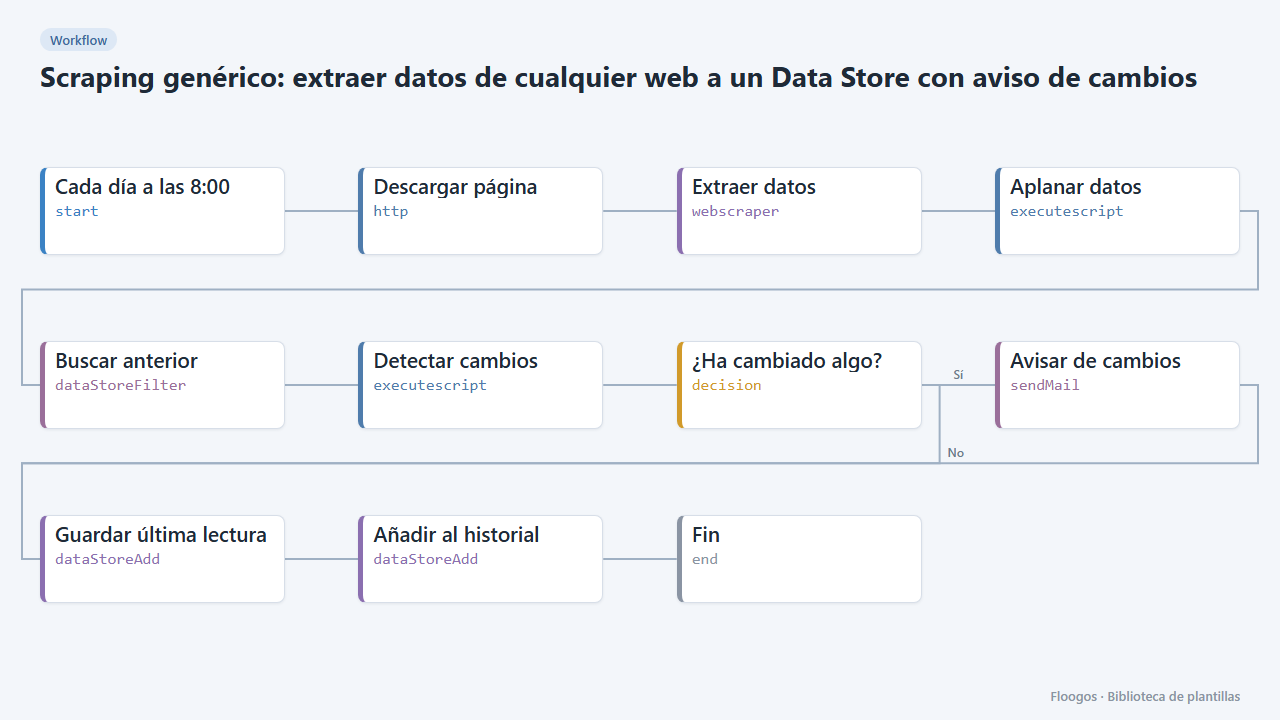
Generic scraping: extract data from any website into a Data Store with change alerts
Base template: you give a URL and the CSS selectors of what you want to extract, and the workflow stores each reading in a Data Store and alerts you if any value changes.
Try it in under 5 minutes
Create the template in your account, connect your credentials and activate it when you are ready.
Use this template