
Get notified when a web page content changes
Checks a page every hour (prices, terms, calls for proposals, competitors) and emails you what changed as soon as it spots a difference.
Everything is created inactive in a new folder of your account. Nothing runs until you activate it, and you can undo it for 24 hours.
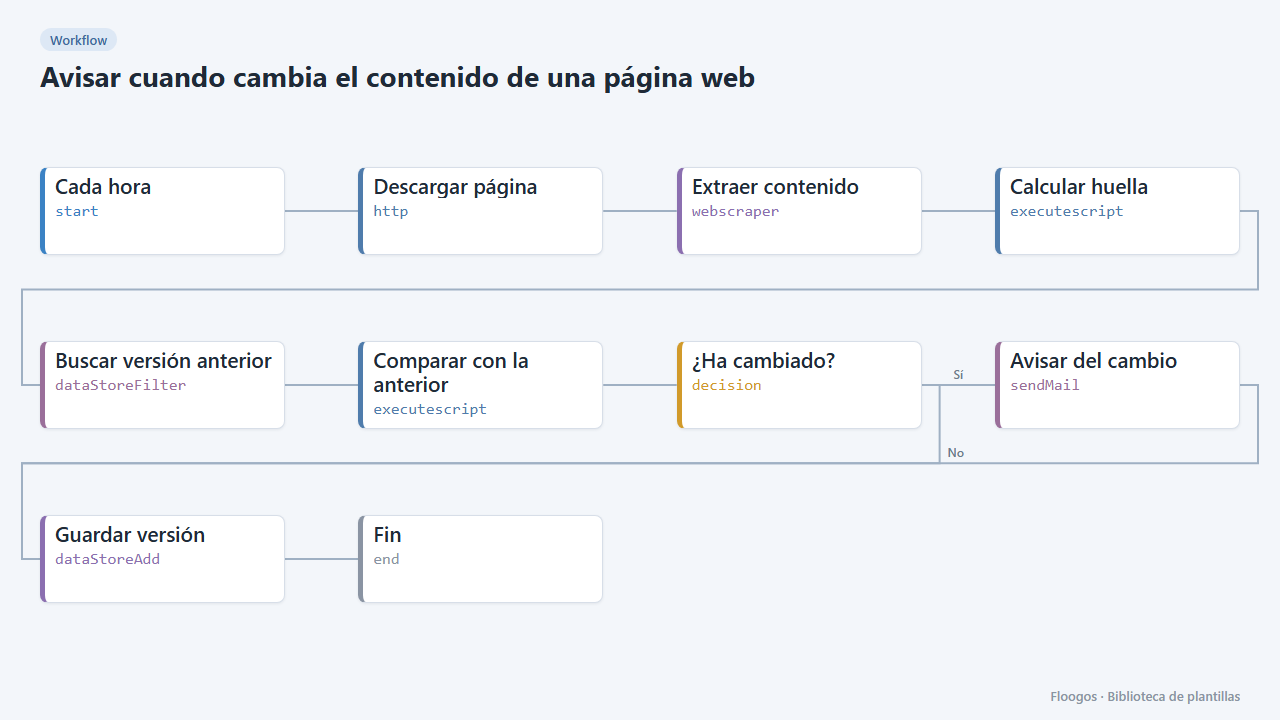
What it does
Ideal for watching a page that does not notify you when it is updated: a supplier tariffs, a service legal terms, a grants call, a competitor pricing page. The workflow downloads the page, the Web Scraper node extracts the text of the area you care about (by default, the whole page), computes a fingerprint and compares it with the previous one stored in a Data Store. If it differs, you get an email with the new text and the text that is gone.
What is included: 1 scheduled workflow (every hour) and the paginas-vigiladas data group.
What you need: an SMTP account and the URL to watch. To avoid false alerts, limit the selector to the relevant area (for example main or #tariffs) instead of body: menus, visit counters or footer dates change often. The node reads the HTML without running JavaScript.
Responsible use: check the site robots.txt and terms of use and set the frequency to the reasonable minimum (every hour is already a lot for most pages).
How to set it up
- 1
Connect the smtp credential
This template uses smtp in: Avisar del cambio. Create or pick the credential and assign it in those nodes.
- 2
Set the URL and narrow the area
In Descargar página set the URL. In Extraer contenido replace the
bodyselector with the area you want to watch (main,#prices,.content...). The narrower, the fewer false alerts. If it still triggers on self-changing numbers (visits, time), setIGNORAR_NUMEROStotruein the Calcular huella script. - 3
Configure the alert
In Avisar del cambio pick your SMTP and the recipient; if you prefer Telegram, replace the node with a Telegram one with a short message. The first run only stores the reference version and does not alert.
- 4
Test and schedule
Run the workflow by hand to store the reference version. To test the alert, delete or edit the
pagina-1entry of thepaginas-vigiladasgroup and run again. Then enable the schedule on the first node (by default, every hour). - 5
Activate the workflow
Workflows are installed inactive. Once everything is set, activate it.
Related templates
Other templates that use similar nodes or integrations.
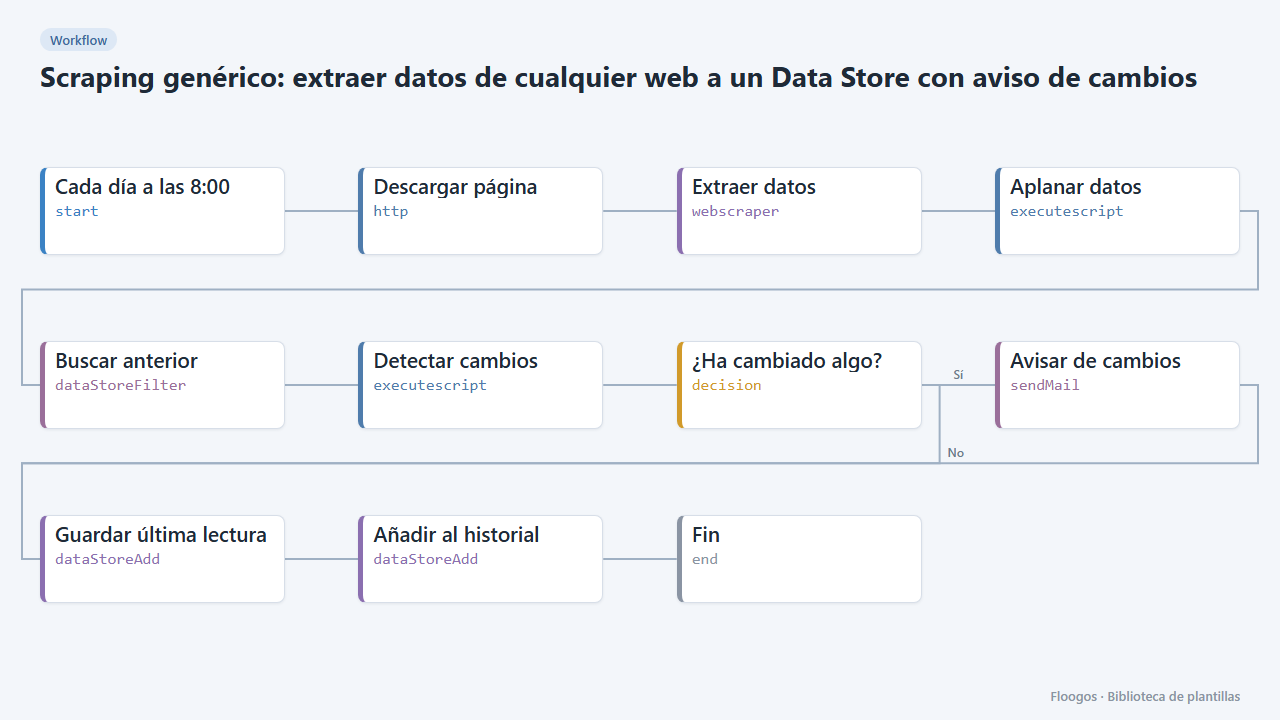
Generic scraping: extract data from any website into a Data Store with change alerts
Base template: you give a URL and the CSS selectors of what you want to extract, and the workflow stores each reading in a Data Store and alerts you if any value changes.
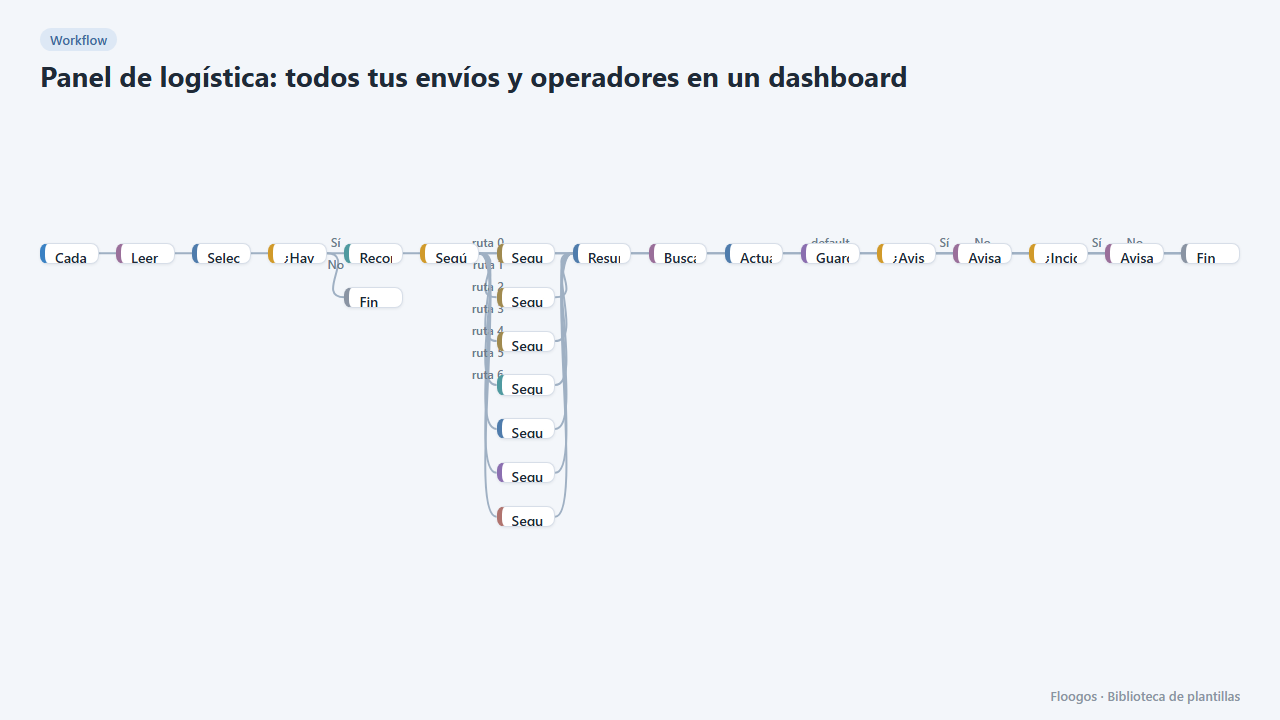
Logistics panel: all your shipments and carriers in one dashboard
Dashboard with KPIs, charts, filters and a side detail panel per shipment, fed by automatic tracking of DHL, FedEx, UPS, SEUR, Sendcloud, Shippo and EasyPost.
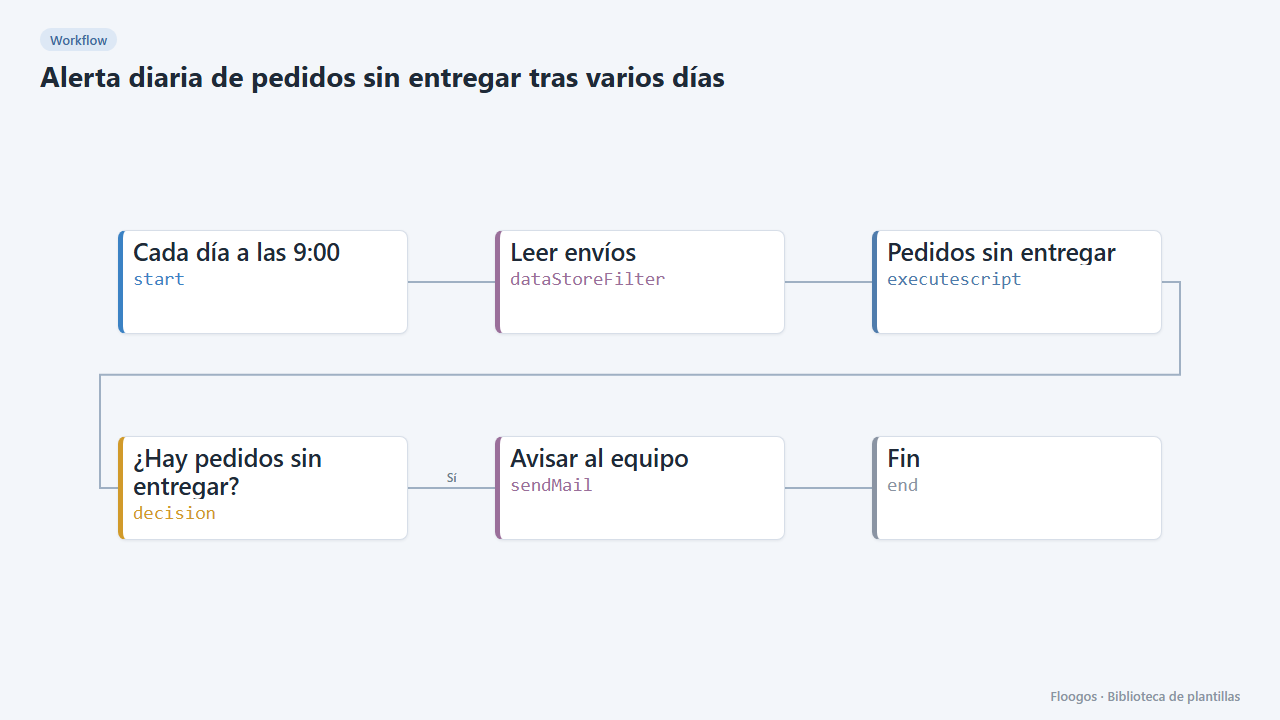
Daily alert for orders not delivered after several days
Every morning it checks the shipments Data Store and emails your team a table of orders still undelivered after more than 4 days.
Try it in under 5 minutes
Create the template in your account, connect your credentials and activate it when you are ready.
Use this template