
Tienda Nube orders to Google Sheets
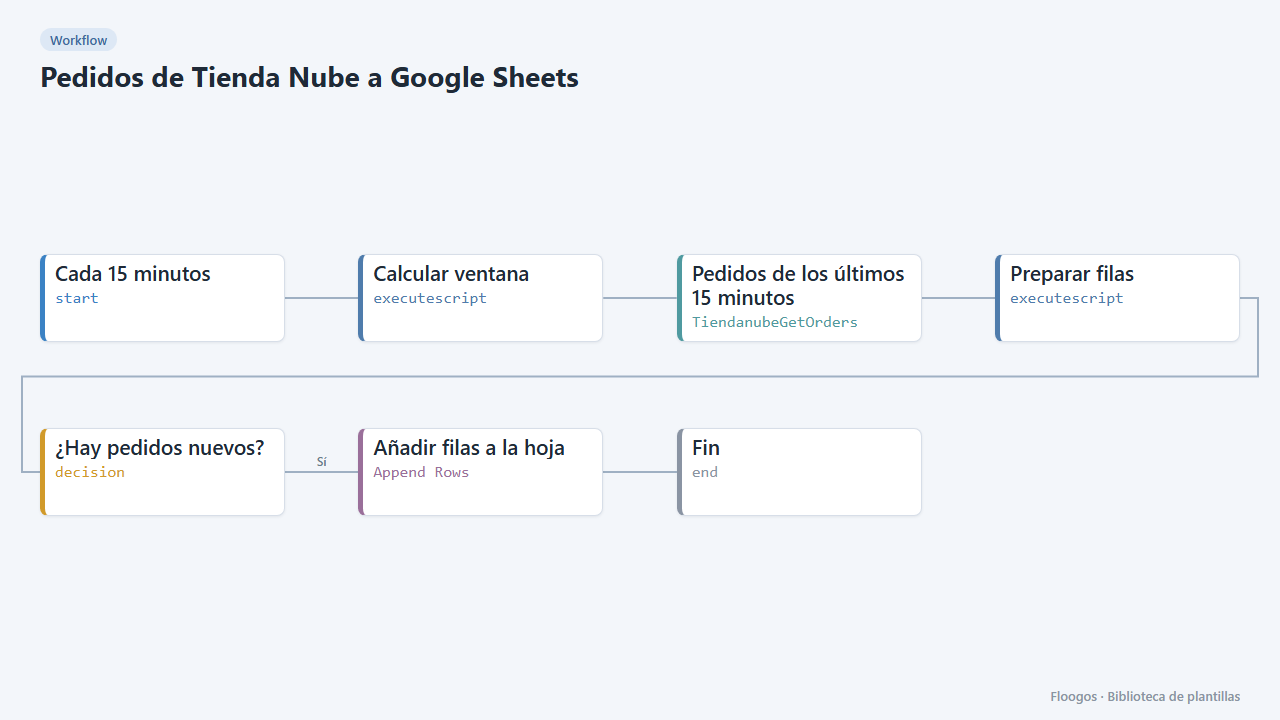
Every 15 minutes it appends to a Google Sheet one row for each new order in your Tienda Nube: date, number, customer, total and statuses.
Everything is created inactive in a new folder of your account. Nothing runs until you activate it, and you can undo it for 24 hours.
What it does
Keep an order history in a spreadsheet without copying anything by hand. Every 15 minutes the workflow queries the orders created in that interval in your Tienda Nube and, only if there are any, appends one row per order to your Google Sheet with date, number, customer, email, total, currency, payment status and shipping status. Useful for accounting, reports or feeding other tools.
What you need: a Tienda Nube store (Store ID and Access Token), a connected Google account and a sheet with a tab named Pedidos.
How to use it: install the template, connect Tienda Nube and Google, paste your sheet ID and activate the workflow.
Note: the search window matches the cron frequency (15 minutes). If you change one, change the other.
How to set it up
- 1
Connect the tiendanube credential
This template uses tiendanube in: Pedidos de los últimos 15 minutos. Create or pick the credential and assign it in those nodes.
- 2
Connect the google credential
This template uses google in: Añadir filas a la hoja. Create or pick the credential and assign it in those nodes.
- 3
Prepare the sheet
Create a tab named
Pedidosin your Google Sheet (you can add a header row: Date, Order, Customer, Email, Total, Currency, Payment, Shipping) and copy the sheet ID from the URL. - 4
Connect the accounts
Add the Tienda Nube credential in Pedidos de los últimos 15 minutos and the Google one in Añadir filas a la hoja, along with the sheet ID.
- 5
Activate the workflow
Workflows are installed inactive. Once everything is set, activate it.
Related templates
Other templates that use similar nodes or integrations.
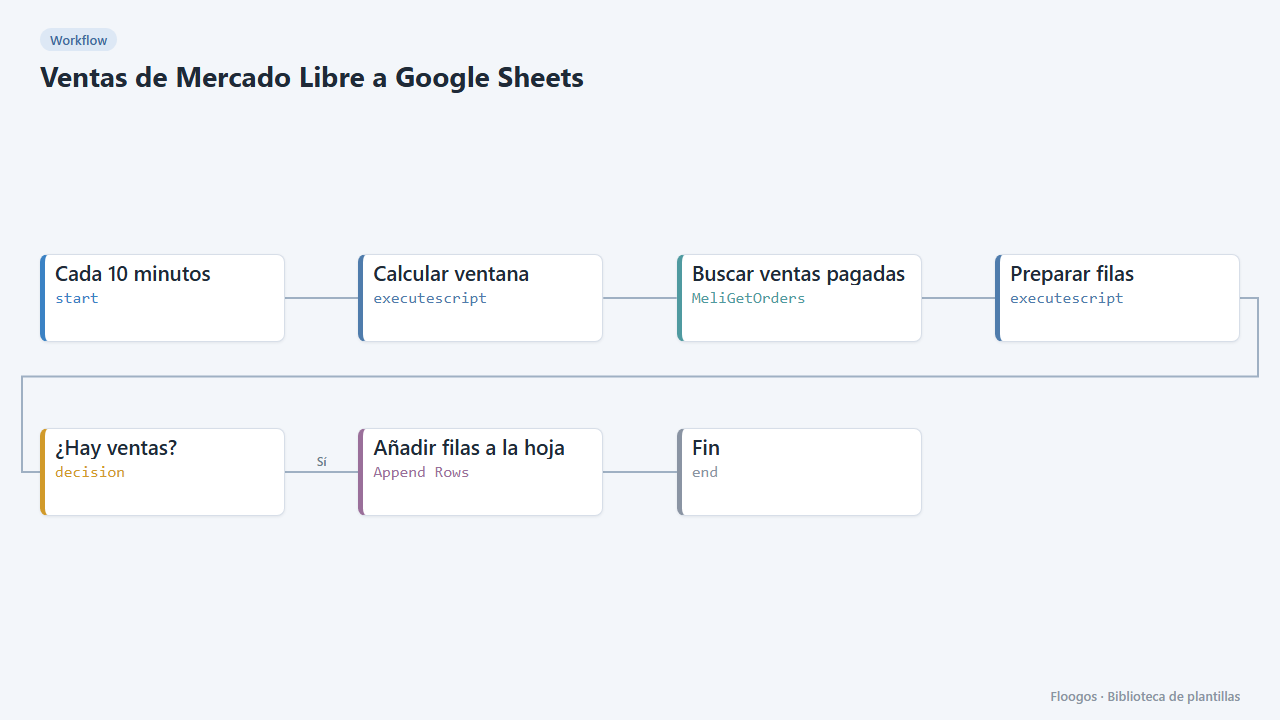
Mercado Libre sales to Google Sheets
Every 10 minutes it appends one Google Sheets row for each paid Mercado Libre sale.
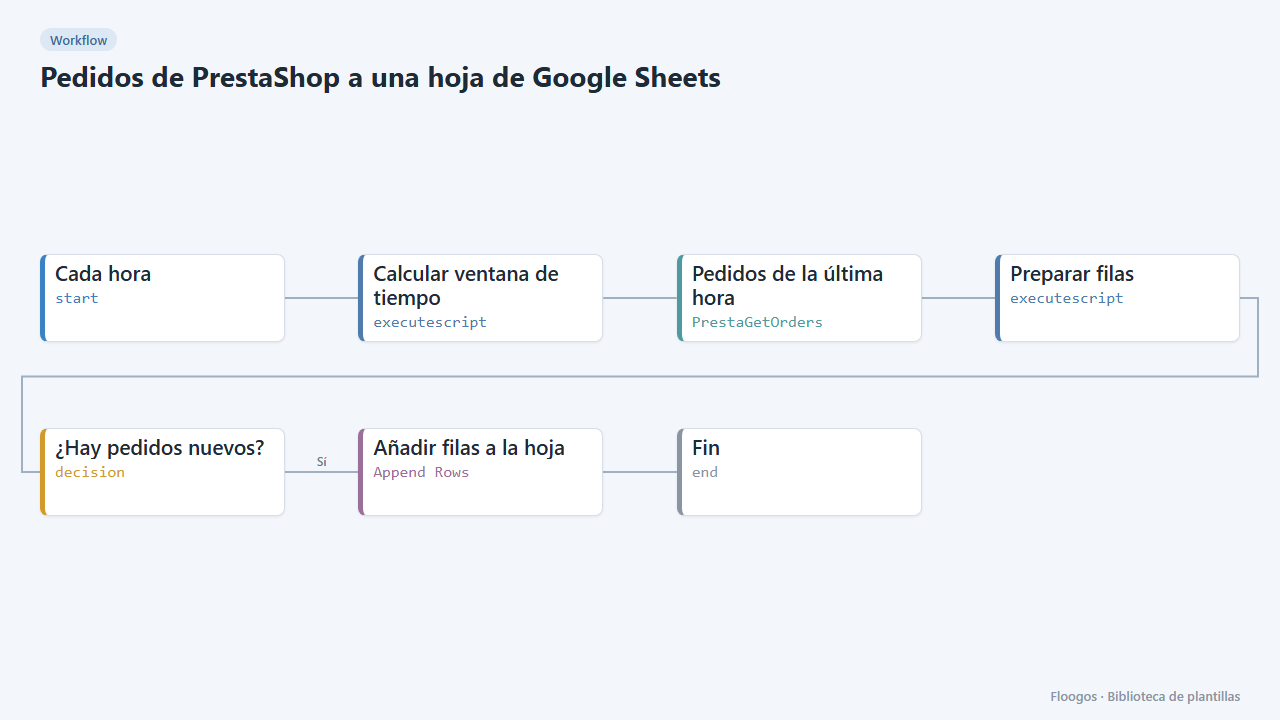
PrestaShop orders to a Google Sheets spreadsheet
Every hour it appends your new PrestaShop orders to Google Sheets: date, reference, customer, amount, payment and status.
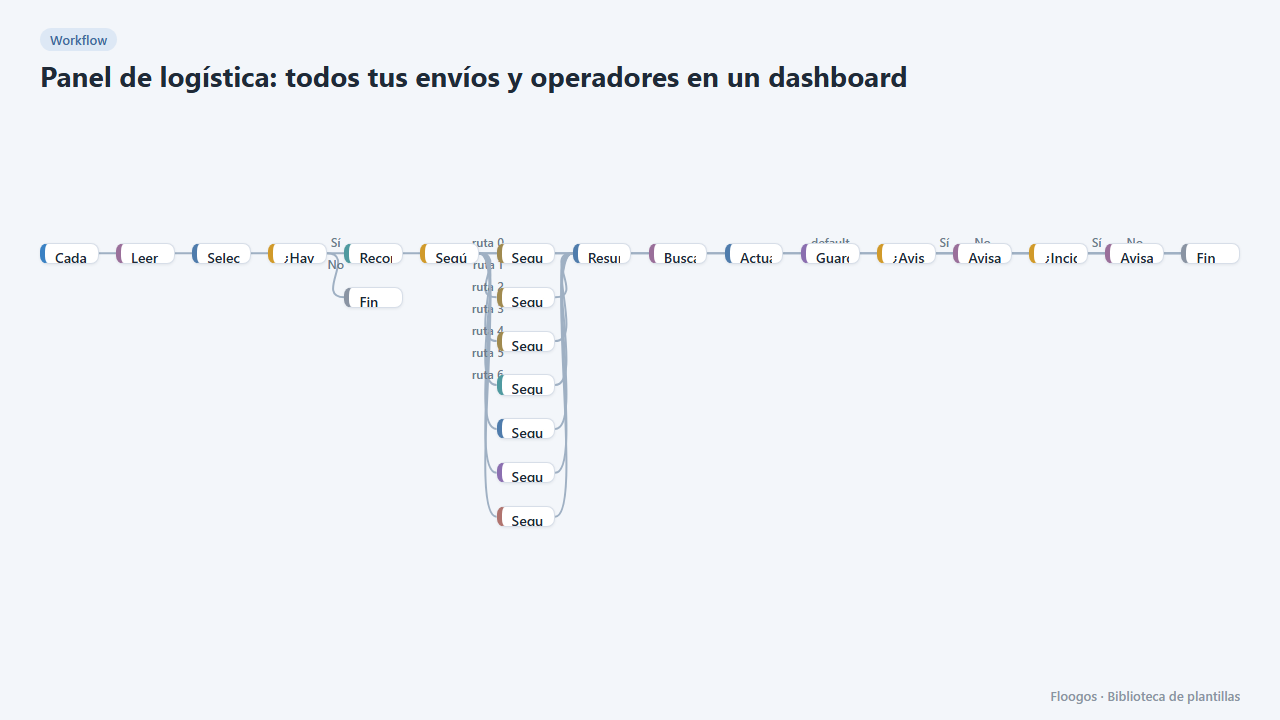
Logistics panel: all your shipments and carriers in one dashboard
Dashboard with KPIs, charts, filters and a side detail panel per shipment, fed by automatic tracking of DHL, FedEx, UPS, SEUR, Sendcloud, Shippo and EasyPost.
Try it in under 5 minutes
Create the template in your account, connect your credentials and activate it when you are ready.
Use this template