
Daily low-stock alert for Tienda Nube
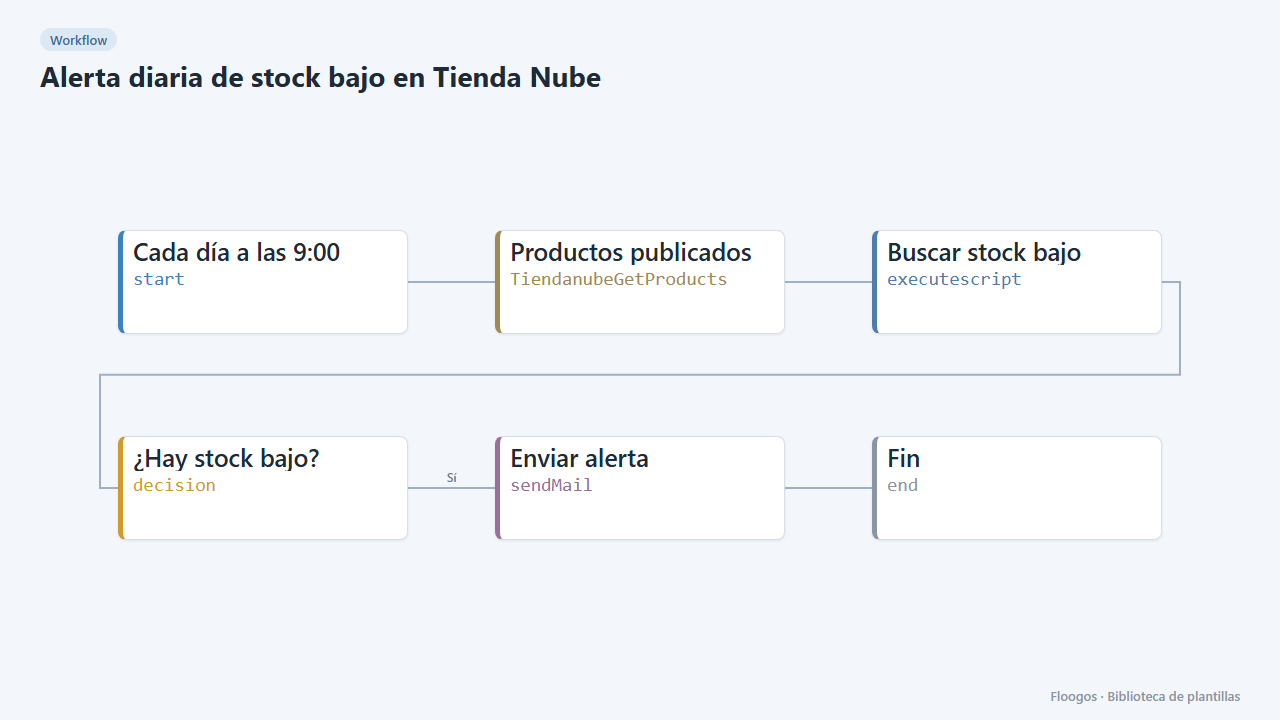
Every morning it checks the stock of your published Tienda Nube products and emails you the variants below the minimum.
Everything is created inactive in a new folder of your account. Nothing runs until you activate it, and you can undo it for 24 hours.
What it does
A scheduled workflow that every day reads the published products of your Tienda Nube, looks for variants with limited stock below the minimum (5 units by default) and, only if there are any, emails you the table: product, variant, SKU and units. Variants with unlimited stock are ignored. If everything is fine, it stays quiet.
What you need: a Tienda Nube store (Store ID and Access Token) and an SMTP account.
How to use it: install the template, connect Tienda Nube and SMTP, adjust the minimum and the recipient and activate the workflow.
Note: it checks up to 200 products per run.
How to set it up
- 1
Connect the tiendanube credential
This template uses tiendanube in: Productos publicados. Create or pick the credential and assign it in those nodes.
- 2
Connect the smtp credential
This template uses smtp in: Enviar alerta. Create or pick the credential and assign it in those nodes.
- 3
Adjust the minimum
In the Buscar stock bajo node change
5to the number of units below which you want the alert. - 4
Set the recipient
In the Enviar alerta node replace
compras@tuempresa.comwith the email of whoever restocks. - 5
Activate the workflow
Workflows are installed inactive. Once everything is set, activate it.
Related templates
Other templates that use similar nodes or integrations.
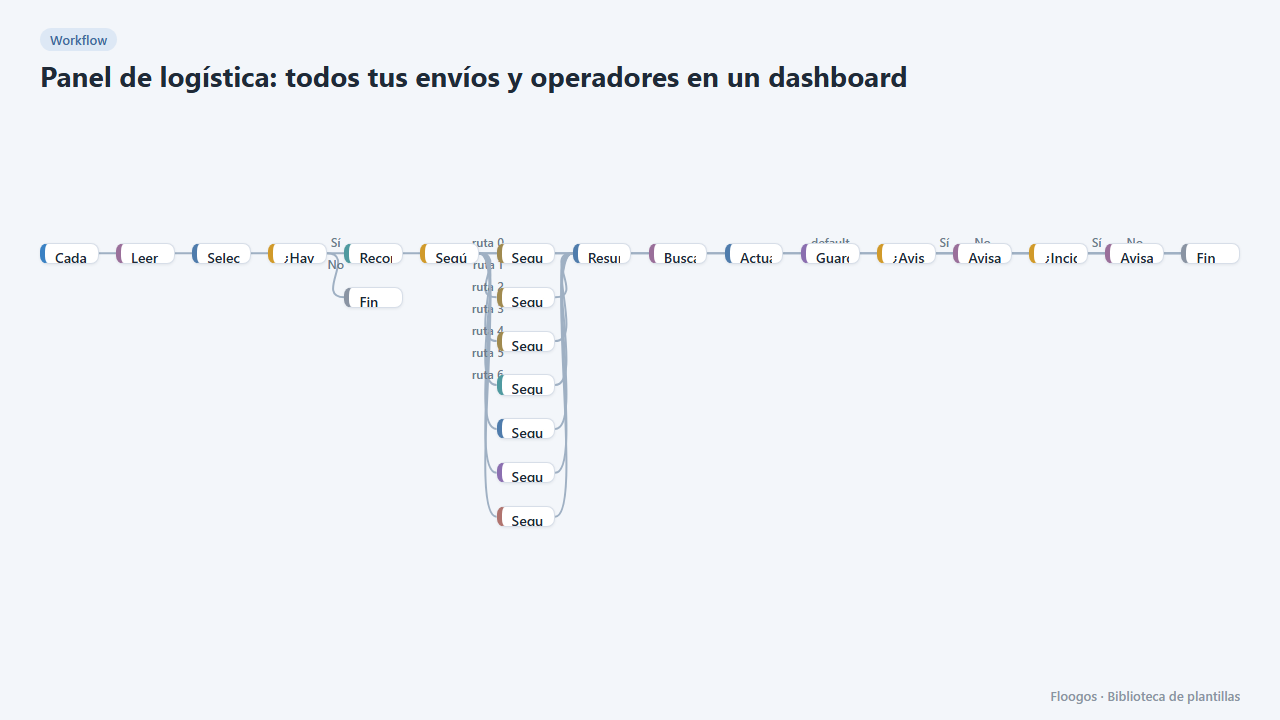
Logistics panel: all your shipments and carriers in one dashboard
Dashboard with KPIs, charts, filters and a side detail panel per shipment, fed by automatic tracking of DHL, FedEx, UPS, SEUR, Sendcloud, Shippo and EasyPost.
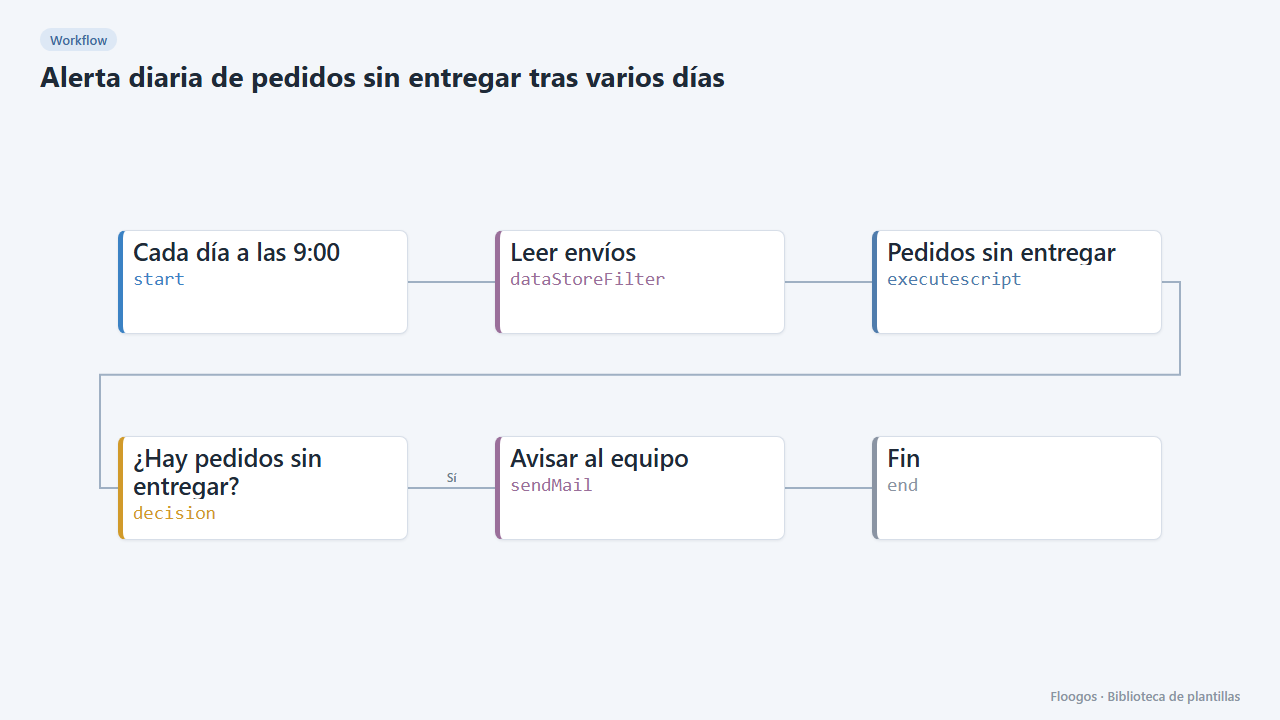
Daily alert for orders not delivered after several days
Every morning it checks the shipments Data Store and emails your team a table of orders still undelivered after more than 4 days.
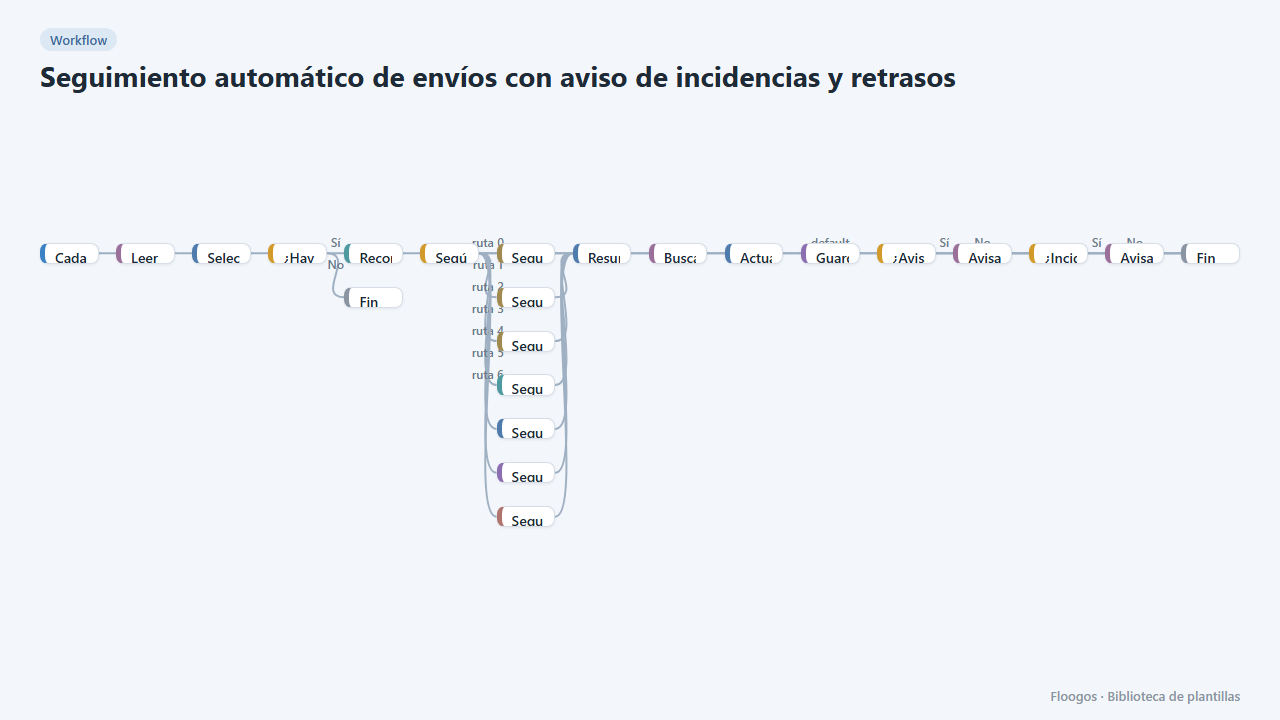
Automatic shipment tracking with incident and delay alerts
Every 3 hours it queries the status of in-flight shipments in DHL, FedEx, UPS, SEUR, Sendcloud, Shippo or EasyPost and notifies the customer and your team.
Try it in under 5 minutes
Create the template in your account, connect your credentials and activate it when you are ready.
Use this template