
Turn every new WordPress post into a Mailchimp campaign
When you publish on your blog, it creates a Mailchimp campaign with the post title, excerpt, image and link.
Everything is created inactive in a new folder of your account. Nothing runs until you activate it, and you can undo it for 24 hours.
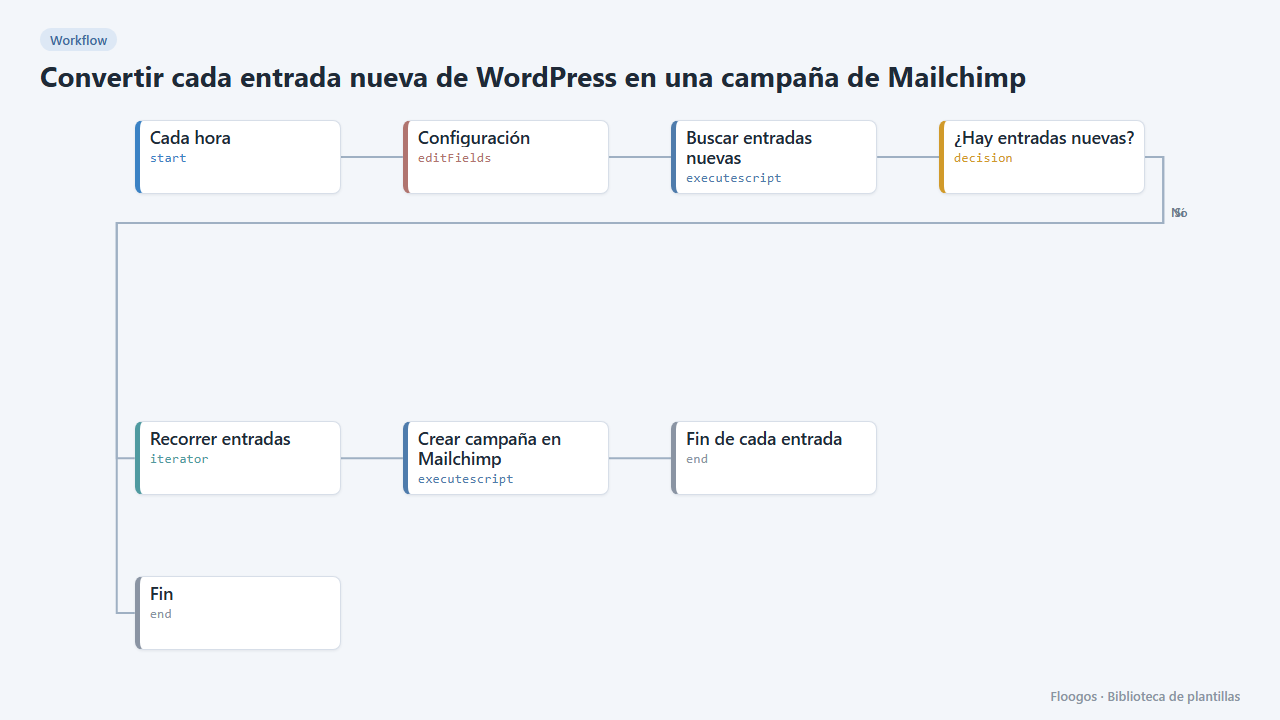
What it does
Notify your subscribers of every new article without copy and paste. Every hour the flow queries your WordPress public API, detects the posts published in the last time window and creates a campaign in your Mailchimp audience for each one: subject = title, and a body with the featured image, the excerpt and a Read more button.
By default campaigns are left as drafts so you can review and send them from Mailchimp. With enviar = si they are sent automatically. To avoid duplicates, the window (ventana_min, 60 by default) must match the cron frequency.
What you need: your WordPress address, a Mailchimp account with its API key and the audience ID (steps below).
How to set it up
- 1
Connect Mailchimp
In Mailchimp go to Account > Extras > API keys and create a key (it looks like
xxxxxxxx-us21). In Credentials create a Basic Auth one namedmailchimp: username = anything, password = the API key. The audience ID is under Audience > Settings > Audience name and defaults. - 2
Fill in the settings
In the Configuración node set
wp_url,lista_id,from_name(sender) andreply_to(reply email, verified in Mailchimp). Leaveenviaratnountil you have seen the result. - 3
Test and activate
Raise
ventana_minto 1440 so it picks up the last 24 hours, run the flow by hand and review the draft in Mailchimp. Then set60again and enable the schedule. - 4
Activate the workflow
Workflows are installed inactive. Once everything is set, activate it.
Related templates
Other templates that use similar nodes or integrations.
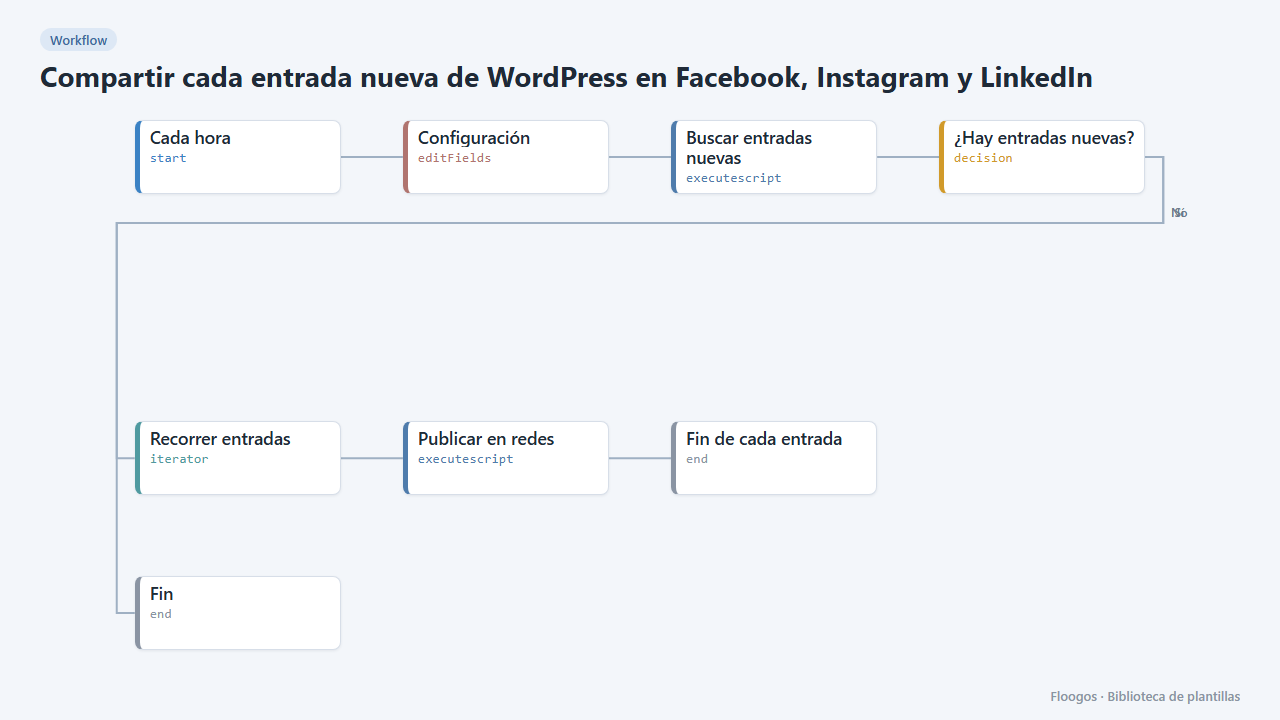
Share every new WordPress post on Facebook, Instagram and LinkedIn
Every hour it looks for new blog posts and spreads them on your networks with title, link and featured image.
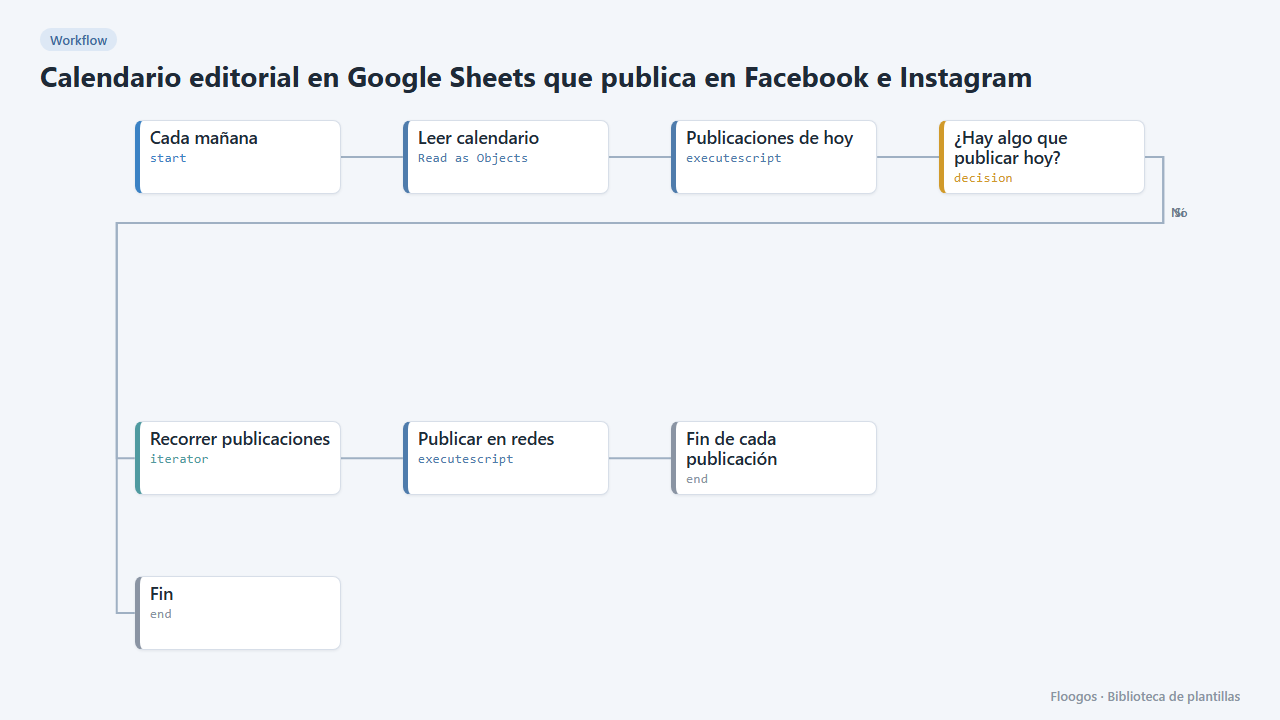
Editorial calendar in Google Sheets that posts to Facebook and Instagram
Every morning it reads your posts sheet and publishes to Facebook, Instagram and LinkedIn whatever is due that day.
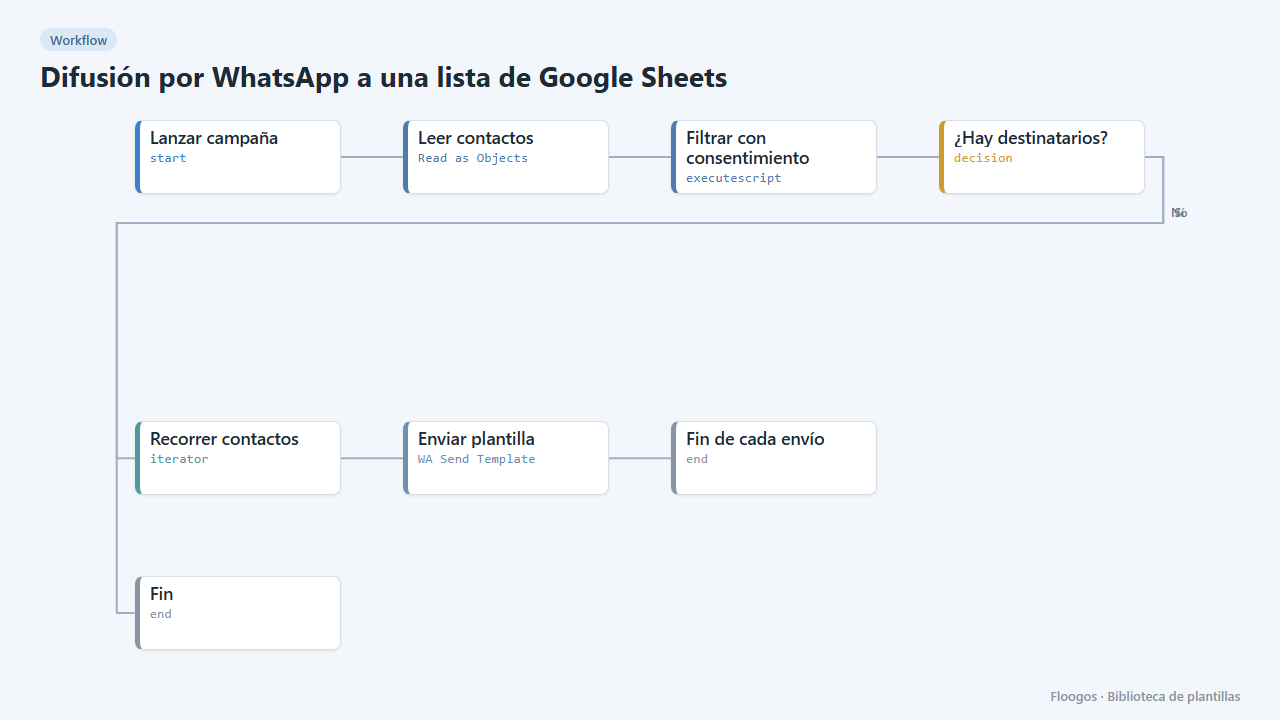
WhatsApp broadcast to a Google Sheets list
Sends a WhatsApp Business template to every contact in a sheet who has given consent.
Try it in under 5 minutes
Create the template in your account, connect your credentials and activate it when you are ready.
Use this template