
Share every new WordPress post on Facebook, Instagram and LinkedIn
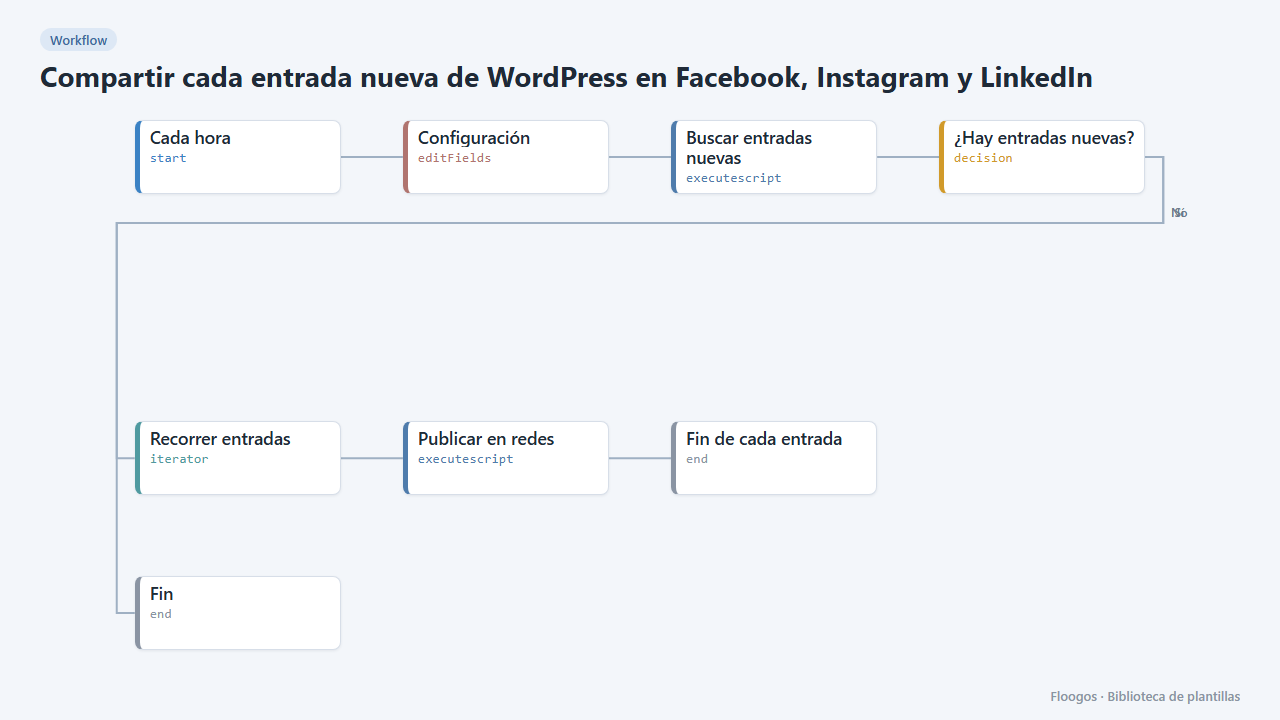
Every hour it looks for new blog posts and spreads them on your networks with title, link and featured image.
Everything is created inactive in a new folder of your account. Nothing runs until you activate it, and you can undo it for 24 hours.
What it does
Publish once, spread everywhere. The flow queries your WordPress public API every hour, detects the posts published in the last time window and shares them on Facebook, Instagram and LinkedIn with title, link and featured image.
It needs no WordPress credential (it only reads public content). To avoid duplicates, the window (ventana_min, 60 minutes by default) must match the cron frequency: if you run it hourly, leave it at 60. Instagram will only publish posts that have a featured image.
What you need: your WordPress address and the credentials for the networks you use (steps below).
How to set it up
- 1
Set your WordPress
In the Configuración node set
wp_url(for examplehttps://myblog.com), thecanalesto spread to (facebook,instagram,linkedin) and theventana_minin minutes. - 2
Connect your Facebook page
At developers.facebook.com create an app, add the
pages_manage_postsandpages_read_engagementpermissions and use the Graph API Explorer to generate a long-lived page token. In Credentials create a Basic Auth one namedfacebook-page: username = page ID, password = page token. - 3
Connect Instagram (Business account)
Your Instagram account must be Business or Creator and linked to your Facebook page. Add the
instagram_basicandinstagram_content_publishpermissions to your app, get the account ID withGET /{page-id}?fields=instagram_business_accountand create a Basic Auth credential namedinstagram-business: username = Instagram account ID, password = the same page token. Instagram only publishes images (JPG) hosted at a public URL. - 4
Connect LinkedIn (optional)
Create an app at developers.linkedin.com with the Share on LinkedIn and Sign In with LinkedIn using OpenID Connect products, generate a token with the
openid profile w_member_socialpermissions and store it in a Basic Auth credential namedlinkedin(username = anything, password = the token). The token expires after 60 days: you will have to renew it. If you do not use LinkedIn, leave it out of the channels. - 5
Test and activate
To test without publishing, set
modo=borradorin Configuración and raiseventana_minto 1440 so it picks up the last 24 hours: the result shows what would be published. Then setpublicar,60again and enable the schedule. - 6
Activate the workflow
Workflows are installed inactive. Once everything is set, activate it.
Related templates
Other templates that use similar nodes or integrations.
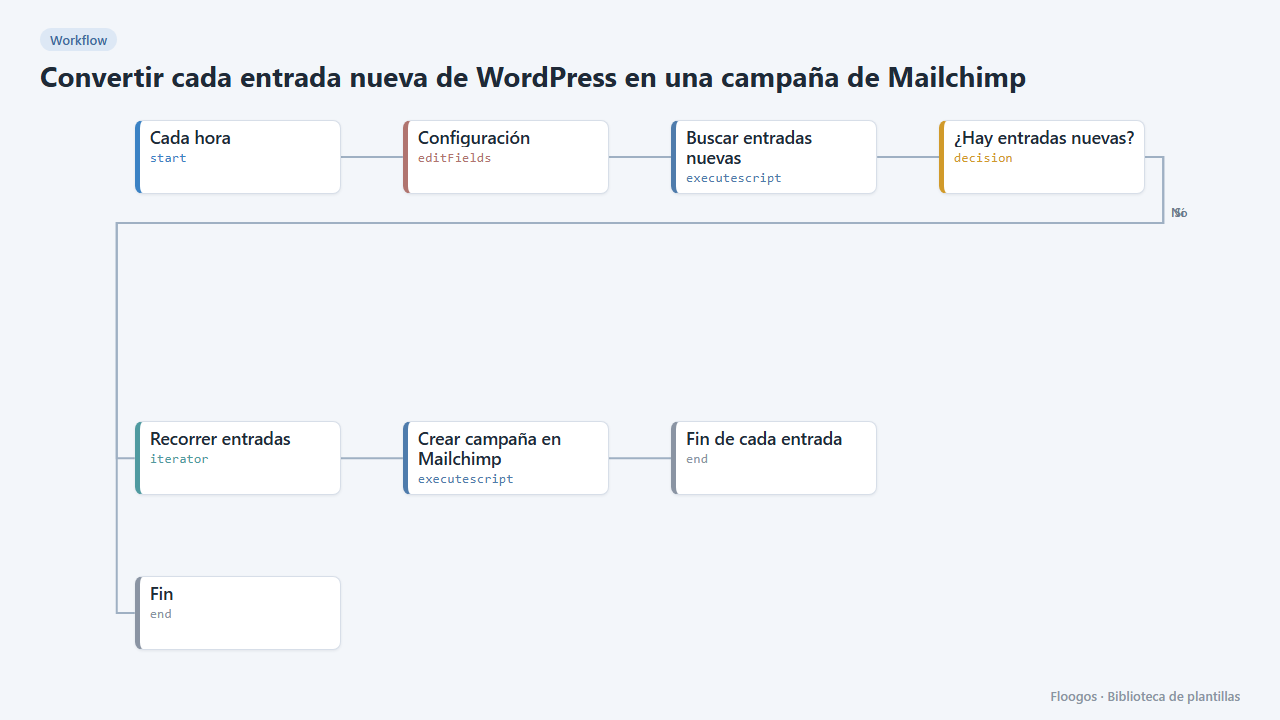
Turn every new WordPress post into a Mailchimp campaign
When you publish on your blog, it creates a Mailchimp campaign with the post title, excerpt, image and link.
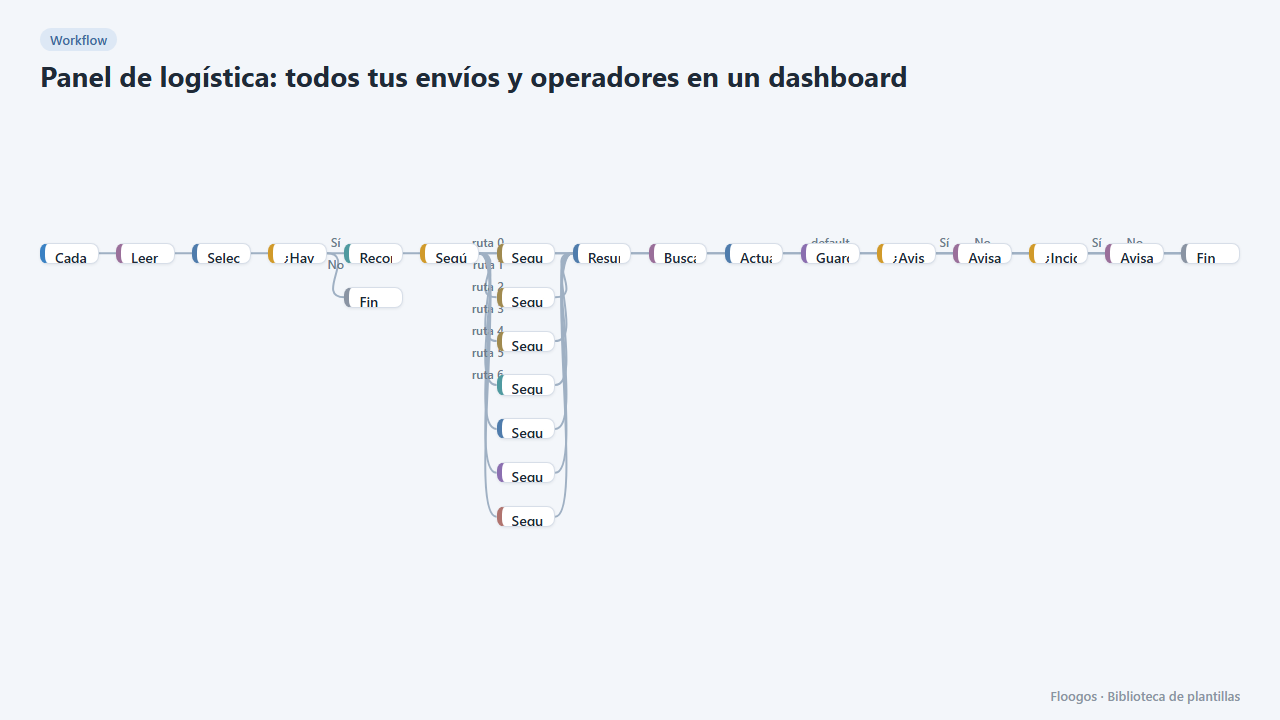
Logistics panel: all your shipments and carriers in one dashboard
Dashboard with KPIs, charts, filters and a side detail panel per shipment, fed by automatic tracking of DHL, FedEx, UPS, SEUR, Sendcloud, Shippo and EasyPost.
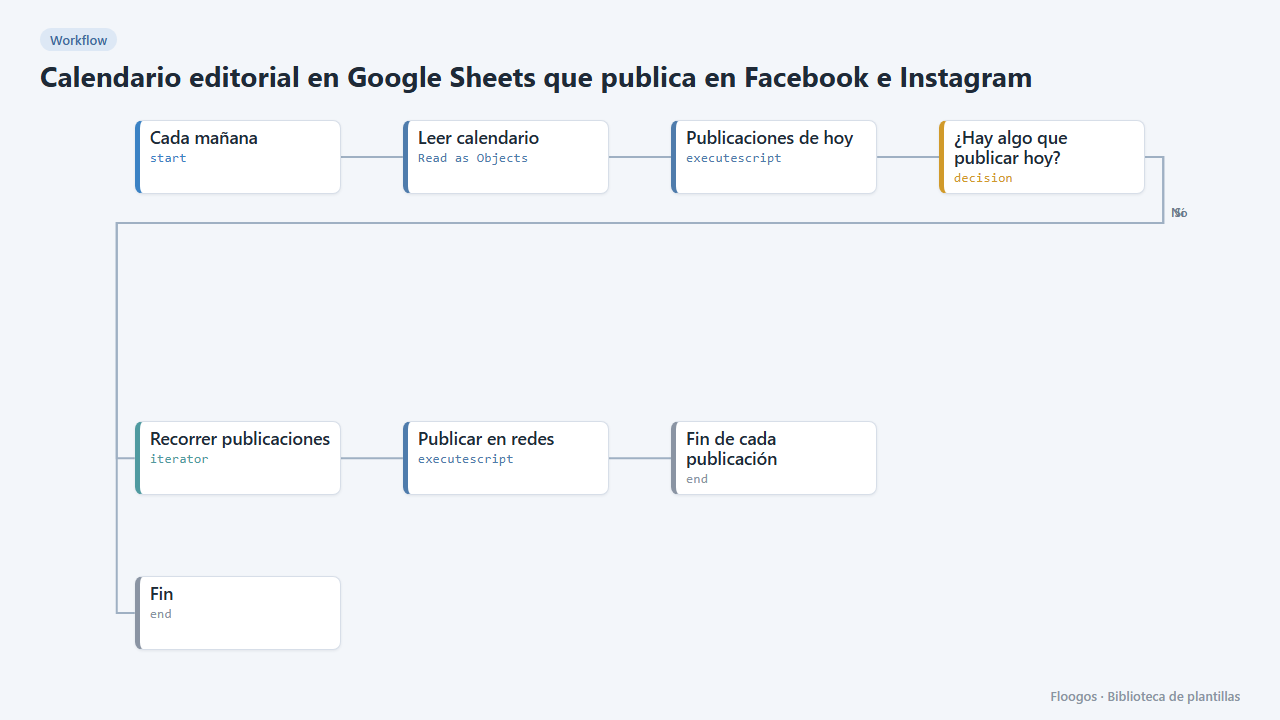
Editorial calendar in Google Sheets that posts to Facebook and Instagram
Every morning it reads your posts sheet and publishes to Facebook, Instagram and LinkedIn whatever is due that day.
Try it in under 5 minutes
Create the template in your account, connect your credentials and activate it when you are ready.
Use this template