
Finnegans Integration
Connect the Finnegans ERP to your e-commerce, marketplaces and billing — read and write any entity, create orders and invoices, with no custom development.
Read the Finnegans technical documentationWhat you can sync with Finnegans
Floogos talks to Finnegans through its API (OAuth): you can read, list, create, update or delete any Finnegans entity — products, providers, customers, orders and invoices — and wire it to the rest of your stack. Turn a store order into a Finnegans sales order, issue a document, or keep master data in sync, automatically.
Any entity (generic)
Products and providers
Sales orders
Invoices / documents
Triggers
- New e-commerce / marketplace order
- Document to be issued
- Master data changed
- Scheduled sync
Actions
- Read / list any entity (with filters)
- Create, update or delete an entity
- Create a sales order
- Create a document / invoice
Use cases
Order-to-ERP automation
When a Shopify or Mercado Libre order is paid, create the matching sales order in Finnegans — customer and lines included.
Automated invoicing
Issue a Finnegans document for each order and keep the fiscal record in one place.
Master data sync
Keep products, prices and providers consistent between Finnegans and your other systems.
Frequently asked questions
Which Finnegans entities can I use?
Any of them. The connector is generic — read, list, create, update or delete any entity by name, plus shortcuts for products, providers, orders and documents.
How does authentication work?
Via OAuth: Floogos obtains an access token from your Finnegans credentials automatically.
Do I need custom development?
No. You build visual workflows — no custom middleware for Finnegans.
Finnegans combinations
Connect two systems at once with Floogos.
Related integrations
Finnegans templates
Automations ready to install in your account.
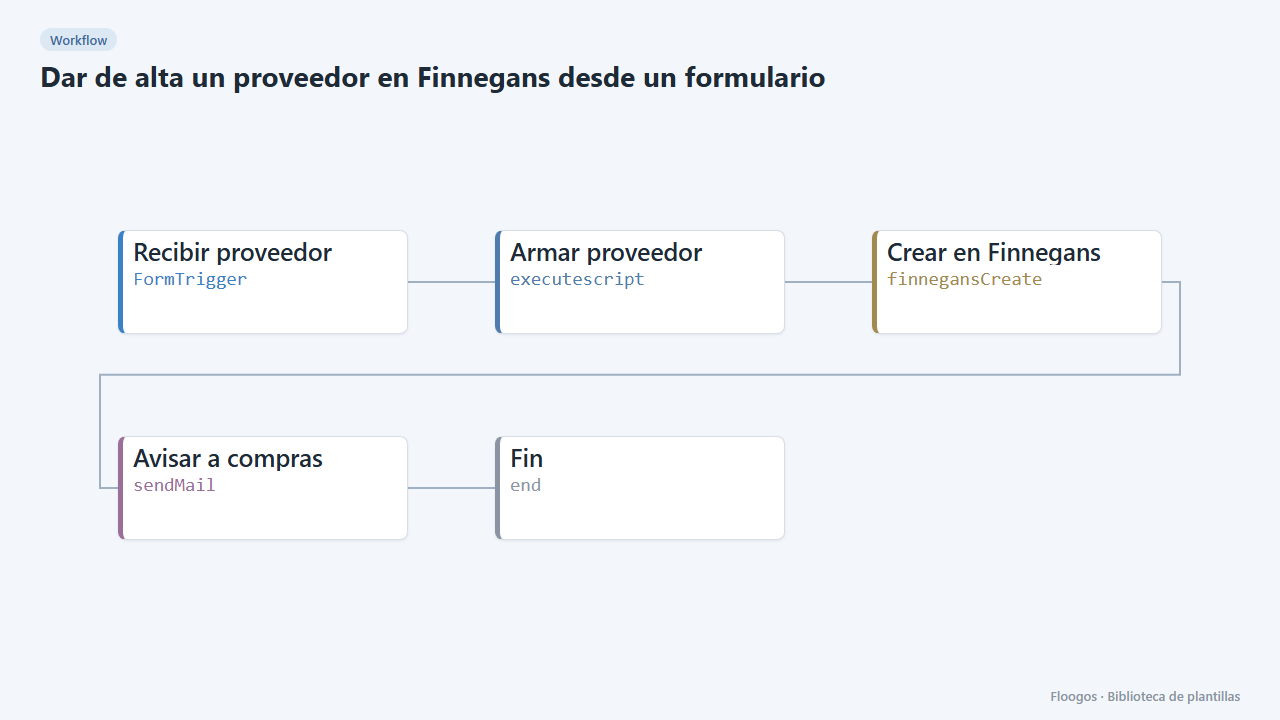
Create a supplier in Finnegans from a form
An internal form to register new suppliers in Finnegans without retyping data, with an email notice when one is created.
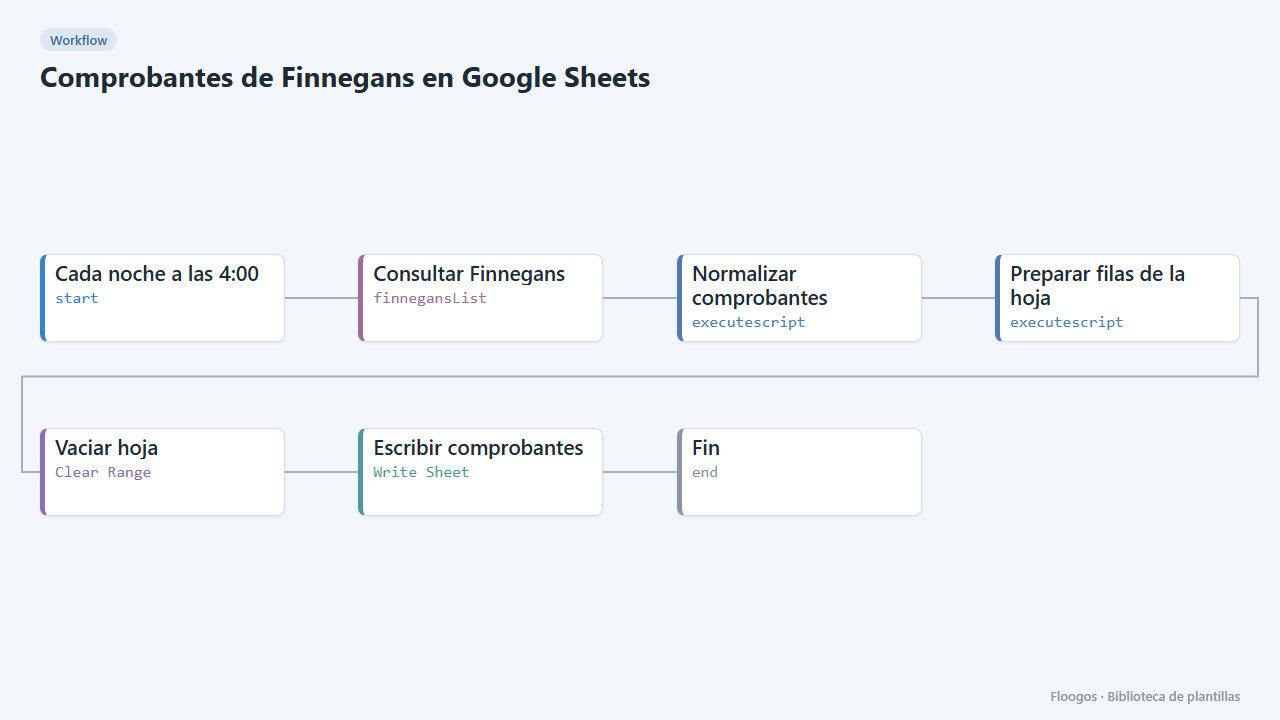
Finnegans documents in Google Sheets
Every night it dumps Finnegans documents to a Google Sheet with clean columns (number, date, customer, seller, status, amount), ready for pivot tables.
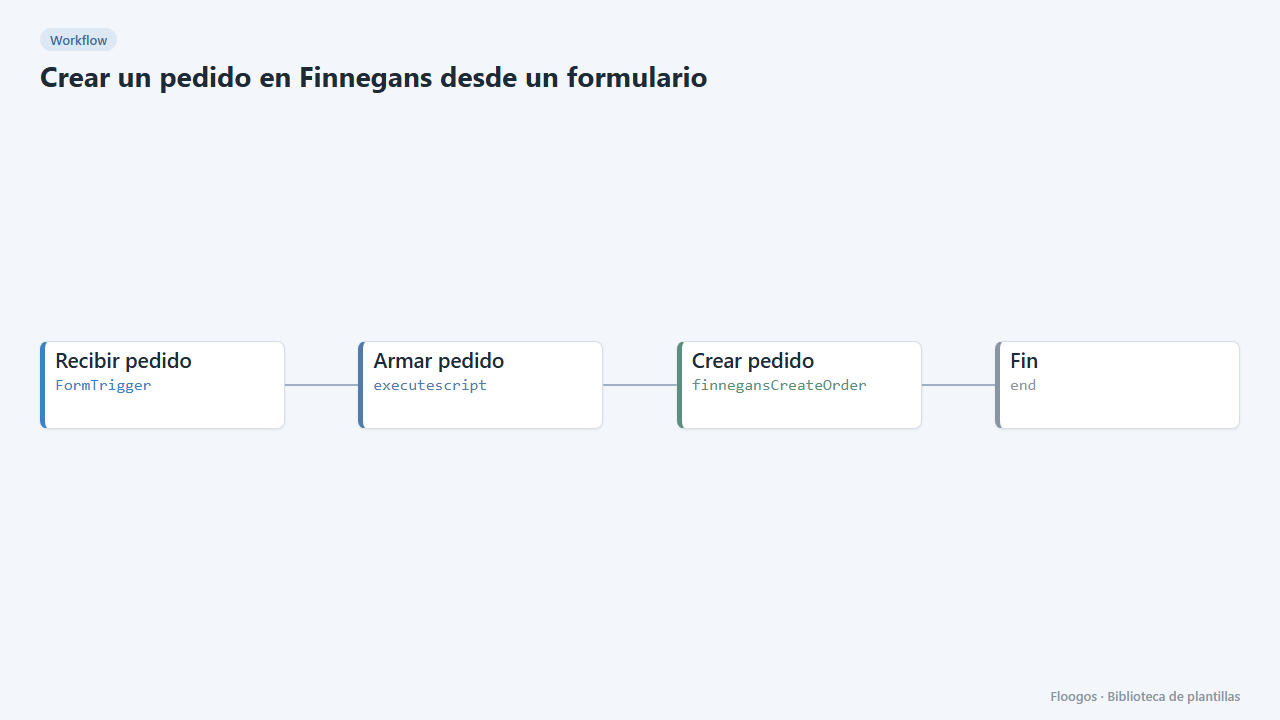
Create a Finnegans order from a form
An internal form so sales or customer service can enter an order into Finnegans without opening the ERP.
Connect Finnegans today
Start free or book a demo and automate your processes in minutes.