
Urgent push notification for high-value orders
Your shop sends every order through a webhook and, if it exceeds an amount, you get an urgent push notification on your phone.
Everything is created inactive in a new folder of your account. Nothing runs until you activate it, and you can undo it for 24 hours.
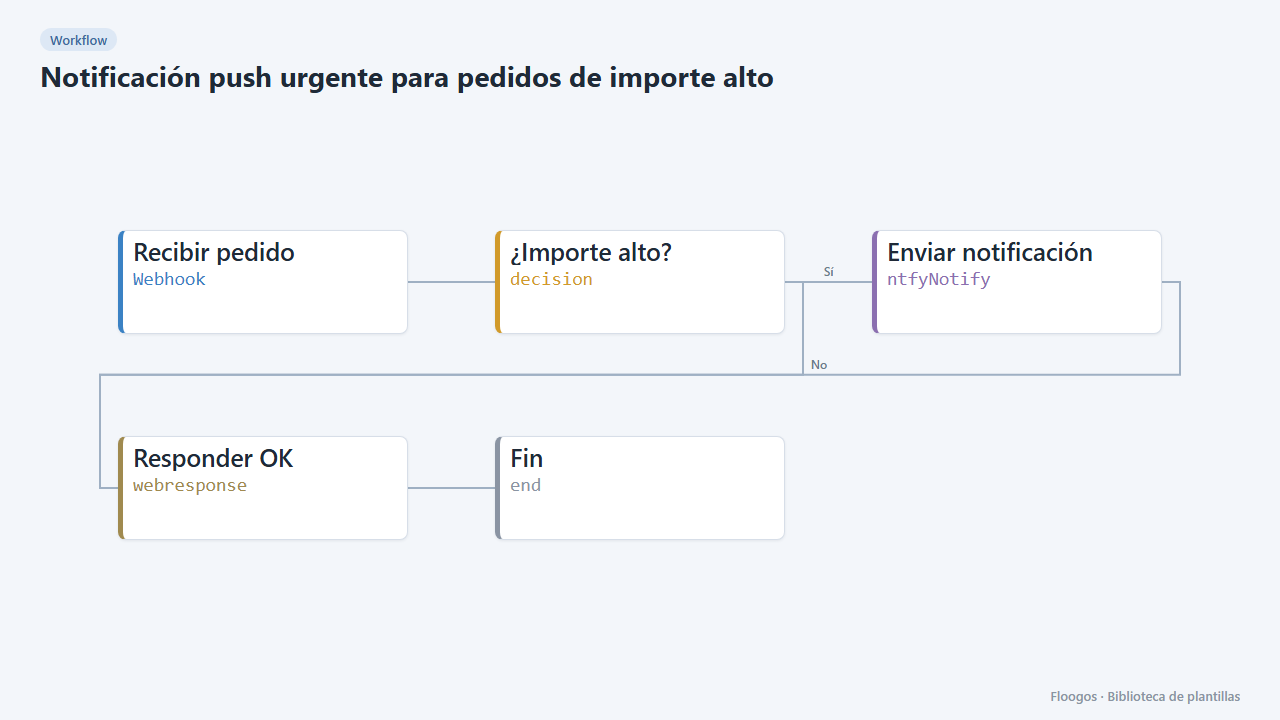
What it does
For orders that cannot wait. Your shop or ERP sends each order to a webhook; the workflow checks the amount and, if it is above 1,000 (adjustable), sends a maximum-priority push notification with ntfy, which can ring even if the phone is silent when you allow it in the app. Regular orders trigger no alert.
What you need: the ntfy app, a hard-to-guess topic and your shop sending a JSON with pedido, cliente and importe.
How to use it: install the template, type your topic, adjust the threshold in ¿Importe alto? and point your shop to the webhook. On the public ntfy.sh server anyone who knows the topic can read the alerts.
How to set it up
- 1
Copy the webhook URL (Recibir pedido)
A new URL is generated on install. Paste it into the external system that must call this workflow.
- 2
Pick the topic and threshold
In Enviar notificación replace
tu-tema-secretowith your topic and subscribe in the ntfy app. In ¿Importe alto? change1000to your threshold. - 3
Test with an order
Send a
POSTto the webhook with{"pedido":"PED-1001","cliente":"Acme","importe":2500}. The notification should arrive. With"importe":50nothing should arrive. - 4
Activate the workflow
Workflows are installed inactive. Once everything is set, activate it.
Related templates
Other templates that use similar nodes or integrations.
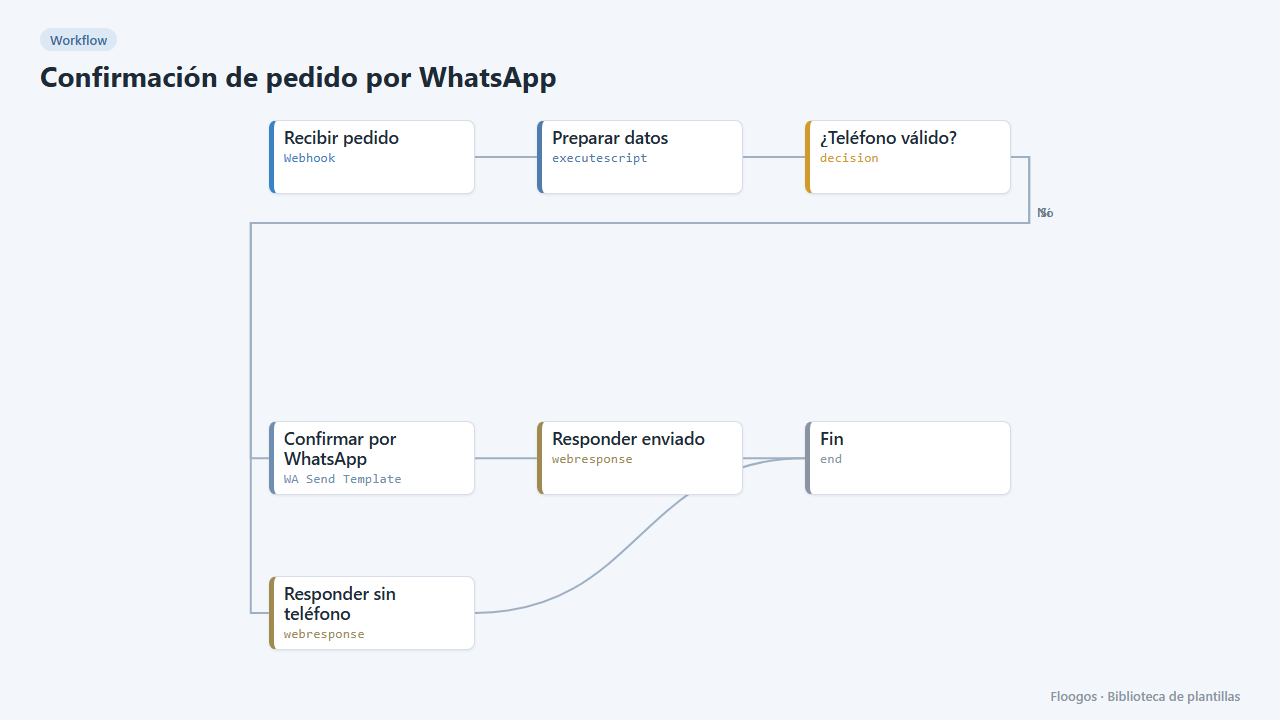
Order confirmation via WhatsApp
When your shop registers an order, it sends the customer a WhatsApp Business confirmation with the order number and amount.
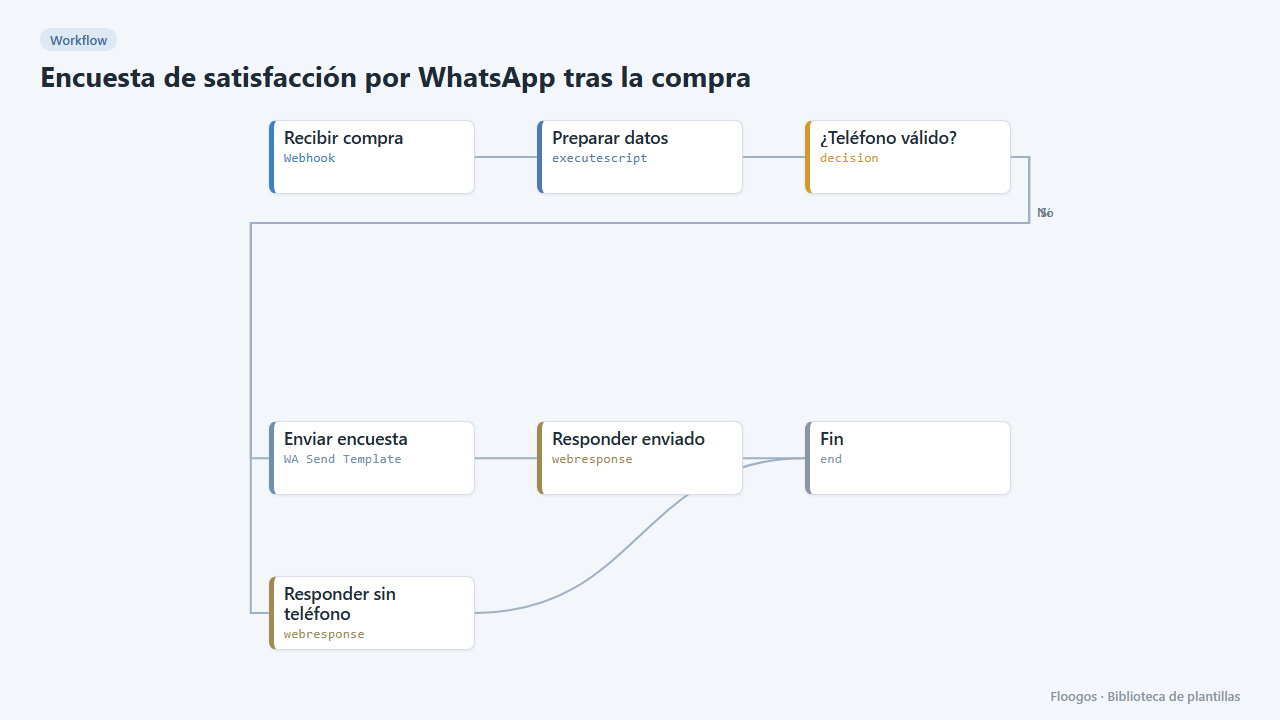
Post-purchase satisfaction survey via WhatsApp
Asks the customer how their purchase went with three quick-reply buttons and stores each rating in a Data Store.
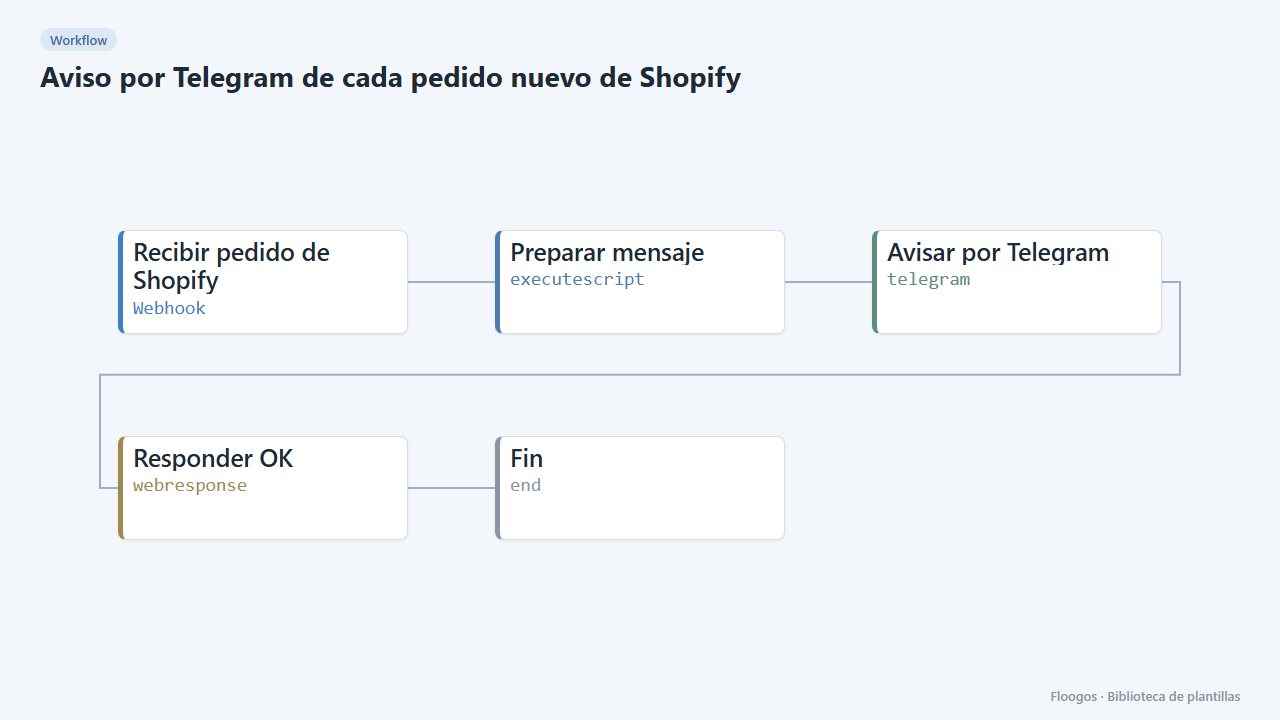
Telegram alert for every new Shopify order
Every time an order comes into your Shopify store, you get a Telegram message with the number, customer, amount and products.
Try it in under 5 minutes
Create the template in your account, connect your credentials and activate it when you are ready.
Use this template