
Weekday daily reminder on your phone
Sends you a push notification every weekday at the time you choose with the reminder you want: cash close, timesheet, backup check…
Everything is created inactive in a new folder of your account. Nothing runs until you activate it, and you can undo it for 24 hours.
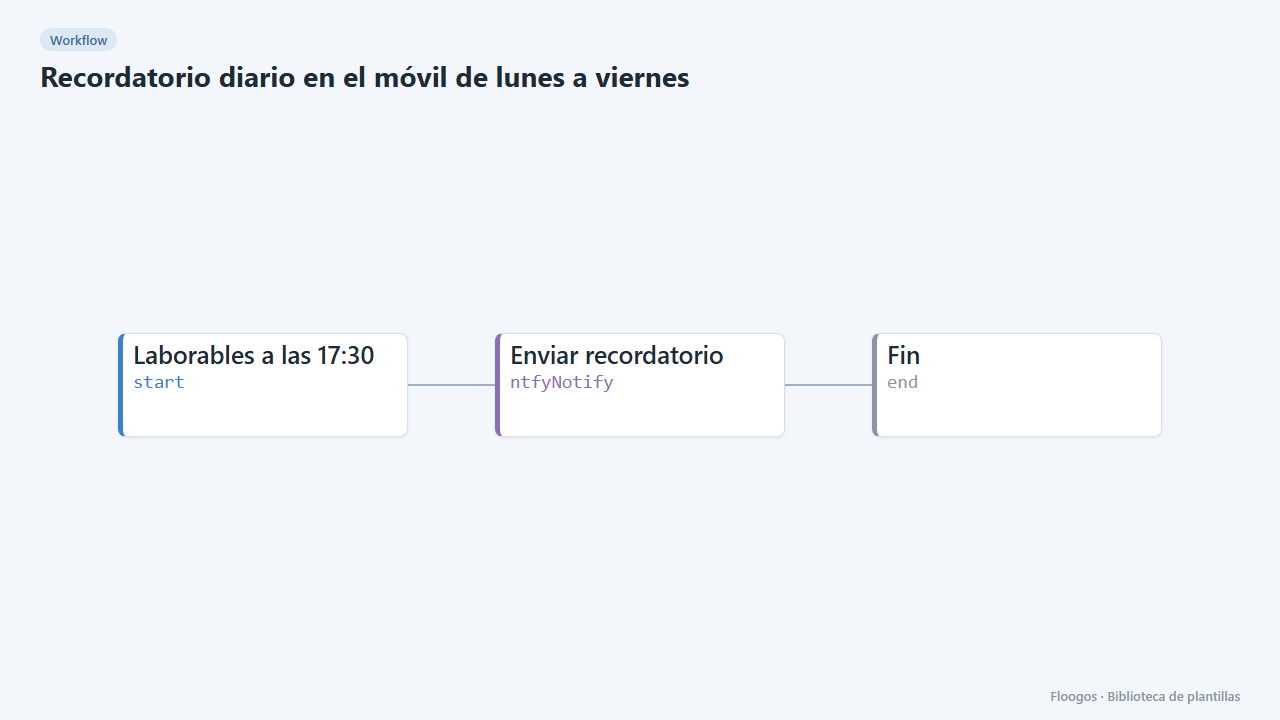
What it does
A reliable reminder for those tasks that always get forgotten: checking the till, sending the timesheet, verifying backups or stopping by the warehouse. Every weekday at 17:30 (adjustable) the workflow sends you a push notification with ntfy and the text you define.
What you need: the ntfy app and a hard-to-guess topic. On the public ntfy.sh server anyone who knows the topic can read the alerts.
How to use it: install the template, type your topic and message, subscribe to the topic in the app and activate the workflow. To change the time edit the cron of the start node (30 17 * * 1-5 = 17:30 Monday to Friday).
How to set it up
- 1
Write your reminder
In the Enviar recordatorio node change the title and message, and replace
tu-tema-secretowith your topic. Subscribe to the same topic in the ntfy app. - 2
Adjust the time
In the start node change the cron if you want another time or frequency. Run the workflow manually once to check the notification arrives.
- 3
Activate the workflow
Workflows are installed inactive. Once everything is set, activate it.
Related templates
Other templates that use similar nodes or integrations.
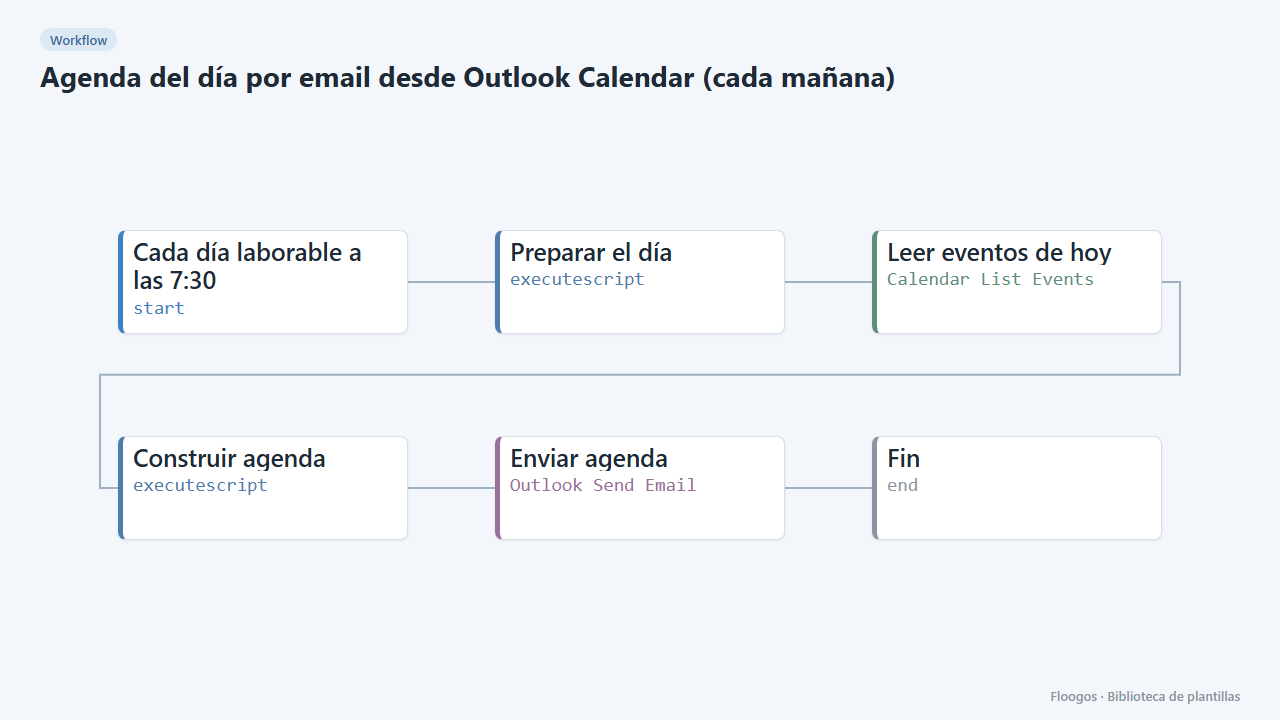
Daily agenda email from Outlook Calendar (every morning)
Every working day at 7:30 it emails you, via Outlook, a summary of today's meetings and events from your calendar.
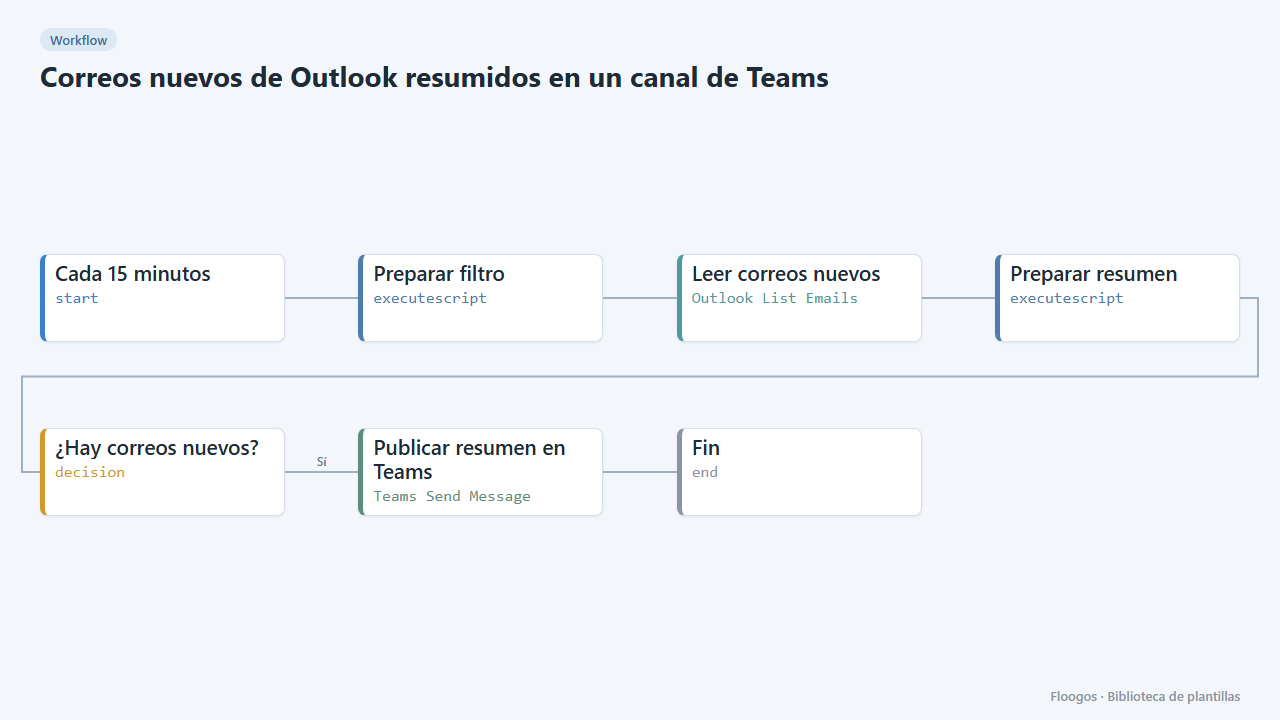
New Outlook emails summarised in a Teams channel
Every 15 minutes it checks your Outlook inbox and, if new emails have arrived, posts a summary (sender and subject) in a Teams channel.
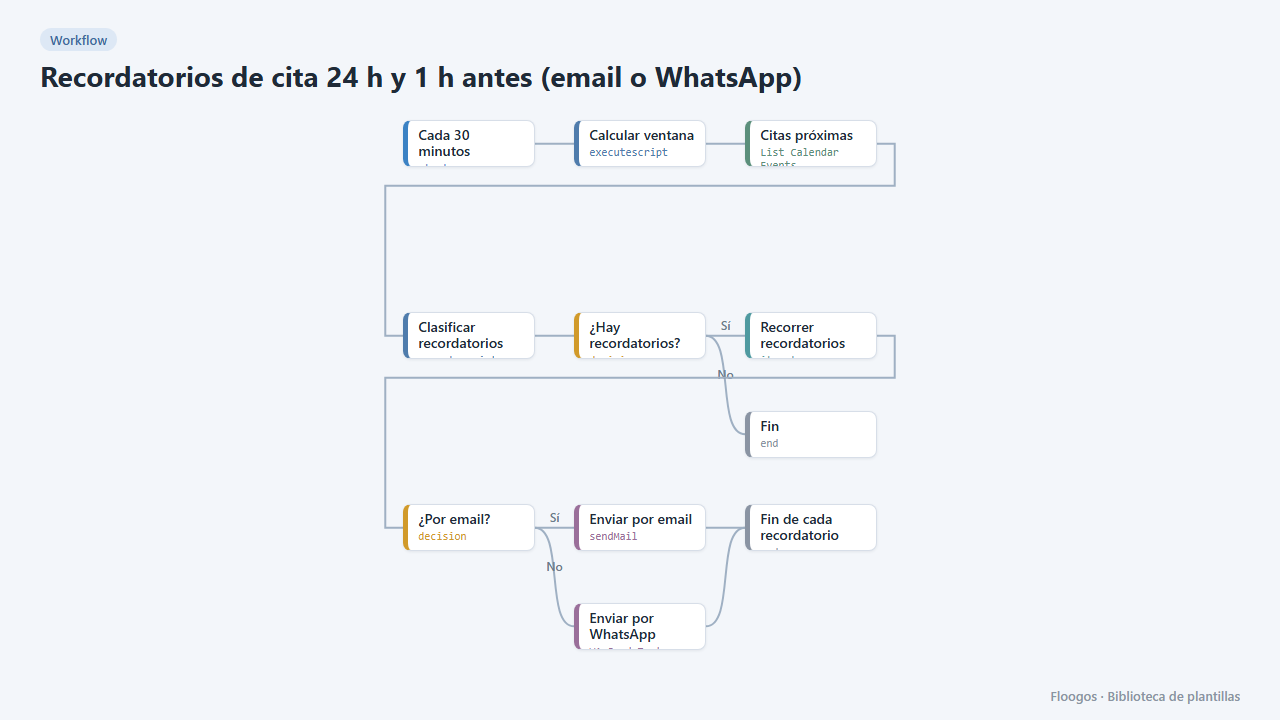
Appointment reminders 24 h and 1 h before (email or WhatsApp)
Every 30 minutes it checks your Google Calendar and notifies your customers by email or WhatsApp one day and one hour before their appointment, to cut no-shows.
Try it in under 5 minutes
Create the template in your account, connect your credentials and activate it when you are ready.
Use this template