
Create Odoo customers from your website with a welcome email
When someone signs up on your website it creates the contact in Odoo and sends them a welcome email.
Everything is created inactive in a new folder of your account. Nothing runs until you activate it, and you can undo it for 24 hours.
What it does
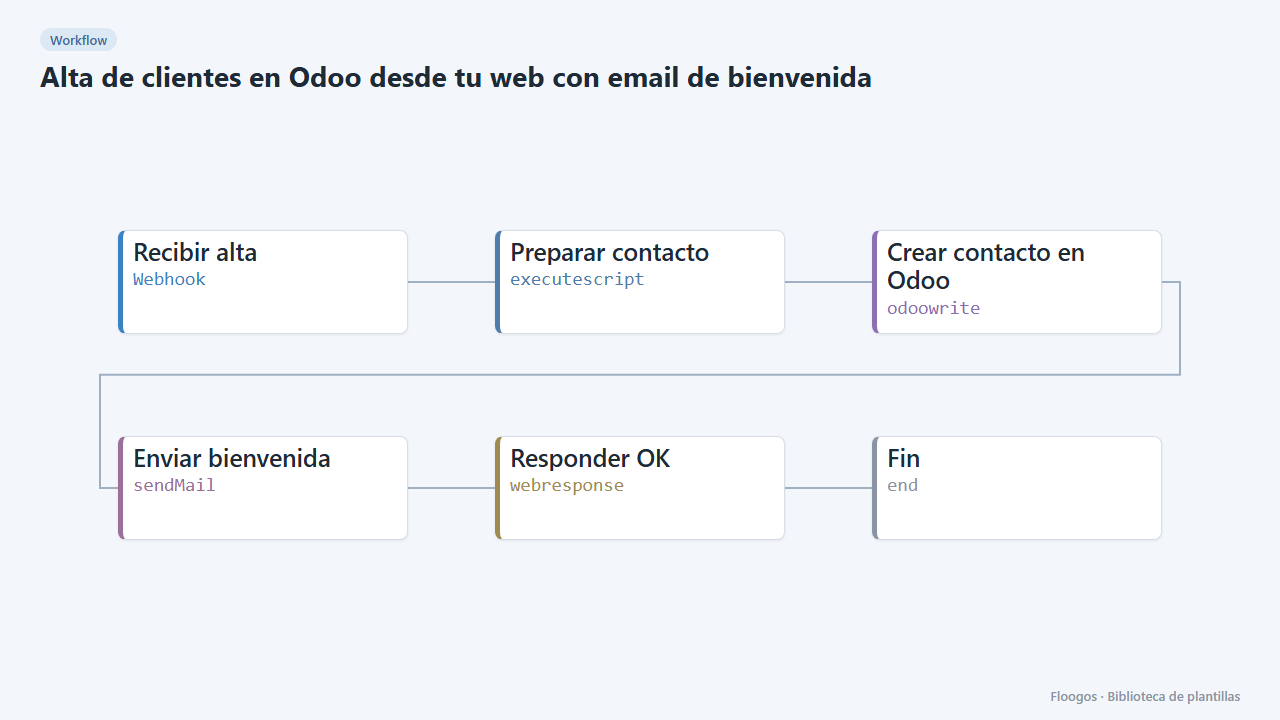
One sign-up, two actions. Every website sign-up arrives by webhook; the workflow creates the contact in Odoo (res.partner model) through its REST API and sends the customer a welcome email. Your team already has them in Odoo with no copying.
What you need: an Odoo with a REST API module using basic authentication that can create contacts, and an SMTP account. The URL and field names depend on your REST module.
How to use it: install the template, connect Odoo and SMTP, adjust the URL and the JSON in the Preparar contacto node, customise the welcome text and point your website to the webhook.
How to set it up
- 1
Connect the odoo credential
This template uses odoo in: Crear contacto en Odoo. Create or pick the credential and assign it in those nodes.
- 2
Connect the smtp credential
This template uses smtp in: Enviar bienvenida. Create or pick the credential and assign it in those nodes.
- 3
Copy the webhook URL (Recibir alta)
A new URL is generated on install. Paste it into the external system that must call this workflow.
- 4
Adapt the URL to your Odoo
In Crear contacto en Odoo replace
https://tu-odoo.com/api/res.partnerwith your API endpoint and review the fields in Preparar contacto. - 5
Test the sign-up
Send a
POSTto the webhook with{"nombre":"Ana López","email":"ana@example.com","telefono":"+34600111222"}. Ana shows up in Odoo and receives the welcome email. - 6
Activate the workflow
Workflows are installed inactive. Once everything is set, activate it.
Related templates
Other templates that use similar nodes or integrations.
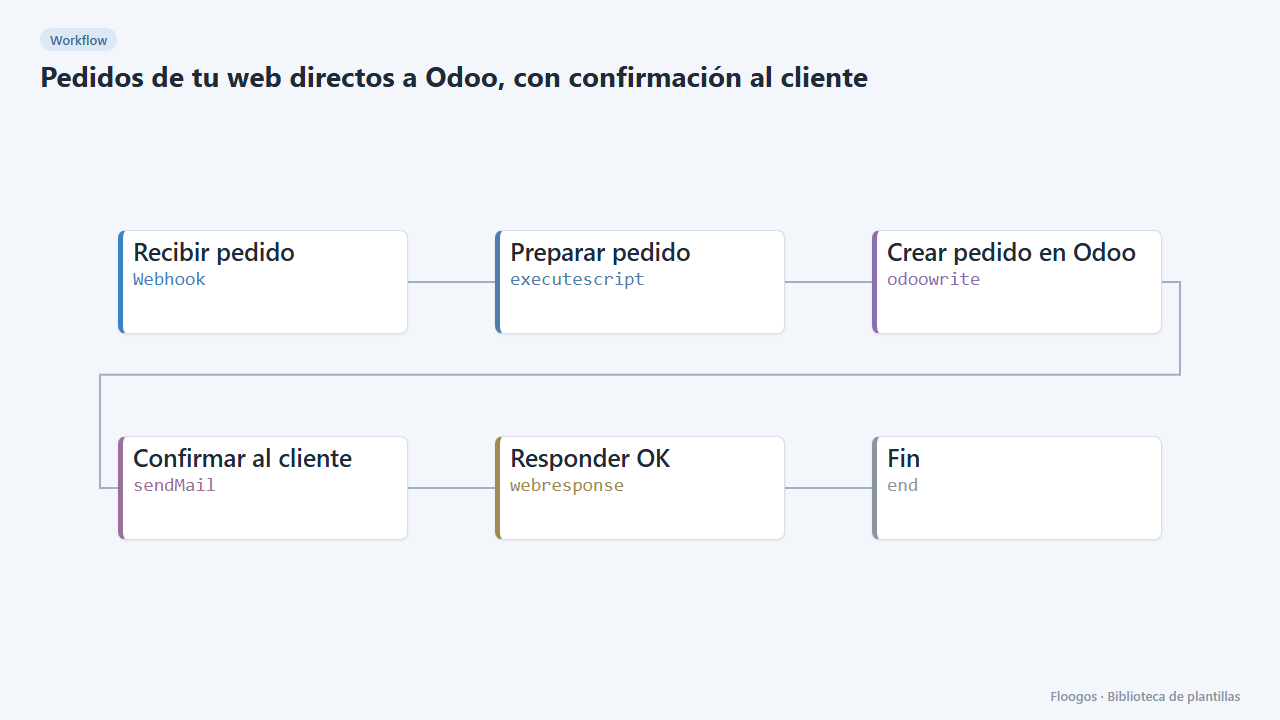
Web orders straight into Odoo, with customer confirmation
Receives each order by webhook, sends it to your Odoo REST API as a sales order and confirms to the customer by email.
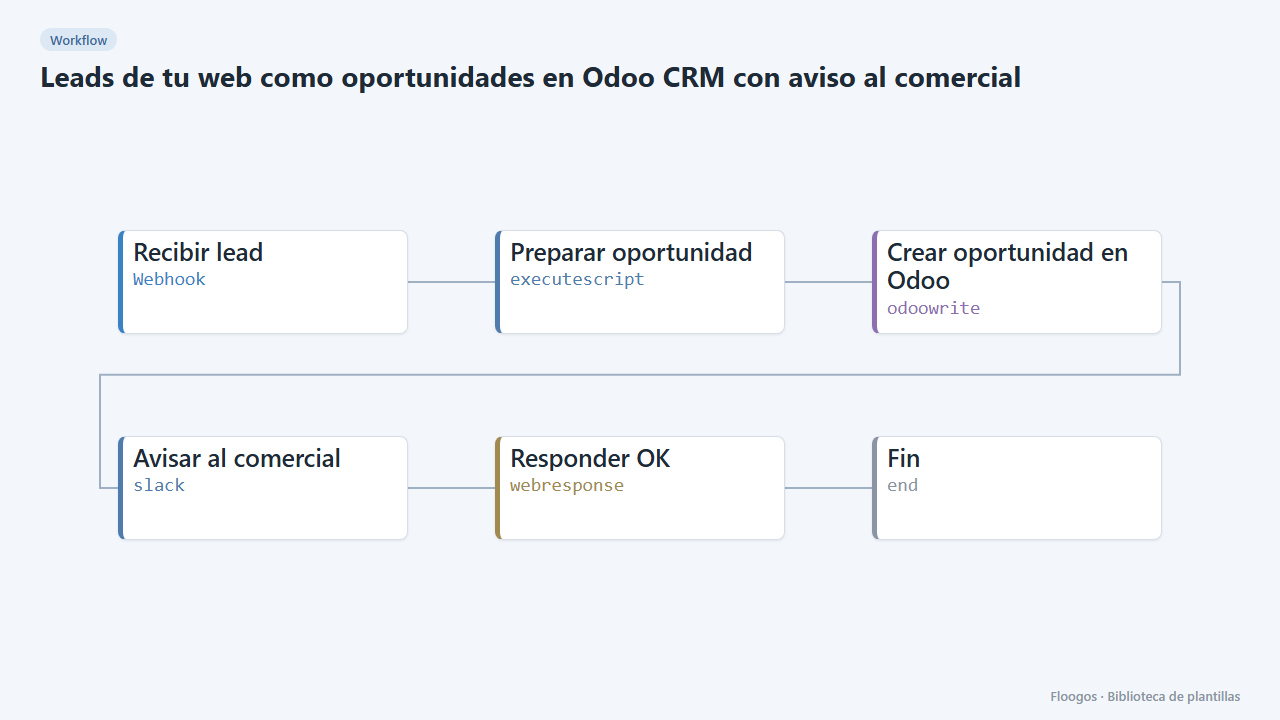
Website leads as Odoo CRM opportunities with a sales alert
Every contact form creates an opportunity in the Odoo CRM and alerts the sales team on Slack.
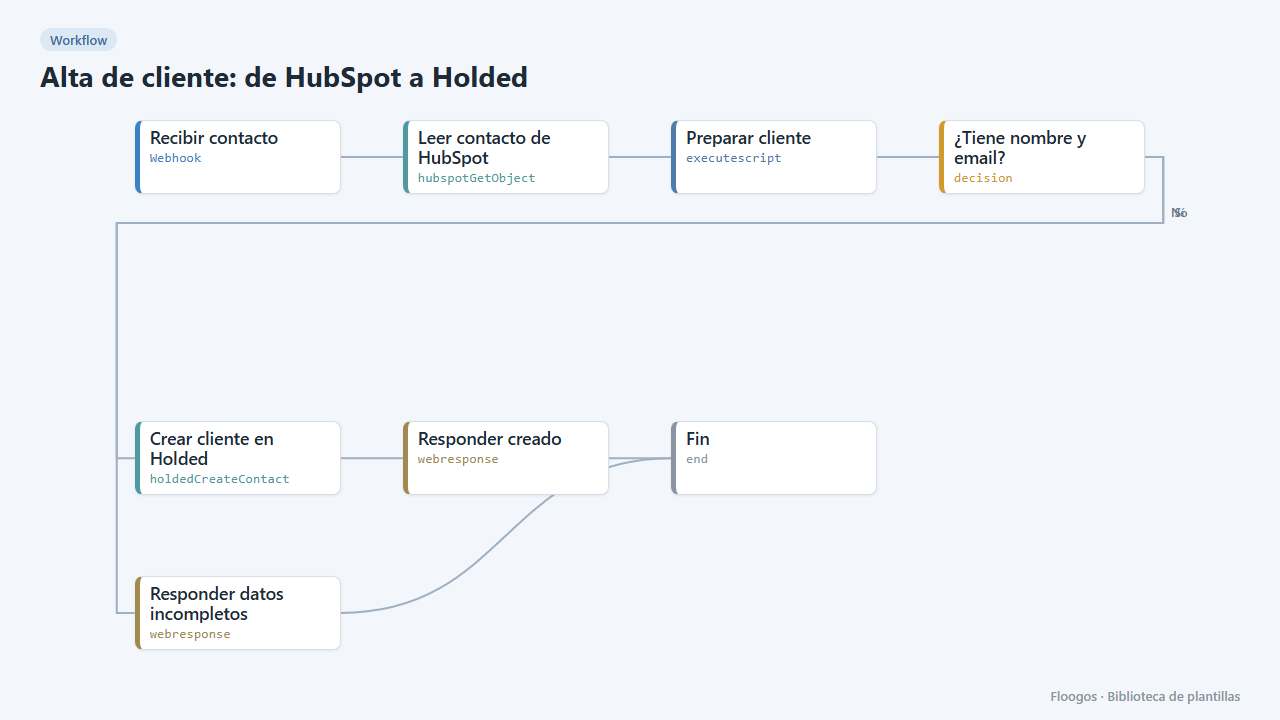
Customer creation: from HubSpot to Holded
When a contact becomes a customer in HubSpot, it reads their data and creates them as a customer in Holded automatically.
Try it in under 5 minutes
Create the template in your account, connect your credentials and activate it when you are ready.
Use this template