
New order alert in a Microsoft Teams channel
Every order that reaches your webhook posts a message in the sales Teams channel with customer, amount and order number.
Everything is created inactive in a new folder of your account. Nothing runs until you activate it, and you can undo it for 24 hours.
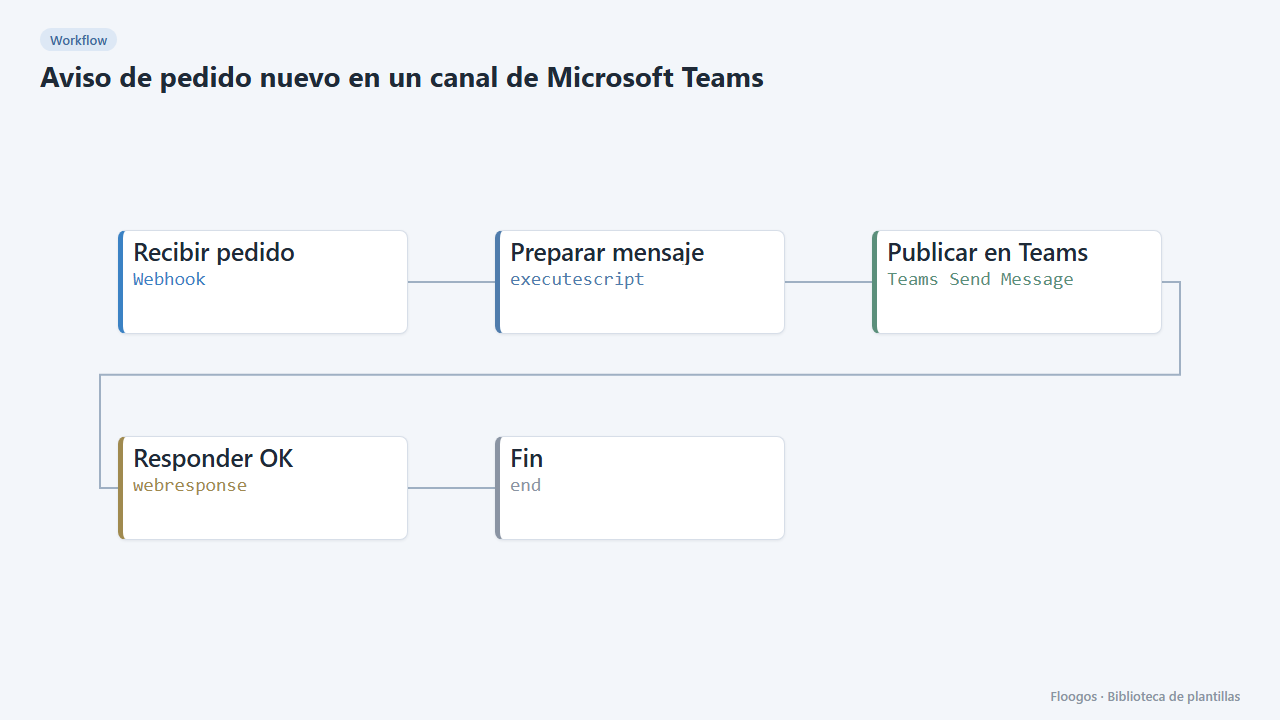
What it does
Let your sales team know about every order instantly, without leaving Microsoft Teams. When your shop, ERP or any system calls the webhook with the order data, the workflow builds a clear message (number, customer, amount and items) and posts it in the Teams channel you choose.
What is included: 1 workflow with a webhook.
What you need: a connected Microsoft 365 account (OAuth) with access to the team and the channel, and the team (teamId) and channel (channelId) identifiers.
How data is read: the webhook accepts, among others, the fields numero/id/name, cliente/customer, importe/total/total_price, moneda/currency and productos/line_items. If your system uses other names, adjust the Preparar mensaje script.
Limitations: the message is posted as the connected user; this node does not support adaptive cards, only plain text/basic HTML. It has not been tested against real Microsoft accounts.
How to set it up
- 1
Connect the microsoft credential
This template uses microsoft in: Publicar en Teams. Create or pick the credential and assign it in those nodes.
- 2
Copy the webhook URL (Recibir pedido)
A new URL is generated on install. Paste it into the external system that must call this workflow.
- 3
Get the team and the channel
With a Microsoft Teams node and the
listTeamsoperation you get each team'sid; withlistChannelsand thatteamId, each channel'sid. You can also copy the channel link in Teams: it containsgroupId(the team) and the channel identifier. - 4
Fill in the Teams node
In Publicar en Teams connect your Microsoft account and paste the
teamIdandchannelId. - 5
Test with a sample order
Send a
POSTto the webhook with{"numero":"1001","cliente":"Ana López","importe":149.9,"moneda":"EUR","productos":"2 x Shirt"}and check that the message reaches the channel. - 6
Activate the workflow
Workflows are installed inactive. Once everything is set, activate it.
Related templates
Other templates that use similar nodes or integrations.
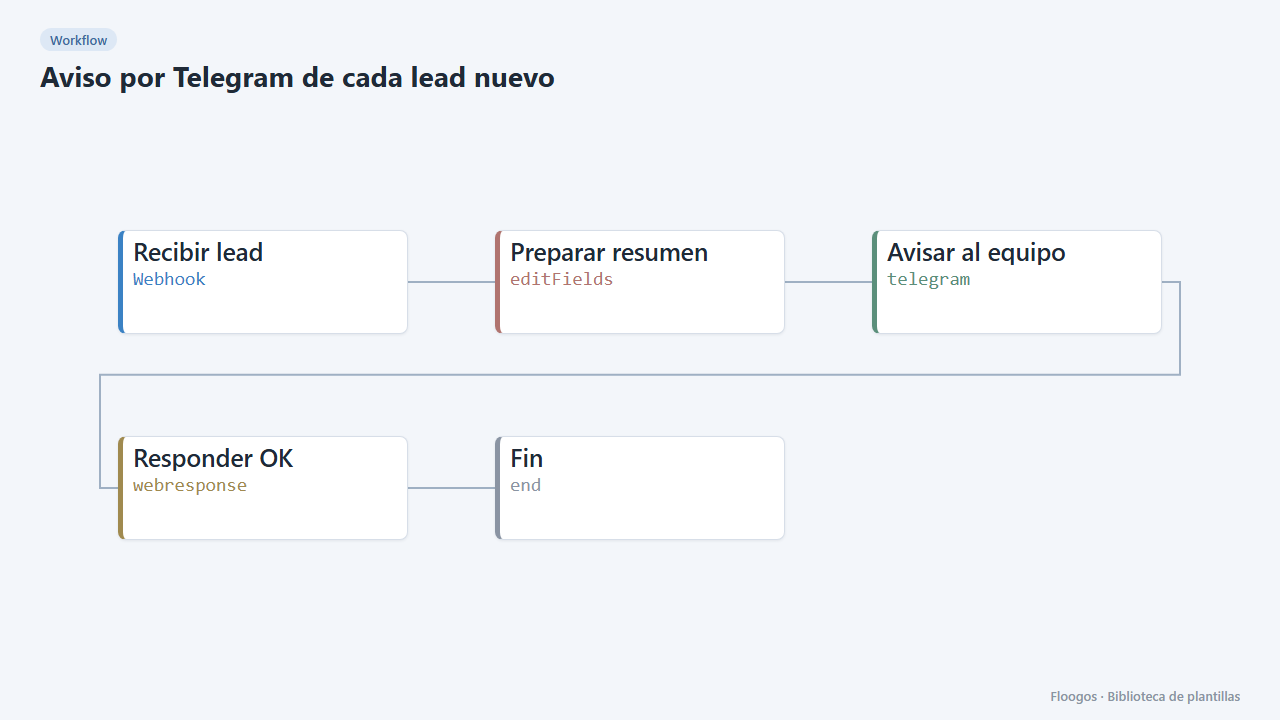
Telegram alert for every new lead
Receive leads from your website or form via webhook and alert your sales team on Telegram instantly.
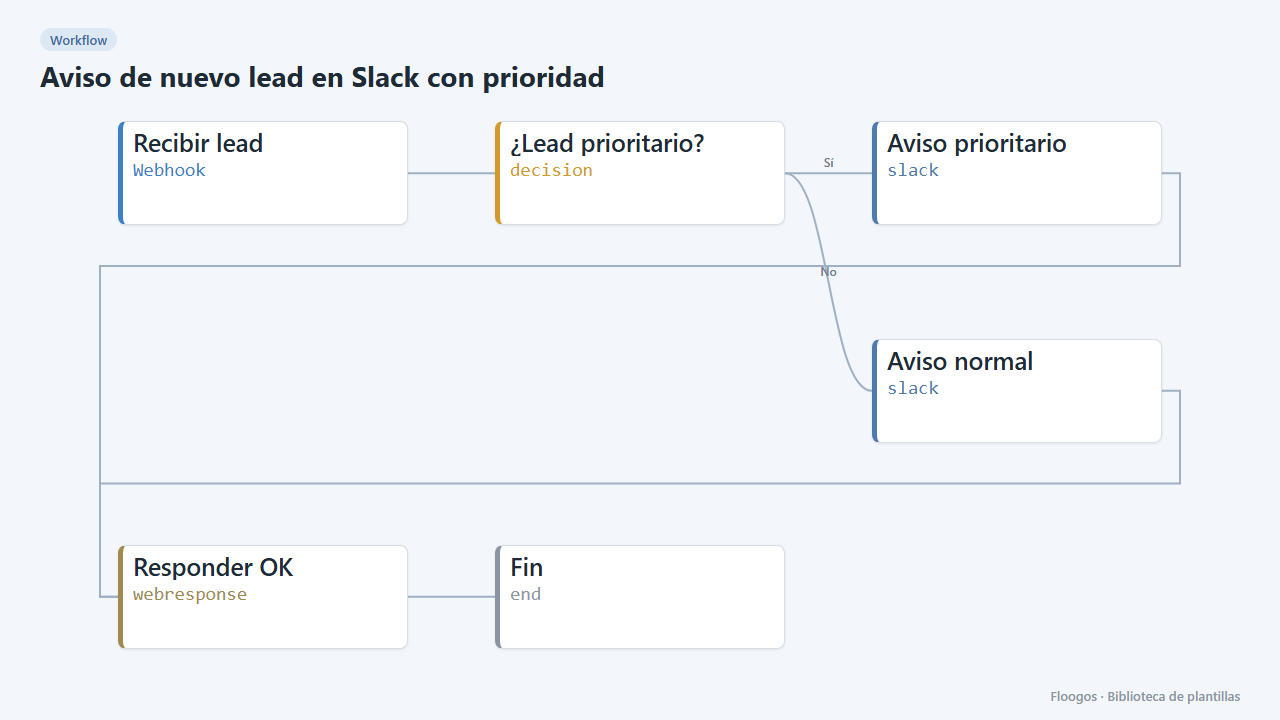
New lead alert on Slack with priority
Every lead arriving via webhook is posted to Slack with its details; higher-budget ones are flagged as priority.
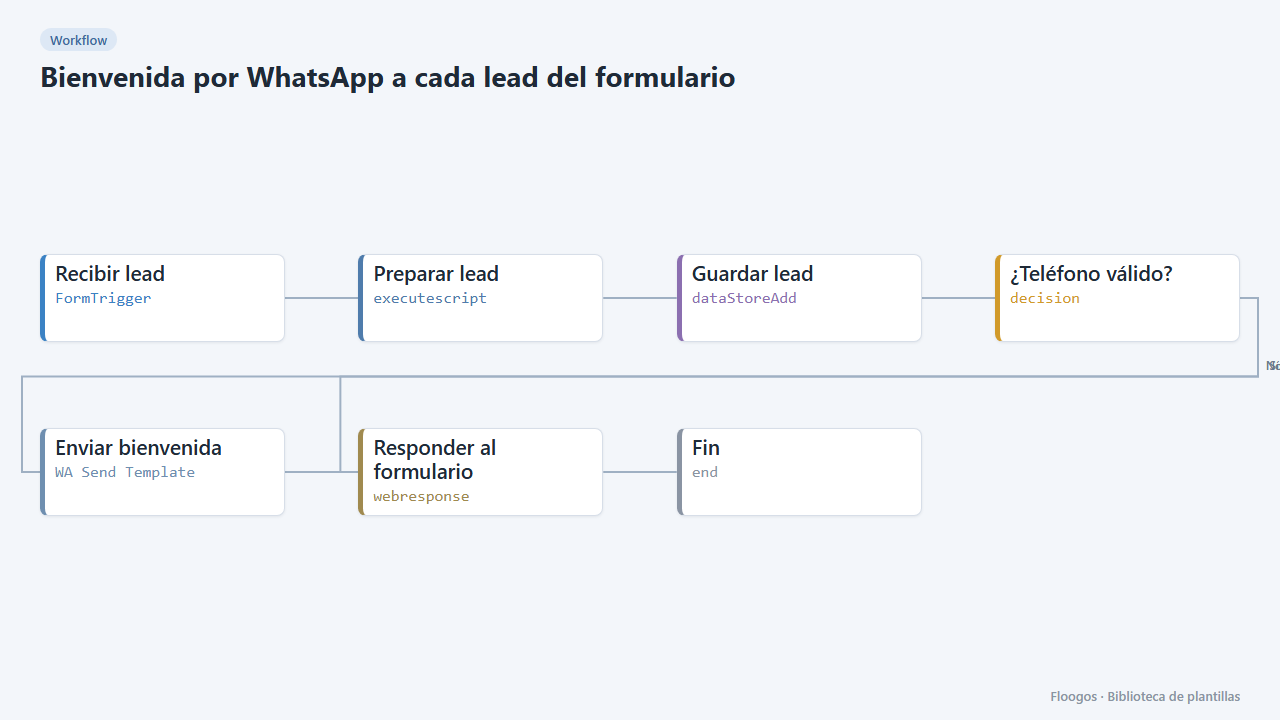
WhatsApp welcome for every form lead
Includes a contact form; as soon as someone submits it they get a welcome WhatsApp and the lead is saved in a Data Store.
Try it in under 5 minutes
Create the template in your account, connect your credentials and activate it when you are ready.
Use this template