
Slack alert when a workflow fails
Global error handler: when any of your workflows fails, it alerts on Slack with the workflow, node and error message.
Everything is created inactive in a new folder of your account. Nothing runs until you activate it, and you can undo it for 24 hours.
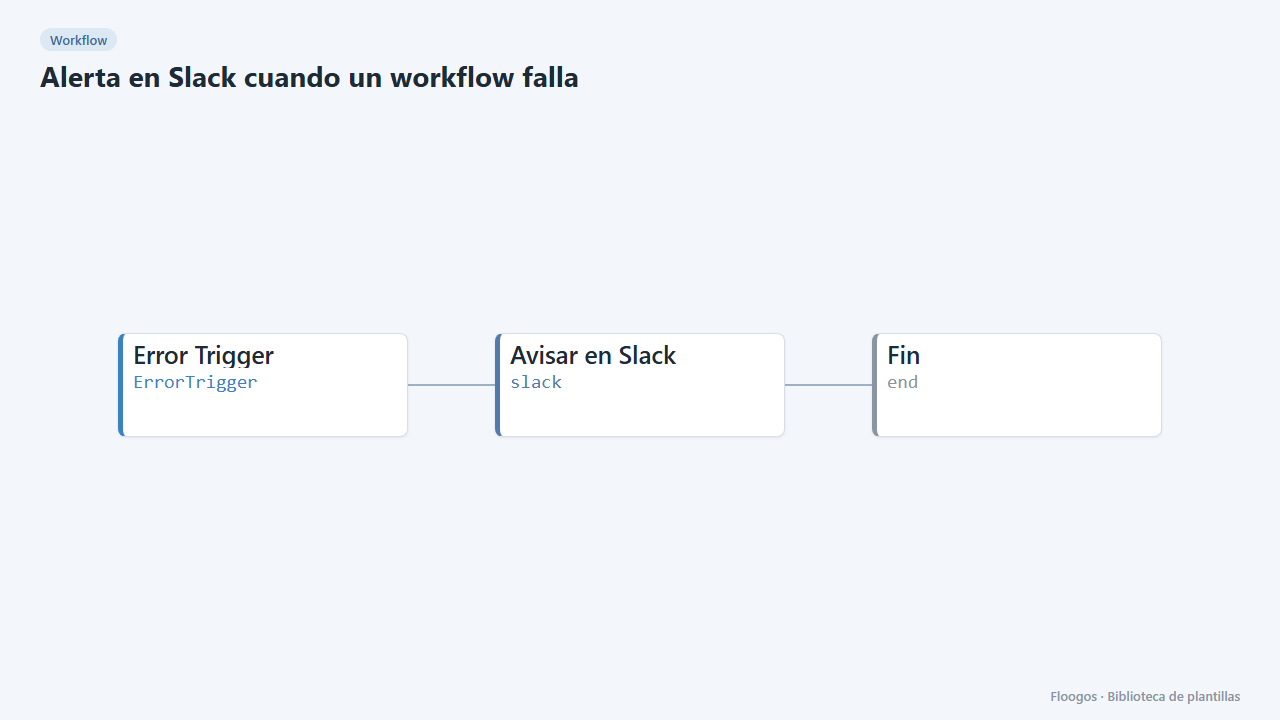
What it does
A workflow dedicated to error handling. It starts with an Error Trigger node that fires when another workflow fails and posts to Slack which workflow failed, at which node, the error message and the time, so the team can react before a customer notices.
What you need: a Slack Incoming Webhook.
How to use it: install the template, connect Slack and save the workflow so it is registered as handler. By default it watches all your workflows; to limit it, pick specific workflows in the Error Trigger node.
How to set it up
- 1
Connect the slack credential
This template uses slack in: Avisar en Slack. Create or pick the credential and assign it in those nodes.
- 2
Connect Slack
In the Avisar en Slack node paste the Incoming Webhook of your incidents channel.
- 3
Choose what to watch
In the Error Trigger node leave the list empty to watch all workflows, or pick only the critical ones.
- 4
Save to register it
Save the workflow in the editor: the handler is only registered on save. Then force a failure in another workflow to check the alert.
- 5
Activate the workflow
Workflows are installed inactive. Once everything is set, activate it.
Related templates
Other templates that use similar nodes or integrations.
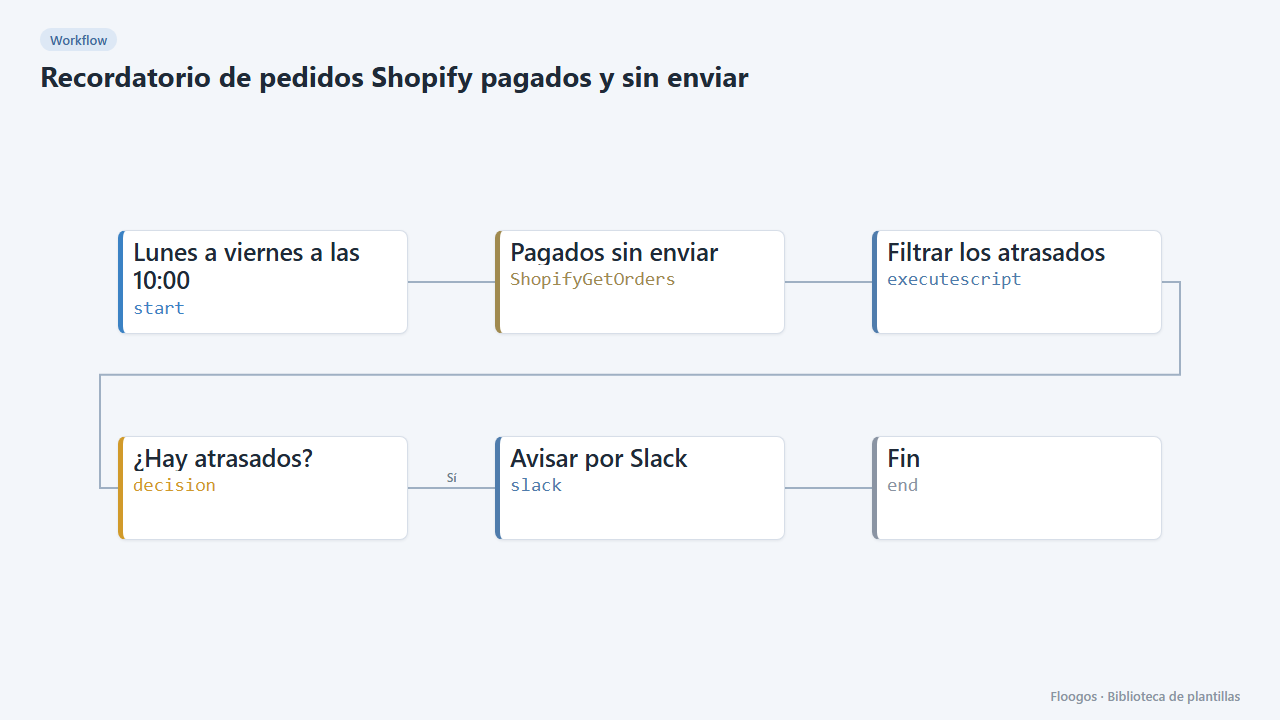
Reminder for paid, unshipped Shopify orders
Every weekday morning it alerts on Slack about paid orders that have been waiting more than 2 days to ship.
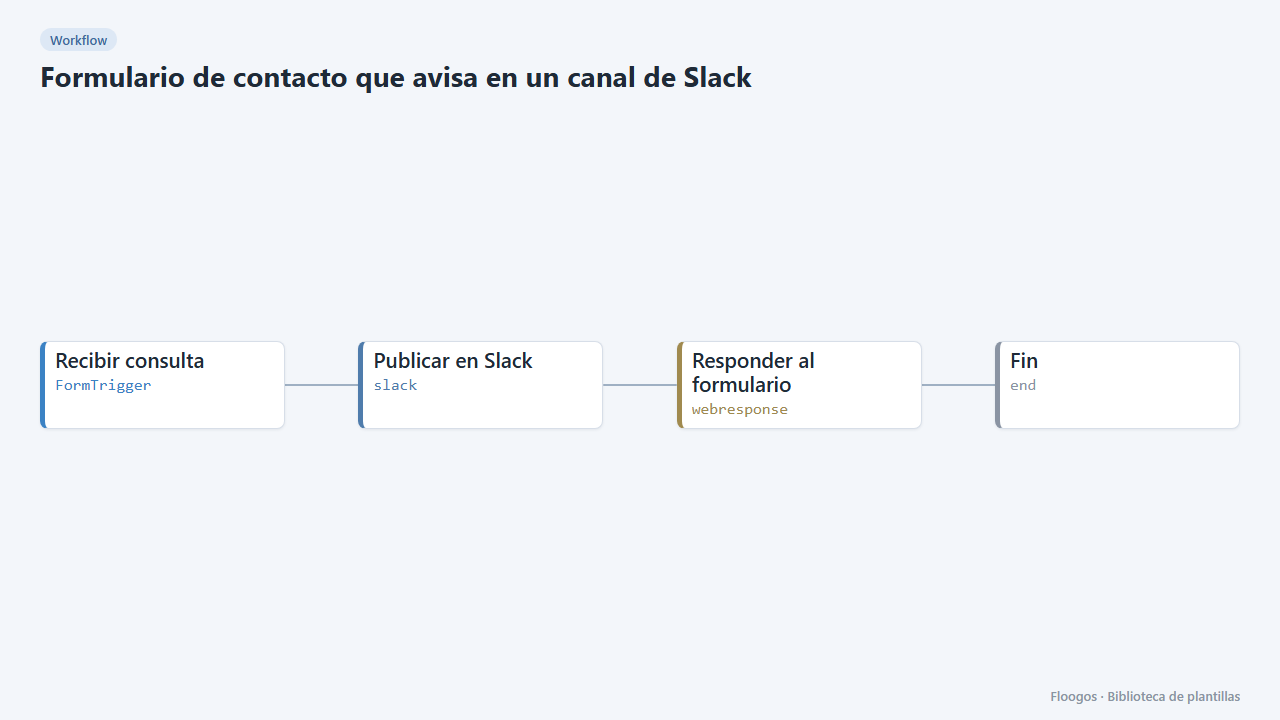
Contact form that notifies a Slack channel
Includes a public contact form: every submission lands in your team Slack channel and the visitor gets a confirmation.
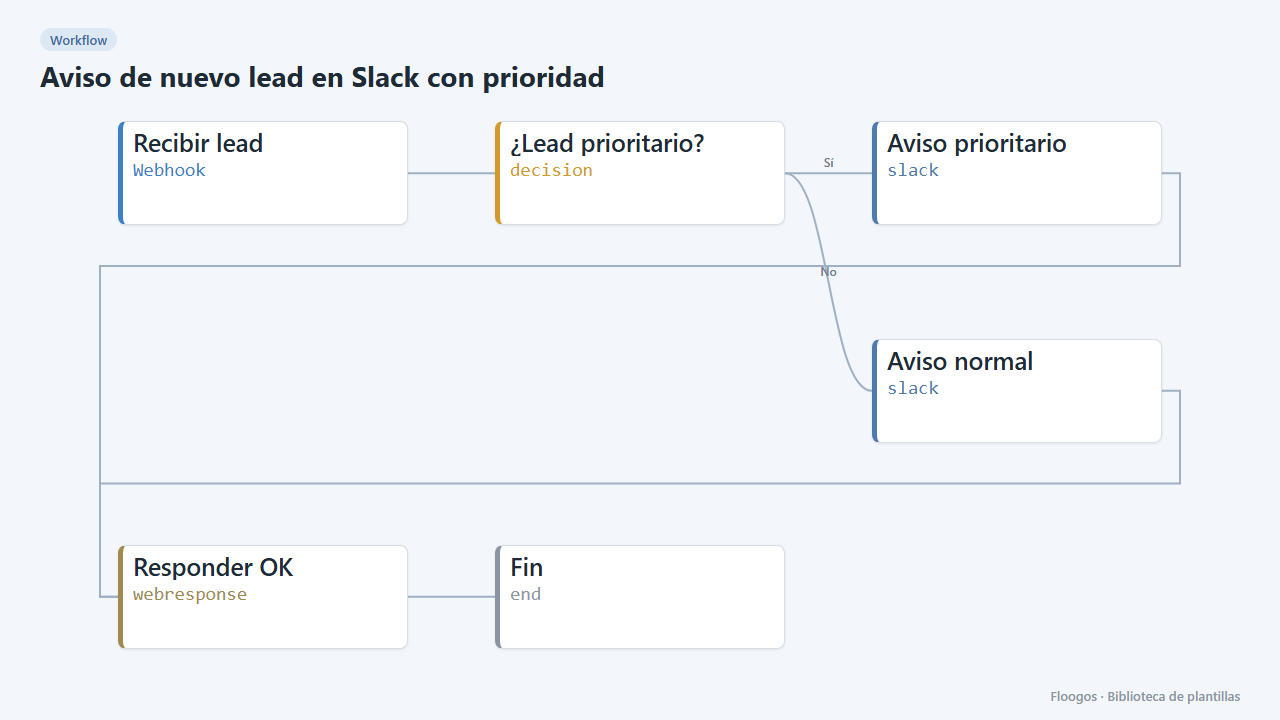
New lead alert on Slack with priority
Every lead arriving via webhook is posted to Slack with its details; higher-budget ones are flagged as priority.
Try it in under 5 minutes
Create the template in your account, connect your credentials and activate it when you are ready.
Use this template